
InWin Sirius Pure ASP120 Manual
PDF manual · 10 Pages
English



Quick check
Incorrect answer, please try again.
Chat with your InWin Sirius Pure ASP120 manual using AI
Get instant AI answers from your InWin Sirius Pure ASP120 manual
Ask anything about the InWin Sirius Pure ASP120. Answers come from this manual, with the pages they are based on.
Ask a Question
Do you recommend Sirius Pure ASP120?
Yes NoFrequently Asked Questions
Yes, the Triple Pack includes an Addressable RGB One-Click Controller. This allows you to change lighting effects without a compatible motherboard header by connecting it to a PSU SATA cable. The controller supports 14 different lighting modes.
Is this answer helpful?
Each fan measures 120mm by 120mm by 25mm. This size fits standard mounting points found in most ATX and micro ATX computer cases, making installation straightforward if you have designated fan slots available.
Is this answer helpful?
Yes, you can connect multiple fans in a daisy chain. You simply connect the Addressable RGB Cable and fan cable of the next fan to the available headers on the previous fan. This allows multiple fans to be controlled by a single motherboard header.
Is this answer helpful?
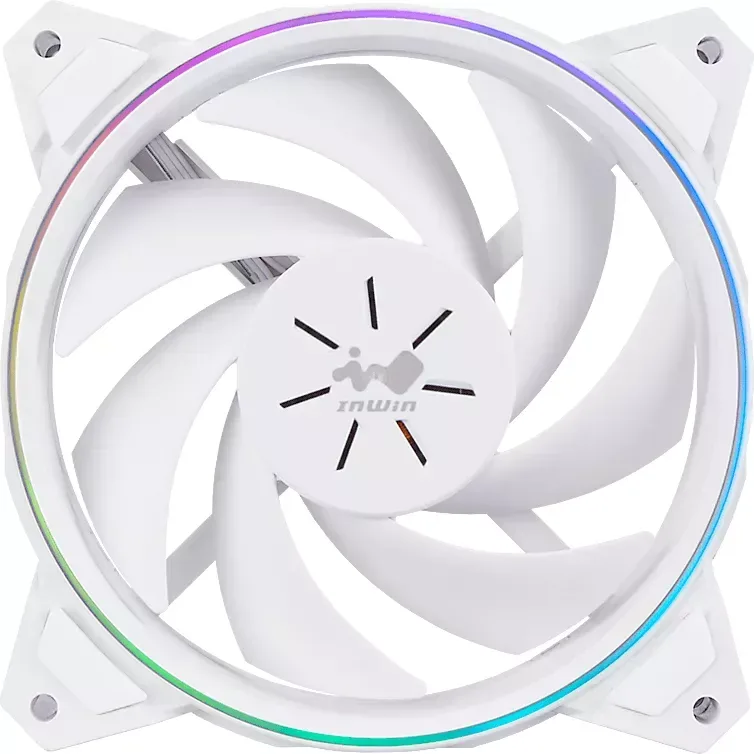
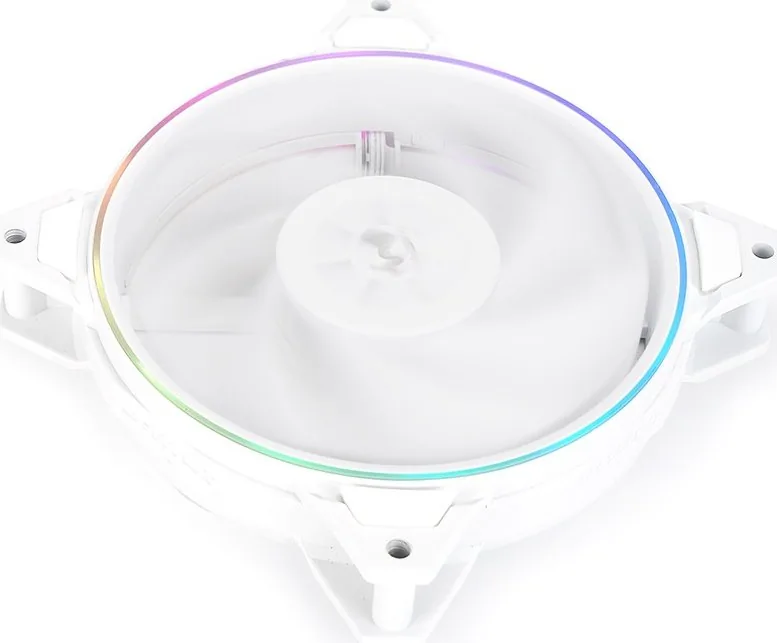
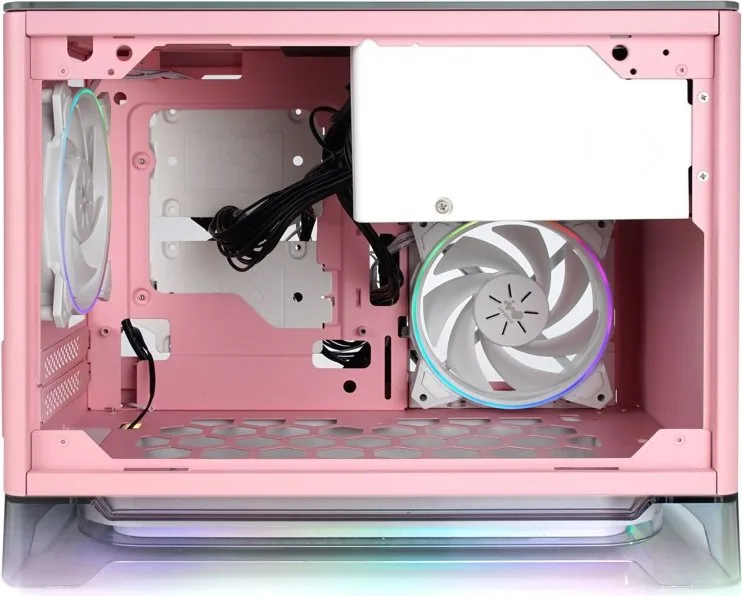
Yes, the product specifically features a white design. It is marketed as an elegant beauty for those who prefer white builds over the standard black appearance, ensuring a cohesive look with other white components in your system.
Is this answer helpful?
The noise level ranges from 13 to 27 dBA at maximum speed, with 19 dBA at normal speed. This ensures a quiet environment for normal use, though high speeds may produce more noise.
Is this answer helpful?
The fans use a 4-pin PWM connector for power and a 3-pin Addressable RGB connector for lighting. If using the One-Click Controller, it connects to the PSU SATA cable for power to the lighting circuit.
Is this answer helpful?
The product comes with a 2-year warranty. You should contact the manufacturer or vendor for support if any issues arise within this period regarding the bearing or motor performance.
Is this answer helpful?
Advantages and Disadvantages
Advantages

- The white design offers an elegant aesthetic alternative to standard black PC components.
- PWM technology allows adjustable fan speed between 500 and 1800 RPM for performance customization.
- Addressable RGB lighting provides 14 different effects for visual customization.
- Triple Pack includes a One-Click Controller for systems without compatible headers.
- Daisy chain capability simplifies wiring for multiple fans to reduce cable clutter.
Disadvantages

- Only compatible with standard 120mm fan mounting points in PC cases.
- Noise level can reach 27 dBA at maximum speed during heavy load.
- Sleeve bearing may have a shorter lifespan compared to higher-end fluid dynamic bearings.
Product Specification
Fan Connection
4-Pin PWM with Daisy Chain Socket + 3-Pin ARGB (+5V/DATA/GND) with Daisy Chain Socket
Dimensions
4.72 x 4.72 x 0.98 in (WxDxH)
Speed
500-1800 RPM
Airflow
50 CFM
Static Pressure
0.07 inH2O
Noise Level
13-27 dB(A)
Bearing Type
Simple Sleeve Bearing
Voltage
12 V
Power Consumption
1.2 W, 1.25 W (RGB)
Lighting
RGB
Color
White (Frame), White (Blade)
Weight
1.32 lbs
LED Controller/Adapter
Sync Port via 3-Pin ARGB (+5V/DATA/GND), Fan/LED ports: 1x 3-Pin ARGB (+5V/DATA/GND), external control: buttons, Power: 15-Pin SATA
Features
Vibration Dampeners, White Build Compatible
Warranty
2 Years
Product Description
Experience Purity with In Win Sirius Pure
Elevate Your Build with Elegant Design
Building a custom computer is about more than just performance; it is about aesthetics. The In Win Sirius Pure ASP120 ARGB LED Control brings a fresh perspective to cooling solutions. Gone are the days where black was the only option. This season celebrates white, offering an elegant and vibrant look that shines in your case. Whether you are building a pristine white rig or looking for high-quality airflow, these fans stand out for their classic yet modern style.
Performance Meets Style
Each fan measures 120mm by 120mm by 25mm, fitting standard mounting points easily. They utilize PWM technology to adjust speed between 500 and 1800 RPM. This flexibility ensures your system stays cool during intense gaming sessions while remaining quiet during idle tasks. The air flow rating is 50 CFM, providing effective cooling for case ventilation. Noise levels range from 13 to 27 dBA, ensuring a peaceful computing environment.
Illumination Control
Visual appeal is enhanced by Addressable RGB lighting. Each fan contains 14 diodes capable of various lighting effects. Connectivity is straightforward. You can link fans in a daisy chain for synchronized patterns. If your motherboard lacks a 3-pin addressable header, the included One-Click Controller offers a solution. Connect it to your PSUs SATA cable and control 14 different lighting effects simply by holding or tapping a button.
Package Contents
For those building larger rigs, the Triple Pack option is ideal. It includes three Sirius Pure ASP120 Fans, an Addressable RGB One-Click Controller, and sufficient screws for mounting. The controller simplifies setup for users without compatible motherboards. Screws are provided for both single and triple configurations.
Installation and Maintenance
Installing these fans is a simple process. Ensure power is off before connecting cables. Connect the PWM cable to a motherboard fan header and the RGB cable to the appropriate header. Daisy chaining allows multiple fans to share headers. Always keep the product away from liquids and avoid touching blades while in operation. Proper care extends the lifespan of the sleeve bearing mechanism.
Final Thoughts
The In Win Sirius Pure ASP120 ARGB LED Control represents a blend of functionality and form. Its white design offers a unique alternative to standard black fans. With adjustable speeds and versatile lighting, it suits various system builds for any enthusiast looking to upgrade their cooling.
Notes
Please avoid high temperatures when storing. Do not modify wires. Only use inside a computer case. Keep the product away from any liquids to prevent damage during use.
Search for 67,706 Manuals online


Type-in Brand or Model