
InWin D5 Manual
PDF manual · 11 Pages
English



Quick check
Incorrect answer, please try again.
Chat with your InWin D5 manual using AI
Get instant AI answers from your InWin D5 manual
Ask anything about the InWin D5. Answers come from this manual, with the pages they are based on.
Ask a Question
Do you recommend D5?
Yes NoFrequently Asked Questions
It supports E-ATX measuring 12x10 inches as well as standard ATX and mini-ITX boards.
Is this answer helpful?
Yes, using the modular rotating PCIe slot brackets but you need an optional riser cable.
Is this answer helpful?
Yes, the box includes three Neptune AN120 RGB fans for installation.
Is this answer helpful?
It features USB 3.2 Gen 2x2 Type-C and two USB 3.2 Gen 1 ports.
Is this answer helpful?
Yes, front supports 280 or 360 mm and top supports 280 or 360 mm radiators.
Is this answer helpful?
Yes, an audio combo jack is present on the I/O panel for headsets.
Is this answer helpful?
Warranty details are available on the InWin website for official product assurance.
Is this answer helpful?
Advantages and Disadvantages
Advantages

- Supports E-ATX mainboards up to 12x10 inches for maximum expansion room
- Includes Neptune AN120 RGB fans for immediate cooling and lighting effects
- Perforated front design promotes maximum airflow for better system temperatures
- Modular rotating PCIe slots allow flexible interior customization and vertical GPU builds
- Integrated headphone holder keeps the desk area tidy and organized for users
Disadvantages

- Vertical GPU installation requires an optional riser cable not included in the box
- Maximum power supply length is limited to 180 mm for standard units
- Weight totals around 9 kilograms which may make moving the system harder
- Assembly requires strict static discharge precautions to prevent component damage
- Cooling options for CPU height are limited to 165 mm for clearance
Product Specification
External
N/A
Internal
1x 2.5"/3.5", 2x 2.5"/3.5" (horizontal, Drive Cage)
Ports
1x USB-C 3.2 (20Gb/s), 2x USB-A 3.0 (5Gb/s), 1x 3.5mm Jack (Line-In/Out)
PCI Slots
7 or Variant 2: 6 (vertical)
Fans (Front)
3x 5.51 in (optional) or 3x 4.72 in (optional)
Fans (Rear)
1x 4.72 in, 900-2200rpm, 0.01-0.09inH2O, 40.56-102.12m^3/h (23.87-60.1 CFM), 17.2-20.5dB(A) (ARGB illuminated)
Fans (Left)
N/A
Fans (Right)
N/A
Fans (Top)
3x 5.51 in (optional) or 3x 4.72 in (optional)
Fans (Bottom)
N/A
Fans (Other)
N/A
Radiator Sizes
4.72/5.51/9.45/11.02/14.17 in Front, 4.72/5.51/9.45/11.02/14.17 in Top, N/A Rear
Motherboard
up to ATX (10.00 in wide)
Supported Motherboards
Mini-ITX (6.7"x6.7")/mATX (9.6"x9.6")/ATX (12"x9.6")/E-ATX (12"x10")
Power Supply
ATX (max. 7.09 in deep)
Power Supply Position
bottom
CPU Cooler
max. 6.50 in height
Graphics Cards
max. 14.37 in
Color
Black, Black Interior
Lighting
lit fans
Dimensions (WxDxH)
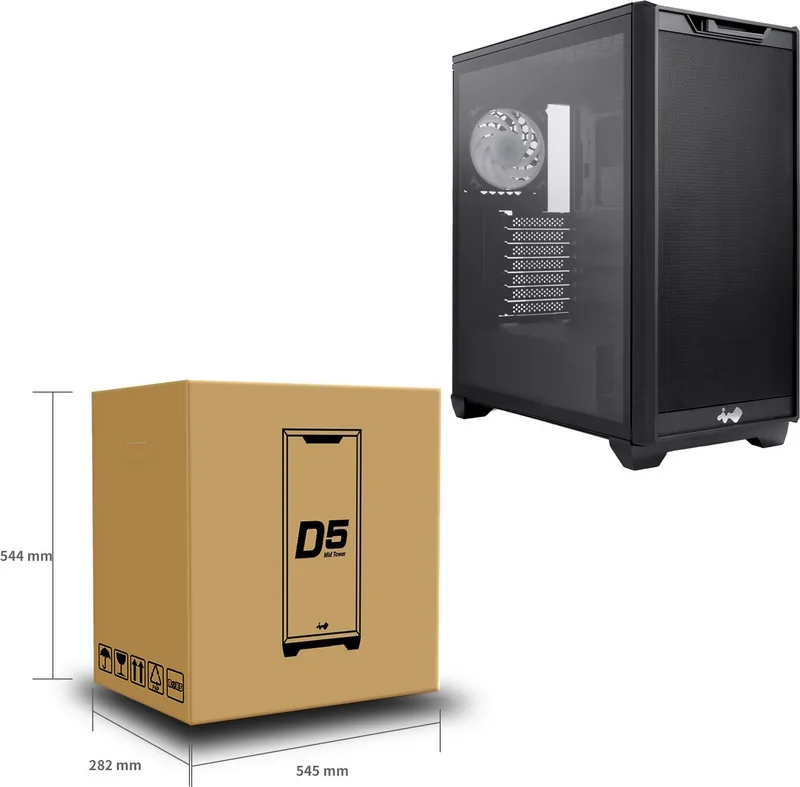
8.66x18.62x19.45 in
Volume
51.41 L
Weight
18.30 lbs
Chassis Type
Mid-Tower
Front
Mesh
Top
Partially closed, mostly Mesh
Bottom
Partially closed, Vents
Left
Closed, Glass
Right
Closed
Rear
Vents top right
Motherboard Orientation
Motherboard orientation: Left; Connectors: Rear
Features
Headset Holder, Cable Management, compatible with motherboards with rear connectors (ASUS BTF), compatible with motherboards with rear connectors (MSI Project Zero), Graphics Card Holder
Note on E-ATX
Motherboard and case manufacturers define different dimensions for E-ATX. Motherboards with E-ATX/SSI EEB dimensions of 305x330mm (12.01x12.99 in) or 12"x13" are not supported.
USB Notation
Left
Product Description
Exploring the InWin D5 Black Case
Design and Aesthetics
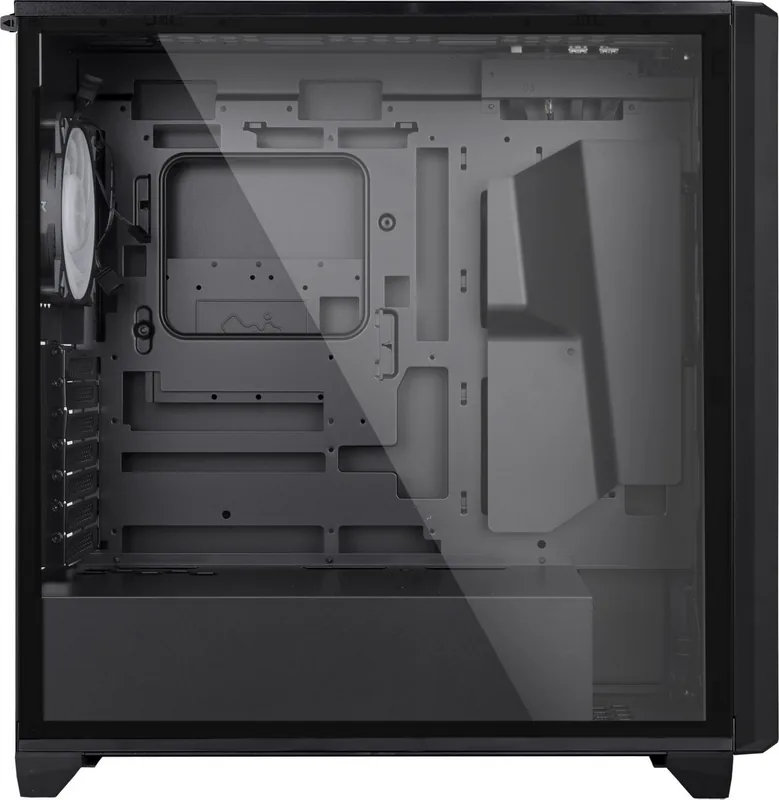
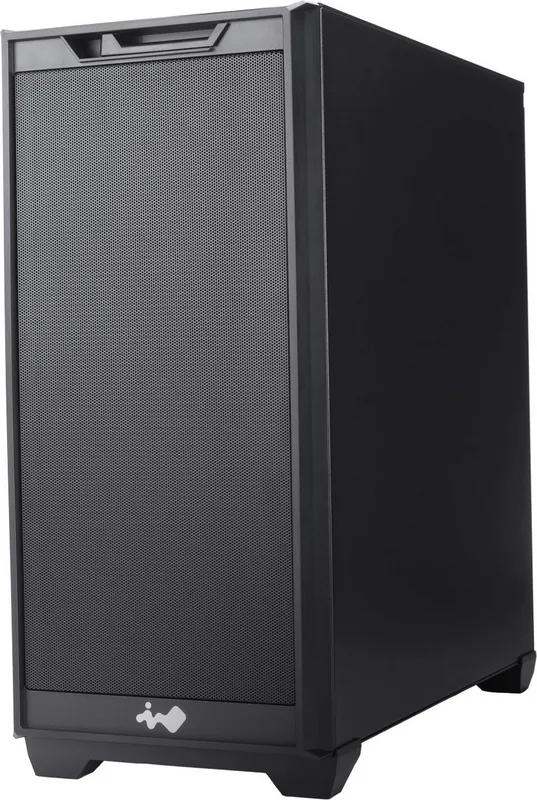
The InWin D5 Black stands as a testament to modern PC chassis engineering aimed at enthusiasts. Designed as a midi-tower, it accommodates massive mainboards up to E-ATX size measuring twelve by ten inches. This ensures ample space for the latest hardware without tight constraints during assembly. The front panel features a large perforated design promoting maximum airflow for superior cooling performance under load. Users appreciate the integrated headphone holder which keeps the desk tidy and organized. Inside, modular rotating PCIe slot brackets allow for custom interior layouts and vertical GPU setups. The chassis also features a beautiful tempered glass side panel for visual appeal. Internal space handles coolers up to one hundred sixty-five mm high effectively. Storage is flexible with drive trays for both twenty-five and thirty-six millimeter devices. Cooling options are extensive with mounts for three watercooling radiators up to three hundred sixty mm on top and front areas. Power supply units up to one hundred eighty mm fit within the bottom compartment securely. Connectivity at the top includes a USB three point two type-C port for high-speed data transfer. The build quality suggests durability for long-term gaming or professional workstation use. Installation requires care regarding static discharge to prevent component damage. Fans in the box provide immediate RGB lighting capabilities starting at nine hundred RPM for efficiency. Every builder needs clear instructions when assembling their machine for the first time.
Assembly and Features
The package includes various screw types for different components to ensure secure mounting. Magnetic GPU holders help secure heavy graphics cards safely during transport or heavy use. The included Neptune fans offer quiet operation around twenty decibels at normal speeds. Dimensions measure close to fifty centimeters in height making it suitable for most standard desks. Weight totals near nine kilograms indicating solid construction materials like SECC steel. Compatibility extends beyond standard ATX boards to mini-ITX micro-ATX as well. Ventilation filters prevent dust accumulation on internal components over time significantly. Safety guidelines advise removing all devices before shipping or moving the system to prevent damage. Temperature storage advice suggests keeping away from heaters or extreme heat sources constantly. Official support forums exist online for troubleshooting specific issues if they arise. Overall this case represents a versatile choice for enthusiasts seeking expandability and style.
Connectivity and Specs
Front I/O buttons are clearly labeled for easy access to power and data. Audio combo jacks support both microphones and speakers without extra adapters needed. The glass side panel allows visibility of custom RGB effects inside the system. Vertical PCIe slots require an optional cable not included in the standard box. Users seeking quiet computing should note the PWM control on the included fans. Warranty information can be found on the manufacturer website for long-term assurance. Technical specifications may vary slightly depending on the region purchased in globally. RoHS compliance ensures environmental safety standards are met during production processes. Assembly time depends on how many components are being installed into the frame carefully. Cable management is aided by covered areas and rubber grommets for wires routing. The rear fan mount supports one unit for exhaust purposes efficiently. Front mounts support three units for intake airflow requirements. Side panels are easy to remove for maintenance access needs.
Search for 67,706 Manuals online


Type-in Brand or Model