

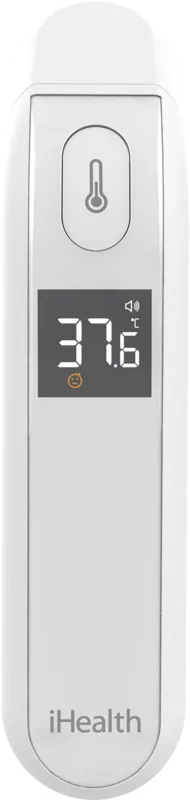
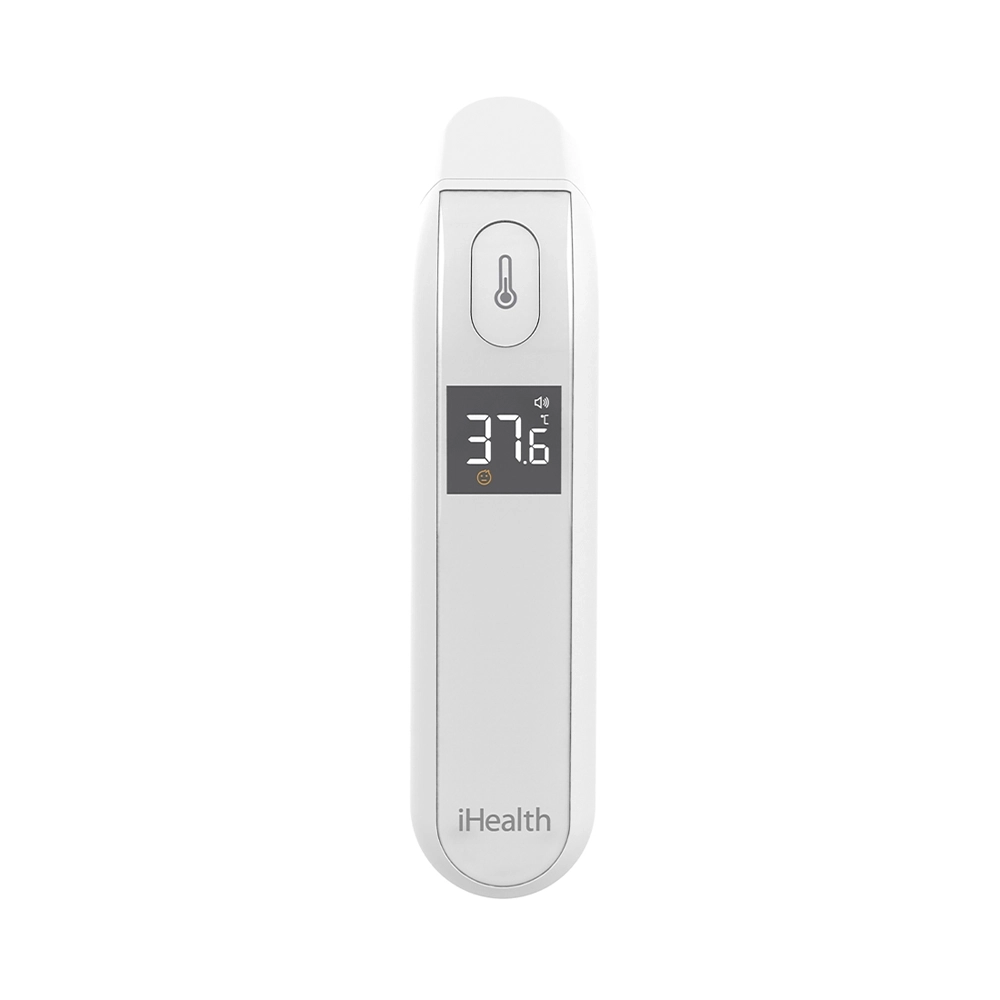
iHealth PT2L Manual
PDF manual · 15 Pages
English



Quick check
Incorrect answer, please try again.
Chat with your iHealth PT2L manual using AI
Get instant AI answers from your iHealth PT2L manual
Ask anything about the iHealth PT2L. Answers come from this manual, with the pages they are based on.
PT2L Maintenance Schedule
Wipe gently with cotton or a soft cloth moistened with medical alcohol (>95%). Let dry for at least 1 minute.
Use a soft, dry cloth. For heavy soiling, use medical alcohol. Do not use aggressive cleaners.
Ask a Question
Do you recommend PT2L?
Yes NoFrequently Asked Questions
To change units, press and hold the measurement button until the buzzer symbol appears. Release it when the desired unit symbol flashes, then press and hold again immediately to toggle between Celsius and Fahrenheit.
Is this answer helpful?
If the low power symbol appears, replace the batteries with new ones immediately. If the icon flashes alone, the device will shut off automatically; do not attempt to use it until fresh batteries are installed.
Is this answer helpful?
Yes, the PT2L is intended for people of all ages. However, ensure the baby's forehead is free from sweat or hair and that they have been resting for at least 30 minutes before measuring.
Is this answer helpful?
Continuous measurements can cause the subject's body heat to transfer to the device. It is recommended to wait at least five seconds between readings and limit continuous checks to three measurements.
Is this answer helpful?
No, the device is not waterproof. Do not soak it in water or clean it with detergents. Use a soft cloth dampened with medical alcohol for cleaning the exterior and probe.
Is this answer helpful?
Forehead readings on this device are considered equivalent to oral readings. Accuracy is within ±0.2°C within the clinical range of 35.0°C to 42.0°C.
Is this answer helpful?
The warranty period is one year from the date of delivery. You must provide a sales receipt to prove the purchase date for any warranty claims.
Is this answer helpful?
Advantages and Disadvantages
Advantages

- Contactless infrared measurement ensures high hygiene standards
- Fast reading time provides immediate health insights
- LCD screen displays clear fever status icons for quick interpretation
- Long battery life supports up to 3000 measurements per set
- Dual unit support allows easy switching between Celsius and Fahrenheit
Disadvantages

- Requires stable ambient temperature for accurate readings
- Cannot be used on skin with lesions or open sores
- Sensitive to electromagnetic interference from nearby devices
- Battery compartment requires sliding force to open
- Not waterproof and must not be submerged in liquids
Product Specification
Type
Infrared Thermometer
Power Source
Battery operated (2x AAA batteries)
Application
On the forehead
Units
°C, °F (switchable)
Measurement Range
93.2°F to 109.4°F (body temperature)
Accuracy
±0.36°F
Display
Yes
Features
Fever indicator, battery level display
Product Description
The iHealth PT2L Manual: Your Guide to Contactless Health Monitoring
The iHealth PT2L represents a significant leap forward in personal health technology, offering a sophisticated infrared digital no-touch thermometer designed for the modern household. This device leverages advanced infrared sensor technology to measure body temperature by detecting the energy emitted from the forehead. Unlike traditional mercury or contact thermometers, the PT2L ensures a hygienic and rapid assessment of your family's health conditions without the need for physical contact. It is an essential tool for parents, caregivers, and healthcare enthusiasts who prioritize speed and sanitation in daily wellness checks.
Designed with precision engineering, the PT2L features a compact plastic housing that fits comfortably in any pocket or first-aid kit. The unit operates on two AAA batteries, providing a robust power source capable of delivering approximately 3000 measurements before requiring replacement. The large LCD display offers clear readings in both Celsius and Fahrenheit, accompanied by intuitive icons that indicate fever status at a glance. Whether you are monitoring a child during flu season or checking your own temperature after exercise, this manual guides you through every step to ensure accurate results.
Safety is paramount in the design of the PT2L. The device includes comprehensive troubleshooting features and low-power indicators to prevent erroneous readings. Users are advised to maintain a distance of no more than three centimeters from the forehead for optimal accuracy. The thermometer automatically powers off after eight seconds of inactivity to conserve battery life. By following the guidelines in the iHealth PT2L Manual, users can avoid common pitfalls such as measuring over scar tissue or in environments with strong electromagnetic interference. This device stands as a reliable companion for maintaining health equilibrium within the home.
Search for 67,706 Manuals online


Type-in Brand or Model