
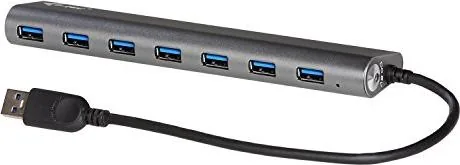
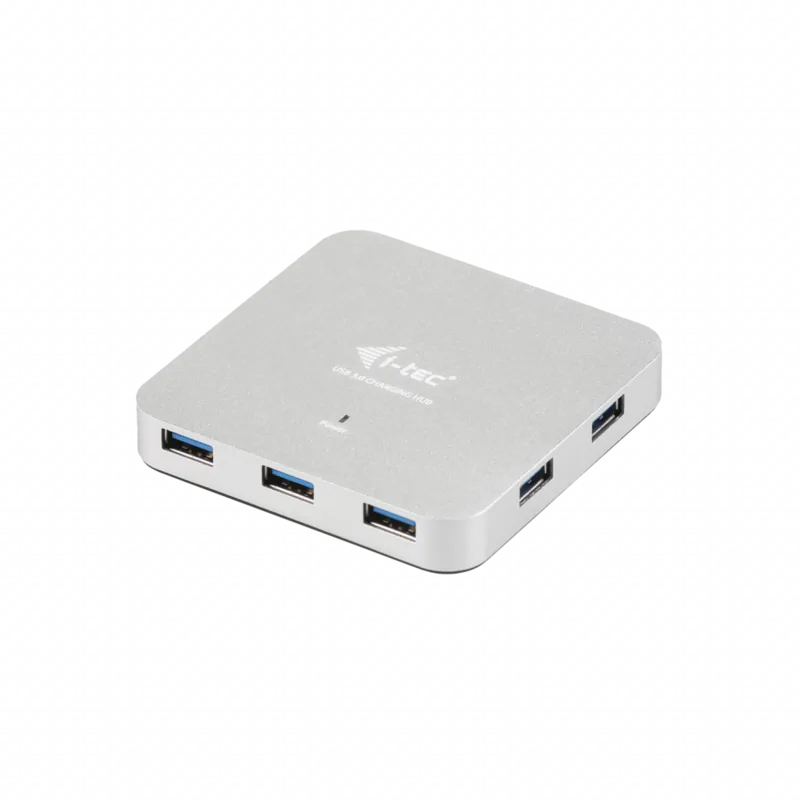
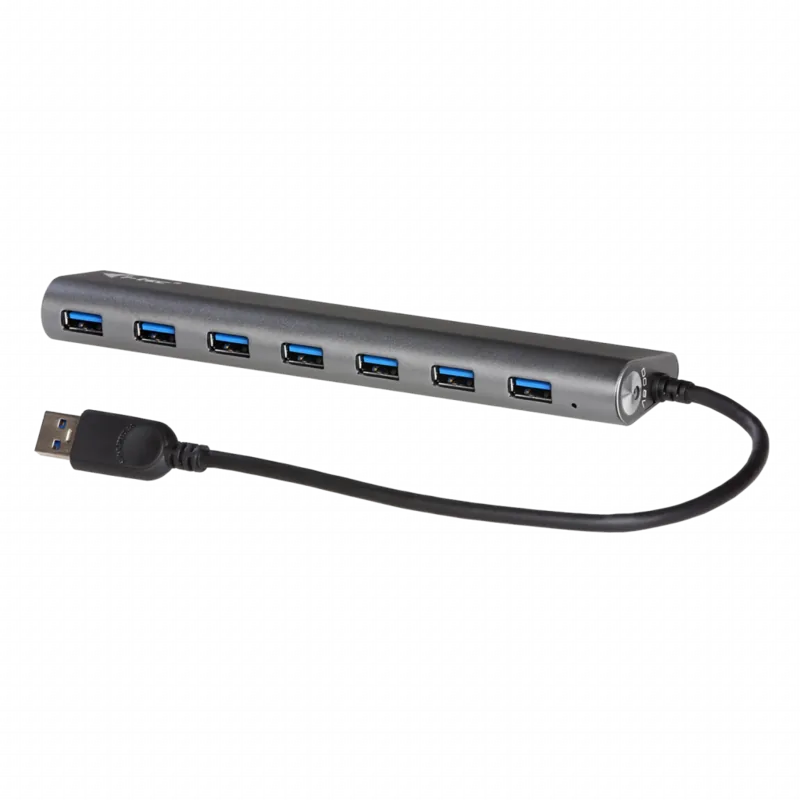
i-tec U3HUBMETAL7 Manual
PDF manual · 20 Pages
English



Quick check
Incorrect answer, please try again.
Chat with your i-tec U3HUBMETAL7 manual using AI
Get instant AI answers from your i-tec U3HUBMETAL7 manual
Ask anything about the i-tec U3HUBMETAL7. Answers come from this manual, with the pages they are based on.
Ask a Question
Do you recommend U3HUBMETAL7?
Yes NoFrequently Asked Questions
Yes. On supported versions of Windows and macOS, the hub is designed to install automatically. If it does not appear right away, reconnect it or restart the computer and check the USB 3.0 drivers.
Is this answer helpful?
Not always, but it is strongly recommended when charging mobile devices or connecting peripherals that draw more power, such as printers, scanners, or external hard drives.
Is this answer helpful?
You can use it with common USB devices such as flash drives, phones, tablets, cameras, printers, MP3 players, and other USB accessories that use a standard USB-A connection.
Is this answer helpful?
Charging for those devices is not guaranteed and may not work, because they can require special identification circuits. The hub is better suited to standard USB charging devices.
Is this answer helpful?
First, restart the computer and make sure the USB 3.0 drivers are up to date. Also confirm that the power adapter is connected if you are using power-demanding devices.
Is this answer helpful?
Yes. The hub supports USB 2.0 and USB 1.1 devices and ports, so it can work with older computers and peripherals, though transfer speeds will be limited by the older standard.
Is this answer helpful?
Advantages and Disadvantages
Advantages

- 7 USB-A 3.0 ports expand connectivity for multiple devices at once.
- USB 3.0 speeds up transfers and is still backward compatible with older USB standards.
- Plug and play setup keeps installation quick and hassle-free.
- Included power adapter improves charging and supports demanding peripherals.
Disadvantages

- Some devices, including certain iPad and Samsung tablets, are not supported for charging.
- High-power accessories may require the external power adapter to work properly.
- Apple charging behavior on Windows may depend on extra software and hardware.
- Performance can vary if the host computer lacks updated USB 3.0 drivers.
Product Specification
Type
USB-Hub
Design
1x externally wired (connecting cable not detachable)
Connection
1x USB-A 3.0 (plug via cable, 5Gb/s, 11.02in cable length)
Ports
7x USB-A 3.0 (socket)
Transfer
7x USB-A 3.0 (socket, 5Gb/s)
Power supply
Power supply also via connection, mains connection (1x barrel connector), external power supply possible and included (1x barrel connector 5V/4A)
Dimensions
1.46x0.71x7.20in (WxHxD)
Weight
0.26 lb
Housing color
grey
Compatibility
universal
Special features
Metal housing
USB notation
Link
Product Description
i-tec USB Hub, 7x USB-A 3.0, USB-A 3.0 Plug Manual
The i-tec USB 3.0 Metal Charging HUB is a practical companion for anyone who regularly runs out of ports on a notebook, ultrabook, or desktop PC. With seven USB-A 3.0 ports, it makes it easier to connect flash drives, keyboards, printers, cameras, phones, tablets, and other everyday accessories without constantly swapping cables.
Its strongest advantage is speed. USB 3.0 supports data transfer rates up to 5 Gbps, which is ideal for moving large files from modern storage devices. The hub is also backward compatible with USB 2.0 and USB 1.1, so it still works with older equipment. Because it is plug and play, installation is simple: connect the hub, attach the power adapter when needed, and start using it right away.
This model is designed with convenience in mind. A built-in charging detection mechanism helps identify compatible mobile devices, making it useful for charging smartphones, media players, GPS units, and e-book readers. The included external power adapter is especially helpful when connecting power-hungry peripherals such as printers, scanners, or external drives. An LED indicator shows when the hub is active, while overload and overcurrent protection add an extra layer of safety.
The metal housing gives the device a solid, travel-friendly feel, and its compact size makes it easy to carry in a laptop bag. It is a straightforward solution for users who want more ports, better organization, and reliable everyday connectivity.
Key results
- Adds 7 USB-A 3.0 ports for easier multitasking and device expansion.
- Transfers data at up to 5 Gbps for faster work with USB 3.0 storage.
- Supports plug and play operation with no driver setup on supported systems.
- Includes power delivery support for charging and high-demand peripherals.
Notes
- Best results are achieved when the external power adapter is connected.
- Some tablets and Apple devices may require special charging conditions.
Search for 67,732 Manuals online


Type-in Brand or Model
Samuel Mitchell
11 months ago
When I use this dock with my Raspberry Pi and also charge a phone, is the charging speed slow? And is the 4A/5V power output limited or affected by the power connector placement next to the USB cable?
Manual.ly
10 months ago
Based on user feedback, the dock generally works reliably for simultaneous use (for example with Raspberry Pi and other USB devices). Some customers note a slightly slower phone charging experience compared to a dedicated charger. The dock provides 5V power with up to about 4A capacity, but available charging performance can vary depending on the connected load and your phone's charging profile. Also, the power port placement can make cable management tighter because it sits close to the USB cable. If you need maximum charging speed, consider using a separate, higher-watt wall charger for the phone.