
Hormann HSE 4 BiSecur Manual
PDF manual · 85 Pages
English



Quick check
Incorrect answer, please try again.
Chat with your Hormann HSE 4 BiSecur manual using AI
Get instant AI answers from your Hormann HSE 4 BiSecur manual
Ask anything about the Hormann HSE 4 BiSecur. Answers come from this manual, with the pages they are based on.
HSE 4 BiSecur Maintenance Schedule
Replace immediately if the LED flashes red twice before transmission. Replace soon if it flashes red once before transmission.
Remove the battery from the hand transmitter if it will not be used for a long period to prevent damage from leakage.
Ask a Question
Do you recommend HSE 4 BiSecur?
Yes NoDo you recommend HSE 4 BiSecur?
Yes NoFrequently Asked Questions
The HSE 4 BiSecur uses one 3 V CR2032 coin cell. Replace promptly when the LED flashes red twice or when transmission fails; remove the battery if the remote will be unused for a long period.
Is this answer helpful?
Place the learning remote (A) next to the transmitting remote (B). Press and hold the transmitting button on B until the LED sequence begins, then press and hold the button on A. Follow the LED indications; you have 15 seconds to complete the inheritance.
Is this answer helpful?
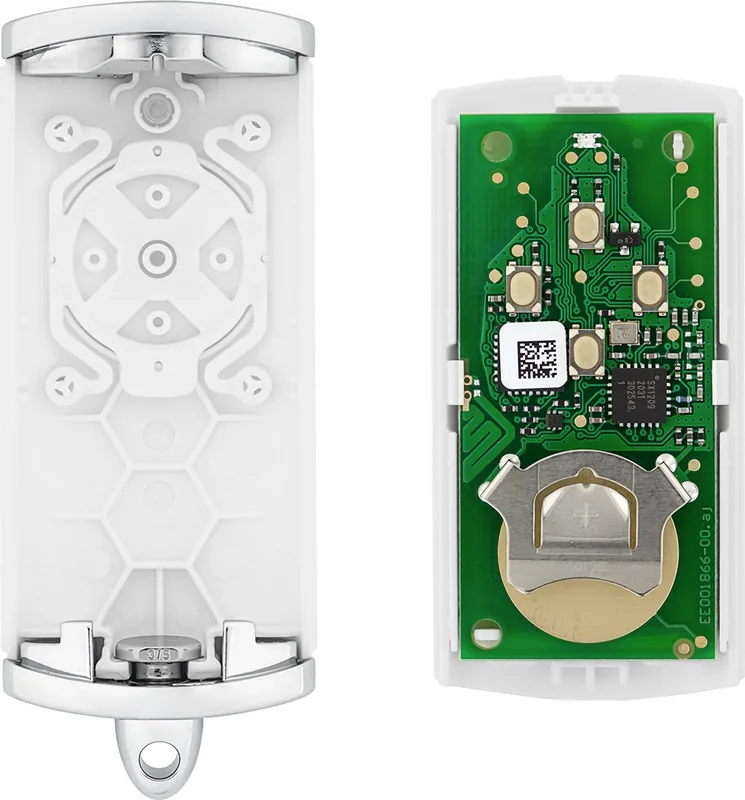
Open the housing, remove the battery for 10 seconds, press and hold a circuit‑board button, reinsert the battery and observe the LED sequence. Release the board button after the LED indicates completion; all button codes will be reassigned.
Is this answer helpful?
Immediately after performing the device reset, keep the internal board button pressed while reinserting the battery. The LED will show the red sequence (slow, then fast, then steady) indicating the fixed 868 MHz code is activated.
Is this answer helpful?
Blue illuminated for 2 seconds indicates code transmission. Slow blue blink = learn mode; fast blue after slow blink = valid code detected; alternating red/blue = inherit/transmit mode. Two red flashes indicate low battery.
Is this answer helpful?
Yes. When BiSecur mode is active, the HSE 4 BiSecur supports mixed operation and can learn fixed‑code 868 MHz remotes (for example, grey remotes with blue buttons or devices labeled HSD2‑868).
Is this answer helpful?
Clean only with a clean, soft, damp cloth; do not use aggressive cleaning agents. Protect the remote from direct sunlight, heat, moisture and dust. Store out of reach of children and avoid leaving it in hot car compartments to prevent overheating.
Is this answer helpful?
Advantages and Disadvantages
Advantages

- Supports both BiSecur radio and fixed 868 MHz code for flexible compatibility.
- Simple learning and inheritance process with clear LED feedback and 15‑second window.
- Compact, battery‑powered design (CR2032) and immediate readiness after battery insertion.
- Mixed‑operation capability allows learning older fixed‑code remotes into BiSecur setups.
- Straightforward reset procedure to reassign codes or switch to fixed‑code mode.
Disadvantages

- Unidirectional transmitter—no feedback from the door or operator beyond LED signals.
- IP20 protection means it is not weatherproof; avoid moisture and dusty environments.
- Small CR2032 battery may require relatively frequent replacement depending on use.
- Risk of accidental activation if stored in pockets or bags—possible unintended door travel.
- No advanced remote status telemetry; reliance on user to perform post‑programming checks.
Product Specification
Type
Remote control
Standard
Radio bus (868MHz)
Function
Control
Topology
Star
Dimensions
2.76x1.10x0.55in
Special features
battery-powered (1x CR2032)
Product Description
Hörmann HSE 4 BiSecur remote control for garage door Manual
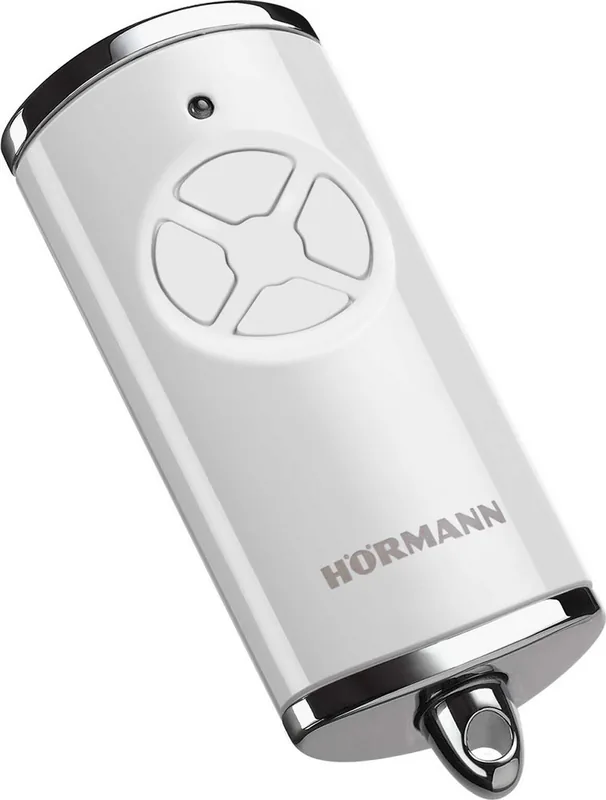
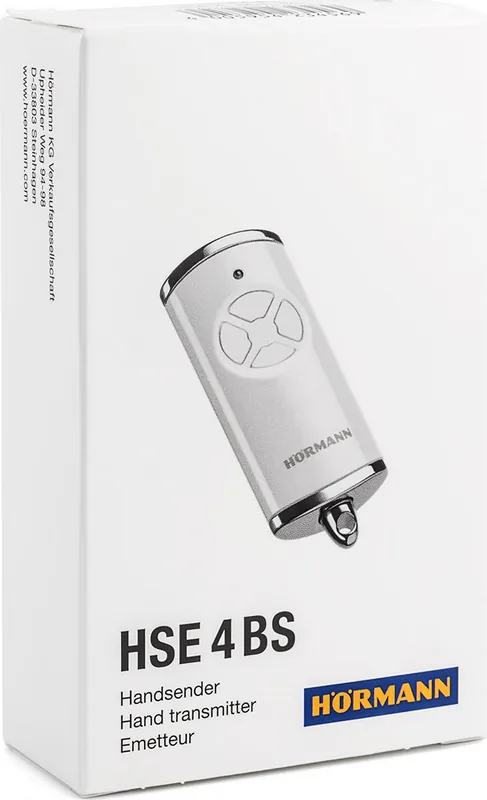
The Hörmann HSE 4 BiSecur remote control is a compact, single‑direction transmitter designed to operate Hörmann operators and accessories via BiSecur radio or the fixed 868 MHz code. Lightweight and battery‑powered (single CR2032 3 V cell), the HSE 4 BiSecur pairs easily with existing systems and supports mixed operation, allowing it to learn fixed‑code 868 MHz remotes as well as BiSecur devices. A bi‑color LED provides clear status feedback for sending, learning, battery level, resets and mode switching.
Key features and usage
The transmitter is ready for operation once the battery is inserted. Each button transmits a unique radio code; the LED lights blue for two seconds during code transmission. If the battery is low, the LED flashes red twice; imminent replacement is recommended. For teaching codes, hold the learning remote next to the transmitting remote and follow the LED sequence—there is a 15‑second window to complete inheritance. A device reset reassigns new codes to every button; holding the internal board button during reset switches to the fixed 868 MHz code. The unit’s permitted ambient temperature is 0 °C to +60 °C and protection rating is IP20.
Safety and best practice
Use only for its intended purpose: operating compatible operators and accessories. Keep the remote away from children and only operate when you have visual contact with the door if the system has limited safety devices. Avoid leaving the remote in direct sunlight or hot environments (risk of burns or heat damage), protect it from moisture and dust, and remove the battery if the unit will be unused for long periods. After programming or adding devices, always perform a function test. Use original components for commissioning or expansion, and be mindful that local conditions and GSM 900 phones can affect range.
Practical maintenance
Replace the CR2032 battery promptly when indicated. Clean only with a soft, damp cloth—avoid aggressive cleaners that may damage the housing or buttons. Dispose of electronics and batteries at appropriate collection points; do not discard with household waste.
Notes
- LED indications: blue for transmit/learn/reset states, red for low battery or fixed‑code activation, alternating red/blue for inheritance mode.
- Mixed operation: BiSecur can learn older fixed 868 MHz remotes (e.g., grey remotes with blue buttons).
- Device reset requires removing the battery for 10 seconds and following the LED sequence while holding the board button.
Pros and cons are below, followed by an FAQ.
Search for 67,732 Manuals online


Type-in Brand or Model