
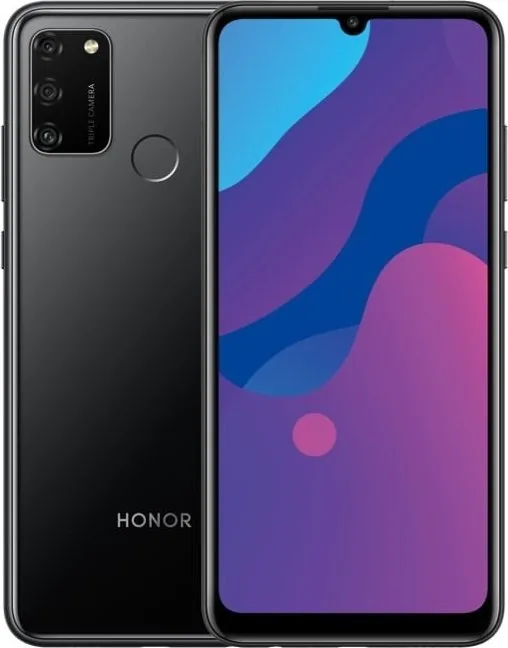
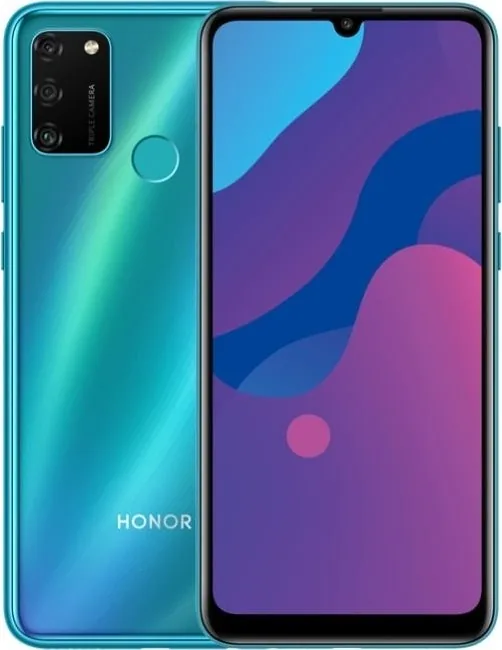
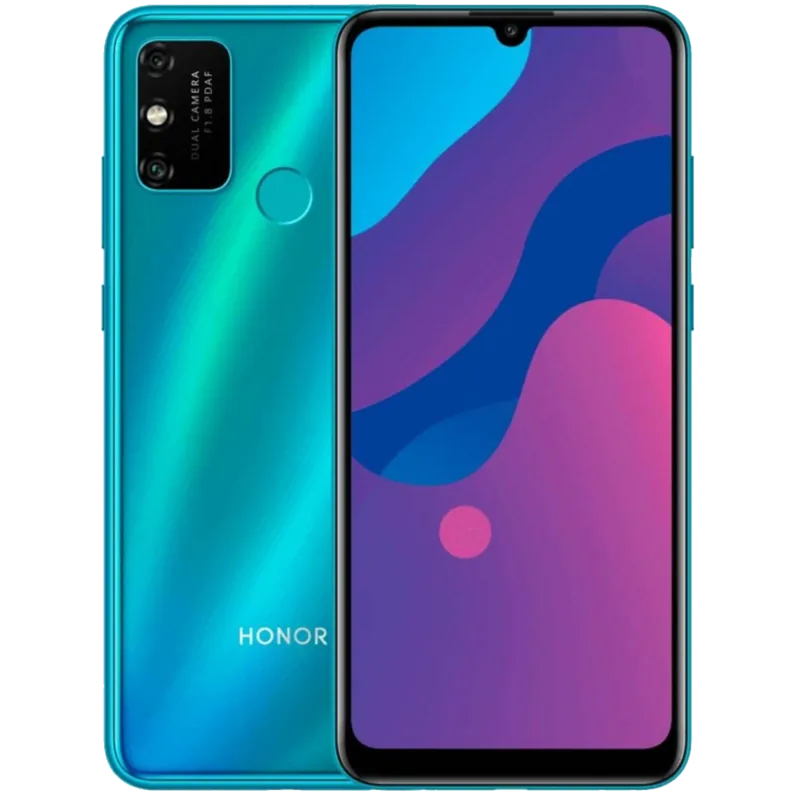
Honor 9A Manual
PDF manual · 60 Pages
English



Quick check
Incorrect answer, please try again.
Chat with your Honor 9A manual using AI
Get instant AI answers from your Honor 9A manual
Ask anything about the Honor 9A. Answers come from this manual, with the pages they are based on.
9A Maintenance Schedule
Enable auto-backup on the memory card screen. The phone will automatically back up data every seven days when charging, the screen is off, and battery is at least 75%.
When the battery life becomes noticeably shorter, go to an authorized Huawei Customer Service Center to replace the battery.
Free maintenance reminders
Timed to your purchase date. Always free, unsubscribe anytime.
Ask a Question
Do you recommend 9A?
Yes NoFrequently Asked Questions
You can unlock the device by swiping up from the middle of the screen and entering your password. Alternatively, you can use face recognition or fingerprint sensors if you have enabled them in the settings under Biometrics and Password.
Is this answer helpful?
Yes, you can use the Phone Clone feature included in the software suite. It allows you to transfer contacts, media, and other data from older Android or iOS devices seamlessly to your new phone without losing information.
Is this answer helpful?
You can take a screenshot by pressing and holding the Power and Volume down buttons simultaneously. Another method is swiping down with three fingers from the middle of the screen if this gesture is enabled in settings.
Is this answer helpful?
Simple Mode adapts a more concise layout for easy navigation. It enlarges icons and fonts for the home screen and maximizes the volume to help users who prefer a cleaner and more accessible interface on the device.
Is this answer helpful?
Yes, you can back up data to a memory card or USB storage device. You will need to set a password to encrypt the backup. This feature is found in System and Updates within the Settings menu.
Is this answer helpful?
You can adjust camera settings to take photos and videos more quickly by accessing the camera app options. You can enable features like HDR, Panorama, or location tagging to improve your photography experience significantly.
Is this answer helpful?
Yes, you can connect to VPN networks via More Connections in settings. You can enter PPTP, L2TP, or IPSec server details provided by your administrator to establish a secure connection across public networks.
Is this answer helpful?
Advantages and Disadvantages
Advantages

- User-friendly interface simplifies navigation for all ages
- Robust Wi-Fi and Bluetooth connectivity options available
- High-dynamic-range photos improve lighting conditions
- Integrated optimizer cleans up redundant files efficiently
- Biometric locks provide secure access to personal data
Disadvantages

- Setup process can be complex for non-tech users
- Backup requires memory card or USB storage device
- Split-screen mode limited to portrait orientation
- Updates may affect compatibility with third-party apps
- Screen brightness adjustment manually via status bar
Product Specification
Operating System
Android 10.0 (Factory)
Display
6.3", 1600x720 Pixels, 16 million colors, IPS, capacitive touchscreen, flat, notch, 278ppi
Rear Camera
13.0MP, f/1.8, Phase Detection AF, LED Flash, Videos @1080p/30fps (Camera 1); 5.0MP, f/2.2, Wide-Angle Lens (Camera 2); 2.0MP, f/2.4, Depth Sensing (Camera 3)
Front Camera
8.0MP, f/2.0, Videos @1080p/30fps
Interfaces
USB Micro-B 2.0 (OTG), 3.5mm Jack, Wi-Fi 4 (802.11b/g/n), Bluetooth 5.0, NFC
Sensors
Accelerometer, Proximity Sensor, Light Sensor, Fingerprint Sensor (Rear)
SoC
MediaTek MT6762 Helio P22, 64-bit
CPU
4x 2.00GHz Cortex-A53 + 4x 1.50GHz Cortex-A53
GPU
PowerVR GE8320
RAM
3GB
Storage
64GB, microSD Slot (dedicated, up to 512GB)
Navigation
A-GPS, GLONASS, BeiDou
Modem
GSM (0.2Mbps/0.1Mbps), UMTS, LTE
Frequency Bands
2G (850/900/1800/1900), 3G (B1/B2/B4/B5/B8), 4G (B1/B2/B3/B4/B5/B7/B8/B20/B28/B34/B38/B39/B40/B41)
Battery
5000mAh, Non-removable
Charging Power
10W (USB)
SAR Rating
0.81W/kg Head, 1.27W/kg Body
Form Factor
Bar
SIM Form Factor
Nano-SIM
Features
Dual-SIM, FM Radio
Dimensions
6.26 x 2.92 x 0.35 inches
Weight
0.41 lbs
Screen-to-Body-Ratio
81.3%
Note
Google Services not available!
Product Description
The Honor 9A offers a seamless smartphone experience designed for everyday users seeking reliability and performance in a compact form. This device features a user-friendly interface that simplifies navigation through various systems effectively for all ages now. You can adjust the display settings to match your visual preferences easily at any time. Many users find the initial setup process straightforward when following standard guidelines provided by the manufacturer. The phone supports efficient multitasking with modern split-screen capabilities for better productivity while working on the go indoors.
Connectivity remains a strong point for this specific mobile model currently available in various global markets. It includes robust Wi-Fi options alongside Bluetooth for connecting various peripherals easily without interruption. You can pair devices like wireless headphones or car kits quickly. Security is paramount for all users, so the Honor 9A Manual suggests enabling biometric locks regularly for user safety. Face recognition sensors provide quick access to your locked personal data safely. The security layer protects your private information effectively against unauthorized access attempts.
Photography enthusiasts will truly appreciate the versatile camera system housed within the rear module of the device. You can capture high-dynamic-range photos for significantly better contrast in challenging lighting conditions like backlit scenes. Panorama mode helps you take wide landscape shots easily without complex integration. Editing tools allow you to enhance images directly on the device screen instantly. Screenshots and screen recording features assist in sharing moments quickly with friends online or saving memories.
Data management is handled through the integrated optimizer included within the software suite for maintenance. You can clean up redundant files to free up valuable storage space automatically as needed. Phone Clone allows transfer of contacts and media from older devices. This ensures you do not lose information during migration to a new phone. Backup options exist for memory cards and USB storage devices for added safety in case of loss.
System maintenance is kept simple with regular updates available through the network connection over time. You can adjust language and region settings to suit your local environment perfectly for better usage. The Simple Mode provides larger icons for users preferring a cleaner layout. Battery management settings help extend usage time during the busy day ahead without frequent recharging needs. Ultimately, this device balances performance with practical daily utility for everyone around the world effectively.
Search for 67,706 Manuals online


Type-in Brand or Model