
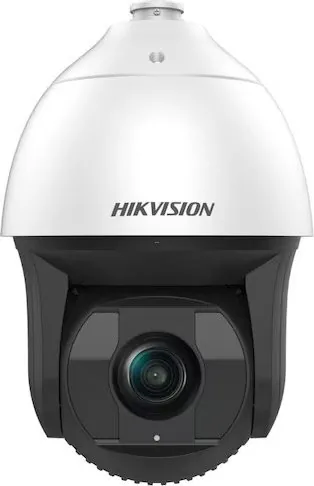
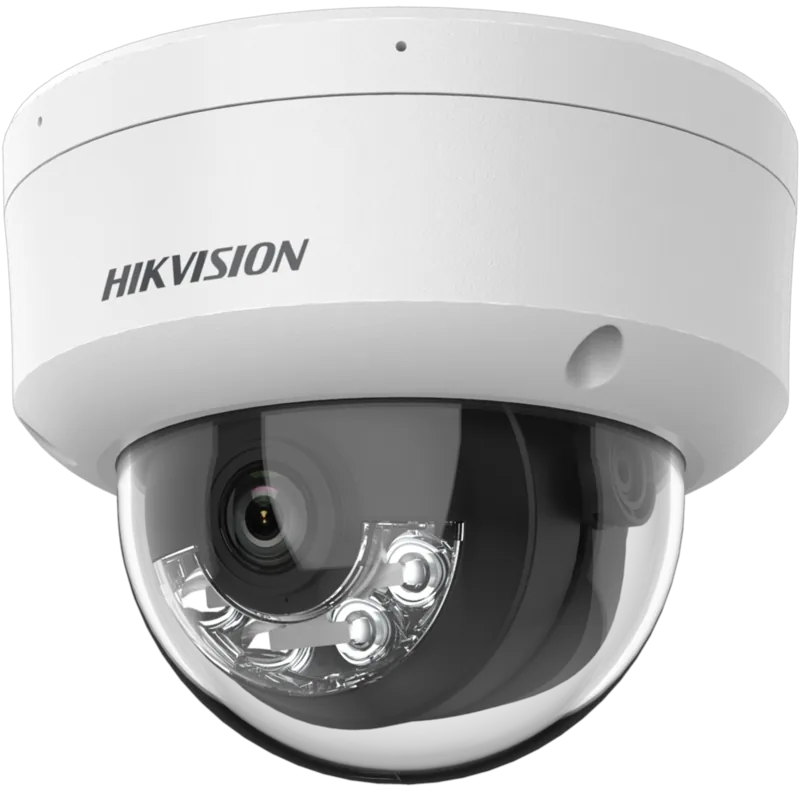
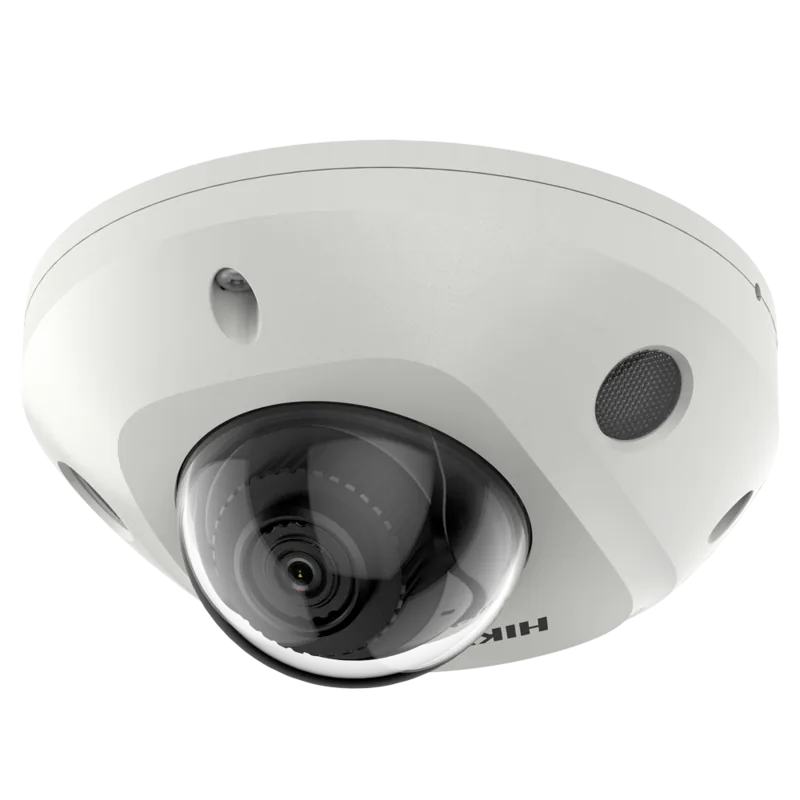
Hikvision Network Speed Dome Manual
PDF manual · 119 Pages
English



Quick check
Incorrect answer, please try again.
Chat with your Hikvision Network Speed Dome manual using AI
Get instant AI answers from your Hikvision Network Speed Dome manual
Ask anything about the Hikvision Network Speed Dome. Answers come from this manual, with the pages they are based on.
Ask a Question
Do you recommend Network Speed Dome?
Yes NoFrequently Asked Questions
You can activate it through a web browser, SADP software, or client software. During activation, create a strong password, confirm it, and then set the camera IP to match your network.
Is this answer helpful?
Its PTZ control lets you pan, tilt, and zoom to cover wide areas and follow activity more effectively than a fixed camera. That makes it useful for entrances, corridors, and open spaces.
Is this answer helpful?
Yes. It supports scheduled recording and event-based recording. Triggers can include motion, alarm input, and other detected events, with storage to a memory card or network disk.
Is this answer helpful?
Yes. It can be accessed through a browser or client software over LAN or WAN. Remote access methods include static IP, dynamic IP, DDNS, and PPPoE, depending on the network setup.
Is this answer helpful?
The camera can support motion detection, video tampering, video loss, audio exception detection, face detection, intrusion detection, line crossing, and region entrance or exit detection.
Is this answer helpful?
It includes privacy mask tools that hide selected areas from view and recording. The setup also recommends strong passwords, careful user management, and compliance with local laws.
Is this answer helpful?
Advantages and Disadvantages
Advantages

- Wide PTZ control with presets, patrols, and patterns for broader scene coverage.
- Strong smart event support, including motion, intrusion, line crossing, and audio detection.
- Flexible network access with LAN, WAN, DDNS, and PPPoE setup options.
- Privacy mask, WDR, auto focus, and noise reduction help improve image usability.
Disadvantages

- Setup can feel technical, especially for first-time users handling IP, ports, and remote access.
- Some functions depend on the specific camera model, so not every unit has the same features.
- Proper use requires careful security setup, including strong passwords and access control.
- Remote deployment may require router changes, DDNS, or port forwarding to work correctly.
Product Specification
Type
Dome
Image sensor
1/1.8" CMOS
Resolution
1920x1080 Pixel (30fps)
Lens
0.22-5.61in (F1.5)
Light sensitivity
0.002 Lux (Color), 0.0002 Lux (B/W), 0 Lux (IR)
Viewing angle
59.8 degrees (horizontal), 33.6 degrees (vertical), 68.6 degrees (diagonal)
Pan
360 degrees (motorized)
Tilt
-20 degrees to 90 degrees (motorized)
Zoom function
25x optical, 16x digital
Compression/Codecs
H.264, H.265, H.265+, G.722, G.711, G.726
Alarm
7x alarm input, 2x alarm output
Connections
1x RJ-45 100Mb LAN
Data storage
1x microSD-Slot
Illumination
IR illumination (656.17ft)
Power supply
PoE (Type 1)
Protection class
IP66, IK10
Housing
suitable for outdoor use
Zone & analysis functions
Motion detection, Privacy zones, IR filter
Manufacturer's warranty
3 years
Product Description
Hikvision Dome Surveillance Camera: Flexible Protection for Busy Environments
Smart monitoring with PTZ precision
A Hikvision dome surveillance camera is built for places that need reliable coverage, fast control, and clear video in changing light. With pan, tilt, and zoom functions, it can follow activity across a wide area while keeping key details in view. The design is especially useful for offices, shops, entrances, parking areas, and other spaces where one fixed angle is not enough.
The product stands out for its strong feature set. Users can create presets, patrol routes, and motion patterns to automate daily monitoring tasks. It also supports day and night switching, wide dynamic range, auto focus, and digital noise reduction, helping the image stay useful in bright scenes, low light, and high-contrast environments. Privacy mask tools add another layer of control by hiding sensitive areas from live view and recording.
Setting up the camera is guided and practical. The Hikvision Dome Surveillance Camera Manual explains activation, IP setup, browser access, and client software use. It also covers LAN and WAN connections, including static IP, dynamic IP, PPPoE, and DDNS options for remote viewing. This makes the camera suitable for users who want local management as well as internet-based access.
Another strength is event handling. The camera can react to motion detection, video tampering, video loss, alarm input, audio exceptions, intrusion, line crossing, region entrance, and region exit events. These triggers can start recording, send email alerts, notify a surveillance center, or activate alarm outputs. For teams that need automatic responses, this creates a more proactive security workflow.
Storage options are flexible too. Recordings and snapshots can be saved to memory cards or network disks, with schedules, quotas, and upload options available for better control. Live view and playback tools also make it easier to review incidents, capture images, and download evidence when needed.
Notes
- Use strong passwords during activation and user setup.
- Check local surveillance laws before deployment.
- Feature availability may vary by model.
- Professional installation is recommended for best results.
Search for 67,706 Manuals online


Type-in Brand or Model