
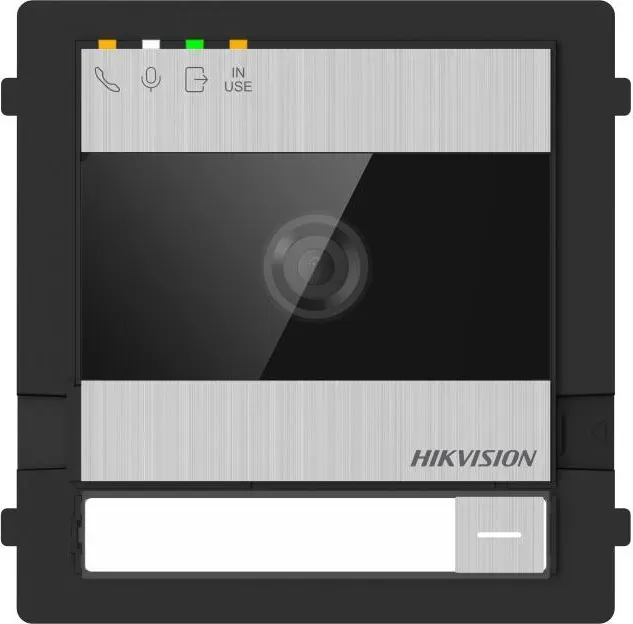
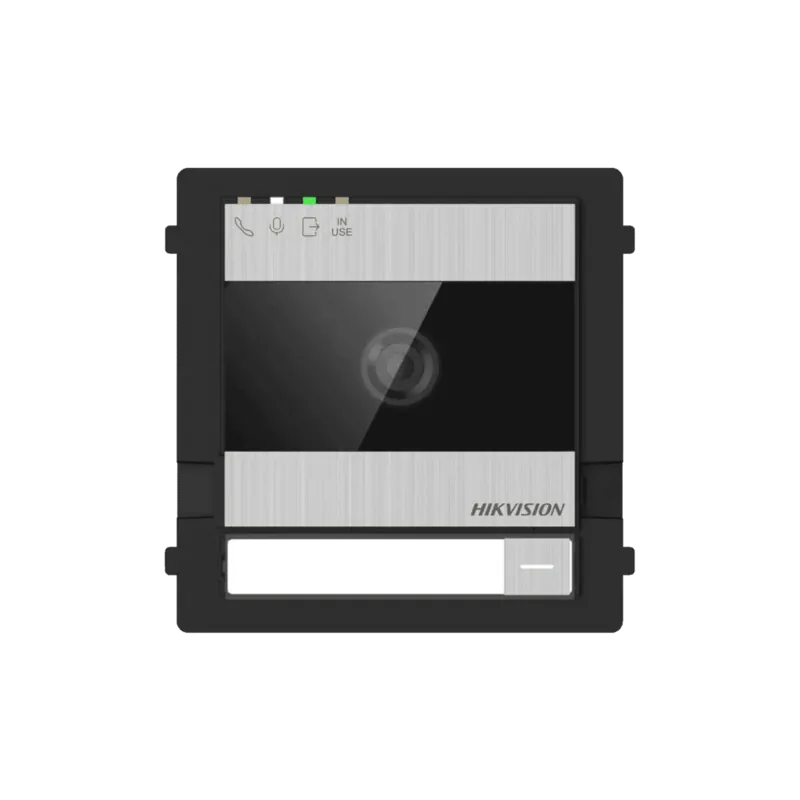
Hikvision DS-KD7003EY-IME2 Manual
PDF manual · 106 Pages
English



Quick check
Incorrect answer, please try again.
Chat with your Hikvision DS-KD7003EY-IME2 manual using AI
Get instant AI answers from your Hikvision DS-KD7003EY-IME2 manual
Ask anything about the Hikvision DS-KD7003EY-IME2. Answers come from this manual, with the pages they are based on.
Ask a Question
Do you recommend DS-KD7003EY-IME2?
Yes NoFrequently Asked Questions
The unit supports a 2-wire HD topology plus terminals for RS-485, alarm I/O, lock outputs and a 12 VDC input. Recommended cable types and maximum transmission distances (e.g., Cat5, various AWG sizes, parallel cables) are provided in the manual; follow those limits to ensure reliable power and data.
Is this answer helpful?
Long-press the left-side button on the device for about 10 seconds to enable AP (hotspot) mode. The hotspot SSID is AP_deviceSN and the initial password is printed on the device label. AP mode lasts 30 minutes by default and can be re-enabled or disabled by long presses.
Is this answer helpful?
Use the rotary DIP switches on the door station to set building number, station number (main, sub or outer), and door open duration. The manual lists valid ranges (e.g., main=0, sub=1–16, outer=90–99) and preset durations. Labeling devices after setup is recommended.
Is this answer helpful?
Yes. The web and mobile interfaces allow adding, editing and deleting people, assigning cards, setting room mappings, administrator roles, time-based permissions and bulk data migration via parameter export/import.
Is this answer helpful?
Password recovery supports security questions or email verification. Export a QR recovery file and send it to [email protected] if using email; a verification code will be sent to the reserved email. Follow the web/mobile recovery wizard to reset the password.
Is this answer helpful?
Image features include WDR, BLC, day/night switching (auto or scheduled), OSD configuration, cropping resolutions and video standard selection (PAL/NTSC). Audio settings include input/output volume and selectable audio encoding, configurable via web or mobile.
Is this answer helpful?
Yes. The device supports local firmware upgrades via PC web, online upgrades through Hik-Connect, reboot, restore-to-default or factory reset, parameter backup/restore, log export and packet capture for diagnostics. Do not power off during upgrades.
Is this answer helpful?
Advantages and Disadvantages
Advantages

- 2-wire HD video and audio intercom simplifies wiring while supporting scalable multi-module deployments.
- Flexible mounting: one-, two-, three-module surface or flush installation with interchangeable sub-modules.
- Comprehensive web and mobile management: person/card management, time/DST, image/audio, and firmware upgrades.
- Rich access control: public password, card, IO mapping, door open duration and scheduled behaviors.
- Maintenance tools: log export, parameter import/export, packet capture and remote upgrade via Hik-Connect.
Disadvantages

- System power limits require separate power supplies when indoor station counts exceed thresholds.
- Initial setup expects familiarity with DIP addressing, wiring topologies and cable distance constraints.
- AP hotspot auto-disables after 30 minutes which may interrupt long configuration sessions.
- Some advanced debugging options (SSH, packet capture) are intended for professionals and may risk misconfiguration.
- Device activation, recovery and advanced functions require following specific QR/email workflows that add steps for recovery.
Product Specification
Image Sensor
CMOS, 2.0 MP
Field of View
133° (horizontal), 82° (vertical)
Connection
2-Wire
Users
2000
Protection Class
IP65, IK08
Package Contents
1x Outdoor Station
Dimensions
3.92x3.88x1.38in
Special Features
IR Illumination
Product Description
Hikvision DS-KD7003EY-IME2 2-wire HD Door Station — Outdoor Station Manual
The Hikvision DS-KD7003EY-IME2 is a robust 2-wire HD outdoor door station designed for modern video intercom and access control systems. Suited for residential buildings, villas, and multi-tenant deployments, this door station delivers high-definition video, audio intercom, and flexible access-management features over a simplified two-wire topology. Thoughtfully engineered for surface or flush mounting in one-, two-, or three-module configurations, it supports multiple sub-modules and integrates with indoor stations, distributors and power modules to form scalable systems for single buildings or multi-building installations.
Key product highlights
The unit features an adjustable loudspeaker and microphone, reset and factory-restore buttons, rotary DIP switches for addressing and door-open duration, and configurable call buttons with replaceable name tags. Connectivity covers RS-485, alarm I/O, lock outputs and a 12 VDC input. Image control includes WDR, day/night switching and cropping options. Audio levels, motion detection, NTP/Time settings, and account security are configurable through both mobile and PC web interfaces. The device supports AP (hotspot) mode for local setup and offers online maintenance, firmware upgrades, parameter import/export and log capture for troubleshooting.
Where it excels
This door station is built for installers and administrators who need a flexible, networked door intercom with centralized management. It supports person and card management, public passwords, input/output mapping for locks and sensors, and scheduled behavior. Topology options let you deploy single-floor systems up to complex multi-building layouts with distributors and cascaded floor shunts. Regulatory compliance and recycling guidance are included for EU and Canadian markets.
Practical considerations
Installation requires attention to module addressing, proper wiring using recommended cable types and lengths, and ensuring power budgets when scaling beyond certain indoor station counts. The AP hotspot and web client streamline initial activation and configuration, while account security and password-recovery processes (security questions or email QR workflow) protect access. For firmware updates and debugging, the web interface includes packet capture, SSH toggle and log export features.
Notes
- Supports one main plus multiple sub modules in stacked frames (surface or flush mounting).
- AP hotspot defaults and activation password are on the device label; AP mode times out after 30 minutes by default.
- DIP switches set building, station addresses and door open duration; proper labeling of device numbers is recommended.
- Use recommended cable types (AWG / Cat5 / parallel wires) and follow distance limits to avoid signal/power issues.
Search for 67,706 Manuals online


Type-in Brand or Model