
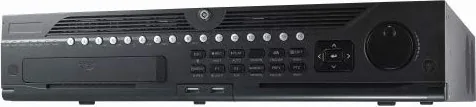
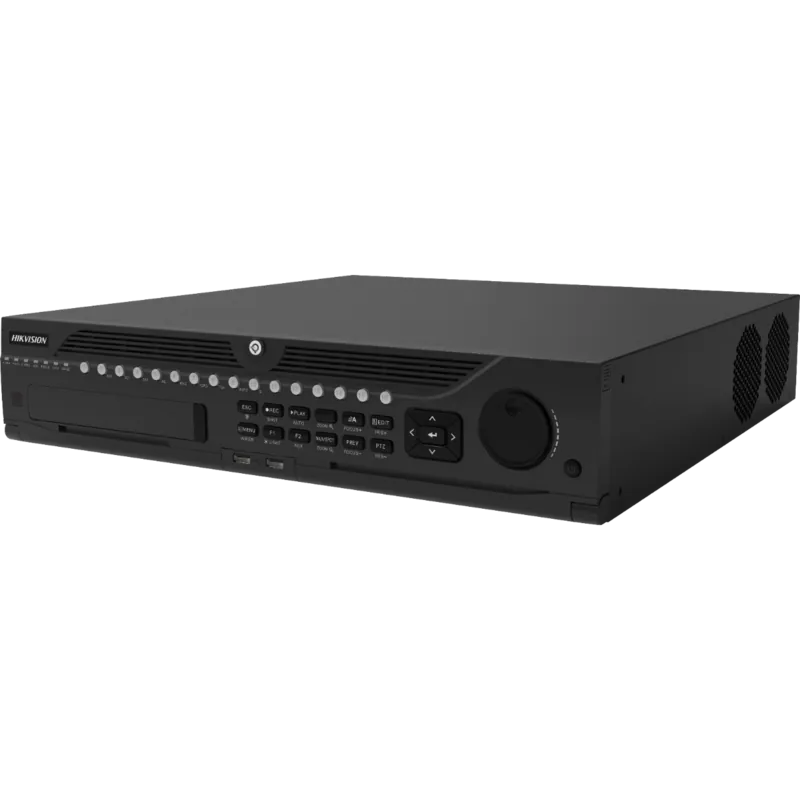
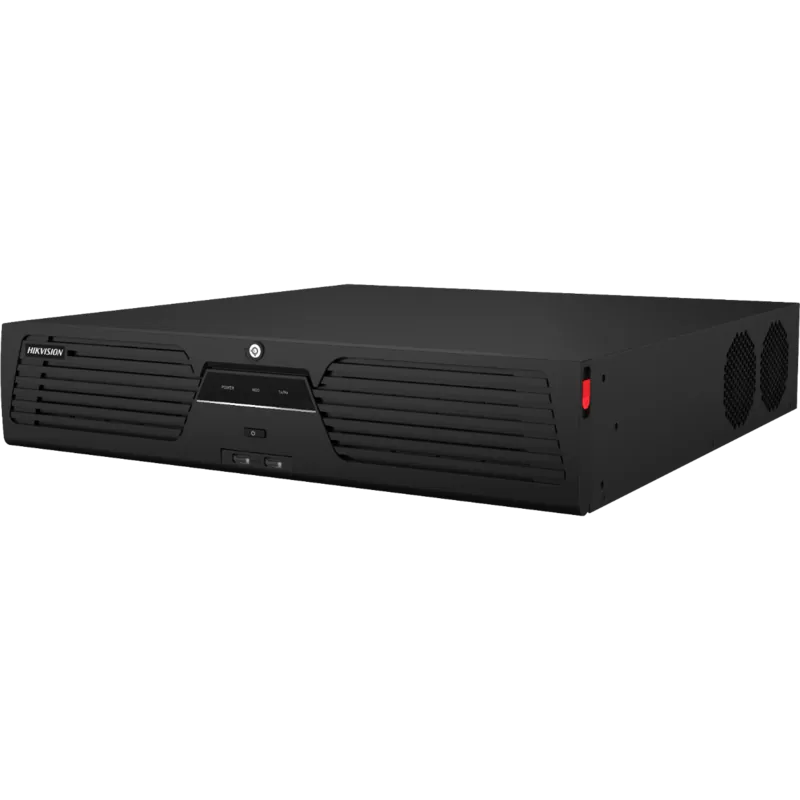
Hikvision DS-9632NI-I8 Manual
PDF manual · 28 Pages
English



Quick check
Incorrect answer, please try again.
Chat with your Hikvision DS-9632NI-I8 manual using AI
Get instant AI answers from your Hikvision DS-9632NI-I8 manual
Ask anything about the Hikvision DS-9632NI-I8. Answers come from this manual, with the pages they are based on.
Ask a Question
Do you recommend DS-9632NI-I8?
Yes NoFrequently Asked Questions
The NVR supports up to 32 IP channels and multiple internal HDDs with RAID support (default RAID 5). It also offers eSATA for external storage and USB 3.0 ports. Use enterprise-class HDDs for best reliability and follow the HDD initialization steps before recording.
Is this answer helpful?
First-time activation requires setting an admin password; no operations are allowed until activation completes. For password recovery, export the GUID file during activation and store it safely—this GUID can be used for future resetting procedures if you forget credentials.
Is this answer helpful?
Recording types include continuous, motion detection, alarm, motion|alarm, motion & alarm and event-based recording. Configure per-channel schedules in the Recording Schedule menu by enabling schedule and dragging time segments for desired record types.
Is this answer helpful?
RAID configuration is available under Storage > RAID Setup with a one-touch config option (default RAID 5). You must enable RAID and install at least three HDDs; using same-model enterprise HDDs is recommended. With four or more drives, a hot spare may be created automatically.
Is this answer helpful?
Supported browsers include Internet Explorer, Safari, Firefox and Chrome. Live view and some management functions require installing the provided browser plug-in; follow prompts and restart the browser after plug-in installation.
Is this answer helpful?
Rear-panel interfaces include dual HDMI and VGA outputs, dual Gigabit LAN ports, eSATA, USB 3.0, audio in/out, RS-232, RS-485, alarm in/out terminals, keyboard connector and the power input. Mini SAS may be present on some models.
Is this answer helpful?
Install the unit in a well-ventilated, dust-free indoor environment, maintain recommended temperature (-10°C to +55°C) and humidity (10–90%), ground the NVR, use a UPS if possible, and avoid liquid exposure. Follow local electrical and surveillance laws.
Is this answer helpful?
Advantages and Disadvantages
Advantages

- Supports up to 32 IP channels with multiple Gigabit LAN ports for large deployments.
- One-touch RAID setup with hot-spare support improves data redundancy and simplifies configuration.
- Comprehensive I/O: HDMI/VGA outputs, audio in/out, alarm in/out, RS-485, USB 3.0 and eSATA.
- Flexible recording modes and per-channel scheduling for efficient storage use.
- Startup wizard, unlock-pattern login and GUID export enhance initial setup and recovery.
Disadvantages

- Requires browser plug-in for full web access, which may complicate remote management.
- RAID and advanced features assume use of enterprise-grade HDDs; consumer drives may underperform.
- Alarm AC loads require external relays and manual jumper removal, adding setup complexity.
- Legal and security responsibilities fall on users; network exposure requires careful hardening.
- Initial activation and strong password policies may add administrative overhead in large installations.
Product Specification
Channels
32
Compression
H.265, H.264, G.711u
Hard drive
8x SATA
Interfaces
2x Gb LAN, 2x VGA, 2x HDMI, 1x Audio-In, 2x Audio-Out, 16x Alarm input, 4x Alarm output, 1x USB 3.0, 2x USB 2.0, 1x RS-485, 1x RS-232
Special features
Multistreaming
Product Description
Hikvision DS-9632NI-I8, Network Video Recorder Manual
The Hikvision DS-9632NI-I8 is a robust Network Video Recorder (NVR) engineered for medium to large surveillance deployments. Built to support multiple cameras, high-capacity storage and flexible network connectivity, this NVR delivers reliable video recording, playback and system management for critical security applications. With a focus on performance and maintainability, it incorporates RAID support, multiple video outputs, alarm I/O and integrations for controllers and external storage.
Key features and functionality
The unit supports up to 32 channels of IP camera input, multiple Gigabit LAN interfaces, HDMI and VGA outputs, USB 3.0 ports and eSATA for external storage. It offers one-touch RAID configuration (defaulting to RAID 5), hot-spare support when enough drives are installed, and detailed HDD management and storage estimation tools. The system facilitates initial setup via a startup wizard to configure admin credentials, network settings, time, HDD initialization and recording schedules.
Security and access controls include mandatory first-time activation with a strong admin password, optional unlock-pattern login, user account lockout after repeated failed attempts, and exportable GUID for password recovery. For remote management, the NVR is accessible through mainstream web browsers with a browser plug-in that enables live view, playback and configuration.
Installation and hardware considerations are emphasized: rack mounting, proper grounding, adequate ventilation, and recommended use of enterprise-grade HDDs. The device provides detailed wiring guidance for alarm inputs/outputs, RS-485/PTZ control, and controller connections. Environmental tolerances and safety tips ensure stable operation in recommended temperature and humidity ranges.
Operational features include flexible recording modes (continuous, motion, alarm and combinations), recording schedule configuration per channel, instant and advanced playback options (normal, smart, custom and sub-periods), and a capture/instant-playback toolbar in live view. Firmware-driven behavior and UI elements—such as status LEDs, front-panel controls, USB ports and a front panel lock—make on-site administration straightforward.
Regulatory and legal notices cover FCC, CE, WEEE and battery disposal guidance, along with an explicit legal disclaimer about warranties and responsibilities for network security and lawful surveillance use. The manual outlines supported models, symbol conventions, and provides troubleshooting and safety instructions to reduce risk of damage or data loss.
Notes
- Use recommended enterprise HDDs and consider UPS protection for reliable uptime.
- Enforce strong, regularly changed passwords and export GUID for recovery.
- Follow local laws regarding surveillance and data protection.
Search for 67,706 Manuals online


Type-in Brand or Model