
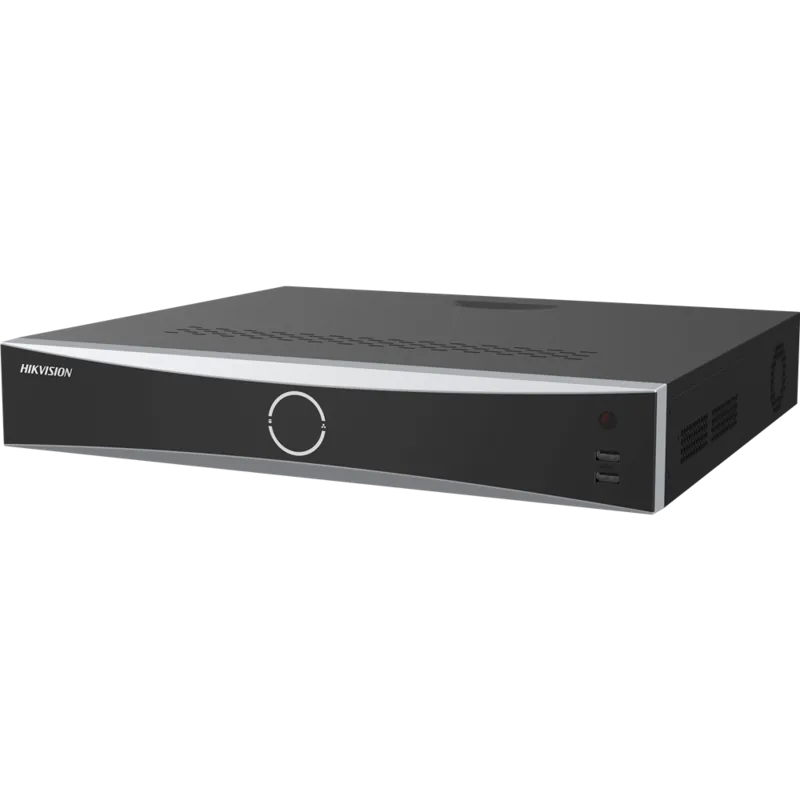
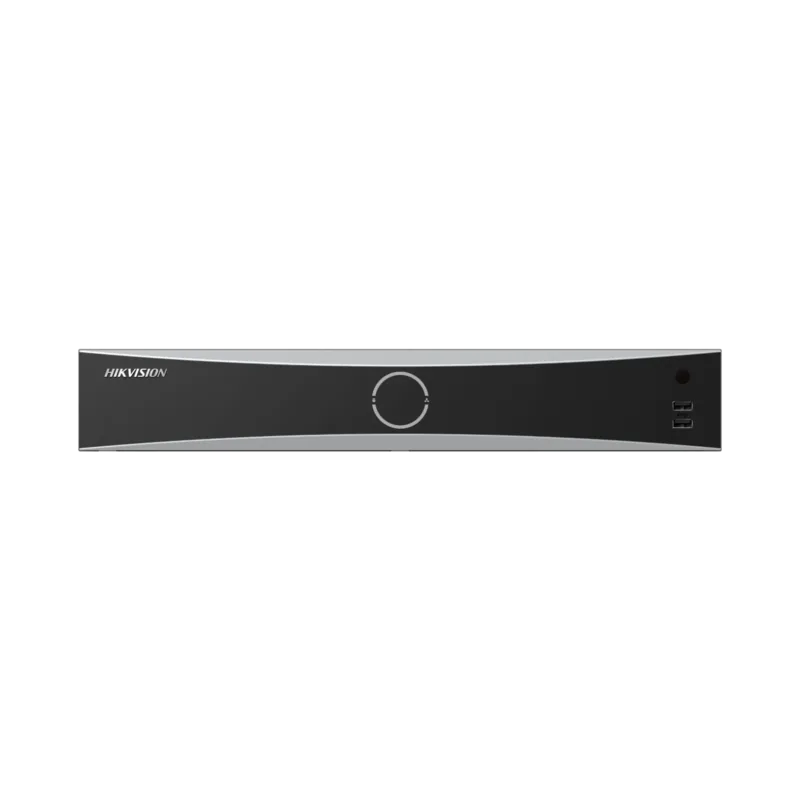
Hikvision DS-7716NXI-I4/S Manual
PDF manual · 177 Pages
English



Quick check
Incorrect answer, please try again.
Chat with your Hikvision DS-7716NXI-I4/S manual using AI
Get instant AI answers from your Hikvision DS-7716NXI-I4/S manual
Ask anything about the Hikvision DS-7716NXI-I4/S. Answers come from this manual, with the pages they are based on.
DS-7716NXI-I4/S Maintenance Schedule
For high-security systems, reset passwords monthly or weekly to better protect the product.
The device automatically checks Hik-Connect for the latest firmware every 24 hours and notifies you if an upgrade is available.
Ask a Question
Do you recommend DS-7716NXI-I4/S?
Yes NoFrequently Asked Questions
Activate via local menu, SADP, Hikvision client software, or web browser by creating a strong admin password. You may also export a GUID, configure security questions, or set a reserved email to enable future password recovery.
Is this answer helpful?
The recorder supports H.264, H.265 and optimized H.264+/H.265+ modes. H.265+ reduces bitrate and storage needs through intelligent encoding, preserving image quality while lowering transmission and long-term storage costs when supported by connected cameras.
Is this answer helpful?
Enable ANR on compatible cameras so they locally store recordings during outages and automatically upload the buffered files to the NVR once network connectivity is restored, ensuring continuous evidence retention.
Is this answer helpful?
Yes. Use Hik-Connect or platform access (ISUP) for remote viewing. Enable stream encryption and set a secure verification code; also enforce strong admin passwords and user permissions to reduce remote access risk.
Is this answer helpful?
Use Storage → Schedule: set continuous, motion, alarm, event, or POS recording types, define pre/post-record times, choose main/sub-streams, and copy schedules across cameras. Advanced event recordings require corresponding motion or alarm rules to be configured.
Is this answer helpful?
The unit supports local HDD/SSD, redundant HDD groups, disk quotas, eSATA and network disks, S.M.A.R.T. monitoring, bad sector detection, and disk clone. Redundant recording writes to both primary and redundancy drives for higher data reliability.
Is this answer helpful?
Use Internet Explorer (legacy) or modern browsers like Edge/Chrome/Firefox for web access where supported; Hikvision recommends official client software and Hik-Connect for rich management and remote features. Some advanced functions may require specific browsers or plugins.
Is this answer helpful?
Advantages and Disadvantages
Advantages

- Efficient H.265+/H.264+ encoding reduces bandwidth and storage while maintaining image quality.
- Robust smart analytics: face comparison, perimeter protection, people counting, and vehicle detection.
- Flexible network options: dual NIC modes, PoE ports, ISUP and Hik-Connect remote access with stream encryption.
- Comprehensive storage features: redundant recording, ANR, SSD/HDD management, eSATA and network disk support.
- Extensive playback tools: instant playback, smart/custom search, thumbnails, tagging, multi-period playback and clip export.
Disadvantages

- Advanced features and security depend on proper configuration and periodic firmware updates.
- Some analytics and encoding optimizations require compatible camera models and specific firmware.
- PoE long-distance mode limits bandwidth/resolution and may require CAT6 cabling for maximum reach.
- Complex setup for enterprise features (ISUP, platform integration, redundant groups) may need trained installers.
- Certain browser-based functions may be limited or require specific browsers or plugins for full capability.
Product Specification
Channels
16
Compression
H.265, H.265+, H.264, H.264+, G.711, G.722, G.726, MP2L2
Hard Drive
4x SATA (max. 10TB/HDD)
Interfaces
2x RJ-45, 1x Video-Out (BNC), 1x VGA, 2x HDMI, 1x Audio-In, 1x Audio-Out, 16x Alarm Input, 4x Alarm Output, 1x USB 3.0, 2x USB 2.0, 1x eSATA, 1x RS-485, 1x RS-232
Special Features
Face Recognition, Rack-compatible (1.5U)
Product Description
Hikvision DS-7716NXI-I4/S Network Video Recorder Manual
The Hikvision DS-7716NXI-I4/S Network Video Recorder combines high-performance recording, flexible network management, and advanced smart analytics to serve professional surveillance deployments. Built to integrate with a wide range of Hikvision cameras and third-party devices via ONVIF and custom protocol support, the DS-7716NXI-I4/S focuses on reliability, secure remote access, and a rich feature set for live monitoring, recording, and forensic playback.
Key product highlights
The recorder supports multiple video codecs including H.264/H.265 and advanced H.264+/H.265+ optimizations to reduce bandwidth and storage needs without sacrificing image quality. Dual NIC support offers net-fault tolerance or multi-address configurations to maintain network resilience. PoE ports simplify camera deployment and allow plug-and-play operation for compatible devices. Storage flexibility includes local HDD/SSD management, redundant recording, ANR (automatic network replenishment), and support for eSATA or networked disks for expanded retention.
On the usability side, the NVR provides activation and management through local menus, SADP, client software, or a web browser. Hik-Connect mobile integration and ISUP platform access enable secure remote management and streaming with optional stream encryption. The recorder supports detailed user and permission controls, password security features (GUID export, security questions, reserved email), and a full suite of regulatory and safety measures.
Functionality and smart features
Live view supports custom layouts, channel-zero encoding for efficient multi-channel streaming, digital zoom and 3D positioning, and an auxiliary monitor output. The recorder’s PTZ integration includes presets, patterns, patrols, linear-scan limits, and one-touch park features for automated dome behaviors. Smart analysis modules include face picture comparison, perimeter protection (line crossing, intrusion, region enter/exit), people counting, vehicle and multi-target detection, heat maps, and queue management.
Recording and playback are comprehensive: scheduled, continuous, motion/event/alarm-triggered recordings, holiday schedules, pre/post record buffers, redundant HDD writing, and ANR for camera-side buffering during network outages. The playback interface supports instant playback, smart search (motion/line/intrusion), tag-based search, multi-period playback, thumbnails, frame-by-frame, clip editing/export, and main/sub-stream selection.
Reliability and safety
Hikvision emphasizes device security and regulatory compliance. The manual details firmware update paths (local/FTP/web/Hik-Connect), storage health checks (S.M.A.R.T., bad sector detection), disk clone, database repair, detailed logs and diagnostic export, and network diagnostics, plus FCC, CE, and RoHS guidance. Physical-safety instructions and battery warnings are included for safe operation.
Notes:
- Designed for professional indoor use with proper ventilation and surge/earth grounding.
- Use recommended HDD/SSD types and UPS for dependable operation.
- Ensure strong passwords, regular changes, and correct user permissions to reduce cybersecurity risk.
Search for 67,706 Manuals online


Type-in Brand or Model