
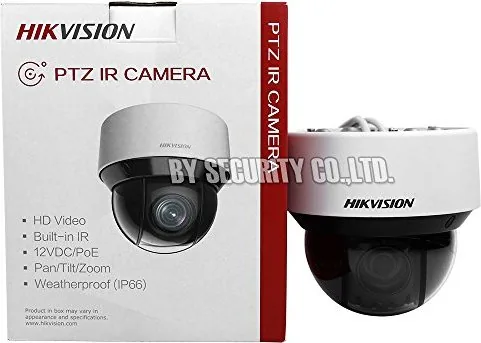
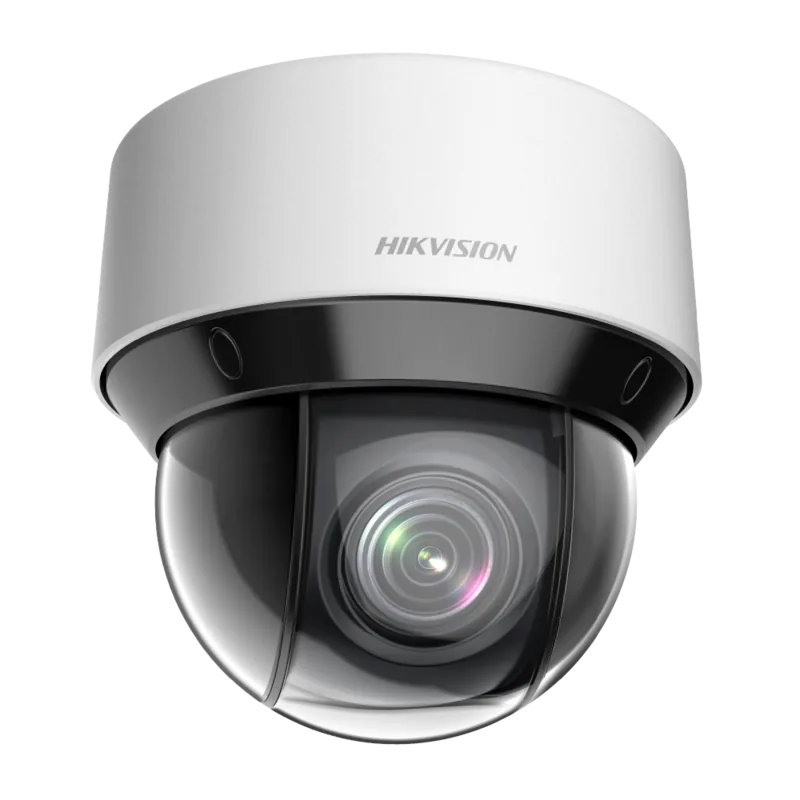
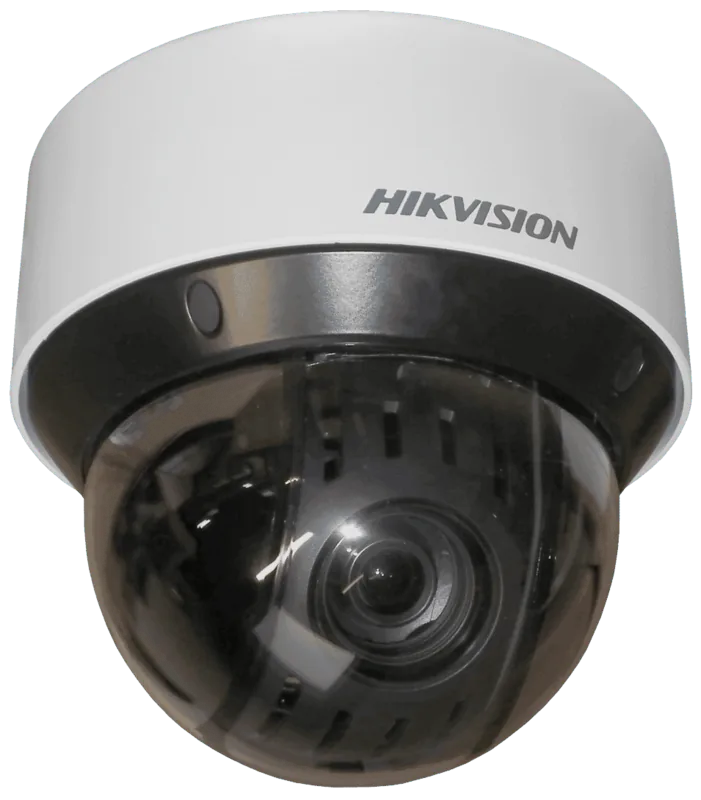
Hikvision DS-2DE4A220IW-DE Manual
PDF manual · 117 Pages
English



Quick check
Incorrect answer, please try again.
Chat with your Hikvision DS-2DE4A220IW-DE manual using AI
Get instant AI answers from your Hikvision DS-2DE4A220IW-DE manual
Ask anything about the Hikvision DS-2DE4A220IW-DE. Answers come from this manual, with the pages they are based on.
Ask a Question
Do you recommend DS-2DE4A220IW-DE?
Yes NoFrequently Asked Questions
It is a network mini PTZ camera built for remote pan, tilt, and zoom surveillance. It supports live monitoring, presets, patrols, and event-based recording for flexible security coverage.
Is this answer helpful?
You can move the camera view, set presets, create patrol paths, record patterns, and use one-touch patrol functions. These features help cover wider areas with fewer blind spots.
Is this answer helpful?
Yes. It can be accessed through a web browser or client software over LAN or WAN. Depending on the setup, you may use static IP, DDNS, PPPoE, or UPnP to reach it remotely.
Is this answer helpful?
The camera supports manual and scheduled recording, event-triggered recording, and storage to SD card or network disk. It can also upload snapshots to FTP when configured.
Is this answer helpful?
It can respond to motion detection, video tampering, alarm input, audio exception, intrusion detection, and line crossing events. These can trigger email, recording, alerts, or outputs.
Is this answer helpful?
Yes. Privacy mask tools let you block selected areas in the scene so sensitive zones are hidden from live view and recording. Up to multiple mask regions can be configured.
Is this answer helpful?
You should activate the camera, set a strong password, configure the network correctly, and review local surveillance rules. Some steps may require a qualified installer for best results.
Is this answer helpful?
Advantages and Disadvantages
Advantages

- Flexible PTZ controls with presets, patrols, patterns, and one-touch actions for efficient monitoring.
- Multiple event options including motion, tampering, intrusion, line crossing, and audio exception detection.
- Broad network support with LAN, WAN, DDNS, PPPoE, UPnP, and port mapping options.
- Storage choices include SD card, NAS, FTP, scheduled recording, and event-triggered snapshots.
Disadvantages

- Setup can be technical and may require networking knowledge or professional installation.
- Some PTZ and smart functions vary by model, so availability is not always identical.
- Browser access may require plug-ins or extra client software for full control.
- Security depends heavily on correct password management and network configuration.
Product Specification
Type
Dome
Image Sensor
1/2.8" CMOS
Resolution
1920x1080 Pixels (30fps)
Lens
0.19-3.70 in (F1.6-F3.5)
Light Sensitivity
0.05 Lux (Color), 0.01 Lux (B/W), 0 Lux (IR)
Pan
360° (motorized)
Tilt
5° to 90° (motorized)
Zoom Function
16x digital
Compression/Codecs
MJPEG, H.264, H.265
Multistreaming
supported
Alarm
2x Alarm input, 2x Alarm output
Connections
1x Audio input, 1x Audio output, 1x RJ-45 100Mb LAN
Data Storage
1x microSD slot
Illumination
IR Illumination (164.04 ft)
Power Supply
PoE (Type 1)
Protection Class
IP66
Housing
suitable for outdoor use
System Compatibility
ONVIF, IPv6
Zone & Analysis Functions
Motion detection, Privacy zones, IR filter
Manufacturer's Warranty
3 Years
Product Description
Hikvision DS-2DE4A220IW-DE: Compact PTZ Control with Broad Network Flexibility
The Hikvision DS-2DE4A220IW-DE is a practical choice for users who want responsive pan, tilt, and zoom monitoring in a compact network camera format. Built for remote surveillance, it combines everyday ease of use with advanced control options that help operators track activity, set viewing positions, and automate common tasks. If you're searching for the Hikvision DS-2DE4A220IW-DE Manual, this product stands out for how much can be managed through a browser or client software.
A major strength of this model is its flexible PTZ workflow. Users can define presets, create patrol routes, record movement patterns, and use one-touch patrol functions to speed up monitoring. These tools make the camera useful in spaces that need repeated coverage of multiple angles, such as entrances, lobbies, perimeter zones, or loading areas. Features like auto focus, day/night switching, WDR, BLC, and 3D noise reduction support clearer images across changing light conditions.
The camera is also designed with network deployment in mind. It supports LAN and WAN access, static and dynamic IP setups, DDNS, PPPoE, UPnP, and port configuration, giving installers several ways to connect it to a broader security system. Storage and event handling are equally versatile, with options for SD cards, NAS, FTP uploads, scheduled recording, motion detection, tamper alerts, alarm inputs, and alarm outputs.
From a daily-use perspective, the interface covers live view, playback, snapshots, recording, and two-way audio. Privacy masking, smart tracking, intrusion detection, and line crossing detection help turn a standard camera into a more proactive security tool. User management and security settings also play an important role, especially in shared environments where multiple operators may need access.
Notes
- Strong passwords are strongly recommended for activation and remote access.
- Installation and wiring should be handled by qualified personnel.
- Check local surveillance and privacy laws before use.
- Some functions vary by camera model and firmware.
Search for 67,706 Manuals online


Type-in Brand or Model
Laura Schmidt
9 months ago
If I buy a Hikvision product from an online shop like Amazon, will I still get technical support or after-sales service?
Manual.ly
9 months ago
Hikvision support is typically provided only for products purchased through approved channels via an Authorized Hikvision Europe Distribution Partner. If the reseller is not an authorized distributor, support and after-sales service may be refused for end customers. Before buying, check that the seller is an authorized distribution partner (or approved channel) and keep your proof of purchase. If you are unsure, ask the seller for distributor authorization details so you do not end up without support.