
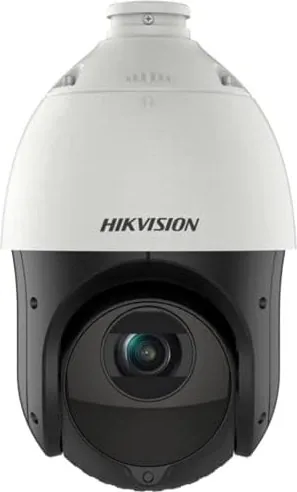
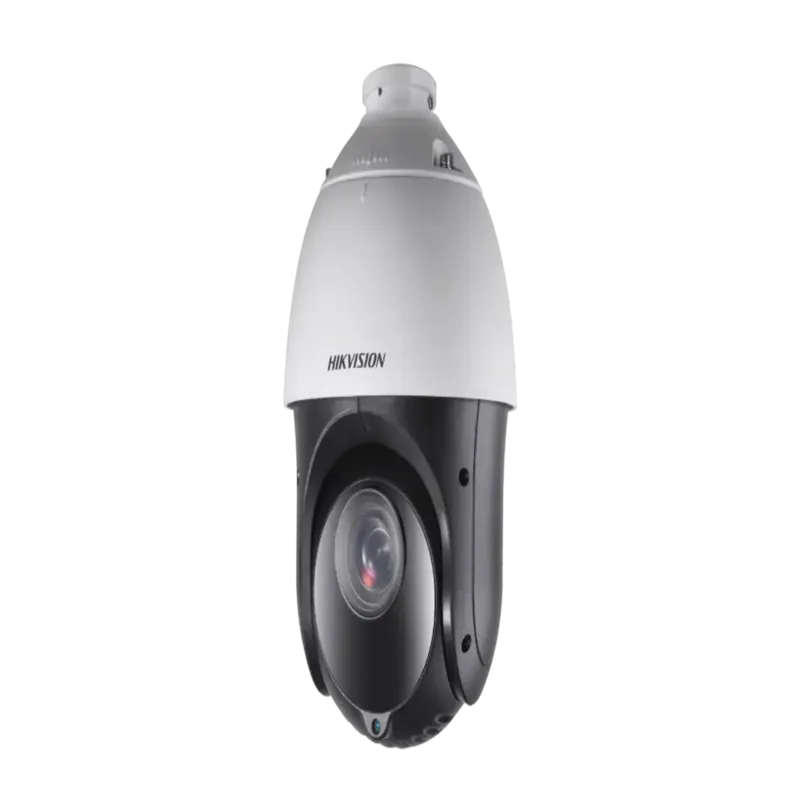
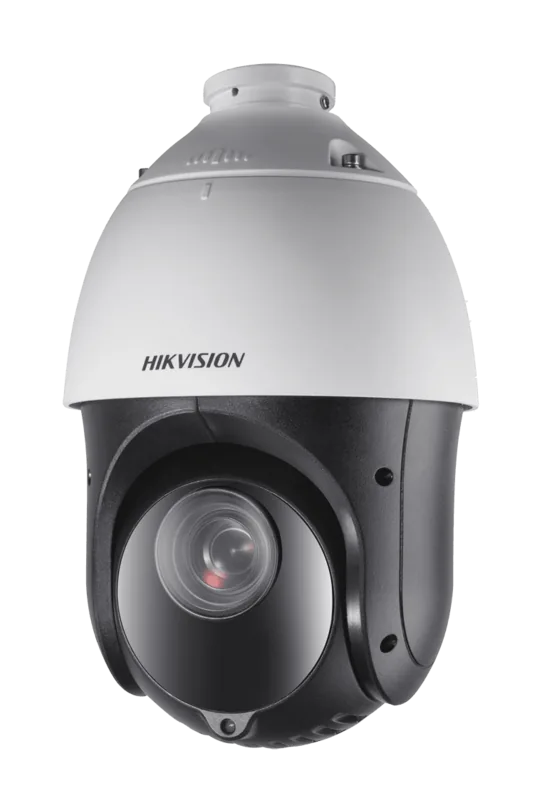
Hikvision DS-2DE4225IW-DE Manual
PDF manual · 115 Pages
English



Quick check
Incorrect answer, please try again.
Chat with your Hikvision DS-2DE4225IW-DE manual using AI
Get instant AI answers from your Hikvision DS-2DE4225IW-DE manual
Ask anything about the Hikvision DS-2DE4225IW-DE. Answers come from this manual, with the pages they are based on.
Ask a Question
Do you recommend DS-2DE4225IW-DE?
Yes NoFrequently Asked Questions
It is used for professional video surveillance where wide-area viewing and zoom control are important. The PTZ design lets you scan large spaces, track movement, and focus on details when needed.
Is this answer helpful?
Power it on, connect it to the network, then activate it with a web browser, SADP software, or client software. After activation, set the IP address and log in with your new password.
Is this answer helpful?
Presets, patrols, patterns, scan modes, and 3D positioning are among the most useful. They let you automate camera movement, return to key views instantly, and inspect areas more efficiently.
Is this answer helpful?
Yes. It can trigger recording based on motion, alarm input, audio events, tampering, intrusion, and other smart events. You can also combine these with schedules for more precise control.
Is this answer helpful?
Yes. Remote access can be set up using static IP, dynamic IP, DDNS, PPPoE, or router port mapping. The exact method depends on your network and internet service setup.
Is this answer helpful?
The camera can store video and snapshots on a memory card or network HDD, and it can also upload pictures to FTP. Storage quotas and schedules can be configured separately for records and images.
Is this answer helpful?
Advantages and Disadvantages
Advantages

- Rich PTZ control with presets, patrols, patterns, and multiple scan modes for flexible monitoring.
- Supports browser and client-software access, making remote management practical on LAN or WAN.
- Advanced detection options include motion, intrusion, line crossing, audio events, and tamper alerts.
- Works with scheduled recording, snapshots, FTP, and network storage for broader evidence collection.
Disadvantages

- Initial setup can be complex and may require networking knowledge, especially for WAN access.
- Some features depend on the exact model, so not every option is guaranteed on all units.
- Browser operation may require additional plugins or compatible software in certain environments.
- Security, port mapping, and password policies must be configured carefully to avoid risk.
Product Specification
Type
PTZ
Image Sensor
1/2.8" CMOS
Resolution
1920x1080 Pixels (25fps)
Lens
0.19-4.72 in (F1.6-F3.8)
Light Sensitivity
0.05 Lux (Color), 0.01 Lux (B/W), 0 Lux (IR)
Viewing Angle
2.5-57.6° (horizontal), 1.4-34.4° (vertical), 2.9-64.5° (diagonal)
Pan
360° (motorized)
Tilt
-15° to 90° (motorized)
Zoom Function
25x optical, 16x digital
Compression/Codecs
MJPEG, H.264, H.265
Multistreaming
supported
Alarm
2x Alarm Input, 1x Alarm Output
Connections
1x Audio Input, 1x Audio Output, 1x RJ-45 100Mb LAN
Data Storage
1x microSD slot (max. 256GB)
Illumination
IR Illumination (328.08 ft)
Power Supply
PoE (Type 1)
Protection Class
IP66
Housing
suitable for outdoor use
System Compatibility
IPv6
Zone & Analysis Functions
Motion Detection, Sound Detection, Privacy Zones, IR Filter
Manufacturer's Warranty
3 Years
Product Description
Hikvision DS-2DE4225IW-DE: Flexible PTZ Surveillance for Modern Security
The Hikvision DS-2DE4225IW-DE is designed for users who want a responsive, feature-rich speed dome camera with dependable remote control. If you are looking for a practical Hikvision DS-2DE4225IW-DE Manual, the core idea is simple: this camera is built to help you install, activate, configure, and operate a professional PTZ system with confidence. It is a strong fit for businesses, entrances, parking areas, and other spaces that need wide-area monitoring with the ability to zoom in on important details.
One of its biggest strengths is PTZ control. The camera supports pan, tilt, and zoom operations, along with presets, patrols, patterns, and scan modes. That means you can move quickly between key locations, automate routine viewing paths, and save camera positions for instant recall. Features like proportional pan, auto focus, day/night switching, backlight compensation, WDR, and 3D digital noise reduction help maintain clearer images in changing lighting conditions.
The setup workflow is also broad and flexible. You can access the camera through a web browser or client software, connect it over LAN or WAN, and use static IP, DHCP, PPPoE, DDNS, or port mapping depending on your network design. The configuration structure covers network settings, video and audio tuning, image adjustments, and user management, giving installers and administrators plenty of control over how the device behaves in real-world use.
Event handling is another highlight. Motion detection, video tampering, alarm input/output, audio exception detection, intrusion detection, line crossing, region entrance, and region exiting can all trigger recordings, notifications, email alerts, FTP uploads, or alarm outputs. Combined with scheduled recording, snapshot tasks, and storage options such as memory cards and network HDDs, the camera can support both continuous monitoring and event-based security workflows.
Security and privacy are treated seriously as well. The system supports password protection, user permissions, privacy masks, and careful access control. For reliable results, the camera should be installed by a qualified professional and configured with strong passwords, proper network settings, and the correct recording schedule.
Notes
- Best results come from matching the camera settings to the site layout and lighting.
- Some functions may vary by model or firmware version.
- Network configuration and security should be reviewed before deployment.
Search for 67,706 Manuals online


Type-in Brand or Model