
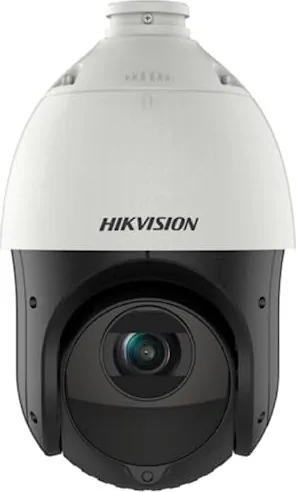
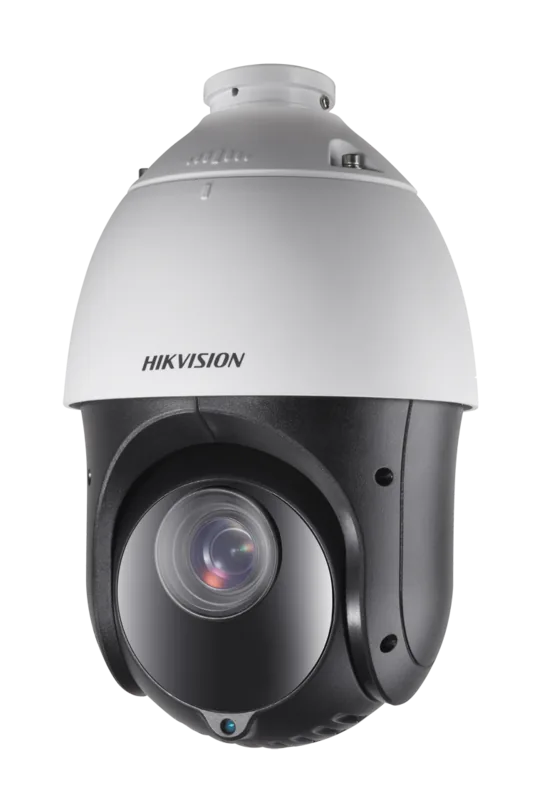
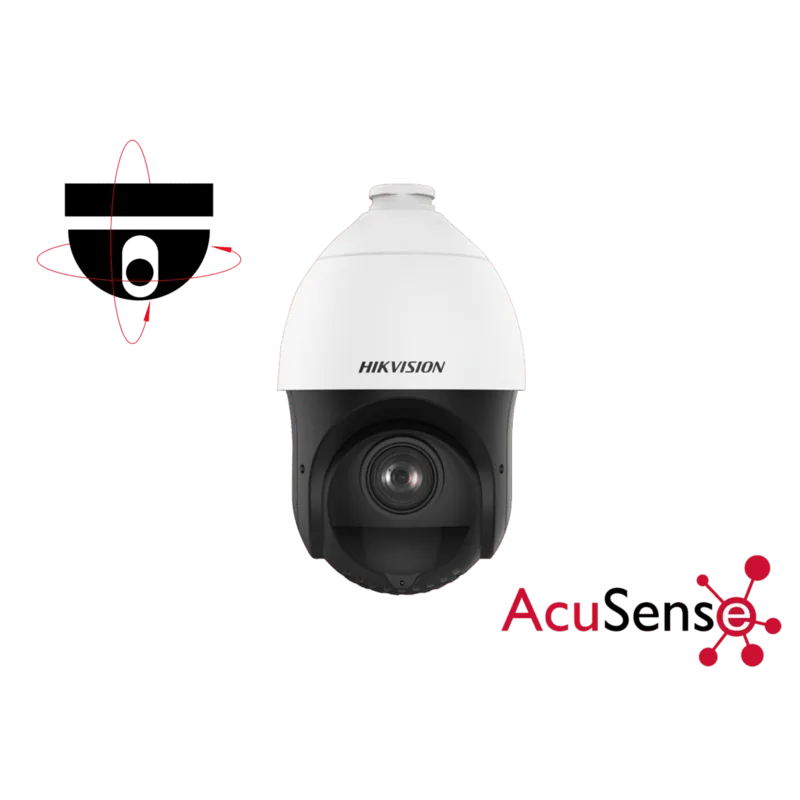
Hikvision DS-2DE4215IW-DE Manual
PDF manual · 125 Pages
English



Quick check
Incorrect answer, please try again.
Chat with your Hikvision DS-2DE4215IW-DE manual using AI
Get instant AI answers from your Hikvision DS-2DE4215IW-DE manual
Ask anything about the Hikvision DS-2DE4215IW-DE. Answers come from this manual, with the pages they are based on.
Ask a Question
Do you recommend DS-2DE4215IW-DE?
Yes NoFrequently Asked Questions
The camera supports main, sub, and third streams. Use the main stream for high-resolution recording, the sub-stream for bandwidth-sensitive remote viewing, and the third stream for additional monitoring or mobile clients to balance quality and network load.
Is this answer helpful?
Events such as motion, intrusion, line crossing, tampering, or audio exceptions can be armed on schedules and linked to actions: start recording, send email, upload snapshots to FTP/NAS, trigger alarm outputs, notify a surveillance center, or call PTZ presets/patrols. Configure linkage methods and arming schedules in the event settings.
Is this answer helpful?
Yes. Remote access is possible via router port mapping with a static IP, DDNS for dynamic IPs, PPPoE configuration, or using Hik-Connect (if supported). Proper network setup (ports 80, 8000, 554 typical) and security measures are required to ensure safe remote access.
Is this answer helpful?
The device supports numerous presets (up to hundreds depending on model), up to 8 patrols (each with multiple presets), and up to 4 patterns. Some preset numbers are reserved for special functions like auto-scan or OSD call.
Is this answer helpful?
Storage includes local memory card and up to eight NAS disks (NFS/SMB). Recording can be continuous or event-triggered and you can enable automatic overwrite so new recordings replace the oldest files when storage is full; quotas for video vs. pictures are configurable.
Is this answer helpful?
Smart tracking uses analytics to follow moving targets; you can set a fixed zoom ratio or let the camera calculate zoom dynamically. Tracking duration and color-consistency thresholds determine how long the camera maintains lock and whether to continue tracking based on appearance.
Is this answer helpful?
Use strong, unique passwords (minimum 8 characters with mixed cases, numbers and symbols), keep firmware updated, limit internet exposure, use secure network configurations, and perform periodic security assessments. Follow local laws regarding surveillance and data protection.
Is this answer helpful?
Advantages and Disadvantages
Advantages

- Comprehensive PTZ control with proportional pan/tilt and programmable presets/patrols for flexible coverage.
- Advanced imaging: auto-focus, day/night switch, WDR and slow-shutter for varied lighting conditions.
- Extensive smart event detection (intrusion, line crossing, unattended baggage, face detection, audio exceptions).
- Multiple streaming options and NAS/FTP support enable efficient storage and remote access.
- Robust remote management via web browser, SADP, and iVMS client with scheduling and playback tools.
Disadvantages

- Some advanced features depend on specific model variants or firmware versions and may not be universally available.
- Initial setup (port mapping, DDNS, plug-ins) can be technical for non-IT users.
- Security depends on strong passwords and regular maintenance; internet exposure increases risk of attacks.
- Browser plug-ins and external players may be required for full functionality on certain platforms.
- Certain analytics and PTZ behaviors (e.g., rapid focus calibration) require manual calibration and tuning.
Product Specification
Type
PTZ
Image Sensor
1/2.8" CMOS
Resolution
1920x1080 Pixels (30fps)
Lens
0.20-2.95 in (F1.6-F2.8)
Light Sensitivity
0.005 Lux (Color), 0.001 Lux (B/W), 0 Lux (IR)
Viewing Angle
4-53.8° (horizontal), 2.3-31.9° (vertical), 4.6-60.4° (diagonal)
Pan
360° (motorized)
Tilt
-15° to 90° (motorized)
Zoom Function
15x optical, 16x digital
Compression/Codecs
MJPEG, H.264, H.264+, H.265, H.265+
Multistreaming
supported
Connections
1x RJ-45 100Mb LAN
Data Storage
1x microSD-Slot (max. 256GB)
Illumination
IR Illumination (328.08 ft)
Power Supply
PoE (Type 1)
Protection Class
IP66
Housing
suitable for outdoor use
System Compatibility
ONVIF, IPv6
Zone & Analysis Functions
Motion detection, Privacy zones, IR filter
Manufacturer's Warranty
3 Years
Product Description
Hikvision DS-2DE4215IW-DE — Smart Speed Dome Overview
The Hikvision DS-2DE4215IW-DE is a feature-rich network speed dome camera designed for professional surveillance applications. It combines precise PTZ control, advanced imaging, and intelligent event handling to deliver reliable monitoring for large outdoor and indoor areas. With smooth pan/tilt/zoom mechanics, the unit supports programmable presets, patrols, and patterns to automate coverage of critical zones, while auxiliary features like privacy masking and park actions help tailor operation to local privacy and duty-cycle needs.
Key Capabilities and Operation
Equipped with proportional pan/tilt that adapts movement speed to zoom level, the DS-2DE4215IW-DE maintains stable, trackable imagery whether zoomed in on distant details or sweeping wide areas. Auto-focus, day/night switching, WDR, BLC and slow-shutter modes optimize image quality across varied lighting conditions. Multiple streams (main, sub, third) let you balance resolution and bandwidth for recording and remote viewing.
The camera supports robust connectivity: LAN/WAN setup via DHCP or static IPs, PPPoE and DDNS for dynamic addressing, and optional Hik-Connect service. Activation and device management are available through web browsers, SADP utility, or the iVMS client. Web access requires a small browser plug-in for live view and PTZ controls.
Intelligent Events and Recording
A rich set of analytics and event triggers—motion, tampering, intrusion, line crossing, region entrance/exiting, unattended baggage, object removal, face detection, and audio exceptions—allow the camera to initiate recordings, send alerts, upload images to FTP/NAS, trigger alarm outputs, or notify a surveillance center. Scheduling tools let you define arming windows, recording types (continuous, motion, alarm, event combinations), pre/post-record buffer, and stream selection for storage efficiency.
Storage options include local memory cards and up to eight NAS mounts (SMB/NFS). The recorder supports overwrite, quota allocation for images vs. video, and easy format/initialization tools. Playback via the web or client offers timeline color-coding, frame-by-frame control, clipping and download features.
PTZ and Automation
PTZ configuration includes limits, initial position, proportional pan, preset freezing, preset speeds, and rapid focus calibration. You can program up to hundreds of presets and multiple patrols/patterns, plus one-touch patrols and park actions after inactivity. Smart tracking automatically follows moving targets with configurable zoom behavior and tracking duration.
Notes
- Strong password policies and regular firmware/maintenance are recommended to reduce security risks.
- Follow local surveillance laws and disposal/recycling rules for batteries and electronic waste.
- Some functions vary by model or firmware; consult manufacturer resources for model-specific limits.
Search for 67,706 Manuals online


Type-in Brand or Model