
Hikvision DS-2CE76H8T-ITMF Manual
PDF manual · 16 Pages
English



Quick check
Incorrect answer, please try again.
Chat with your Hikvision DS-2CE76H8T-ITMF manual using AI
Get instant AI answers from your Hikvision DS-2CE76H8T-ITMF manual
Ask anything about the Hikvision DS-2CE76H8T-ITMF. Answers come from this manual, with the pages they are based on.
Ask a Question
Do you recommend DS-2CE76H8T-ITMF?
Yes NoFrequently Asked Questions
It supports switchable 4-in-1 analog outputs: TVI, AHD, CVI, and CVBS. Use the onboard switch button (press and hold for 5 seconds) to toggle between output modes.
Is this answer helpful?
Access the camera menu via the DVR’s PTZ Control interface or preset call, navigate to Video Format, and select available options (e.g., 5MP@20fps, 4MP@25/30fps, 2MP@25/30fps) depending on the selected output.
Is this answer helpful?
Yes. The camera features an IR cut filter with auto switch and SMART IR to optimize illumination and prevent overexposure. You can enable IR and adjust SMART IR levels (0–3) and switch day/night modes (Color, B&W, Auto).
Is this answer helpful?
Use the supplied drill template and appropriate screws or expansion bolts depending on wall material. Ensure the mounting surface supports at least three times the camera’s weight, route and seal cables properly, and power the camera with the recommended 12 VDC supply.
Is this answer helpful?
Yes. It supports up to four user-defined motion detection areas with adjustable sensitivity, and up to four privacy mask areas with configurable color and transparency settings.
Is this answer helpful?
Exposure modes include Global, BLC (backlight compensation), and WDR (wide dynamic range). Additional image settings include AGC, brightness, contrast, sharpness, saturation, 3DNR, and mirror options.
Is this answer helpful?
The device complies with FCC, CE, and Canadian ICES standards. Users must follow electrical safety rules, avoid exposing the sensor to direct lasers or extreme environments, and recycle batteries and e-waste per local regulations.
Is this answer helpful?
Advantages and Disadvantages
Advantages

- Versatile 4-in-1 video output (TVI/AHD/CVI/CVBS) for broad DVR compatibility.
- SMART IR and IR cut filter provide improved night imaging without overexposure.
- 3-axis adjustment and 2.8mm lens deliver flexible aiming and a wide field of view.
- Robust image controls: WDR, AGC, 3DNR, white balance, and multiple resolution options.
- Wide operating temperature range (-40°C to 60°C) suitable for many environments.
Disadvantages

- Analog 4-in-1 format lacks native IP network features for remote configuration.
- Not inherently waterproof in every configuration—proper sealing and mounting required.
- Manual menu navigation via PTZ interface can be slower than GUI-based IP cameras.
- High AGC levels can amplify noise in very low-light conditions.
- Limited lens flexibility—fixed 2.8mm lens may not suit long-distance monitoring.
Product Specification
Type
Turret
Image Sensor
CMOS 5.0 MP
Resolution
2560x1944 Pixel (25fps)
Lens
0.11 in (F1.2)
Light Sensitivity
0.003 Lux (Color), 0 Lux (IR)
Viewing Angle
98° (horizontal)
Pan
360° (motorized)
Tilt
180° (motorized)
Connections
1x BNC
Illumination
IR Illumination (98.43 ft)
Protection Class
IP67
Housing
suitable for outdoor use
Zone & Analysis Functions
Motion detection, Privacy zones, IR filter
Special Features
Video Switch Button
Manufacturer's Warranty
3 Years
Product Description
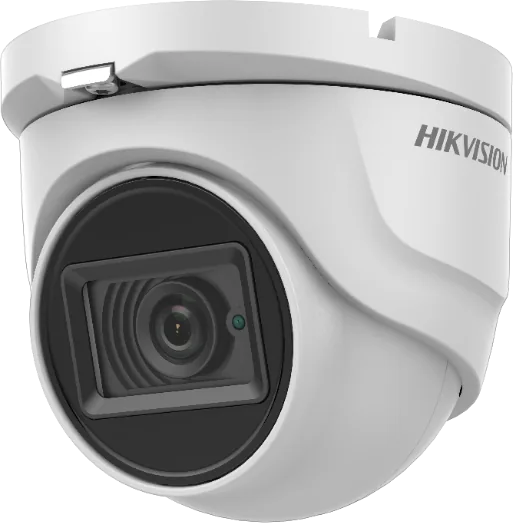
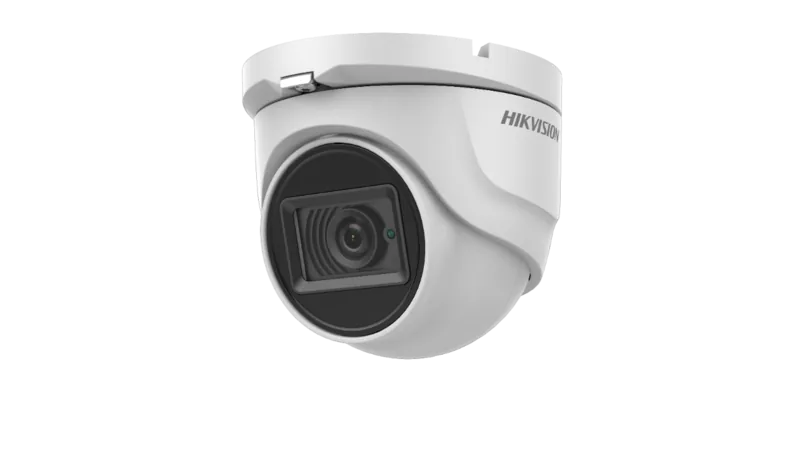
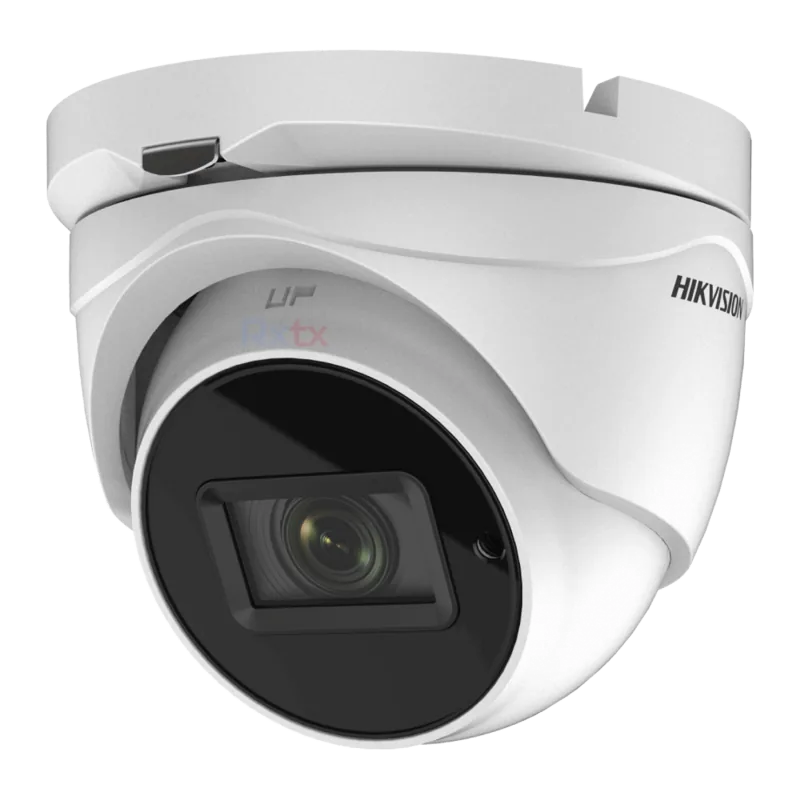
Hikvision DS-2CE76H8T-ITMF 2.8mm Manual
The Hikvision DS-2CE76H8T-ITMF 2.8mm is a compact turret camera designed for flexible analog video surveillance in residential and commercial environments. Built around a high-performance CMOS sensor, this model delivers clear daytime color imaging and effective low-light performance using IR illumination and an IR cut filter with auto switch. The camera supports Hikvision’s H8T Turbo HD family features, including SMART IR to prevent overexposure at night, 4-in-1 switchable video outputs (TVI/AHD/CVI/CVBS), and wide dynamic range (WDR) options to handle scenes with mixed bright and dark areas.
Design and handling
The camera’s turret form factor provides easy 3-axis adjustment for pan, tilt and rotation, enabling precise alignment for optimal coverage. It offers a 2.8mm fixed lens that provides a wide field of view, suitable for monitoring entrances, parking lots, lobbies, and general-purpose areas. The unit is compact, supports multiple mounting styles (ceiling or wall), and includes a switch button to toggle video output formats by holding it for five seconds.
Installation and durability
Installation is straightforward with supplied drill templates, mounting bases, and hardware suitable for cement or wooden surfaces. The camera operates from 12 VDC and requires correct power sourcing per safety guidelines. It’s rated for a wide operating temperature range (-40°C to 60°C) and includes protections against improper handling—users are advised to avoid disassembly and to follow mounting strength recommendations. While not water-proof in every configuration, routing and sealing cables properly improves longevity and performance.
Image settings and configuration
On-device menus accessible via PTZ control or preset allow granular configuration: resolution and frame-rate options up to 5MP@20fps (depending on output), exposure modes (Global/BLC/WDR), AGC, white balance (Auto/Manual), brightness, contrast, sharpness, saturation, and 3D digital noise reduction. Day/night behavior can be set to Color, B&W, or Auto, with SMART IR adjustments and thresholds for day-to-night switching. Motion detection and privacy mask functions let you define up to four areas each, with sensitivity and transparency settings for tailored alerts and recordings.
Regulatory and safety
The camera complies with relevant FCC, CE, and Canadian ICES standards for electromagnetic emissions and safety. Users should heed electrical safety rules, avoid exposing the sensor to direct sunlight or lasers, and follow recycling guidelines for batteries and electronic waste.
Notes:
- Supports 4-in-1 analog outputs: TVI, AHD, CVI, CVBS.
- Use the switch button (press 5s) to change video output format.
- Ensure mounting surface can support at least three times the camera’s weight.
Search for 67,706 Manuals online


Type-in Brand or Model