
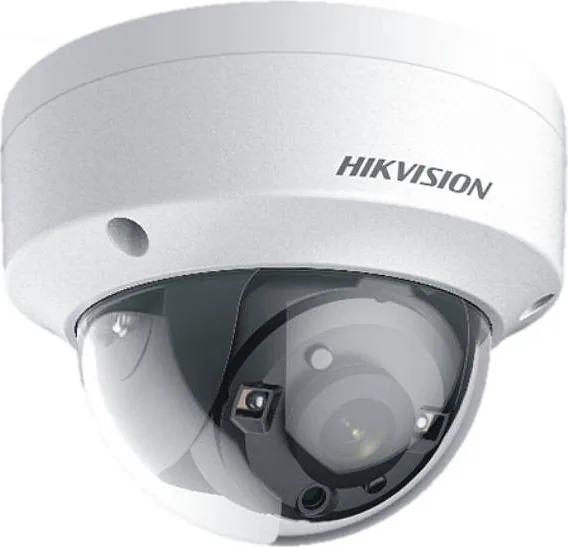
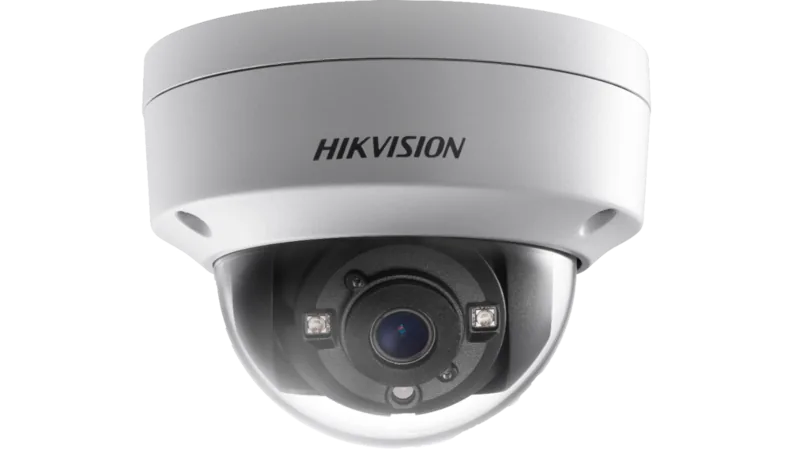
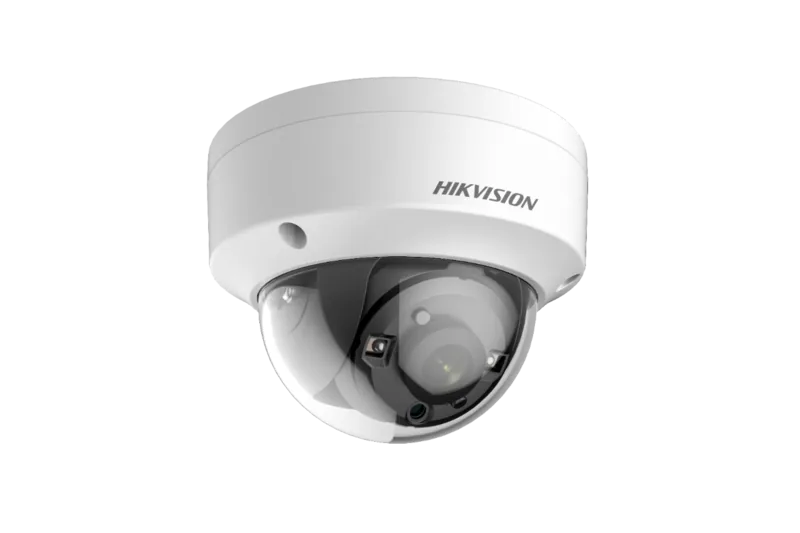
Hikvision DS-2CE56D8T-VPITE Manual
PDF manual · 14 Pages
English



Quick check
Incorrect answer, please try again.
Chat with your Hikvision DS-2CE56D8T-VPITE manual using AI
Get instant AI answers from your Hikvision DS-2CE56D8T-VPITE manual
Ask anything about the Hikvision DS-2CE56D8T-VPITE. Answers come from this manual, with the pages they are based on.
Ask a Question
Do you recommend DS-2CE56D8T-VPITE?
Yes NoFrequently Asked Questions
It is a TURBO HD dome camera designed for practical video surveillance. It focuses on dependable image capture, flexible mounting, and adjustable settings for common security use cases.
Is this answer helpful?
Yes. The camera supports IR illumination, auto day/night switching, and Smart IR. These features help it capture clearer footage when lighting is weak or uneven.
Is this answer helpful?
A 3.6mm lens provides a balanced viewing angle for general monitoring. It is a good fit for entry points, corridors, and other areas where you want broad but focused coverage.
Is this answer helpful?
Yes. The menu allows adjustments for brightness, contrast, sharpness, color gain, white balance, 3D DNR, mirror mode, motion detection, and privacy masking.
Is this answer helpful?
The camera supports ceiling mounting, wall mounting, in-ceiling mounting, and an inclined-base setup depending on the model and accessories used.
Is this answer helpful?
Some models in the series are designed for both indoor and outdoor environments, but Type II is indoor only. Always check the specific model and installation conditions before use.
Is this answer helpful?
Advantages and Disadvantages
Advantages

- Low-light capability and IR support help capture usable images after dark.
- Smart IR reduces glare from nearby objects and improves close-range detail.
- Flexible mounting options make installation easier in different spaces.
- On-screen menu provides fine control over exposure, color, and motion settings.
Disadvantages

- Requires careful setup to get the best angle and image quality.
- Some mounting types need separate accessories purchased in advance.
- Type II is limited to indoor use, which reduces placement flexibility.
Product Specification
Type
Dome
Image Sensor
CMOS
Resolution
1920x1080 Pixels (30fps)
Lens
0.14 in
Light Sensitivity
0.005 Lux (Color), 0 Lux (IR)
Viewing Angle
82.6° (horizontal)
Pan
355° (manual)
Tilt
75° (manual)
Connections
1x BNC
Illumination
IR Illumination (65.62 ft)
Protection Class
IP67, IK10
Housing
suitable for outdoor use
Zone & Analysis Functions
Motion detection, Privacy zones, IR filter
Manufacturer's Warranty
3 Years
Product Description
Hikvision DS-2CE56D8T-VPITE 3.6mm: A Practical Dome Camera for Clear Everyday Security
The Hikvision DS-2CE56D8T-VPITE 3.6mm is designed for dependable surveillance in places where image clarity, stable performance, and flexible installation matter most. Built as part of the TURBO HD D8T series, this dome camera combines a compact design with features that help it perform well in common security environments such as entrances, hallways, retail spaces, warehouses, parking areas, and commercial interiors.
One of the strongest qualities of this camera is its balanced approach to visibility. It supports low-light operation, IR illumination, auto switching between day and night modes, and Smart IR to reduce overexposure when objects are close to the lens. That makes it useful in changing lighting conditions where detail can easily be lost. The 3.6mm lens offers a practical field of view for monitoring key areas without making the image feel too narrow.
The camera also gives users useful image controls through its on-screen menu. Brightness, contrast, sharpness, color gain, white balance, motion detection, privacy masking, and mirror options can all be adjusted to match the scene. Features such as WDR, BLC, AGC, and 3D DNR help improve visibility in difficult lighting, reduce noise, and keep footage more usable day and night.
Installation is another important advantage. The manual outlines ceiling, wall, in-ceiling, and inclined-base mounting options, which makes the camera adaptable to different spaces. It also includes 3-axis adjustment, allowing installers to fine-tune the viewing angle after mounting. That flexibility is especially helpful when the camera needs to cover a precise area.
Why it stands out
This model is a solid choice for users who want a dome camera that is straightforward to install and easy to tune. It is built for practical surveillance rather than complexity, and that is part of its appeal. With support for analog TVI systems and a menu-driven setup, it fits well into existing security deployments.
Key points
- Compact dome design suited for indoor and outdoor monitoring in many common locations.
- Low-light performance and IR support help maintain visibility when lighting drops.
- Smart IR and WDR improve image balance in challenging scenes.
- Adjustable image settings make it easier to tailor footage to the environment.
- Flexible mounting options simplify installation in different layouts.
Notes
- Type II is intended for indoor use only.
- Use proper mounting hardware and match the power supply before installation.
- Keep the camera clean, well ventilated, and away from harsh conditions.
- Save settings in the menu before exiting to preserve adjustments.
Search for 67,706 Manuals online


Type-in Brand or Model