
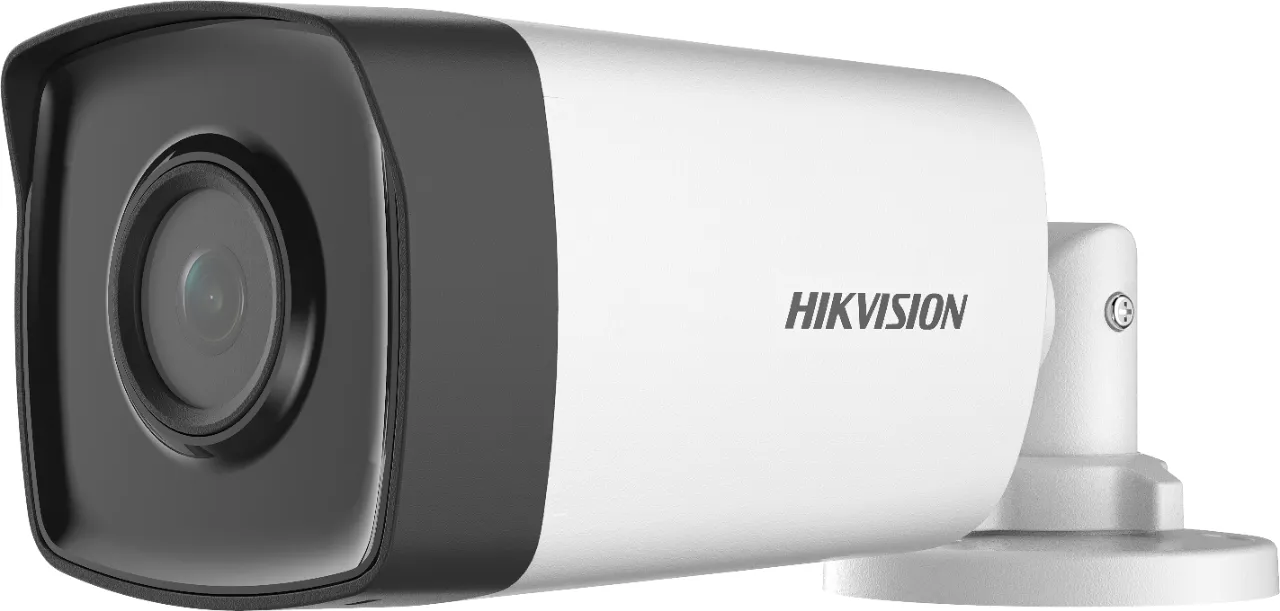
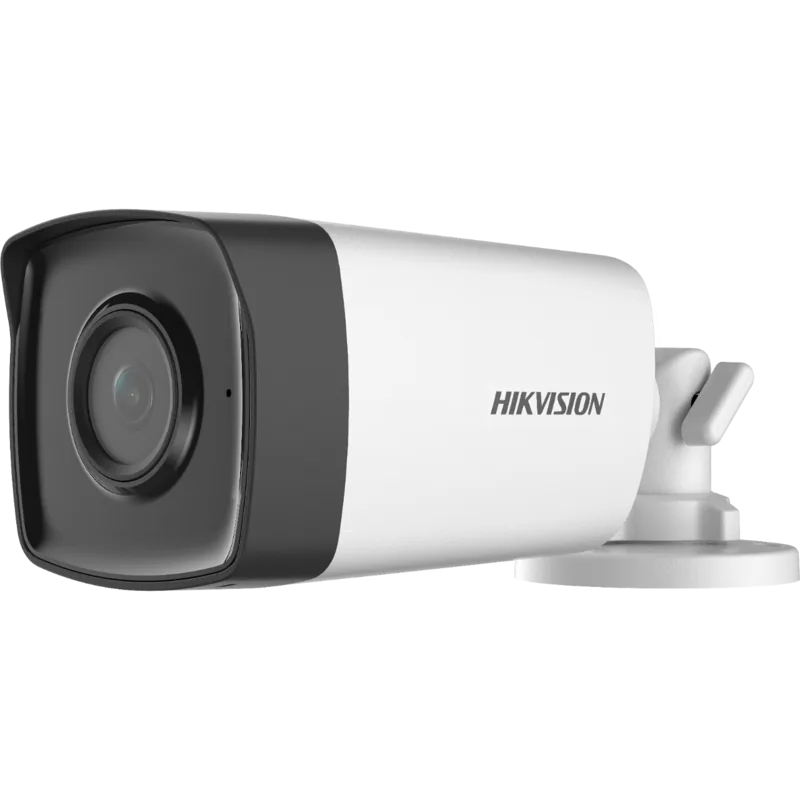
Hikvision DS-2CE17D0T-IT3FS Manual
PDF manual · 11 Pages
English



Quick check
Incorrect answer, please try again.
Chat with your Hikvision DS-2CE17D0T-IT3FS manual using AI
Get instant AI answers from your Hikvision DS-2CE17D0T-IT3FS manual
Ask anything about the Hikvision DS-2CE17D0T-IT3FS. Answers come from this manual, with the pages they are based on.
Ask a Question
Do you recommend DS-2CE17D0T-IT3FS?
Yes NoFrequently Asked Questions
The camera supports four video outputs: TVI, AHD, CVI, and CVBS. You can switch outputs by pressing and holding the switch button for 5 seconds.
Is this answer helpful?
Yes. The model includes a built-in microphone and transmits audio over the coaxial cable to compatible recorders. Audio can be turned on or off and the audio level adjusted via the menu.
Is this answer helpful?
Access the on-screen menu through a connected TVI DVR and monitor using PTZ controls or preset No.95. From the VIDEO SETTINGS and EXPOSURE menus you can adjust exposure mode, AGC, white balance (AUTO or MANUAL with R/Gain and B/Gain), brightness, contrast, saturation, sharpness, DNR, and mirror options.
Is this answer helpful?
Operate the camera between -40°C and 60°C, avoid extreme dust, moisture, and high electromagnetic fields. Use a 12 VDC SELV limited power source, ensure solid mounting capable of holding three times the camera weight, and do not attempt disassembly by untrained personnel.
Is this answer helpful?
In CVBS output the camera’s advanced on-screen menu is disabled by design, so switch to TVI, AHD, or CVI output to access configuration options and image adjustments.
Is this answer helpful?
Smart IR automatically adjusts infrared intensity to prevent overexposure of close objects and maintain better detail in low-light scenes. You can enable/disable Smart IR and tweak thresholds for day-to-night switching.
Is this answer helpful?
The camera supports ceiling or wall mounting, with or without a junction box. Installers should route cables properly, use expansion bolts for concrete, self-tapping screws for wood, and confirm the mounting surface supports adequate weight and ventilation.
Is this answer helpful?
Advantages and Disadvantages
Advantages

- 2MP CMOS sensor with selectable 2MP@30fps or 2MP@25fps for clear video capture.
- Smart IR and day/night modes provide balanced imaging in varying light conditions.
- Built-in microphone supports audio over coax, simplifying installation and monitoring.
- 4-in-1 video output (TVI/AHD/CVI/CVBS) ensures broad DVR compatibility.
- Robust 3-axis mount enables precise aiming (pan/tilt/rotation) for flexible placement.
Disadvantages

- Non-waterproof variants require careful placement to avoid liquid exposure.
- Menu and advanced settings are not available when output is set to CVBS.
- AGC increases noise at higher levels, potentially degrading low-light clarity.
- Users must adhere to 12 VDC SELV requirements and avoid power adapter overloads.
- Some features require manual tuning (white balance, exposure) for optimal results.
Product Specification
Type
Bullet
Image Sensor
CMOS
Resolution
1920x1080 Pixels (25fps)
Light Sensitivity
0.01 Lux (Color), 0 Lux (IR)
Pan
360°
Tilt
180°
Connections
1x BNC
Illumination
IR Illumination (131.23 ft)
Power Supply
Mains Operation (12V, 4.2W)
Operating Temperature
104°F to 140°F
Protection Class
IP67
Housing
Metal, Plastic, white, suitable for outdoor use
Dimensions
3.11x2.97x8.53 in
Weight
0.72 lb
Zone & Analysis Functions
IR Filter
Special Features
Video Switch Button
Manufacturer's Warranty
3 Years
Product Description
Hikvision DS-2CE17D0T-IT3FS Manual — Product Overview
The Hikvision DS-2CE17D0T-IT3FS is a compact audio bullet camera designed for versatile surveillance applications. Built around a high-performance CMOS sensor, this model provides 2MP resolution with multiple video output formats (TVI, AHD, CVI, CVBS) and supports switching between 2MP@30fps and 2MP@25fps. It includes Smart IR for balanced night illumination, a built-in microphone for audio over coax, and 4-in-1 video compatibility for flexible integration with a variety of DVR systems.
Design and Durability
Engineered for indoor and outdoor deployments, the camera offers a sturdy bracket with 3-axis adjustment (pan 0–360°, tilt 0–180°, rotation 0–360°) to achieve precise framing. The housing and mounting options support ceiling or wall installation, with guidance for use with or without a junction box. Operating temperature ranges from -40°C to 60°C, and recommended installation practices emphasize secure mounting, good ventilation, and protection from liquids for non-waterproof variants.
Imaging and Audio Features
Image tuning options include exposure modes (GLOBAL, BLC, HLC, DWDR), AGC levels, day/night modes (COLOR, B&W, AUTO), white balance (AUTO/MANUAL with R/Gain and B/Gain), brightness, contrast, sharpness, saturation, DNR (digital noise reduction), and mirror settings. Smart IR helps prevent overexposure in night scenes, while day-to-night and night-to-day threshold settings control sensitivity for automatic switching. The built-in microphone transmits audio via the coaxial cable, with adjustable audio level and on/off control.
Installation and Safety
Installation instructions cover drilling templates, cable routing, and anchoring recommendations depending on substrate (concrete vs. wood). Electrical safety guidance specifies 12 VDC SELV and limited power source requirements and warns against overloading adapters or unprofessional disassembly. The camera includes FCC, CE, and other regulatory compliances; users should follow local disposal and battery recycling directives.
Configuration and Menu Navigation
On-screen menu access is available via connected TVI DVR and monitor using PTZ controls or a preset. Menus provide access to video format, exposure, image settings, audio configuration, factory defaults, and save/exit options. Note that the menu is unavailable in CVBS output mode.
Notes
- Press and hold the switch button for 5 seconds to toggle video output among TVI, AHD, CVI, and CVBS.
- Ensure the mounting surface can support at least three times the camera weight.
- Avoid pointing the sensor directly at intense light sources or lasers to prevent damage.
Search for 67,706 Manuals online


Type-in Brand or Model