
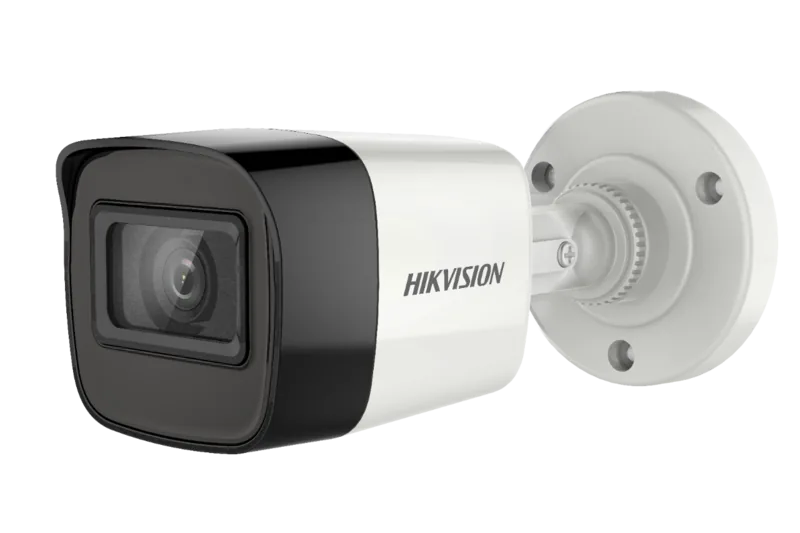
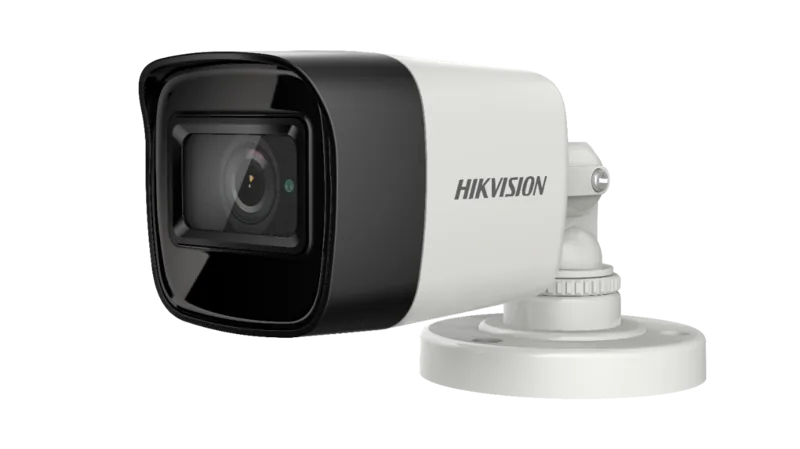
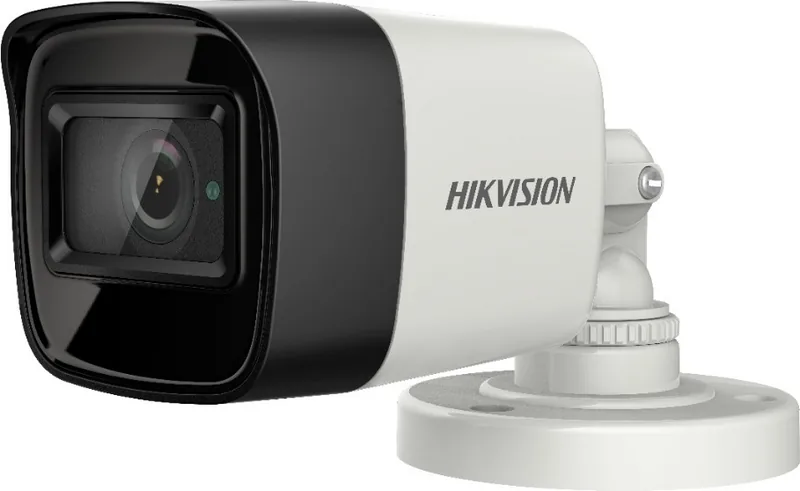
Hikvision DS-2CE16U1T-ITF Manual
PDF manual · 14 Pages
English



Quick check
Incorrect answer, please try again.
Chat with your Hikvision DS-2CE16U1T-ITF manual using AI
Get instant AI answers from your Hikvision DS-2CE16U1T-ITF manual
Ask anything about the Hikvision DS-2CE16U1T-ITF. Answers come from this manual, with the pages they are based on.
Ask a Question
Do you recommend DS-2CE16U1T-ITF?
Yes NoFrequently Asked Questions
The 2.8mm fixed lens offers a wide-angle view suited for covering entryways, parking lots, and general perimeter areas. It prioritizes scene coverage over long-range detail; subjects farther from the camera will appear smaller and less detailed than with telephoto or varifocal lenses.
Is this answer helpful?
Press and hold the camera’s switch button for about 5 seconds to cycle through available video outputs (TVI, AHD, CVI, CVBS). Use the OSD and your DVR’s settings afterward to select the appropriate resolution and frame rate supported by the chosen format.
Is this answer helpful?
The camera supports Color, B&W, and Auto day/night modes. IR light can be turned on or off, and SMART IR has adjustable levels (0–3) to reduce overexposure at close ranges. Auto mode also includes configurable day-to-night and night-to-day sensitivity thresholds.
Is this answer helpful?
Exposure modes include GLOBAL, BLC, and DWDR to manage brightness and backlighting. AGC (High/Medium/Low) increases sensitivity in low light but may amplify noise. DNR (Digital Noise Reduction) reduces motion noise and improves image clarity in low-light scenes.
Is this answer helpful?
Use the supplied drill template and appropriate fixings: expansion bolts for cement and self-tapping screws for wood. Ensure the mounting surface can support three times the camera and bracket weight. You can mount with or without a junction box and route cables through side or bottom openings as available.
Is this answer helpful?
The camera operates across a wide temperature range (–40°C to 60°C), but it should not be exposed to excessive dust, moisture, or strong electromagnetic radiation. For harsh outdoor environments, ensure proper housings or enclosures and follow manufacturer guidelines for ventilation and protection.
Is this answer helpful?
Yes. The OSD includes a Factory Default option to reset all settings. Use the PTZ control interface or call the preset that opens the menu, navigate to FACTORY DEFAULT, and confirm to restore original configuration.
Is this answer helpful?
Advantages and Disadvantages
Advantages

- Wide-angle 2.8mm lens ideal for entrance and perimeter coverage.
- Multiple video output formats (TVI, AHD, CVI, CVBS) for broad DVR compatibility.
- SMART IR and IR cut filter provide clear day/night imaging.
- DWDR and BLC exposure modes improve image detail in high-contrast scenes.
- 3-axis adjustment and simple mounting options make installation flexible.
Disadvantages

- AGC can amplify noise in low-light conditions at higher settings.
- Fixed 2.8mm lens limits long-distance detail compared with varifocal lenses.
- Not rated for extreme dusty or highly humid environments without protection.
- Switching video formats requires a physical button press on the camera.
- Class A device; potential interference issues in domestic residential setups.
Product Specification
Type
Bullet
Image Sensor
CMOS
Resolution
3840x2160 Pixels (12fps)
Lens
0.11 in
Light Sensitivity
0.01 Lux (Color), 0 Lux (IR)
Viewing Angle
102.2° (horizontal)
Pan
0° to 360° (manual)
Tilt
0° to 180° (manual)
Connectors
1x BNC
Illumination
IR Illumination (98.43 ft)
Protection Class
IP67
Housing
suitable for outdoor use
Zone & Analysis Functions
Privacy Zones, IR Filter
Special Features
Video Switch Button
Manufacturer Warranty
3 Years
Product Description
Hikvision DS-2CE16U1T-ITF 2.8mm Manual
The Hikvision DS-2CE16U1T-ITF 2.8mm is a compact, high-performance Turbo HD bullet camera designed for versatile surveillance use. Equipped with a high-quality CMOS sensor and a fixed 2.8mm lens, this model delivers wide-angle coverage ideal for monitoring entrances, parking areas, and medium-range outdoor scenes. Its IR cut filter with auto-switch and SMART IR ensure clear day/night imaging, while internal synchronization and 3-axis adjustment simplify installation and alignment.
The camera supports multiple analog video outputs (TVI, AHD, CVI, CVBS) selectable via an on-device switch, making it compatible with a variety of DVRs and legacy systems. Video resolution options include ranges up to 8MP with selectable frame rates depending on the chosen format, and PAL/NTSC support when using CVBS. The on-screen OSD menu (accessed through PTZ interface or preset) allows configuration of exposure, white balance (auto/manual with R/Gain and B/Gain), image mode, DNR, brightness, contrast, sharpness, saturation, and mirror settings.
Exposure controls include GLOBAL, BLC (Backlight Compensation), and DWDR (Digital Wide Dynamic Range) to handle challenging lighting conditions. AGC settings (High/Medium/Low) help optimize sensitivity in low light at the cost of potential noise amplification. Day/night behavior is configurable to Color, B&W, or Auto, and SMART IR levels (0–3) let you tune IR intensity to prevent overexposure at close range. Day-to-night and night-to-day thresholds are adjustable for precise ambient transition control.
Installation is straightforward with supplied templates and mounting hardware; expansion bolts are recommended for masonry surfaces while self-tapping screws suit wood. The camera supports ceiling or wall mounting with or without a junction box. Cable routing options include side openings or bottom cable holes on junction boxes. The housing tolerates a wide operating temperature range (–40°C to 60°C) but should be installed away from extreme humidity, dust, or strong electromagnetic interference. Safety cautions emphasize correct power supply (12 VDC SELV/limited power source), secure mounting, and avoiding exposure to lasers or direct sunlight.
Built-in firmware options include factory reset, save & exit, and menu navigation using PTZ controls or a preset recall. The camera’s regulatory compliance covers FCC Class A, CE directives, and Industry Canada ICES standards. Proper disposal and recycling guidance for electronic equipment and batteries are noted for EU users.
Notes:
- The 2.8mm lens provides a wide field of view, suitable for broad scene coverage but less detail at long distances.
- Use SMART IR and AGC carefully to balance night visibility and noise.
- Ensure mounting surfaces support three times the camera weight for safe installation.
Search for 67,706 Manuals online


Type-in Brand or Model