
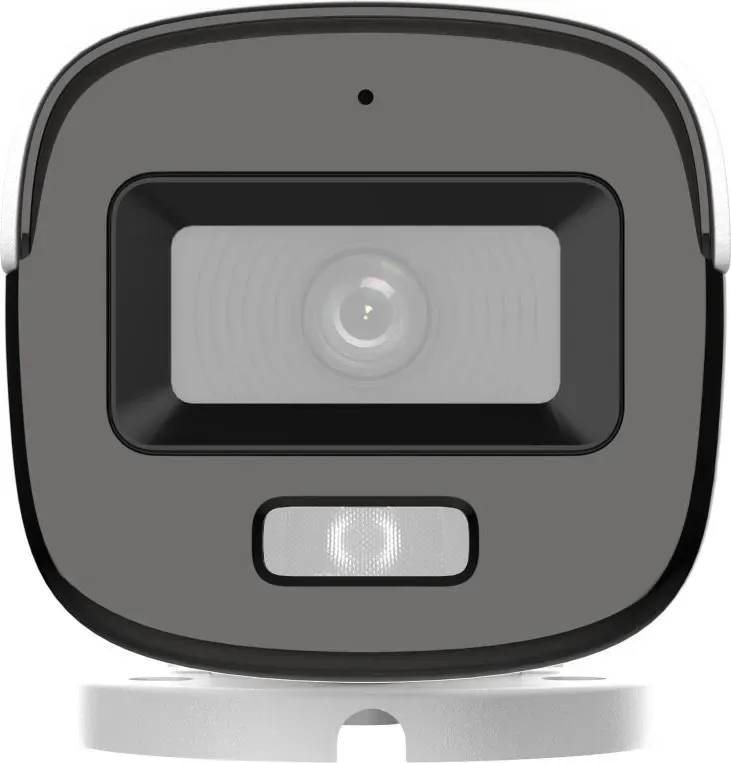
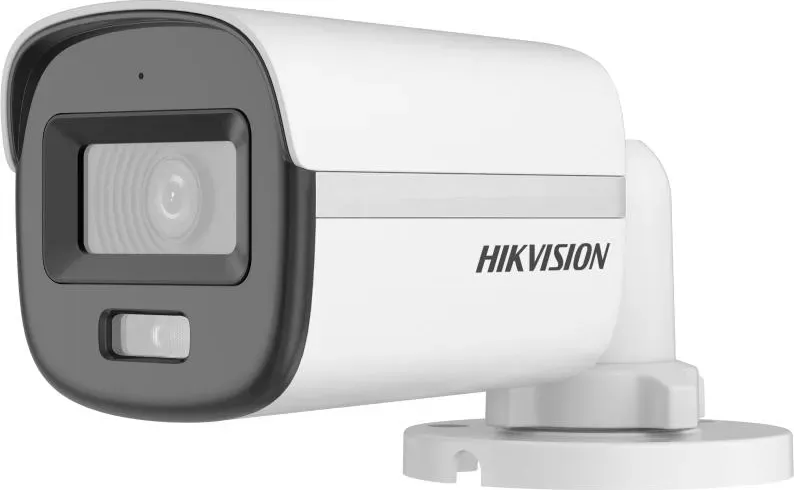
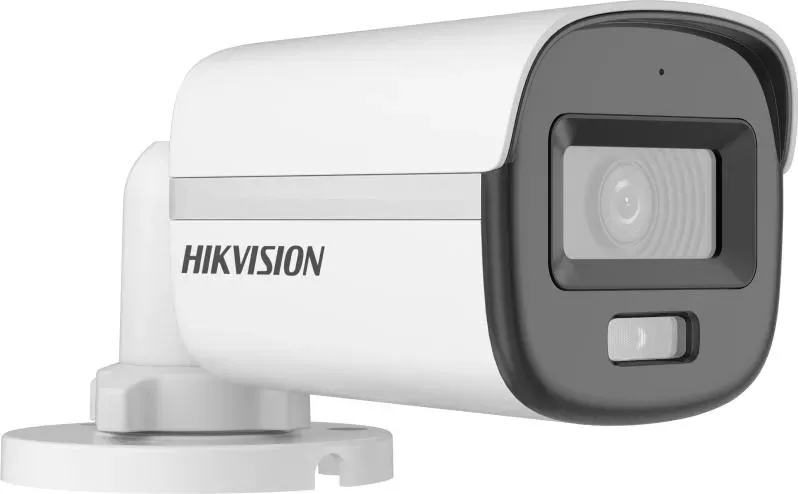
Hikvision DS-2CE10DF0T-LFS Manual
PDF manual · 29 Pages
English



Quick check
Incorrect answer, please try again.
Chat with your Hikvision DS-2CE10DF0T-LFS manual using AI
Get instant AI answers from your Hikvision DS-2CE10DF0T-LFS manual
Ask anything about the Hikvision DS-2CE10DF0T-LFS. Answers come from this manual, with the pages they are based on.
Ask a Question
Do you recommend DS-2CE10DF0T-LFS?
Yes NoFrequently Asked Questions
The camera supports multiple analog formats—TVI, AHD, CVI, and CVBS. You can switch formats by pressing and holding the onboard switch button for about 5 seconds to cycle through outputs.
Is this answer helpful?
ColorVu technology plus white supplemental lighting enables 24-hour color imaging. Set the white light mode to AUTO and adjust threshold/level for desired sensitivity and brightness; enable Smart IR to balance IR exposure where needed.
Is this answer helpful?
Connect the camera to a compatible TVI DVR and monitor. Enter PTZ Control and call the camera menu (or preset No.95). Use the OSD to configure exposure, video format, white balance, image mode, DNR, audio, and factory reset.
Is this answer helpful?
Power off related equipment before installation, ensure mounting surfaces support three times the camera weight, use supplied screws and wall plugs as recommended, avoid extreme temperatures or high electromagnetic environments, and do not disassemble the camera yourself.
Is this answer helpful?
Available modes: GLOBAL (standard), BLC (backlight compensation for bright backlit scenes), HLC (reduces strong highlights), and DWDR (digital wide dynamic range for high-contrast scenes). Choose based on scene lighting to improve subject visibility.
Is this answer helpful?
Yes—this model supports audio input via an onboard microphone. Audio can be toggled on/off in the OSD and volume adjusted. Ensure your recording setup supports audio capture and local regulations allow audio recording.
Is this answer helpful?
Use the camera OSD menu: navigate to FACTORY DEFAULT, then select CONFIRM to restore all settings to factory defaults. This is useful if configuration changes cause unexpected behavior.
Is this answer helpful?
Advantages and Disadvantages
Advantages

- 24-hour ColorVu full-color imaging for vivid low-light surveillance.
- Hybrid multi-format output (TVI/AHD/CVI/CVBS) for broad DVR compatibility.
- Flexible 3-axis adjustment and multiple mounting options simplify installation.
- Comprehensive OSD controls: exposure, white balance, image mode, and DNR.
- Smart IR and adjustable white light for balanced night-time exposure.
Disadvantages

- Requires correct power (12 VDC) and careful electrical compliance during installation.
- Not all variants may be weatherproof—check model-specific ratings for outdoor use.
- Analog output limits integration with IP-native NVR systems without encoders.
- Some settings (AGC, high gain) can increase image noise in low light.
- Physical installation may need additional junction boxes or mounts (sold separately).
Product Specification
Type
Bullet
Image Sensor
CMOS 2.0 MP
Resolution
1920x1080 Pixels (30fps)
Light Sensitivity
0.001 Lux (Color), 0 Lux (IR)
Pan
360° (manual)
Tilt
0° to 90° (manual)
Connectors
1x BNC
Microphone
integrated
Illumination
IR Illumination (65.62ft), Spotlight
Power Supply
Mains Operation (12V, 2.9W), PoE (Type 1) (15W)
Operating Temperature
-40°F to 140°F
Protection Class
IP67
Housing
Plastic, Metal, White, Suitable for Outdoor Use
Mounting
Wall Mount
Dimensions
2.69x2.57x6.34in
Weight
0.87lb
Special Features
Video Switch Button
Manufacturer's Warranty
3 Years
Product Description
Hikvision DS-2CE10DF0T-LFS — Powerful 2MP ColorVu Hybrid Camera
The Hikvision DS-2CE10DF0T-LFS is a 2MP ColorVu smart hybrid camera designed for reliable 24-hour surveillance with vibrant color imaging in low-light conditions. Built around a high-performance CMOS sensor and Hikvision’s ColorVu technology, this fixed bullet/turret model delivers detailed, full-color video around the clock. It supports multiple analog video formats (TVI, AHD, CVI, CVBS) selectable via an onboard switch, making it compatible with a variety of DVR systems and easy to integrate into existing installations.
Compact but robust, the camera offers a flexible 3-axis adjustment for precise pan, tilt, and rotation during installation. Multiple housing types and mounting options—including ceiling, wall, junction box, gang box, and specialized mounts—are supported across similar model variants, ensuring the DS-2CE10DF0T-LFS can be installed in diverse environments. It accepts 12 VDC power and requires careful adherence to electrical safety standards during setup.
Image controls and scene optimization are handled via an on-screen OSD menu accessed through a connected DVR. Key configuration options include video format (PAL/NTSC and frame-rate choices), exposure modes (GLOBAL, BLC, HLC, DWDR), AGC levels, anti-banding, and white balance (auto or manual R/Gain and B/Gain adjustments). Lighting control integrates both IR and white supplemental lighting modes, with smart IR to prevent overexposure and threshold/level settings for white light to tune sensitivity and brightness.
Video settings let users tune image mode (standard, high-saturation, highlight), brightness, contrast, sharpness, saturation, and 3D digital noise reduction (DNR). The camera also supports onboard audio with adjustable volume and an on/off toggle. For maintenance and troubleshooting, factory default reset is available through the menu.
Hikvision emphasizes responsible use of video products: respect for privacy expectations, legal compliance, and data security are encouraged. The camera complies with relevant regulatory standards (CE, RoHS, WEEE, battery and ICES requirements) and comes with safety warnings and installation best practices, such as securing mounts, avoiding extreme environments, and following proper wiring and grounding.
Notes:
- Select the correct video output (press and hold the switch button for 5 seconds to cycle TVI/AHD/CVI/CVBS).
- Observe operating temperature range (-40°C to 60°C) and avoid high electromagnetic or wet environments unless the chosen model is rated accordingly.
- Use recommended wall plugs, screws, and junction boxes for secure mounting and cable routing.
Search for 67,706 Manuals online


Type-in Brand or Model