
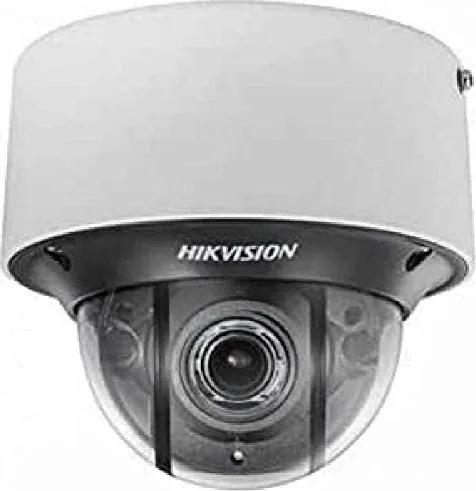
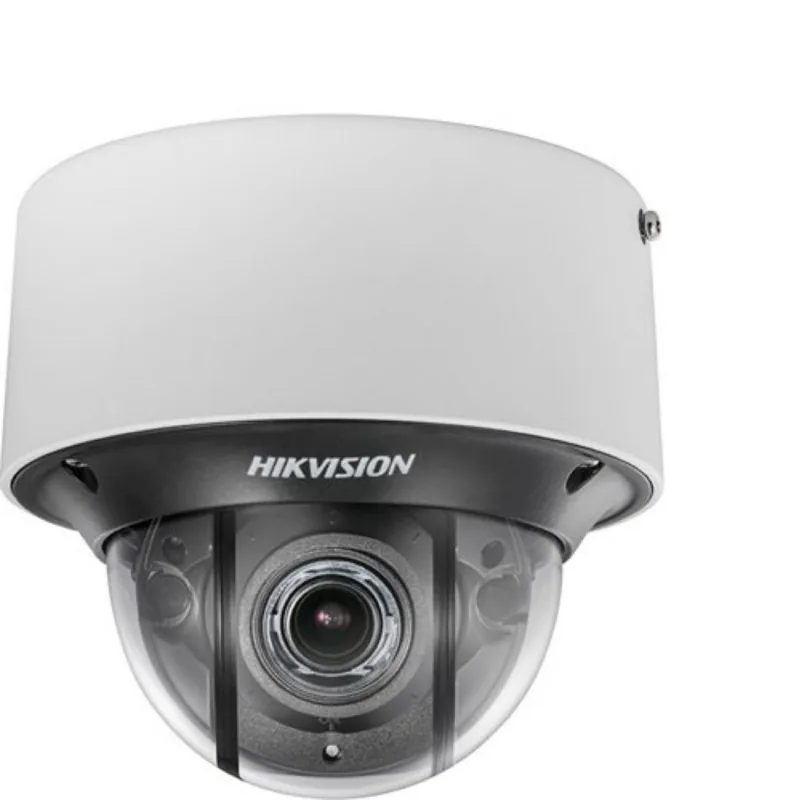
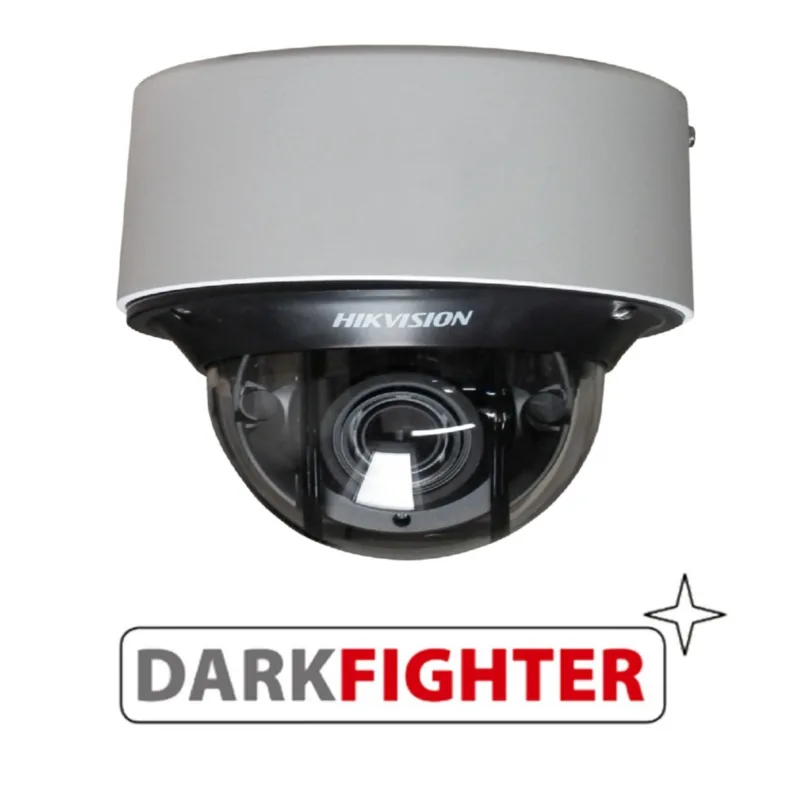
Hikvision DS-2CD4D26FWD-IZS Manual
PDF manual · 172 Pages
English



Quick check
Incorrect answer, please try again.
Chat with your Hikvision DS-2CD4D26FWD-IZS manual using AI
Get instant AI answers from your Hikvision DS-2CD4D26FWD-IZS manual
Ask anything about the Hikvision DS-2CD4D26FWD-IZS. Answers come from this manual, with the pages they are based on.
Ask a Question
Do you recommend DS-2CD4D26FWD-IZS?
Yes NoFrequently Asked Questions
It is suited for professional surveillance where reliable remote monitoring, flexible network setup, and detailed image control are important. It works well for offices, entrances, retail areas, and general security deployments.
Is this answer helpful?
Yes. The camera must be activated first by creating a strong password. Activation can be done through a web browser, SADP software, or client software depending on the setup method.
Is this answer helpful?
Yes. Remote access is supported through proper network setup. You can use static IP, dynamic IP with DDNS, port mapping, or platform access depending on your network environment.
Is this answer helpful?
The camera supports password protection, RTSP authentication, IP address filtering, HTTPS, SSH, and illegal login lockout. These features help protect video access and device management.
Is this answer helpful?
Yes. The camera allows stream selection, bitrate control, frame rate adjustment, encoding options, and ROI settings. This helps balance image quality with available network capacity.
Is this answer helpful?
Yes. You can check for upgrades, import or export configuration files, view logs, and perform reboot or reset actions from the maintenance menu. This simplifies long-term device management.
Is this answer helpful?
Advantages and Disadvantages
Advantages

- Supports flexible network setup, including LAN, WAN, DDNS, PPPoE, and port mapping.
- Offers strong security tools such as HTTPS, IP filtering, authentication, and login lockout.
- Provides detailed video tuning with multiple streams, bitrate control, and ROI options.
- Includes useful maintenance features like logs, firmware upgrades, and configuration export/import.
- Designed for structured user management and event-based monitoring workflows.
Disadvantages

- Setup can feel technical for users who are unfamiliar with IP cameras and network settings.
- Several features require careful configuration and may need a reboot to take effect.
- Some options depend on the exact camera model, so not every menu item may be available.
- Web access may require plug-ins or software installation in some environments.
Product Specification
Type
Dome
Image Sensor
1/1.8" CMOS
Resolution
1920x1080 Pixels (30fps)
Lens
0.11-0.47 in (F1.4)
Light Sensitivity
0.002 Lux (Color), 0 Lux (IR)
Viewing Angle
31-90.1 degrees (horizontal)
Pan
0 degrees to 355 degrees (manual)
Tilt
0 degrees to 70 degrees (manual)
Compression/Codecs
MJPEG, H.264, H.265
Multistreaming
supported
Alarm
2x Alarm input, 2x Alarm output
Connections
1x Audio input, 1x Audio output, 1x BNC, 1x RJ-45 100Mb LAN, 1x serial (RS-485)
Data Storage
1x microSD slot (max. 128GB)
Illumination
IR illumination (98.43 ft)
Protection Class
IP66
Housing
suitable for outdoor use
System Compatibility
ONVIF (Profile G, S), IPv6
Zone & Analysis Functions
Motion detection, Face detection, Luggage detection, Zone monitoring (Line crossing, Zone entry, Zone exit), Privacy zones, IR filter
Manufacturer's Warranty
3 Years
Product Description
Hikvision DS-2CD4D26FWD-IZS: Practical Security with a Focus on Control
The Hikvision DS-2CD4D26FWD-IZS is built for users who want dependable video surveillance with room to fine-tune every detail. It stands out as a network camera designed for flexible deployment, clear imaging, and structured configuration. The Hikvision DS-2CD4D26FWD-IZS Manual is especially useful for anyone who wants to go beyond basic installation and unlock the camera’s broader set of network, image, and security options.
What makes this model appealing is the balance between everyday usability and advanced controls. From web browser access to client software management, the camera supports multiple ways to get online, activate the device, and monitor live video. It also includes a wide range of settings for IP configuration, DDNS, port mapping, storage, alarms, and user permissions, which makes it a strong fit for both small and larger surveillance setups.
Image and video optimization are also central to the experience. The camera family supports different stream types, flexible bitrate control, ROI encoding, and target cropping, helping users prioritize detail where it matters most. On the security side, the platform emphasizes password protection, IP filtering, authentication, HTTPS, and login lockouts, which are important when a camera is connected to the internet.
For operators who need more than passive recording, the system offers event-driven tools such as motion detection, tampering alerts, intrusion-related triggers, and other smart functions depending on the model configuration. That makes it suitable for entrances, corridors, retail spaces, and commercial areas where fast reaction is important.
The broader manual also shows that Hikvision designed this line with maintainability in mind. Firmware upgrades, log export, user management, and local storage controls are all available from the same interface, reducing the need for separate tools. In short, this camera is not just about capturing video; it is about building a manageable surveillance workflow around it.
Why It Stands Out
- Flexible network setup for LAN, WAN, static IP, dynamic IP, and DDNS use.
- Strong emphasis on access control, secure login, and encrypted communication.
- Detailed image and stream tuning for better clarity and bandwidth use.
- Useful event and alarm options for proactive monitoring.
- Multiple management tools for maintenance, users, and storage.
Notes
- Initial activation requires a strong password.
- Some functions may vary by model and firmware version.
- Reboot may be needed after certain network or system changes.
Search for 67,706 Manuals online


Type-in Brand or Model