
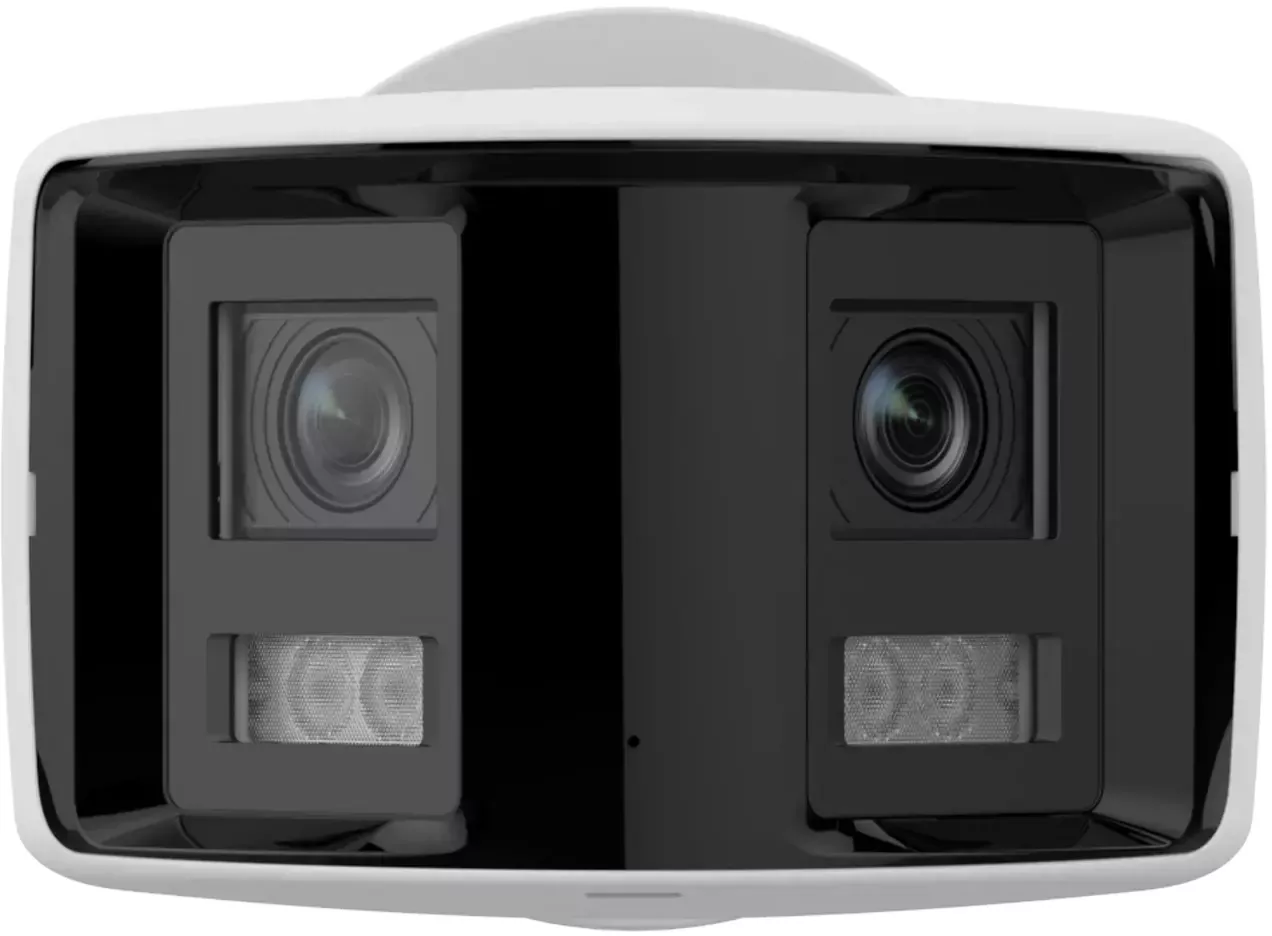
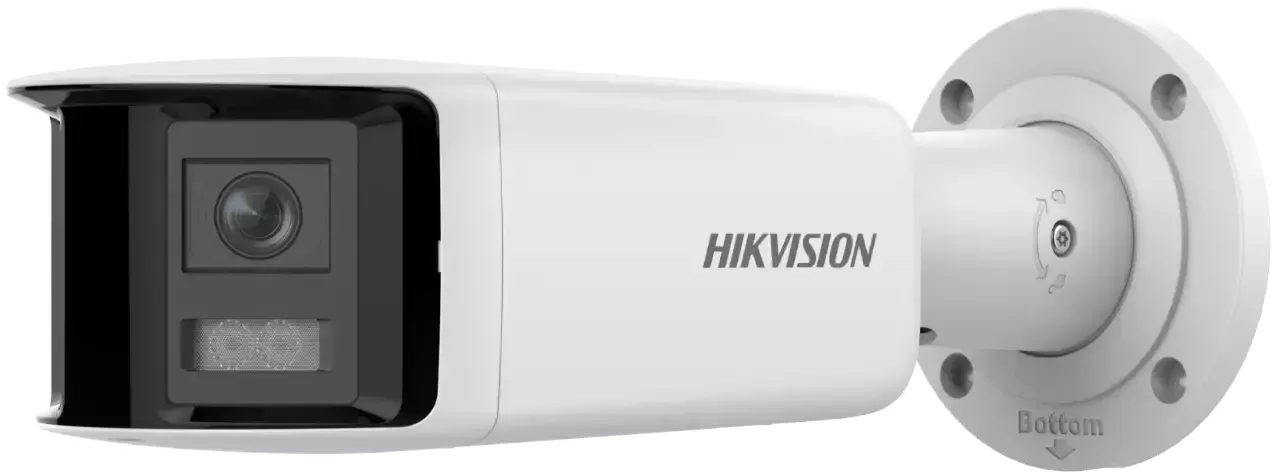
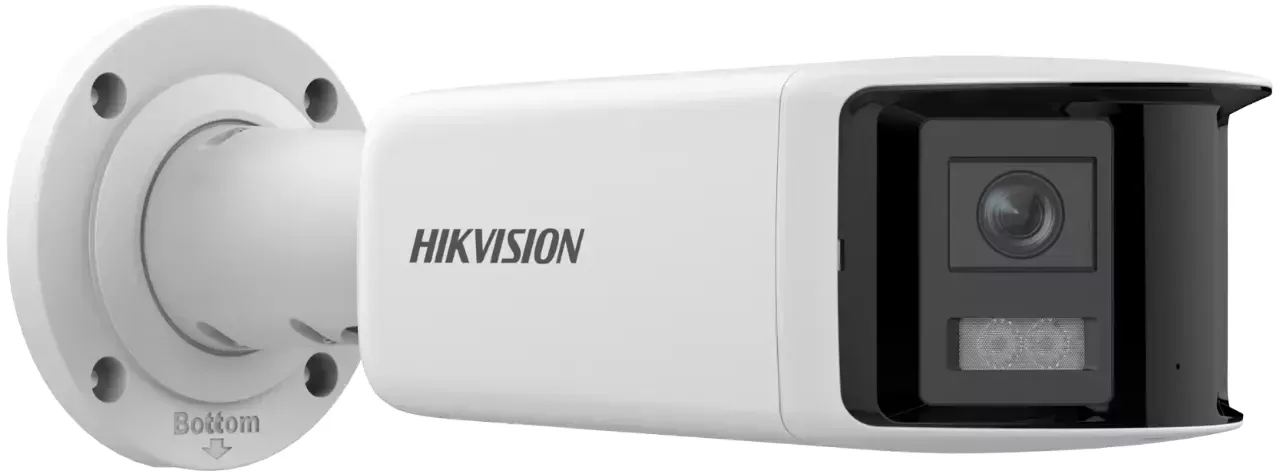
Hikvision DS-2CD2T46G2P-ISU/SL Manual
PDF manual · 110 Pages
English



Quick check
Incorrect answer, please try again.
Chat with your Hikvision DS-2CD2T46G2P-ISU/SL manual using AI
Get instant AI answers from your Hikvision DS-2CD2T46G2P-ISU/SL manual
Ask anything about the Hikvision DS-2CD2T46G2P-ISU/SL. Answers come from this manual, with the pages they are based on.
DS-2CD2T46G2P-ISU/SL Maintenance Schedule
Periodically check device components like electrolytic capacitors as their lifespan varies and they require regular replacement.
Use a soft and dry cloth to clean inside and outside surfaces of the product cover. Do not use alkaline detergents.
Free maintenance reminders
Timed to your purchase date. Always free, unsubscribe anytime.
Ask a Question
Do you recommend DS-2CD2T46G2P-ISU/SL?
Yes NoFrequently Asked Questions
Activate the camera using SADP, iVMS-4200 or a web browser by setting a strong admin password. Ensure the camera and PC are on the same subnet, then follow activation prompts and update the device IP to your network.
Is this answer helpful?
It supports H.265, H.265+, H.264, H.264+ and MJPEG. H.265/H.265+ provide better compression and reduced storage for equivalent quality. H.264+ and H.265+ add scene-optimized savings; choose based on compatibility and desired storage/bandwidth trade-offs.
Is this answer helpful?
Yes. The camera supports local microSD (with formatting and health checks), NAS, FTP and cloud storage. Configure storage paths and enable cloud or network storage alongside local recording for redundancy.
Is this answer helpful?
Smart events let you define virtual regions or lines and set target size, sensitivity and validity. When configured conditions are met, the camera triggers linkage actions such as recording, snapshot, upload or alarm output—reducing manual monitoring needs.
Is this answer helpful?
Install the recommended plugin for your OS/browser or enable WebSocket/WebSocket Secure on the camera. Use supported browsers and follow plugin prompts; for Mac, some features are limited and require specific settings.
Is this answer helpful?
Use ROI to prioritize regions of interest, enable target cropping for separate streams, adjust bitrate type (variable/constant), enable lite storage, and use efficient codecs (H.265+). These lower bandwidth while preserving critical image areas.
Is this answer helpful?
Set a strong admin password, enable illegal login lock, configure account security (email/secret questions), update firmware regularly, and follow network best practices (secure ports, certificates and user roles) to minimize risk.
Is this answer helpful?
Advantages and Disadvantages
Advantages

- High-quality imaging with H.265/H.264 support and ROI to prioritize critical areas.
- Comprehensive smart events (intrusion, line crossing, face detect) for intelligent alarm handling.
- Flexible storage: local microSD (with health monitoring), NAS, FTP and cloud options.
- Smooth streaming, error correction and multi-protocol support for unstable networks.
- Mobile access via Hik-Connect and multiple activation/access methods (SADP, iVMS, web).
Disadvantages

- Advanced features and tuning require technical setup and familiarity with Hikvision tools.
- Some functions (PIR, eMMC protection, white light) vary by model and may not be present.
- Certain browsers need plug-ins or settings to access full live view functionality.
- Smart event accuracy needs careful sensitivity/size filter tuning to avoid false alarms.
- Some compression modes (H.264+/H.265+) limit configurable parameters like SVC or ROI.
Product Specification
Type
Bullet, Dual Camera
Image Sensor
2x 1/2.5" CMOS 4.0 MP
Resolution
3040x1368 Pixels (30fps)
Lens
0.11 in (F1.6)
Light Sensitivity
0.003 Lux (Color), 0 Lux (IR)
Viewing Angle
180 degrees (horizontal), 81 degrees (vertical)
Pan
355 degrees (manual)
Tilt
90 degrees (manual)
Zoom Function
N/A
Compression/Codecs
MJPEG, H.264, H.264+, H.265, H.265+, G.711, G.722, G.726, MP2L2, PCM, MP3, AAC-LC
Multistreaming
supported
Alarm
1x Alarm Input, 1x Alarm Output
Connections
1x Audio Input, 1x Audio Output, 1x RJ-45 100Mb LAN
Data Storage
1x microSD-Slot (max. 512GB)
Microphone
integrated
Speaker
integrated
Illumination
IR Illumination (131.23 ft)
Power Supply
PoE (Type 1)
Protection Class
IP67
Housing
suitable for outdoor use
System Compatibility
ONVIF (Profile G, S, T), IPv6
Zone & Analysis Functions
Motion Detection, Tampering Detection, Person Detection, Vehicle Detection, Zone Monitoring (Line Crossing, Zone Entrance, Zone Exit), Privacy Zones, IR Filter
Special Features
integrated siren, strobe light
Manufacturer's Warranty
3 Years
Product Description
Hikvision DS-2CD2T46G2P-ISU/SL, 2.8mm Manual
The Hikvision DS-2CD2T46G2P-ISU/SL with a 2.8mm lens is a versatile network dome camera designed for professional surveillance installations. It balances high-resolution imaging, advanced video compression and robust event handling to deliver reliable monitoring for both indoor and outdoor scenarios. With progressive features like H.265/H.264/H.264+ support, multi-streaming, and Smart Event capabilities, this model targets users who need clear video, efficient storage use, and intelligent alarm responses.
This camera supports multiple activation and access options (SADP, iVMS-4200, and web browser) along with secure account and password recovery workflows. Hik-Connect integration enables convenient mobile management, live view, and cloud linkage. For storage, it accepts local memory cards (with health monitoring and optional R/W lock), NAS or FTP uploads, and cloud storage, plus features to optimize recording such as lite storage and target cropping to save bandwidth and space.
Image quality controls include adjustable resolution, frame rate, bitrate modes (constant/variable), ROI (region of interest), wide dynamic range (WDR), digital noise reduction (DNR), defog, white balance, exposure and scene modes. The 2.8mm lens provides a wide field of view suitable for broad coverage while lens initialization, auxiliary focus and distortion correction help maintain sharp images. The camera also supports day/night switching and white‑light illuminator management where available.
Network and streaming settings let integrators choose TCP/UDP/HTTP/multicast, enable smooth streaming to handle unstable networks, and configure error correction and smoothing strategies. Local live view offers digital zoom, 3D positioning, aspect ratio and window division adjustments. Audio I/O supports two-way audio on compatible models.
Smart features include motion detection, tamper and video loss detection, PIR support on compatible models, and a suite of VCA (Video Content Analysis) smart events: intrusion, line crossing, region entrance/exit, unattended baggage, object removal, face detection, defocus and audio exception detection. Each event supports arming schedules and flexible linkage actions (record, snapshot, upload, alarm output), with options for sensitivity, size filtering, and validity to reduce false alarms.
System maintenance covers firmware upgrades, device diagnostics, log management, certificate and user account controls, and eMMC protection on applicable units. Security best practices are emphasized: strong passwords, illegal login locks, and compliance with local laws. Power and installation guidance addresses surge protection, grounding, thermal ranges and safe battery handling.
Notes:
- Ensure the latest firmware from Hikvision is applied to access new features and security fixes.
- Use strong passwords and enable illegal login lock to prevent unauthorized access.
- Format and monitor memory card health regularly; enable cloud or NAS backups for redundancy.
- Configure ROI, target cropping and lite storage to optimize bandwidth and storage usage without sacrificing critical areas of interest.
Search for 67,706 Manuals online


Type-in Brand or Model