
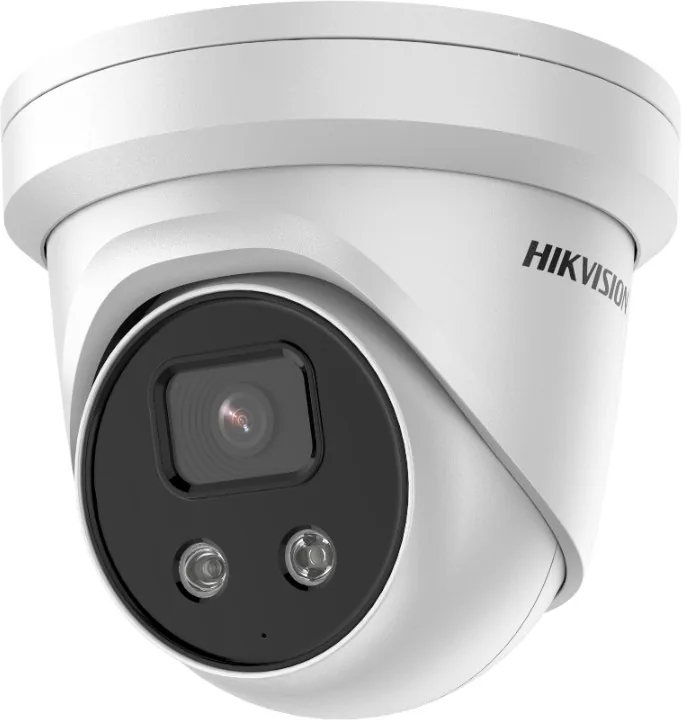
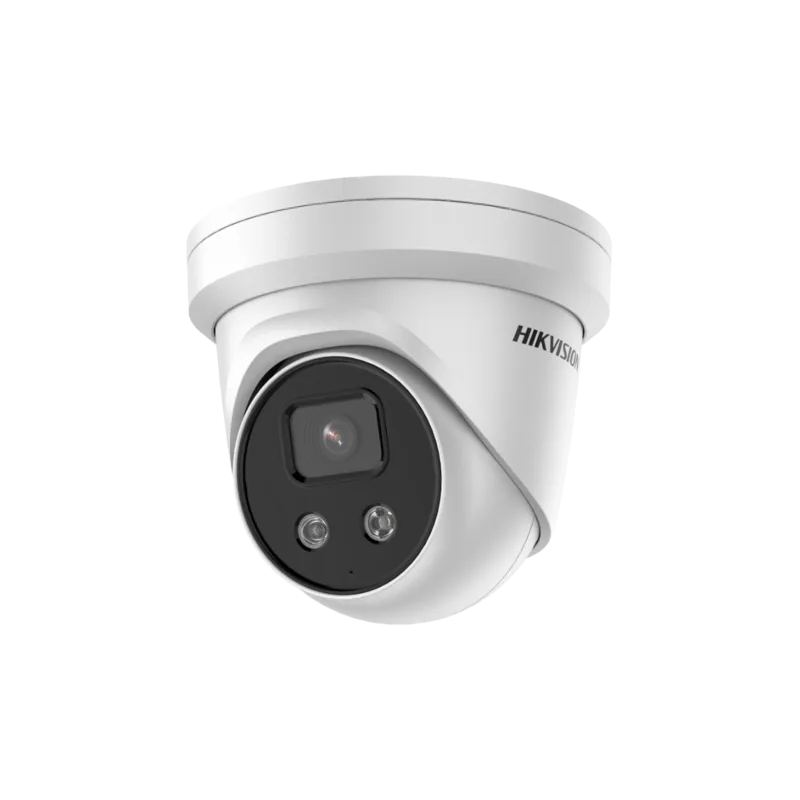
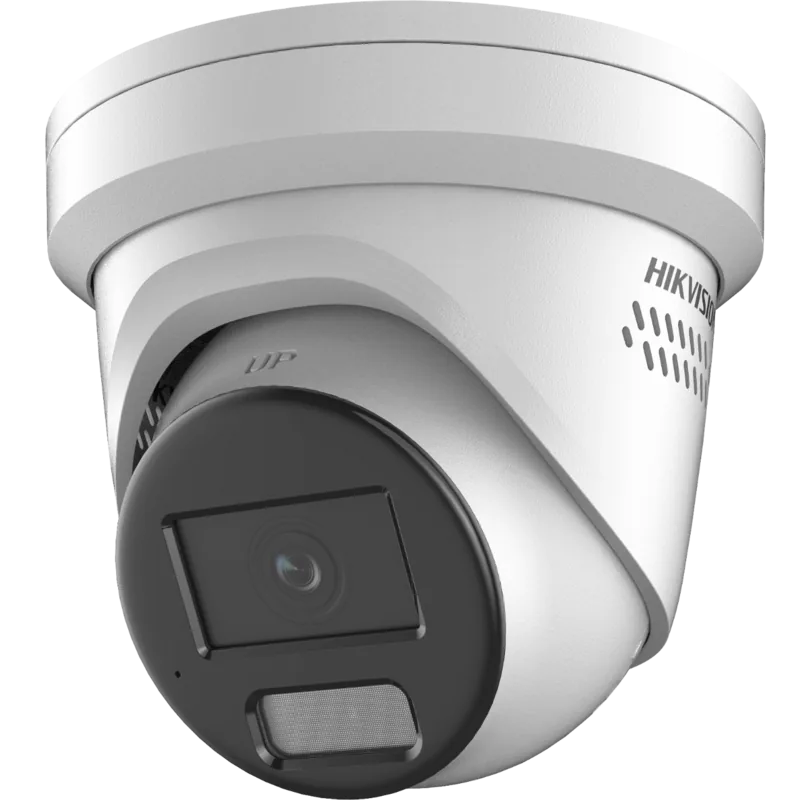
Hikvision DS-2CD2326G2-I Manual
PDF manual · 135 Pages
English



Quick check
Incorrect answer, please try again.
Chat with your Hikvision DS-2CD2326G2-I manual using AI
Get instant AI answers from your Hikvision DS-2CD2326G2-I manual
Ask anything about the Hikvision DS-2CD2326G2-I. Answers come from this manual, with the pages they are based on.
Ask a Question
Do you recommend DS-2CD2326G2-I?
Yes NoFrequently Asked Questions
You can activate the camera via a web browser (default IP 192.168.1.64), SADP utility, or Hikvision client software. During activation you must create a strong admin password and optionally enable Hik-Connect. Follow prompts to set network parameters and confirm activation.
Is this answer helpful?
The camera supports local SD card recording (if available), network-attached storage via NFS or SMB/CIFS, FTP uploads, and selective cloud storage (model-dependent). You can define quotas, set overwrite behavior, and schedule recording or snapshot tasks to the chosen storage.
Is this answer helpful?
Supported smart events include motion detection, video tampering, audio exceptions, intrusion, line crossing, region entrance/exit, unattended baggage and object removal. Each event can trigger actions like recording, email/FTP upload, alarm outputs, white-light flashing or audible warnings where supported.
Is this answer helpful?
Some operating system and browser combinations require a plug-in to access full functionality. Internet Explorer (older versions), certain Chrome/Firefox builds and Edge may need specific plugins or Web Components. Hikvision client software is an alternative for plugin-free access.
Is this answer helpful?
Use strong, unique passwords, enable firmware updates, configure secure network settings (change default ports if needed), employ DDNS/Hik-Connect for remote access, and restrict user accounts with proper permissions. Regular maintenance and network hardening reduce security risks.
Is this answer helpful?
The camera includes day/night auto-switch, slow shutter mode, backlight compensation (BLC), wide dynamic range (WDR) and 3D digital noise reduction to improve image clarity under low-light and high-contrast scenarios.
Is this answer helpful?
A preset is a saved camera position; a patrol is a scheduled sequence of presets with configurable dwell time and speed; a pattern records and replays sequences of pan/tilt/zoom movements. The camera supports many presets, multiple patrols and patterns for automated coverage.
Is this answer helpful?
Advantages and Disadvantages
Advantages

- Wide field of view with 2.8mm lens ideal for broad area coverage and reduced camera count.
- Comprehensive smart events (motion, intrusion, line-crossing, object removal) with flexible alarm linkages.
- Robust network options: LAN/WAN activation, DDNS, PPPoE, NAS/SMB/CIFS, FTP and cloud storage support.
- Advanced imaging: WDR, BLC, 3D DNR, day/night auto-switch and auto-focus for clear footage in varied lighting.
- Flexible PTZ-like controls: presets, patrols, patterns, proportional pan/tilt and power-off memory for reliable tracking.
Disadvantages

- Some advanced functions (two-way audio, white-light flashing, cloud storage) are model- or firmware-dependent.
- Full feature set requires proper network configuration (port mapping, DDNS) which may be complex for novices.
- Certain browsers and OS combinations require plug-ins, limiting seamless web access on modern browsers.
- Security depends on end-user practices; weak passwords or infrequent maintenance increase cyber risks.
- High-quality streaming and error-correction modes may demand significant bandwidth and storage resources.
Product Specification
Type
Turret
Image Sensor
1/2.8" CMOS
Resolution
1920x1080 Pixels (25fps)
Lens
0.11 in (F1.4)
Light Sensitivity
0.002 Lux (Color), 0 Lux (IR)
Viewing Angle
107° (horizontal), 57° (vertical), 129° (diagonal)
Pan
0° to 360°
Tilt
0° to 75°
Compression/Codecs
MJPEG, H.264, H.264+, H.265, H.265+
Multistreaming
supported
Ports
1x RJ-45 100Mb LAN
Data Storage
1x microSD-Slot (max. 256GB)
Illumination
IR Illumination (98.43 ft)
Power Supply
PoE (Type 1)
Protection Class
IP67
Housing
suitable for outdoor use
System Compatibility
ONVIF (Profile G, S, T), IPv6
Zone & Analysis Functions
Tamper Detection, Zone Monitoring (Line Crossing, Zone Entry, Zone Exit), IR Filter
Manufacturer's Warranty
3 Years
Product Description
Hikvision DS-2CD2326G2-I 2.8mm Manual Overview
The Hikvision DS-2CD2326G2-I 2.8mm is a versatile network speed dome camera engineered for reliable surveillance in commercial and industrial environments. Equipped with a fixed 2.8mm lens, this model offers a wide field of view suitable for monitoring broad areas such as parking lots, retail floors, and building perimeters. Key features include PTZ-like speed dome controls, advanced image processing (WDR, BLC, 3D DNR), day/night operation, and smart event detection to boost situational awareness.
Features and Capabilities
This camera supports a wide range of functions typically found in high-end speed domes: programmable presets, patrols and patterns; proportional pan/tilt to smooth movement during zoom; auto flip and 3D positioning for easier target centering and zooming; and power-off memory to resume prior positions after power loss. The camera delivers strong low-light performance with day/night auto-switch, slow shutter modes, and auto-focus. Network and storage flexibility include static or dynamic WAN access, NAS/SMB/CIFS support, FTP and cloud storage options, and local SD card recording.
Installation and Network Setup
The camera can be added and activated via web browser, SADP utility, or Hikvision client software. LAN setups support direct or switch/router connections, while WAN configurations allow static IP, DHCP, PPPoE, and DDNS for remote access. Port mapping (HTTP, RTSP, custom ports) and smooth streaming options help optimize live view performance across varied network conditions.
Intelligent Event and Alarm Handling
A rich set of event types is supported: motion detection, video tampering, audio exception, intrusion, line crossing, region-enter/exit, unattended baggage and object removal. Each event can trigger multiple linkages—recording, email notifications, FTP/NAS uploads, alarm outputs, white-light flashing, audible warnings, and smart tracking. Arming schedules and sensitivity thresholds permit fine-grained control to reduce false alarms.
Local and Remote Operation
Live view supports image capture, manual recording, digital zoom, regional exposure/focus, two-way audio (model-dependent), and PTZ control panels for pan/tilt/zoom actions. Playback and download features include timeline search, multi-stream playback, clipping and frame-by-frame review. Administrators can configure user accounts, permissions, and security settings to safeguard access.
Notes
- Strong passwords and periodic maintenance are recommended to reduce cybersecurity risks.
- Some features vary by firmware and model; verify availability for your specific unit.
- Follow local laws for surveillance and privacy compliance.
Search for 67,706 Manuals online


Type-in Brand or Model