
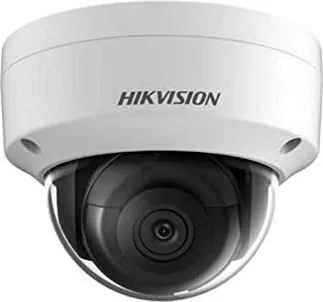
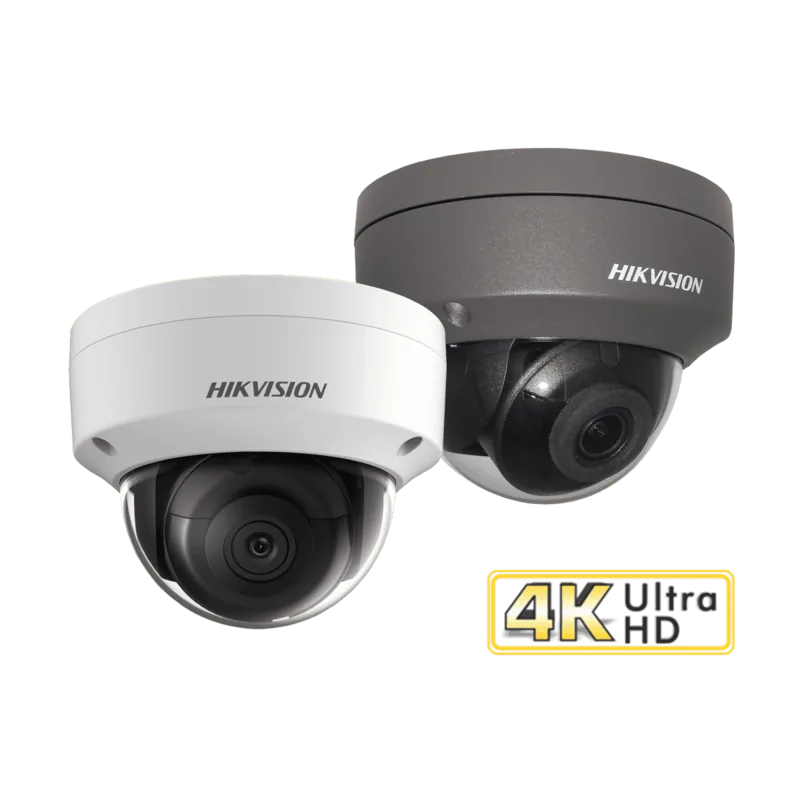
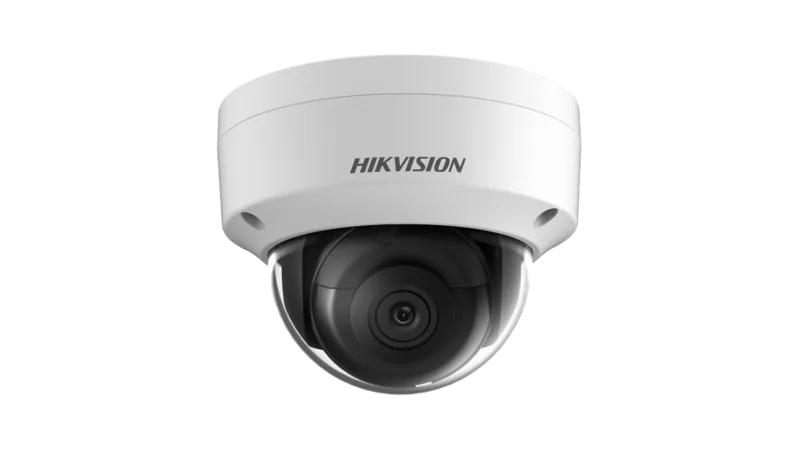
Hikvision DS-2CD2185FWD-IS Manual
PDF manual · 174 Pages
English



Quick check
Incorrect answer, please try again.
Chat with your Hikvision DS-2CD2185FWD-IS manual using AI
Get instant AI answers from your Hikvision DS-2CD2185FWD-IS manual
Ask anything about the Hikvision DS-2CD2185FWD-IS. Answers come from this manual, with the pages they are based on.
DS-2CD2185FWD-IS Maintenance Schedule
Reset the password monthly or weekly to better protect your product in high security systems.
Have the network camera assessed and maintained termly by contacting Hikvision for service.
Free maintenance reminders
Timed to your purchase date. Always free, unsubscribe anytime.
Ask a Question
Do you recommend DS-2CD2185FWD-IS?
Yes NoFrequently Asked Questions
It is a network camera designed for video surveillance, remote viewing, event detection, and flexible recording. The 2.8mm lens helps provide a wider field of view, which is useful for covering rooms, entrances, or general monitoring areas.
Is this answer helpful?
You must create an admin password during activation. This can be done through a web browser, SADP software, or client software. After activation, the camera can be assigned an IP address and added to your network.
Is this answer helpful?
Yes. The camera supports WAN access through static IP, dynamic IP, DDNS, PPPoE, port mapping, and platform access options. Remote viewing is also available through supported client software and browser login.
Is this answer helpful?
Wi-Fi is available on models with a built-in wireless module. If supported, you can configure wireless access in managed mode, ad-hoc mode, or use WPS for easier connection setup.
Is this answer helpful?
The camera supports different stream types such as main stream, sub-stream, and sometimes a third stream depending on the model. Video compression options commonly include H.264 and H.265, with bitrate and quality settings to match your network.
Is this answer helpful?
Use a strong password, enable HTTPS, set authentication carefully, turn on IP filtering if needed, and limit login attempts. It is also wise to keep firmware updated and manage user permissions tightly.
Is this answer helpful?
Advantages and Disadvantages
Advantages

- Wide network support: LAN, WAN, DDNS, PPPoE, Wi-Fi, and platform access are all covered.
- Strong security tools: activation passwords, HTTPS, IP filtering, security questions, and login lockout help protect the system.
- Flexible video control: stream selection, bitrate tuning, ROI, and H.264/H.265 support improve performance and storage use.
- Rich monitoring options: live view, snapshots, recording, motion detection, and smart events support active surveillance.
Disadvantages

- Initial setup can feel complex because many network and security settings must be configured correctly.
- Several functions require reboots, which can interrupt access during installation or changes.
- Some options depend on the exact model or firmware, so not every feature is available everywhere.
- Weak password handling or incorrect port settings can cause lockouts, access issues, or security risks.
Product Specification
Type
Dome
Image Sensor
1/2.5" CMOS
Resolution
3840x2160 Pixels (20fps)
Lens
0.11 in (F2.0)
Light Sensitivity
0.01 Lux (Color), 0 Lux (IR)
Viewing Angle
102° (horizontal)
Pan
355° (manual)
Tilt
75° (manual)
Compression/Codecs
MJPEG, H.264, H.265
Multistreaming
supported
Alarm
1x Alarm Input, 1x Alarm Output
Connections
1x Audio Input, 1x Audio Output, 1x RJ-45 100Mb LAN
Data Storage
1x microSD slot (max. 128GB)
Illumination
IR Illumination (98.43 ft)
Power Supply
PoE (Type 1)
Protection Class
IP67, IK10
Housing
suitable for outdoor use
System Compatibility
ONVIF (Profile G, S), IPv6
Zone & Analysis Functions
Motion Detection, IR Filter
Manufacturer's Warranty
3 Years
Product Description
Hikvision DS-2CD2185FWD-IS 2.8mm: A Practical Look at a Smart Network Camera
The Hikvision DS-2CD2185FWD-IS 2.8mm is built for users who want dependable video surveillance with flexible setup options and strong security controls. It is designed as a network camera that can be managed through a web browser or client software, making it suitable for both home and business monitoring. The 2.8mm lens is especially useful when a wider viewing angle is preferred, helping capture more of the scene with fewer blind spots.
One of the most useful parts of the Hikvision DS-2CD2185FWD-IS 2.8mm Manual is how much attention it gives to installation and access methods. The camera can be activated through a browser, SADP software, or client software, and it supports both LAN and WAN deployment. That means you can use it on a local network or expose it for remote viewing with the right network settings. The setup guidance also covers static IP, dynamic IP, PPPoE, DDNS, port mapping, and Hik-Connect platform access, giving users several paths to get online.
Beyond basic connection, the camera focuses on practical surveillance features. Live view tools make it easy to watch video in real time, capture snapshots, record manually, and use digital zoom. Depending on the system layout, users can also benefit from PTZ-related controls, presets, and patrol settings. On the video side, the device supports stream selection, bitrate tuning, and efficient compression options such as H.264 and H.265, which help balance image quality and bandwidth use.
The manual also highlights image and event configuration. Users can adjust day/night switching, exposure, privacy masking, and on-screen display options. For security alerts, motion detection, video tampering, alarm input/output, and smarter analytics like line crossing or intrusion detection are available on supported models. Storage options include recording schedules, capture schedules, memory card use, and network storage, making the camera suitable for continuous or event-based monitoring.
Notes
- Use a strong password during activation and regular account management.
- Check port settings, DNS, and time synchronization early in setup.
- Some features depend on the camera model, firmware, and installed accessories.
- For best results, review IR placement, reflective surfaces, and mounting conditions before final installation.
Search for 67,706 Manuals online


Type-in Brand or Model