
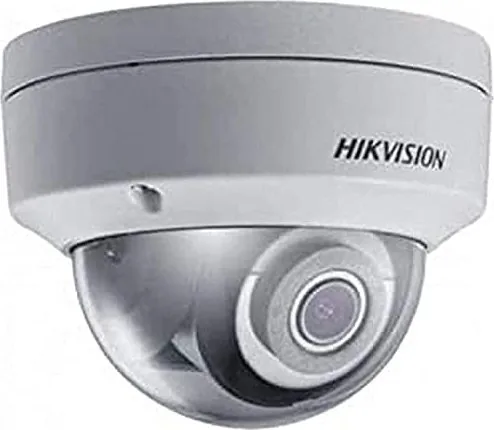
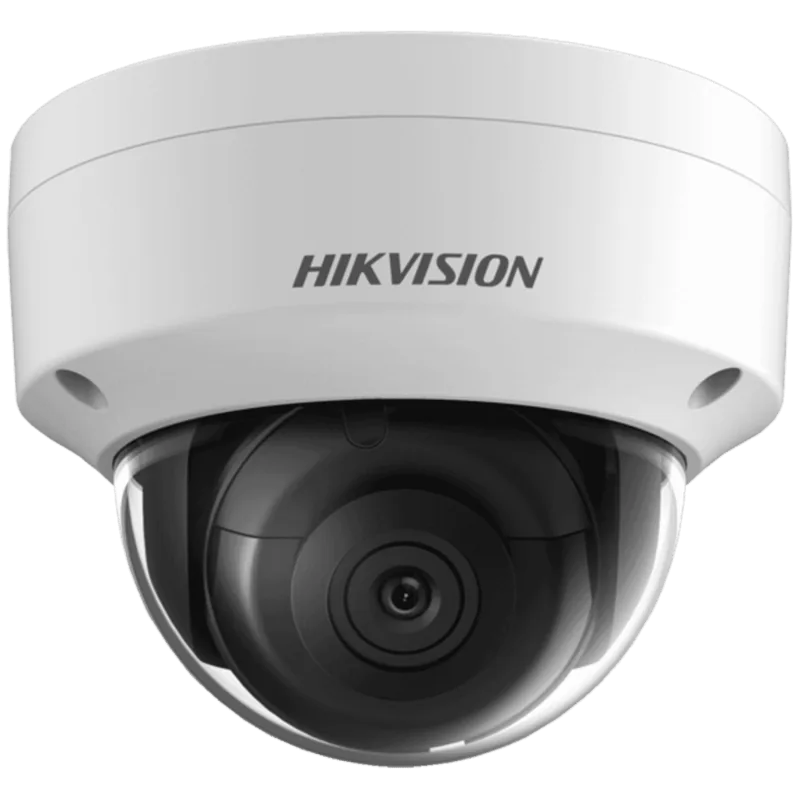
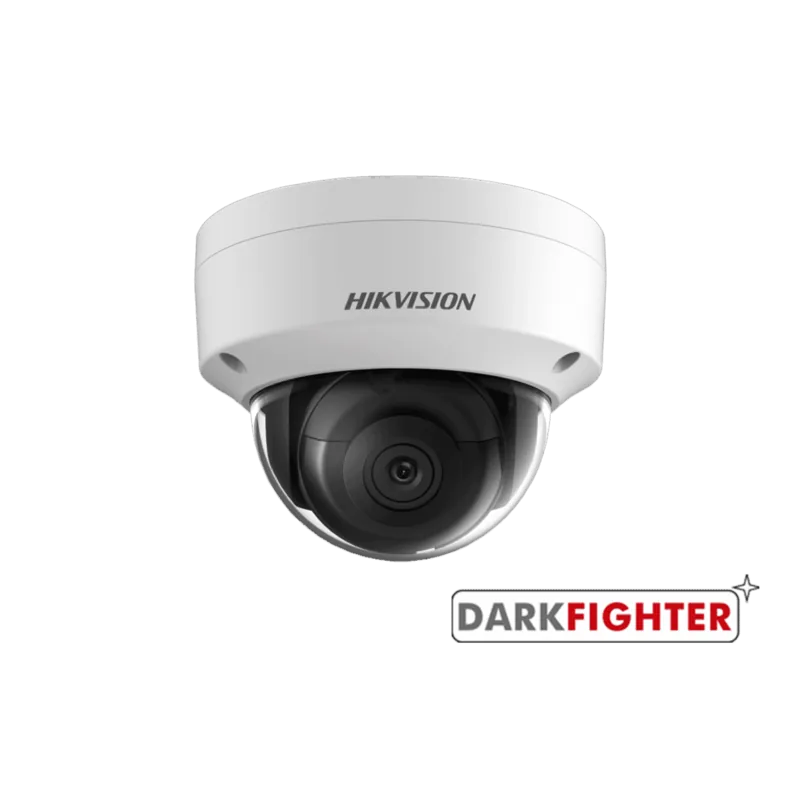
Hikvision DS-2CD2125FWD-I Manual
PDF manual · 175 Pages
English



Quick check
Incorrect answer, please try again.
Chat with your Hikvision DS-2CD2125FWD-I manual using AI
Get instant AI answers from your Hikvision DS-2CD2125FWD-I manual
Ask anything about the Hikvision DS-2CD2125FWD-I. Answers come from this manual, with the pages they are based on.
DS-2CD2125FWD-I Maintenance Schedule
Reset your password regularly, especially in high security systems, to better protect your product.
If cleaning is necessary, use a clean cloth with ethanol for the sensor or isopropyl alcohol for the dome cover.
Free maintenance reminders
Timed to your purchase date. Always free, unsubscribe anytime.
Ask a Question
Do you recommend DS-2CD2125FWD-I?
Yes NoFrequently Asked Questions
It is used for video surveillance in homes, offices, shops, corridors, entrances, and other areas that need reliable monitoring. The 2.8mm lens is well suited for wider scene coverage.
Is this answer helpful?
You can activate it through a web browser, SADP software, or client software. The process usually requires creating a strong admin password before live view and configuration become available.
Is this answer helpful?
A 2.8mm lens provides a wider field of view than longer focal lengths. That helps you monitor broader spaces and reduces the number of cameras needed in some layouts.
Is this answer helpful?
Yes. With the correct network setup, it can be viewed remotely through a browser or client software. Depending on the network, you may need port mapping, DDNS, or platform access settings.
Is this answer helpful?
Use a strong password, limit user permissions, enable HTTPS if available, and consider IP address filtering. These settings help protect the camera from unauthorized access.
Is this answer helpful?
Yes. It can be configured to trigger actions such as email notifications, FTP image uploads, and alarm responses when motion, tampering, or other events occur.
Is this answer helpful?
Some functions are available in the web interface, while others work better with Hikvision client software. Depending on the setup, plugins or management tools may be needed for live view and configuration.
Is this answer helpful?
Advantages and Disadvantages
Advantages

- Wide 2.8mm lens helps cover larger areas with fewer blind spots.
- Supports browser, SADP, and client software activation for flexible setup.
- Offers useful tools like motion detection, privacy mask, ROI, and day/night switching.
- Includes network security options such as HTTPS, IP filtering, and user permissions.
Disadvantages

- Initial setup can be technical for users without networking experience.
- Some features depend on model support, firmware, or optional software.
- Remote access may require port mapping, DDNS, or router configuration.
- Security and performance rely on correct password, stream, and alarm settings.
Product Specification
Type
Dome
Image Sensor
1/2.8" CMOS
Resolution
1920x1080 Pixel (30fps)
Lens
0.16 in (F1.6)
Light Sensitivity
0 Lux (IR)
Viewing Angle
86.4° (horizontal)
Pan
0° to 355° (manual)
Tilt
0° to 75° (manual)
Compression/Codecs
MJPEG, H.264, H.265
Multistreaming
supported
Ports
1x RJ-45 100Mb LAN
Data Storage
1x microSD-Slot (max. 128GB)
Illumination
IR-Illumination (98.43 ft)
Power Supply
PoE (Type 1)
Protection Rating
IP67, IK10
Housing
suitable for outdoor use
System Compatibility
ONVIF (Profile G, S), IPv6
Zone & Analysis Functions
Motion detection, Face recognition, Zone monitoring (Line crossing, Zone entry, Zone exit), Privacy zones, IR filter
Product Description
Hikvision DS-2CD2125FWD-I 2.8mm: Smart Compact Surveillance for Everyday Security
The Hikvision DS-2CD2125FWD-I 2.8mm is a practical network camera built for users who want dependable monitoring with flexible control. Its fixed 2.8mm lens offers a wider viewing angle, which makes it a strong choice for entrances, hallways, reception areas, storefronts, and other spaces where broad coverage is more useful than zoom.
What makes this camera appealing is its balance of simplicity and advanced management. It can be activated through a web browser, SADP software, or client software, giving installers several ways to bring it online. Once connected, users can access live video, playback, image capture, and manual recording, all while adjusting network and security settings to suit the environment. The result is a camera that fits both small installations and more structured surveillance systems.
The model is also designed with image control in mind. Features such as day/night switching, privacy masking, OSD, ROI encoding, motion detection, and tamper alarms help the camera adapt to changing light and activity. These functions improve the usefulness of the footage and make it easier to focus on important zones. Depending on configuration, alerts can also be delivered through email, FTP, or platform-based access.
Another strength is network flexibility. The camera supports common settings such as TCP/IP, DDNS, PPPoE, port management, HTTPS, QoS, and IP filtering. That means it can be deployed in local networks, accessed remotely, and secured more effectively when needed. For users managing multiple devices, the inclusion of user permissions, online user tracking, and configuration export/import adds practical value.
The Hikvision DS-2CD2125FWD-I 2.8mm is best seen as a reliable security tool with a thoughtful feature set. It is well suited to people who want a camera that can be installed, managed, and tuned with precision. The manual keyword matters here because proper setup has a direct impact on performance, safety, and long-term convenience.
Notes
- A strong password and correct network setup are essential.
- Update firmware and software when available.
- Choose recording and alarm options based on the site layout and security goals.
Search for 67,706 Manuals online


Type-in Brand or Model