
Harman Kardon Citation 300 Manual
PDF manual · 20 Pages
English



Quick check
Incorrect answer, please try again.
Chat with your Harman Kardon Citation 300 manual using AI
Get instant AI answers from your Harman Kardon Citation 300 manual
Ask anything about the Harman Kardon Citation 300. Answers come from this manual, with the pages they are based on.
Ask a Question
Do you recommend Citation 300?
Yes NoFrequently Asked Questions
Connect the supplied power cable, allow the speaker and touchscreen to start, and select a language. Download the Google Home app to a phone or tablet, then follow its prompts to connect the speaker to Wi-Fi. Sign in with a Google account to use personalized Google Assistant features.
Is this answer helpful?
Yes. Tap the Bluetooth control on the touchscreen to enter pairing mode, then select Citation 300 from your phone or tablet's Bluetooth menu. The display can show song and artist information during playback. Hold the Bluetooth control for more than three seconds to clear connections and return to pairing mode.
Is this answer helpful?
The speaker supports 802.11a/b/g/n/ac Wi-Fi on both 2.4 GHz and 5 GHz bands. For reliable setup and streaming, confirm that the router is powered on, in range, and connected to the same network as the phone or tablet running Google Home.
Is this answer helpful?
Use the plus and minus controls on top of the speaker, adjust the on-screen slider, use the Google Home app, or ask Google Assistant to change the volume. These options let you make quick adjustments whether you are near the speaker or elsewhere in the home.
Is this answer helpful?
Yes. Create a speaker group in the Google Home app and add compatible Chromecast-enabled Citation speakers. You can then stream the same music to multiple rooms. The number of speakers that work smoothly together depends on the bandwidth and stability of the local Wi-Fi network.
Is this answer helpful?
Press the microphone control on the touchscreen to disable the built-in microphones and voice-command recognition. The microphone mute indicator shows the status. Press the same control again when you want to restore voice control.
Is this answer helpful?
Press and hold the RESET button on the bottom of the speaker for more than five seconds. This restores the factory default settings. Once the reset is complete, the speaker automatically powers off and restarts, and Wi-Fi setup must be completed again.
Is this answer helpful?
Advantages and Disadvantages
Advantages

- 100 W RMS output with dual woofers and dual tweeters supports detailed, full-bodied sound.
- Chromecast built-in enables casting from compatible music and podcast apps over Wi-Fi.
- Google Assistant offers hands-free music, information, task, and smart-home control.
- Wi-Fi, Bluetooth, touchscreen controls, and app controls provide flexible playback options.
Disadvantages

- Google Assistant features require an internet connection and may vary by country or language.
- Multi-room performance depends on local Wi-Fi bandwidth and network quality.
- Bluetooth range and reliability can be affected by distance and environmental interference.
- Voice recognition may be reduced by loud surroundings, wind, or strong room echoes.
Product Specification
Power
100 W RMS
Tuner
Internet radio
Streaming Clients
Apple AirPlay 2, Google Cast
Voice Assistants
Google Assistant
Audio Connections
No
Wireless
Bluetooth 4.2, Wi-Fi 5 (Wi-Fi 802.11a/b/g/n/ac)
Power Supply
Mains power
Dimensions
12.05 x 7.09 x 5.59 in (W x H x D)
Weight
9.04 lb
Product Description
Harman Kardon Citation 300 Manual: Smart Sound for Everyday Listening
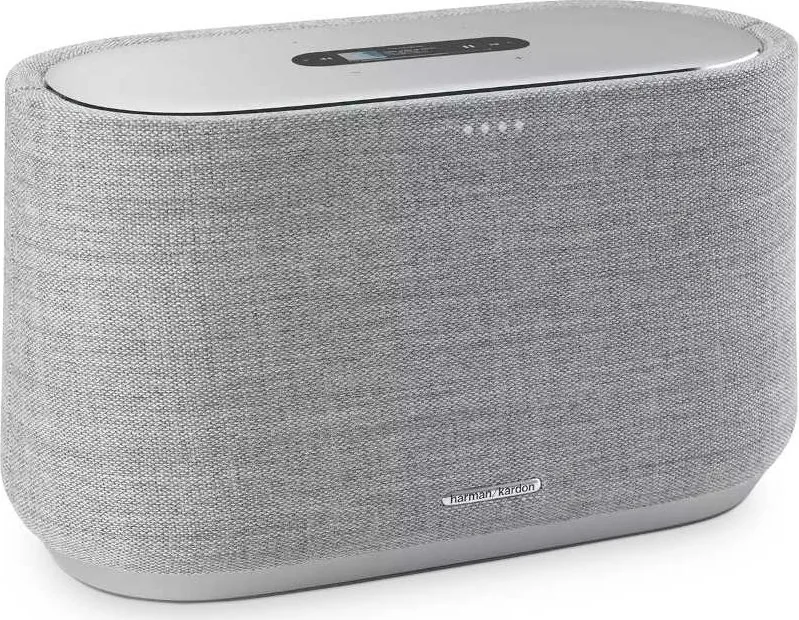
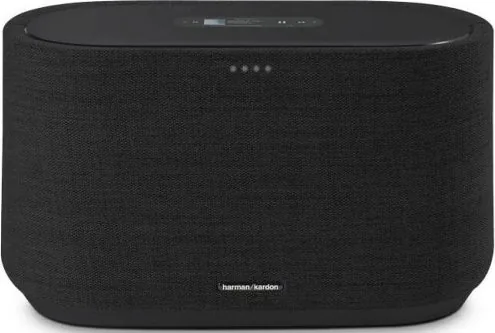
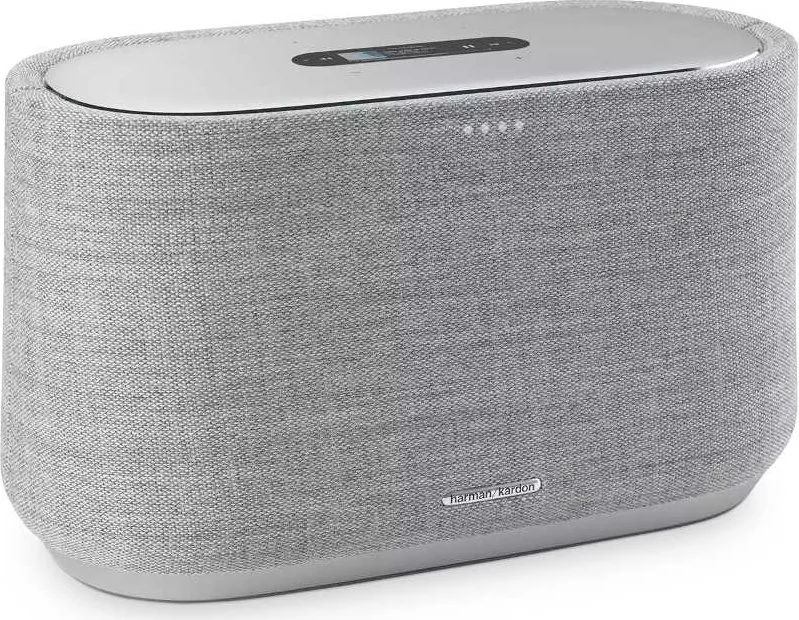
The Harman Kardon Citation 300 is a premium smart speaker designed for listeners who want room-filling sound, convenient wireless playback, and voice-controlled features in one compact unit. This Harman Kardon Citation 300 Manual overview highlights the speaker's essential functions, setup approach, and practical capabilities for daily music listening.
With two 89 mm woofers and two 20 mm tweeters, the Citation 300 delivers 100 W RMS output. Its driver layout is intended to provide clear detail alongside substantial low-end presence, making it suitable for music, podcasts, radio, and ambient entertainment in living spaces, bedrooms, kitchens, or home offices. The speaker supports common audio formats including MP3, FLAC, WAV, AAC, Vorbis, and Opus.
Wireless Streaming and Smart Control
Built-in Wi-Fi supports both 2.4 GHz and 5 GHz networks, while Chromecast built-in lets users cast music, playlists, and podcasts from compatible mobile apps. Multi-room playback is also available through speaker groups created in the Google Home app, allowing compatible Citation speakers to play together across different areas of the home.
Google Assistant is integrated for hands-free operation. After connecting the speaker to Wi-Fi and signing in with a Google account, users can start music, ask questions, manage everyday tasks, and control compatible smart-home devices with voice commands. A microphone mute control is available when privacy is preferred, and the speaker's indicator lights show statuses such as listening, responding, startup, and microphone muting.
Setup and Everyday Operation
Initial setup is straightforward: connect the supplied power cable, turn on the speaker, choose a language on the touchscreen, then complete Wi-Fi setup in the Google Home app. Keeping the speaker connected to the internet allows it to receive automatic software updates. For the strongest connection, place it on a stable, level surface near the wireless router.
Bluetooth 4.2 provides another listening option for phones and tablets. Activate pairing from the touchscreen, select Citation 300 on the mobile device, and stream audio directly. The display can show track and artist information during Bluetooth playback, while touch controls provide playback and volume adjustments. Volume can also be changed through Google Assistant or the Google Home app.
Notes
- Use only the supplied power cable and a 100-240 V, 50/60 Hz AC supply.
- Avoid placing the speaker in loud, windy, or echo-heavy locations for more reliable voice recognition.
- A reset button on the underside restores factory settings when held for more than five seconds.
- Unplug the speaker before cleaning and use a soft, dry cloth without alcohol, benzene, or thinner.
Search for 67,732 Manuals online


Type-in Brand or Model