
Hanwha XRN-1610SA Manual
PDF manual · 88 Pages
English



Quick check
Incorrect answer, please try again.
Chat with your Hanwha XRN-1610SA manual using AI
Get instant AI answers from your Hanwha XRN-1610SA manual
Ask anything about the Hanwha XRN-1610SA. Answers come from this manual, with the pages they are based on.
Ask a Question
Do you recommend XRN-1610SA?
Yes NoFrequently Asked Questions
It uses an install wizard to guide language selection, admin password configuration, and network access setup. After initialization, cameras are detected and registered automatically if their count fits within the NVR's supported capacity. If more cameras are found than supported, you select which cameras to register manually.
Is this answer helpful?
The system supports Static IP, DHCP, and PPPoE-style access configuration. Port behavior can differ by model, and the NVR also has built-in networking features such as viewer transmission over the network.
Is this answer helpful?
Yes. You can choose split-screen layouts, switch quickly between screen modes, and run auto-sequence rotation at set intervals. In single live mode you can zoom into an area and freeze the live feed temporarily.
Is this answer helpful?
It provides live overlays and status panels that show connection details per channel, including model/protocol indicators, codec, resolution, and frame rate. A record status view adds bitrate and profile information, and highlights when recording profiles fail and an alternative profile is used.
Is this answer helpful?
Audio can be turned on or muted per channel in live mode when supported by the connected camera and configured appropriately. If audio does not appear as expected, the NVR guidance emphasizes checking camera sound support and sound settings.
Is this answer helpful?
The live screen indicates conditions such as NO HDD or HDD errors. The guidance recommends verifying HDD connection, and formatting a newly purchased drive with a format supported by the NVR using the storage device menu.
Is this answer helpful?
Advantages and Disadvantages
Advantages

- Streamlined setup with an install wizard for admin password, language, camera registration, and initial network settings.
- Flexible live viewing: split-screen layouts, auto-sequence switching, zoom, freeze, and screen capture.
- Detailed overlays and status views show camera connection, codec, resolution, and frame rate.
- Robust recording visibility includes record profile info, bitrate usage, and recovery of recording conditions.
- Event monitoring surfaces motion, sensor, and video loss situations to guide faster response.
Disadvantages

- Camera and password management has limitations (for example, certain ONVIF/RTSP registered cameras cannot be password-changed).
- Network behavior depends on environment: incorrect DHCP/IP setup or unconnected LAN can prevent activation of settings.
- If bandwidth or decoding capacity is exceeded, playback may be limited to key frames and performance can drop.
- Adding more cameras than supported requires manual selection for registration rather than full auto-registration.
- Storage issues like unformatted or missing drives can prevent reliable recording and require corrective steps.
Product Specification
Channels
16
Compression
H.265, H.264, MJPEG, G.711, G.726, AAC
Hard drive
4x 3.5" SATA 6Gb/s (max. 6TB/HDD)
Drive
N/A
Interfaces
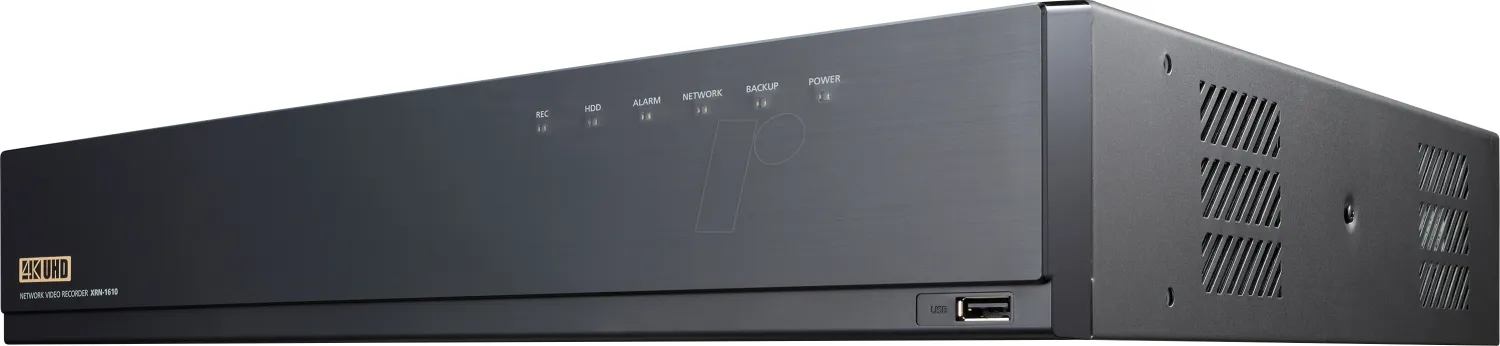
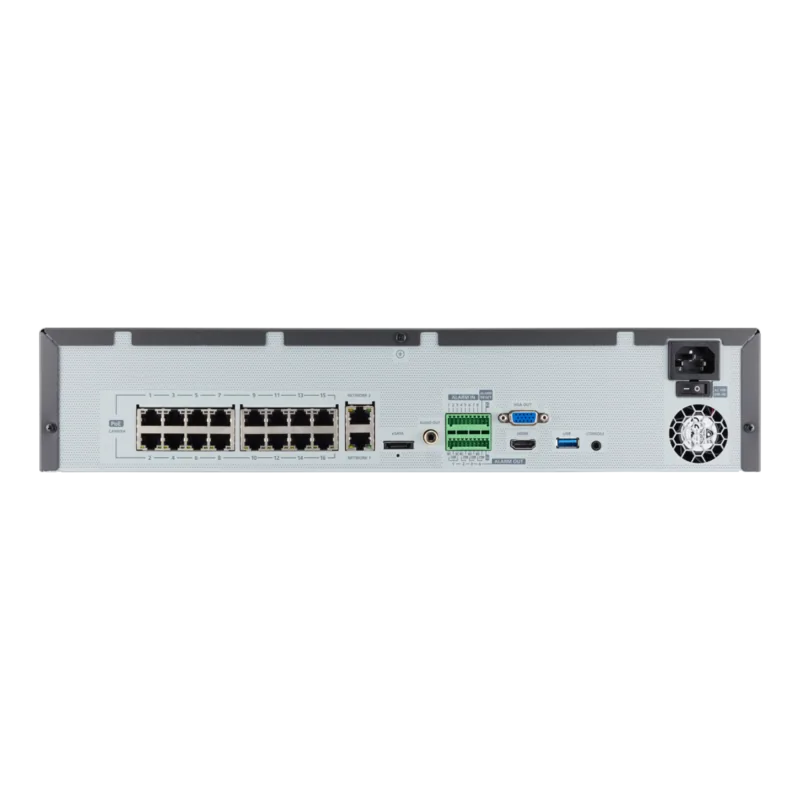
16x RJ-45 (PoE), 2x LAN, 1x VGA, 1x HDMI, 8x Alarm input, 4x Alarm output, 1x USB 3.0, 1x USB 2.0, 1x eSATA, 1x Audio-Out (Jack), 1x serial
Special features
Multistreaming, ONVIF, IPv6, controllable via app (Android, iOS)
Product Description
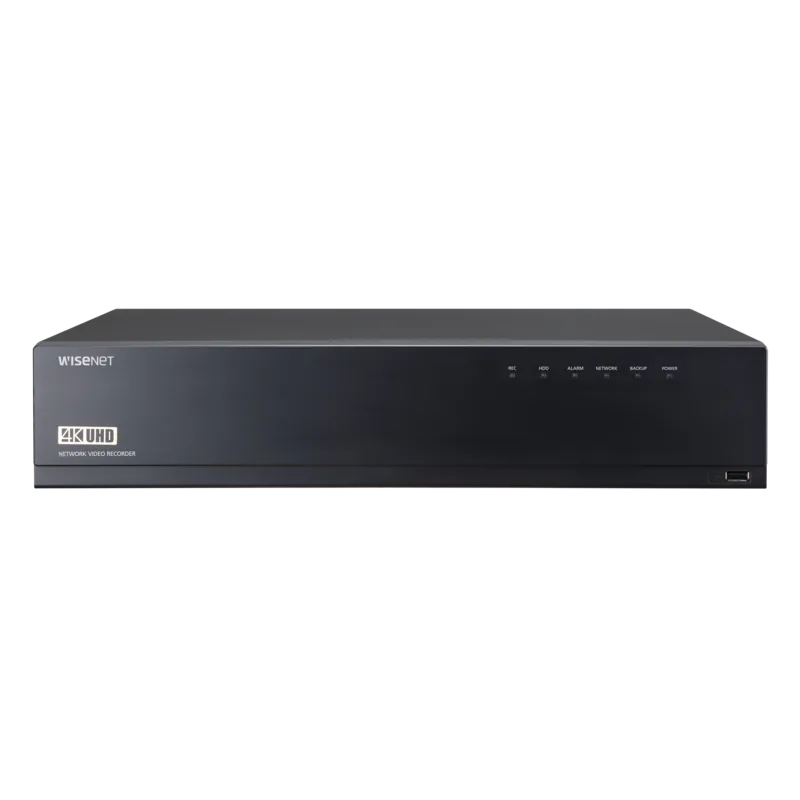
Hanwha XRN-1610SA 16-channel Network Video Recorder
Built for reliable, multi-camera monitoring
Hanwha XRN-1610SA is a 16-channel network video recorder from the Wisenet NVR line, designed to centralize live viewing, recording, and playback across IP cameras. With guided setup, flexible network configuration, and live monitoring tools, it is a strong fit for offices, retail, and other sites that need organized, scalable surveillance.
The XRN-1610SA experience starts with a practical installation workflow, including language selection and secure credential setup. You can register cameras automatically when detected within supported limits, or manually when you have more devices than the system can cover at once. After initialization, it launches a live screen that makes it easy to confirm camera connectivity, transmission status, and recording behavior.
Live viewing tools that help you stay in control
In live mode, the system supports split-screen layouts and quick switching between display modes, including auto-sequencing for periodic channel rotation. You can zoom into a selected area, freeze live playback temporarily, capture a frame, and toggle audio per channel when supported by the connected camera.
To respond to changing conditions, the unit also provides event-related monitoring. It can surface camera or sensor situations like motion or video loss, then helps you focus on the relevant channel. Status overlays can show connection and profile details such as codec, resolution, and frame rate, while record status views summarize bitrate usage and recording profiles.
Recording, power, and system health awareness
For storage and performance clarity, the NVR indicates common conditions such as missing or unformatted drives, and it flags recording or decoding limitations when data exceeds allowable throughput. If your configuration includes PoE, the unit can display current PoE power consumption and port status, helping you manage devices port-by-port.
Key results
- Guided setup simplifies onboarding: language selection, password configuration, camera registration, and initial network setup.
- Live monitoring is fast and flexible: split layouts, zoom, freeze, audio toggle, and auto-sequence viewing.
- Status and record panels provide actionable visibility into codec, resolution, frame rate, bitrate, and recording limits.
- Event monitoring helps you react quickly by synchronizing display with motion, sensor, or video loss.
- Storage and PoE indicators highlight issues early, reducing downtime and troubleshooting time.
Pros and best-fit notes
If you want a centralized NVR that supports structured live control and clear system visibility, the Hanwha XRN-1610SA 16-channel network video recorder Manual guidance aligns well with daily monitoring workflows and secure onboarding practices.
Search for 67,706 Manuals online


Type-in Brand or Model