
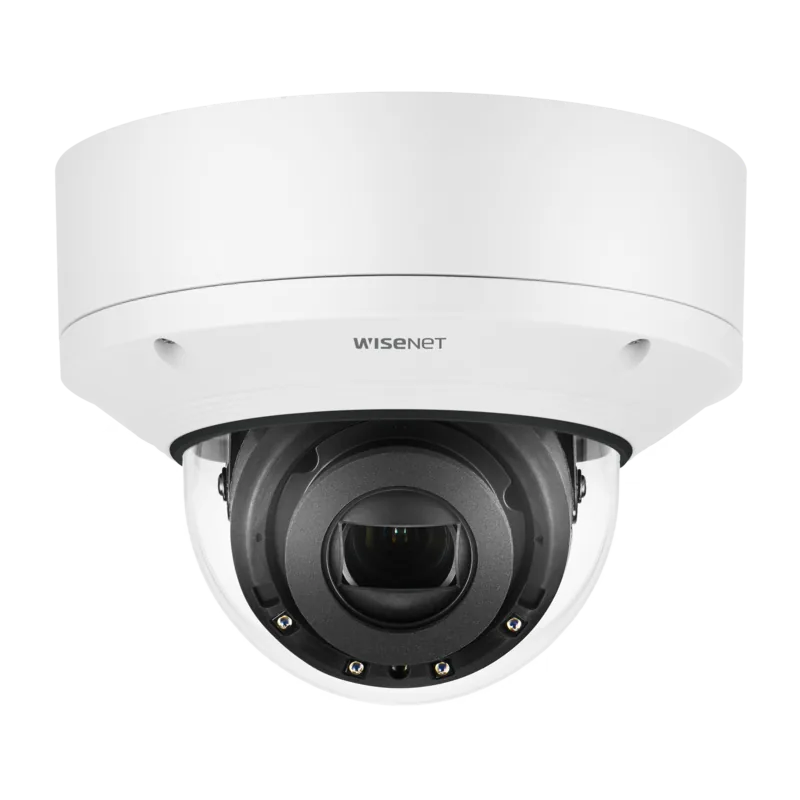
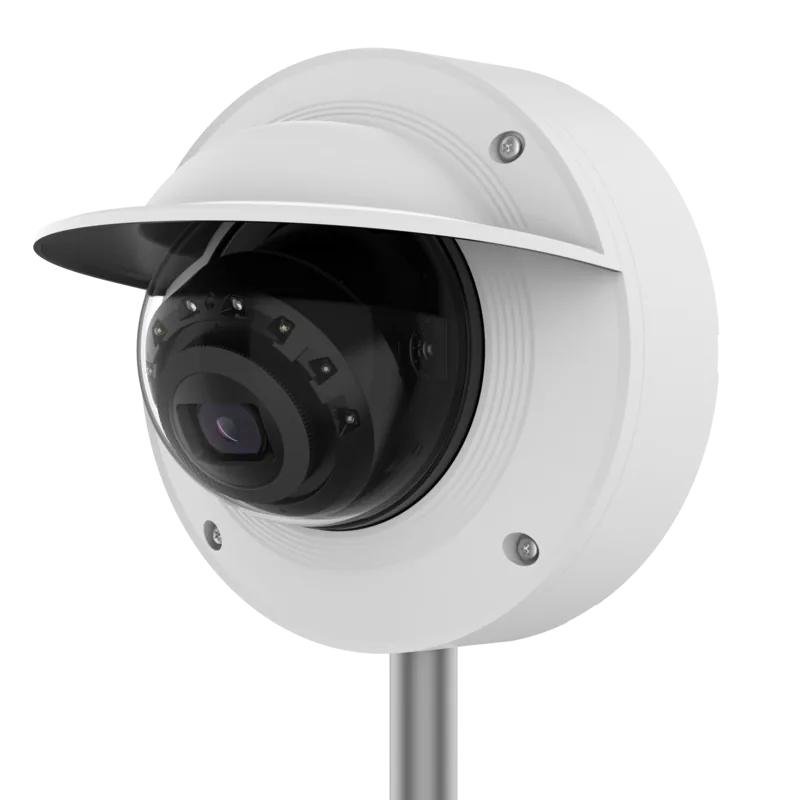
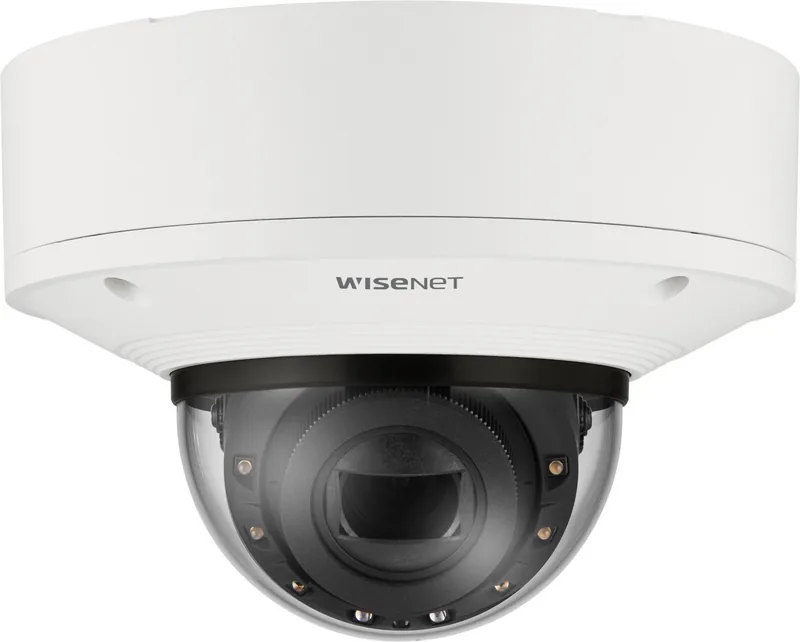
Hanwha XNV-6083R Manual
PDF manual · 49 Pages
English



Quick check
Incorrect answer, please try again.
Chat with your Hanwha XNV-6083R manual using AI
Get instant AI answers from your Hanwha XNV-6083R manual
Ask anything about the Hanwha XNV-6083R. Answers come from this manual, with the pages they are based on.
Ask a Question
Do you recommend XNV-6083R?
Yes NoFrequently Asked Questions
Use the Device Manager software found on the manufacturer website. Ensure the computer IP is in the same subnet. Default IP is 192.168.1.100 if no DHCP is used.
Is this answer helpful?
Capacity should range from 16GB to 512GB using MLC type cards. SanDisk and Transcend brands are recommended for compatibility and speed during recording.
Is this answer helpful?
Yes, outdoor models are IP67 rated. Ensure cable glands are secured and waterproof tape is used at entry points to prevent moisture damage.
Is this answer helpful?
Press the reset button to initialize the device to factory settings. New default credentials will be required to access the web viewer interface again.
Is this answer helpful?
Yes, the device supports both 12V DC and PoE Plus connections. Ensure IEEE 802.3at standards are met for powered devices requiring higher wattage.
Is this answer helpful?
Yes, NAS integration is supported. Ensure the NAS has at least 200GB and matches the subnet mask and IP format of the camera.
Is this answer helpful?
Do not stare directly at the IR LEDs. The device is categorized as Risk Group 1 and emits infrared light during operation.
Is this answer helpful?
Advantages and Disadvantages
Advantages

- Supports PoE and DC power options for flexible installation.
- Built-in Micro SD slot allows for local storage up to 512GB.
- Vandal-resistant dome design ensures durability in high-risk areas.
- Device Manager simplifies IP configuration and network discovery.
- Audio capabilities support two-way communication and monitoring.
Disadvantages

- Default password must be changed immediately for security reasons.
- IR lights should not be stared at directly to prevent injury.
- External mounting requires waterproofing tape for cable entries.
- Network setup can be complex for users without IT experience.
- Specific Power over Ethernet standards required for optimal performance.
Product Specification
Type
Dome
Image Sensor
1/2.8" CMOS
Resolution
1920x1080 Pixels (30fps)
Lens
2.8-12.0mm (F1.4-F3.6)
Sensitivity
0.01 Lux (Color), 0 Lux (IR)
Field of View
27.9-119.5° (horizontal), 15.7-62.8° (vertical), 32-142.1° (diagonal)
Pan
0° to 360° (Manual)
Tilt
-45° to 85° (Manual)
Zoom Function
4.3x Optical, 24x Digital
Compression/Codecs
MJPEG, H.264, H.265, G.711, G.726, AAC-LC
Multistreaming
Supported
Alarm
1x Alarm Input, 1x Alarm Output
Connections
1x Audio Input, 1x Audio Output, 1x USB 2.0 Micro-B (480Mb/s), 1x BNC, 1x RJ-45 1Gb LAN
Data Storage
2x microSD Slots (max. 512GB)
Lighting
IR Illumination (164.04 ft)
Power Supply
PoE (Type 1)
Ingress Protection
IP6K9K, IK10, NEMA 4X
Housing
Suitable for Outdoor Use
System Compatibility
ONVIF (Profile G, S, T), IPv6
Zones & Analysis Functions
Motion Detection, Tamper Detection, Audio Detection, Face Detection, Person Detection, Vehicle Detection, License Plate Recognition, Impact Detection, Zone Monitoring (Line Crossing, Zone Entry, Zone Exit), Privacy Zones, IR Filter
Product Description
Comprehensive Guide to the Hanwha Techwin XNV-6083R Installation System
The security industry relies heavily on high-quality network cameras that deliver clarity and durability. The Hanwha Techwin XNV-6083R stands out as a robust choice for environments requiring vandal resistance. This device represents a significant step forward in surveillance technology, offering seamless integration into existing network infrastructures without compromising on safety standards. It is designed to withstand challenging conditions while maintaining high performance levels.
Power and Connectivity Options
Powering this unit is critical for stable operation in various settings. It supports both Direct Current twelve volts and Power over Ethernet Plus protocols. This flexibility allows installers to choose the most efficient cabling solution for their specific site requirements. Using the correct IEEE standards ensures reliable data transmission alongside electrical supply. Proper configuration of the Device Manager software simplifies the initial setup process for administrators.
Audio and Smart Features
Audio integration enhances situational awareness during monitoring sessions. Built-in microphones allow for direct sound capture or line-in connections depending on the specific model configuration. Two-way communication is supported through designated speaker ports for interaction. Smart features include motion detection and event-based email notifications. Users must ensure that audio codecs are set correctly within the video profile settings to avoid recording issues.
Storage and Media Compatibility
Local recording capabilities are enhanced by the inclusion of a Micro SD card slot. Users can utilize high-performance storage media ranging from sixteen gigabytes to five hundred twelve gigabytes. SanDisk and Transcend are among the recommended manufacturers for optimal reliability during continuous cycling. When configuring network storage, a Network Attached Storage device with at least two hundred gigabytes is suggested for broader deployment scenarios requiring centralization.
Safety and Mounting Considerations
Outdoor installation demands attention to weatherproofing details regarding ingress protection. The casing meets specific protection ratings against dust and water ingress for external use. However, cable entry points must be sealed correctly using waterproofing tape or glands to prevent moisture damage inside the housing. Never look directly at the infrared lights during operation to avoid eye strain hazards. Changing the default password upon first login is mandatory for network security and data protection. Follow the instructions in the Hanwha Techwin XNV-6083R Manual for detailed steps.
Network Configuration Procedures
Establishing a connection requires careful planning of the local area network topology. Static IP addresses can be assigned via the browser interface or command line tools. Port forwarding must be configured on the router to allow remote access over the internet safely. Dynamic Domain Name System services help maintain a consistent address for clients connecting from varying network locations. Proper mounting involves securing the bracket to a surface capable of holding at least five times the equipment weight. Ventilation slots must remain unobstructed to prevent overheating during extended operation cycles. Regular maintenance should be performed by qualified personnel to maintain warranty conditions and operational safety.
Search for 67,706 Manuals online


Type-in Brand or Model