
Hanwha XNP-6321 Manual
PDF manual · 44 Pages
English



Quick check
Incorrect answer, please try again.
Chat with your Hanwha XNP-6321 manual using AI
Get instant AI answers from your Hanwha XNP-6321 manual
Ask anything about the Hanwha XNP-6321. Answers come from this manual, with the pages they are based on.
Ask a Question
Do you recommend XNP-6321?
Yes NoFrequently Asked Questions
Use IP Installer to discover the camera, then choose DHCP, Static, or PPPoE based on your network. For static addressing, set IP address, subnet mask, gateway, and the HTTP and VNP ports, then enter the admin password. After network changes, log into the web viewer to verify and update security settings.
Is this answer helpful?
Register the camera with Wisenet DDNS (dynamic DNS). Then configure the camera's DDNS settings to use Wisenet DDNS and set the Product ID used during registration. Ensure your router has port forwarding configured if your environment requires it, otherwise remote browsing may fail.
Is this answer helpful?
Yes. Configure local storage using Micro SD/SDHC/SDXC (dual slots, up to the supported capacity) for event recording, or use NAS recording for event-based retention. When analytics or alarm events occur, the system can store motion and notification-driven footage depending on your configuration.
Is this answer helpful?
Confirm Micro SD card insertion direction and format compatibility, then check the event-to-storage mapping (such as recording type and trigger). For NAS, verify NAS IP reachability, correct credentials, correct folder access, matching subnet format, and that NAS SMB/CIFS requirements are satisfied.
Is this answer helpful?
On first login, set the login password and do not keep default credentials. Use a strong password with a mix of numbers, upper/lowercase letters, and special characters. Prefer unique, non-repeating patterns and avoid consecutive keyboard sequences to reduce the risk of compromise.
Is this answer helpful?
Common causes include incorrect network settings, firewall or port forwarding issues, and mismatched multicast settings. If viewers disconnect after configuration changes, reconnect after network or camera changes. For remote access over PPPoE, unstable network conditions can also trigger viewer disconnects.
Is this answer helpful?
Both models support PoE+ or AC 24V, and if multiple supplies are present, the first engaged source powers the device. For the XNP-6321H heater model, the heater does not work with PoE+ power, so plan power selection based on your temperature requirements.
Is this answer helpful?
Advantages and Disadvantages
Advantages

- Optical 32X zoom PTZ with wide pan and tilt ranges for flexible area coverage.
- Supports Micro SD dual-slot recording (event-driven) and NAS recording options.
- Secure web access features including HTTPS and Digest login authentication.
- Durable design for demanding sites with IP66 and IK10 protection.
- Includes audio input/output and advanced analytics capabilities for richer monitoring.
Disadvantages

- Default admin account is fixed as "admin" and requires prompt password setup.
- WiFi dongle (and OTG adapter) are sold separately for smartphone installation workflows.
- Some monitoring outputs (like CVBS) are for installation help, not recommended for ongoing monitoring.
- Voltage drop can occur with long cabling; copper wire gauge and distance matter.
- XNP-6321H heating behavior differs with power method (heater does not work with PoE+).
Product Specification
Type
Dome
Image Sensor
1/2.8" CMOS
Resolution
1920x1080 pixels (60fps)
Lens
0.17-5.61 in (F1.6-F4.4)
Light Sensitivity
0.05 Lux (color), 0.005 Lux (B/W)
Viewing Angle
2.2-61.8° (horizontal), 1.2-36.2° (vertical)
Pan
360° (motorized)
Tilt
-15° to 195° (motorized)
Zoom Function
32x optical, 32x digital
Compression/Codecs
MJPEG, H.264, H.265, G.711, G.726, AAC
Multistreaming
supported
Alarm
4x alarm input, 2x alarm output
Connectors
1x audio input, 1x audio output, 1x USB 2.0 Micro-B (480Mb/s), 1x RCA Composite Out, 1x RJ-45 100Mb LAN, 1x serial (RS-485)
Data Storage
2x microSD slot (max. 512GB)
Impact Protection Rating
IK10
Housing
suitable for outdoor use
System Compatibility
ONVIF (Profile G, S), IPv6
Zone & Analysis Functions
Motion detection, Tamper detection, Sound detection, Face detection, Shock detection, Zone monitoring (line crossing, zone entry, zone exit), Privacy zones, IR filter
Product Description
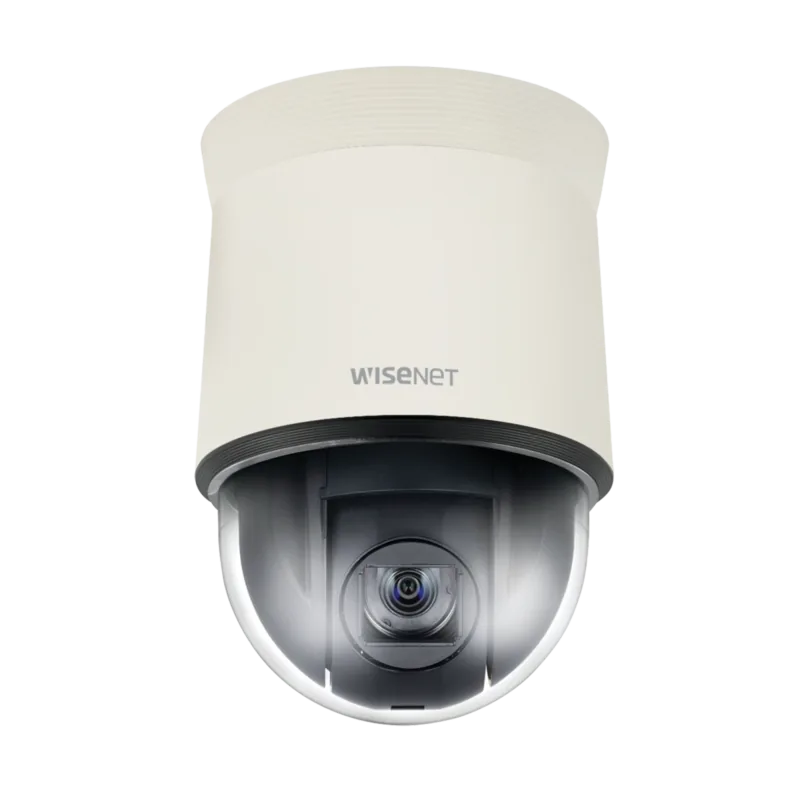
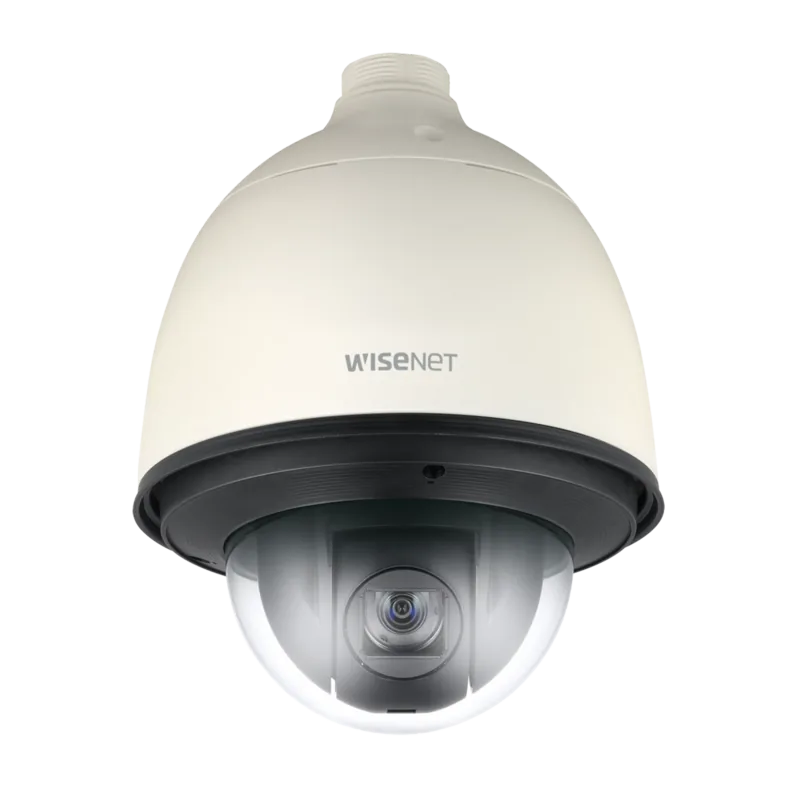
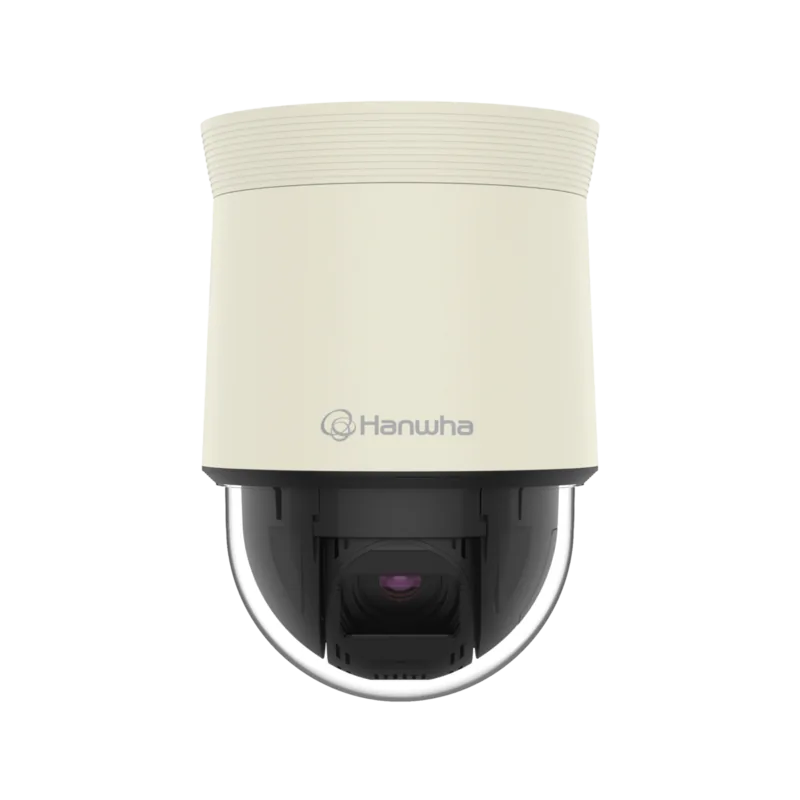
Hanwha Techwin XNP-6321: PTZ Security Coverage Built for Real-World Networks
The Hanwha Techwin XNP-6321 is a network PTZ camera designed for flexible surveillance where you need both wide situational awareness and the ability to zoom in on details. With a 1/2.8-inch CMOS sensor and optical 32X zoom, it helps you track activity across large areas, while advanced image processing supports clear footage in challenging lighting conditions.
A major strength of the XNP-6321 is its all-in-one operational approach. You can manage live viewing and configuration through a web viewer, organize recordings to Micro SD (up to 2 slots) or NAS, and connect audio for audio-in and audio-out monitoring. The camera also supports multi-profile streaming (up to 10 profiles), making it easier to balance quality and bandwidth for different viewing or recording needs.
For installation and day-to-day control, the system includes PTZ-focused features such as endless 360-degree pan, wide tilt coverage, preset tours and group behaviors, and RS-485 communication for integration with controllers. Connectivity options include Ethernet, DHCP/static networking, and secure remote access using HTTPS and Digest login. If you are following the Hanwha Techwin XNP-6321 Manual style setup flow, you will typically start with initial IP configuration, then secure the admin password, and finally confirm event and storage settings.
When you deploy it outdoors or in harsh environments, durability matters. The XNP-6321 is rated IP66 and IK10, helping it resist dust and impacts. Storage options can be configured for event-triggered recording, and the system supports analytics such as motion detection and several video analytics modes, which can drive alerts and notifications.
Key takeaways (most important results)
- Optical 32X zoom with PTZ presets and tours helps you go from overview to details.
- Supports Micro SD or NAS recording for event-based capture and flexible retention.
- Network-ready design includes HTTPS and Digest authentication for safer web access.
- Built for tougher deployments with IP66 and IK10 protection.
- Smart streaming and analytics help reduce wasted bandwidth while improving detection.
Notes
- The default admin username is fixed as "admin" and the password should be set on first login.
- Micro SD and NAS settings must be correct to reliably record events.
- For full remote access, DDNS and port forwarding may be required depending on your network.
Search for 67,706 Manuals online


Type-in Brand or Model