
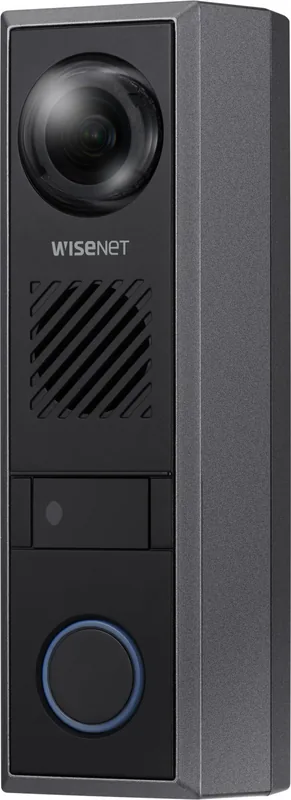

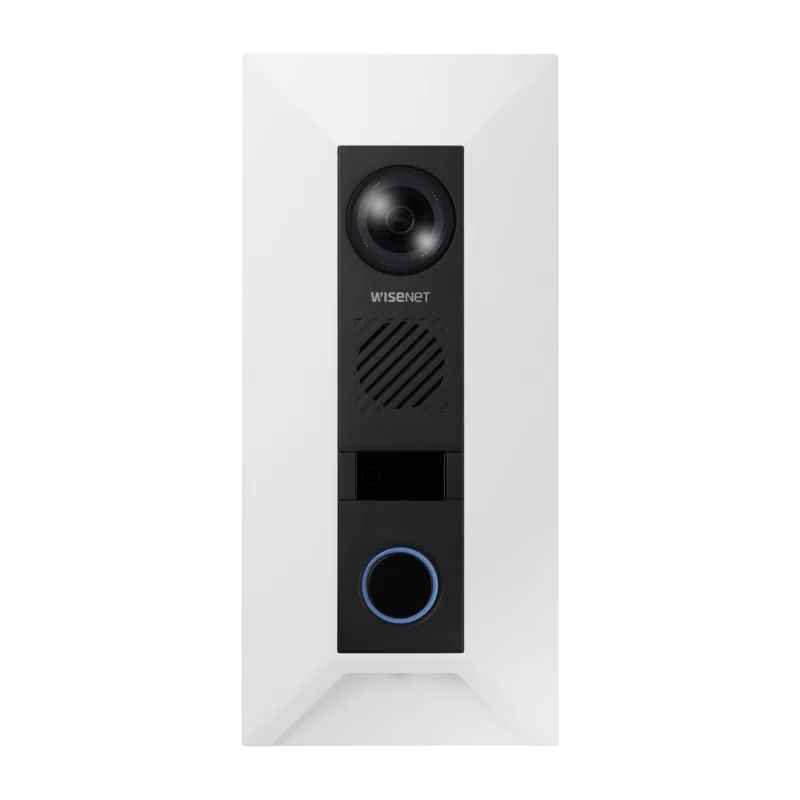
Hanwha TID-600R Manual
PDF manual · 36 Pages
English



Quick check
Incorrect answer, please try again.
Chat with your Hanwha TID-600R manual using AI
Get instant AI answers from your Hanwha TID-600R manual
Ask anything about the Hanwha TID-600R. Answers come from this manual, with the pages they are based on.
Ask a Question
Do you recommend TID-600R?
Yes NoFrequently Asked Questions
The unit supports Power over Ethernet or a 12-volt DC power supply for operation.
Is this answer helpful?
Yes, the device supports SIP video calls compatible with major VoIP PBX brands.
Is this answer helpful?
Yes, alarm output ports allow connection to electric door locks with proper power.
Is this answer helpful?
Micro SD cards from 16GB to 256GB, preferably MLC type from compatible brands.
Is this answer helpful?
Press and hold the reset button for 5 seconds to restore default settings.
Is this answer helpful?
Yes, it is designed for outdoor use but avoid direct water exposure during installation.
Is this answer helpful?
Advantages and Disadvantages
Advantages

- 2MP High Definition Video Quality for Clear Visibility
- Touchless Sensor for Hygienic Call Initiation
- PoE Power Support for Simplified Cabling Setup
- Tamper Detection for Security Alerts
- SIP Compatibility with Major VoIP Systems
Disadvantages

- Requires 12V DC for Door Opener Relay
- Manual Configuration Needed for Remote Access
- Micro SD Card Compatibility Varies
- Initial Password Setup is Mandatory on First Login
- Browser Security Settings May Block Access
Product Specification
Display
N/A
Image Sensor
1/2.8" CMOS, 1920x1080 pixels
Field of View
180 degrees (horizontal), 114 degrees (vertical), 180 degrees (diagonal)
Connection
LAN (PoE), 1x Video Out (BNC), 2x Alarm Input, 1x Alarm Output, 1x Relay Output, microSD Slot (max. 256GB)
Channels
1
Protection Class
IP65, IK08, NEMA 4X
Dimensions
1.93x6.50x1.89 in
Weight
1.08 lbs
Features
Motion detection, IR Illumination (16.40 ft), ONVIF (Profile S)
Product Description
Exploring the Hanwha TID-600R 2MP Intercom Outdoor Station Manual
The Hanwha TID-600R 2MP Intercom Outdoor Station represents a significant advancement in secure communication entry systems. This device is designed to provide robust video intercom capabilities for various installations. Manual users find detailed instructions on installation and configuration. The unit features high-definition video capture to ensure clear visibility of visitors.
One standout feature is the touchless call sensor. This allows users to initiate calls simply by waving a hand near the sensor, reducing physical contact and enhancing hygiene. The device supports SIP video calls, enabling seamless integration with existing VoIP PBX systems from major brands like Cisco and Grandstream. Network connectivity is flexible, supporting Power over Ethernet for simplified cabling.
Security is a priority with this intercom station. It includes a tamper switch that triggers alarms if the device is physically moved or damaged. The web viewer interface allows for remote management and configuration. Users must set a strong password upon initial login to protect access.
For local recording, the unit accommodates Micro SD cards ranging from sixteen to two hundred fifty-six gigabytes. Compatible cards include trusted brands like SanDisk and Transcend. Installation requires mounting the unit securely to a wall capable of supporting its weight. Proper cable management ensures longevity and prevents electrical hazards.
The installation process involves securing the base plate before attaching the main unit. Cable glands are used to protect connections from environmental elements. Alarm input and output ports allow connection to external devices such as sirens or electric door locks. When connecting a door opener, a twelve-volt DC supply is often required alongside PoE to ensure sufficient power for the relay.
Network configuration may require setting up port forwarding on routers for remote access. Dynamic DNS services are supported to maintain connectivity even with changing IP addresses. Browser compatibility is listed with recent versions of Chrome, Safari, and Firefox recommended for optimal web viewer performance.
Safety instructions emphasize disconnecting power before adjusting internal components. Do not use solvents to clean the housing. The device complies with relevant electrical standards for outdoor use.
Additionally, the system supports encrypted communication streams to protect data integrity during transmission. Administrators should change default credentials immediately after setup to prevent unauthorized access. The unit is engineered for durability in harsh weather conditions.
Notes regarding operation include avoiding direct rain while ensuring adequate ventilation. Regular maintenance of the lens and sensor area is recommended to maintain peak performance. The user must ensure the reset button is not pressed accidentally to prevent loss of settings. Audio settings can be adjusted through the interface to optimize voice pickup quality. The device functions best when installed in environments protected from extreme temperature fluctuations.
Search for 67,706 Manuals online


Type-in Brand or Model