
Hanwha QNV-7082R Manual
PDF manual · 40 Pages
English



Quick check
Incorrect answer, please try again.
Chat with your Hanwha QNV-7082R manual using AI
Get instant AI answers from your Hanwha QNV-7082R manual
Ask anything about the Hanwha QNV-7082R. Answers come from this manual, with the pages they are based on.
Ask a Question
Do you recommend QNV-7082R?
Yes NoVideo Manual
Hanwa QNV-8080R Setup
Frequently Asked Questions
The camera supports Power over Ethernet (IEEE 802.3af) and DC 12V input. If both PoE and DC 12V are applied simultaneously, the camera will use the DC 12V source. Verify polarity and rated voltage before connection.
Is this answer helpful?
Yes. The camera has an internal Micro SD slot; recommended capacity is 16–128GB high-endurance MLC cards. Format the card in the camera’s Storage settings and insert/eject only when power is off or following the safe removal procedure in the interface.
Is this answer helpful?
Set up port forwarding on your broadband router for the camera’s HTTP and RTSP ports or use Wisenet DDNS. Ensure the router’s port mapping matches the camera’s configured ports, and follow the camera web viewer DDNS setup instructions for remote access.
Is this answer helpful?
The camera body complies with IP66 guidance for outdoor models, but external jacks and cable entries are not inherently sealed. Use recommended waterproofing (butyl tape, RJ45 waterproof connectors) and install beneath eaves when possible to prevent exposure.
Is this answer helpful?
Confirm NAS IP, ID/password, and folder permissions. Ensure NAS and camera IP/subnet match, SMB/CIFS settings are correct, and the recommended NAS models are used. Test access from a PC using the same credentials to verify connectivity.
Is this answer helpful?
Press and hold the reset button for about 5 seconds. This restores camera settings to factory defaults and resets network to DHCP. If no DHCP server exists, run Device Manager to reconfigure IP settings after reset.
Is this answer helpful?
Recommended browser is Chrome; supported browsers include Chrome, Safari, Firefox, and Chromium-based Edge. Recommended PC specs: Intel Core i7 (3.4 GHz or higher), 8GB+ RAM. Video performance depends on CPU/GPU and browser versions.
Is this answer helpful?
Advantages and Disadvantages
Advantages

- Weather-resistant dome design suitable for indoor/outdoor installations with IP66 guidance for external use.
- PoE support (IEEE 802.3af) simplifies installation by delivering power and data over one cable.
- Onboard Micro SD slot (16–128GB recommended) plus NAS compatibility for flexible local and network storage.
- Integrated IR LEDs and illumination sensor enable reliable day/night monitoring and automatic switching.
- Comprehensive network management: Device Manager discovery, DDNS, UPnP/Bonjour and web viewer control.
Disadvantages

- External jacks require additional sealing despite camera body being weather resistant.
- Some advanced features and stability depend on recommended NAS, card types, and specific browser versions.
- Admin username is fixed as "admin"; initial password setup and regular rotation are required for security.
- Power priority favors DC when both DC and PoE are connected, which may complicate redundant power planning.
- Certain installation steps (torx bolts, waterproofing) require tools and care; improper installation risks damage.
Product Specification
Type
Dome
Image Sensor
1/3" CMOS
Resolution
2560x1440 Pixels (30fps)
Lens
0.13-0.39in (F1.6-F2.9)
Light Sensitivity
0.1 Lux (Color), 0 Lux (IR)
Viewing Angle
30.8-98.6deg (horizontal), 17.3-52.3deg (vertical), 35.3-115.7deg (diagonal)
Pan
0deg to 350deg (manual)
Tilt
0deg to 67deg (manual)
Zoom Function
3.1x optical
Compression/Codecs
MJPEG, H.264, H.265, G.711, G.726
Multistreaming
supported
Alarm
1x alarm input, 1x alarm output
Connections
1x audio input, 1x RCA Composite Out, 1x RJ-45 100Mb LAN
Data Storage
1x microSD slot (max. 128GB)
Illumination
IR illumination (98.43ft)
Protection Class
IP66, IK10
Housing
suitable for outdoor use
System Compatibility
ONVIF (Profile G, S, T), IPv6
Zone & Analysis Functions
Motion detection, Tamper detection, Zone monitoring (Line crossing, Zone entry, Zone exit), Privacy zones, IR filter
Product Description
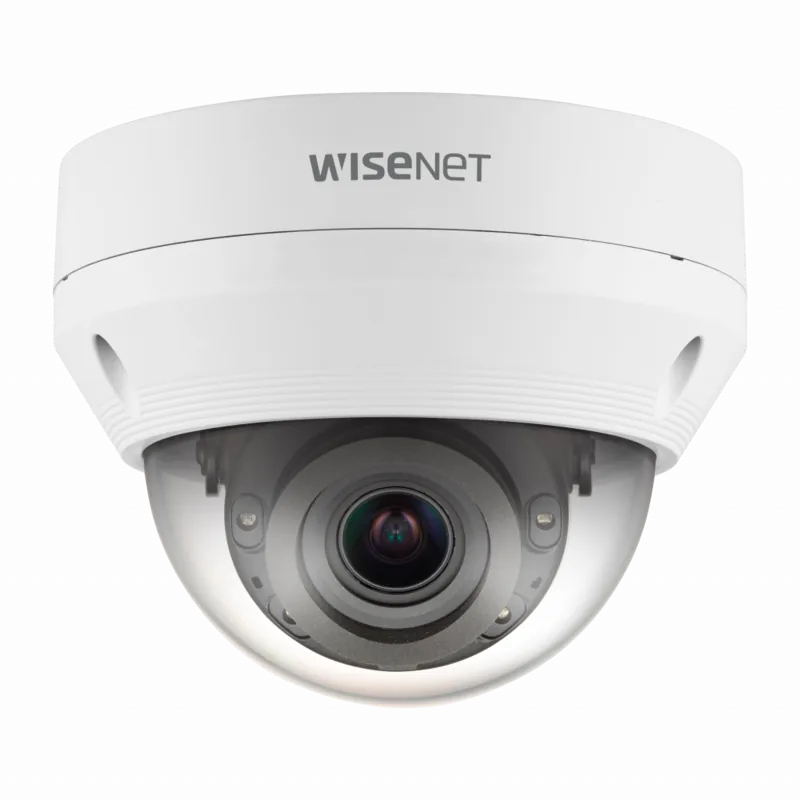
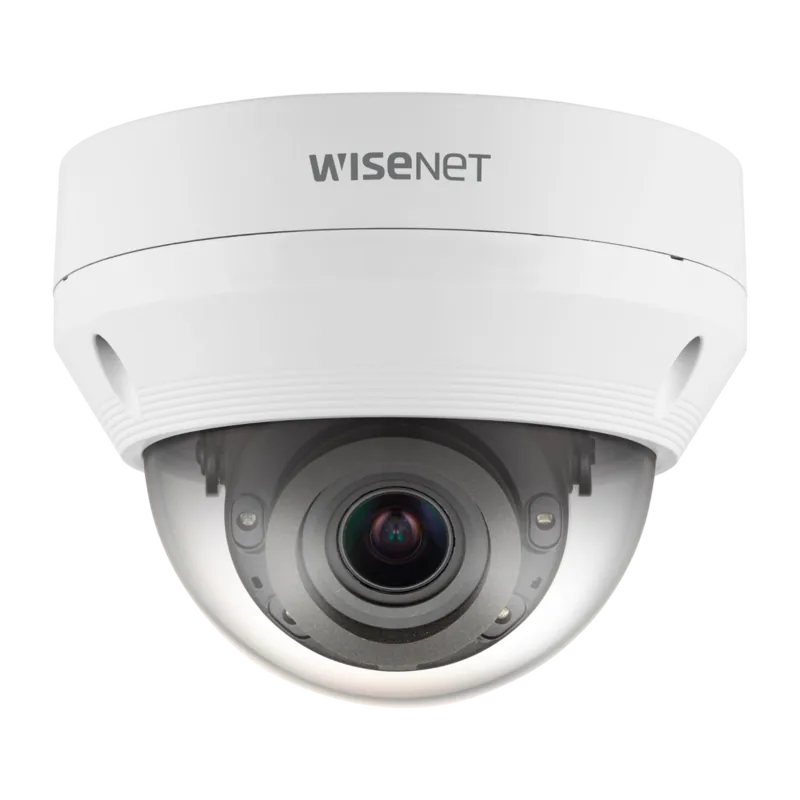
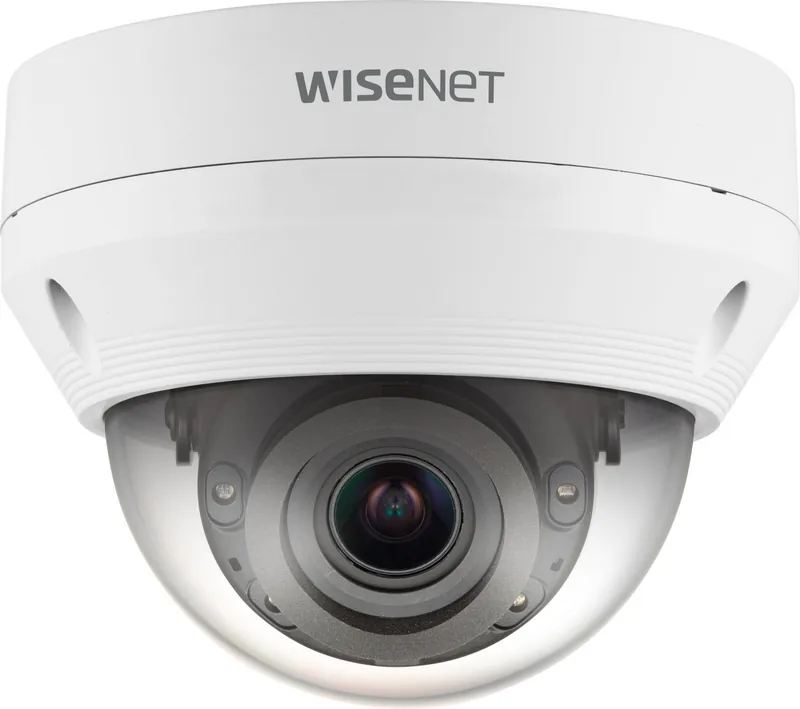
Hanwha Techwin QNV-7082R — Reliable Dome Network Camera
The Hanwha Techwin QNV-7082R is a rugged dome-style network camera built for professional surveillance in indoor and outdoor environments. Designed with weather resistance, PoE compatibility, and flexible mounting options, it fits installations ranging from retail and corporate facilities to parking lots and building perimeters. The camera emphasizes dependable day/night monitoring with IR illumination, a secure micro SD slot for edge storage, and multiple network connection methods including DHCP and static IP.
With straightforward installation steps and extensive safety guidelines, the QNV-7082R targets system integrators and advanced users who need a configurable, resilient camera. The unit supports Power over Ethernet (IEEE 802.3af), enabling both data and power delivery over a single cable for simplified deployment. When DC power is used simultaneously with PoE, the camera prioritizes the DC input. The camera’s dome cover and case protect the lens and internal components; some models feature waterproofing to IP66 standards for outdoor use (note: external jacks still require proper sealing).
Operational features include embedded IR LEDs and an illumination sensor for automatic night switching, built-in microphone support (or selectable line-in on some models), alarm I/O ports for integration with sensors and sirens, and user-adjustable zoom/focus controls. The QNV-7082R supports local storage on Micro SD/SDHC/SDXC cards (recommended 16–128GB high-endurance MLC), and integration with recommended NAS devices (QNAP, Synology) for longer retention.
Network and management capabilities include a web viewer for live monitoring and setup, Device Manager software for discovery and IP configuration, DDNS support for remote access, UPnP/Bonjour discovery, and clear instructions for port forwarding when behind routers. Recommended PC specs for management and viewing include a modern multi-core CPU (e.g., Intel Core i7), 8GB+ RAM, and Chrome as the preferred browser. The product includes detailed safety instructions, power ratings, wiring diagrams for alarm in/out connections, and troubleshooting tips for common issues like SD card formatting, NAS access, and browser audio/video quirks.
Installation notes emphasize secure mechanical mounting (areas able to support five times the camera weight), proper cable routing and waterproofing using butyl tape or rated RJ45 waterproof connectors, and use of the supplied tools (Torx/L wrench) for dome assembly. Reset procedures restore network settings to DHCP and require running Device Manager if no DHCP server exists. For security, the admin user is fixed as "admin" and a strong password must be set on first login; password rotation and secure storage of credentials are recommended.
Notes:
- Supports PoE (IEEE 802.3af) and DC 12V input; verify polarity and rated voltage before connection.
- Recommended Micro SD cards: 16–128GB high endurance (MLC). Test and format in-camera.
- Outdoor installations require proper sealing of cable entries and periodic maintenance to avoid moisture ingress.
- Follow local regulations for disposal of batteries and electronic waste.
Search for 67,706 Manuals online


Type-in Brand or Model