
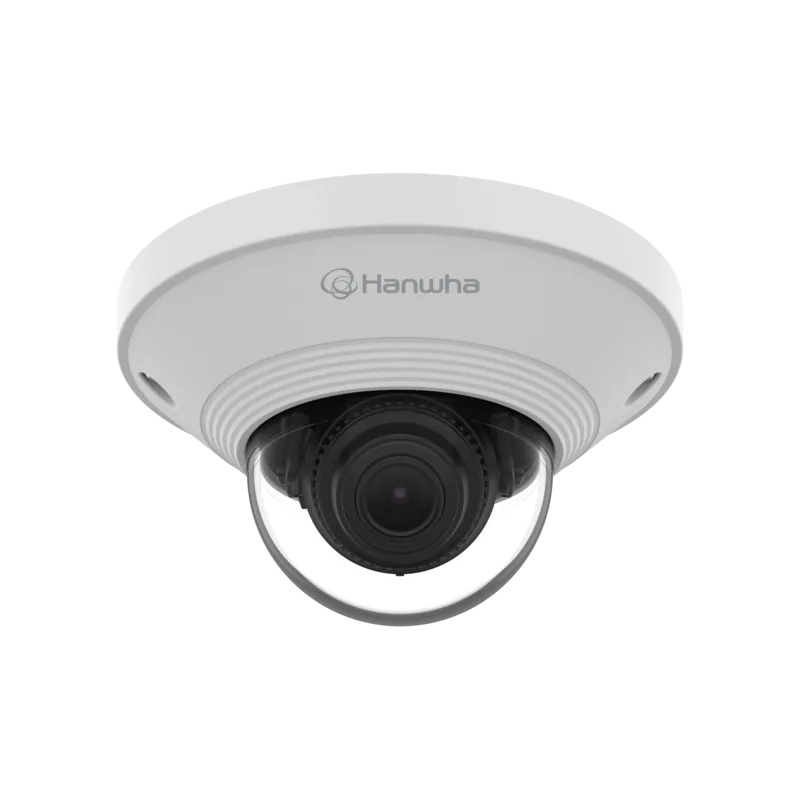
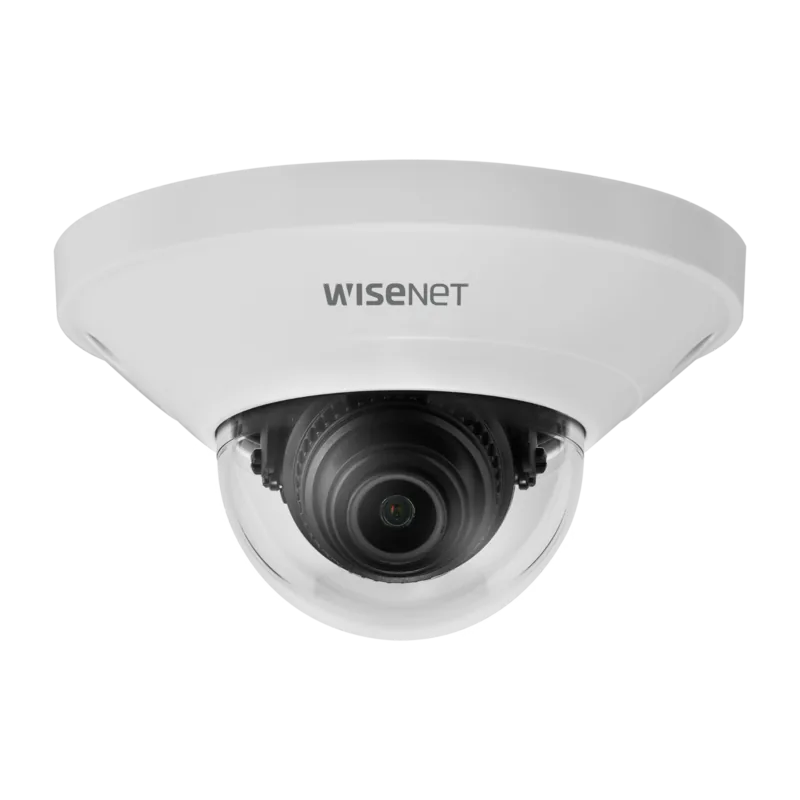
Hanwha QND-8011 Manual
PDF manual · 33 Pages
English



Quick check
Incorrect answer, please try again.
Chat with your Hanwha QND-8011 manual using AI
Get instant AI answers from your Hanwha QND-8011 manual
Ask anything about the Hanwha QND-8011. Answers come from this manual, with the pages they are based on.
Ask a Question
Do you recommend QND-8011?
Yes NoFrequently Asked Questions
The 2.8mm fixed focal length determines the camera's field of view. It is designed for your selected installation angle and provides the same lens perspective continuously (no zoom). Proper mounting direction and pan/tilt adjustment are important to frame the scene.
Is this answer helpful?
Use a PoE-enabled network device (router or PoE switch) that complies with IEEE 802.3af. Connect the camera's PoE connector to the PoE port using a Category 5e RJ45 cable. After network and power are established, use the web viewer and IP Installer flow to confirm access.
Is this answer helpful?
Yes. The camera supports SD/SDHC/SDXC recording on a dedicated microSD slot for event triggers, and it can also record to a NAS for the same event-based behavior. Use recommended capacities and ensure formatting and network settings are correct so recordings start reliably.
Is this answer helpful?
It supports motion detection with configurable zones, tampering detection, and defocus detection. It can also perform people counting statistics in a specified area. Depending on your settings, events can trigger notifications and uploads through email or FTP.
Is this answer helpful?
On a local LAN, open a browser and enter the camera IP to reach the login and web viewer. For remote access, use DDNS and port forwarding (or UPnP where supported) so the camera can be reached through your public network address.
Is this answer helpful?
The administrator ID is fixed as "admin". On first access, set a new login password in the password change step. The system also recommends using a strong mix of uppercase and lowercase letters, numbers, and special characters, and updating the password periodically.
Is this answer helpful?
Advantages and Disadvantages
Advantages

- 5MP video at up to 30fps with H.265/H.264 compression for clearer footage and efficient streaming.
- Multi-stream support enables simultaneous viewing/recording in different resolutions and qualities.
- Event intelligence includes motion, tampering detection, and defocus detection, plus people counting analytics.
- Flexible alerting and recording options: email, FTP, microSD/SDHC/SDXC, and NAS event triggers.
- ONVIF Profile S and G compliance and broad protocol support (RTSP, HTTPS, DDNS, UPnP, Bonjour).
Disadvantages

- Fixed 2.8mm lens is not a zoom lens, so coverage depends on the chosen installation position.
- IP42 protection is aimed at indoor or sheltered domestic use and is not designed for direct heavy weather exposure.
- microSD and NAS setups require correct card/NAS selection and configuration to avoid recording issues.
- Remote access depends on proper IP, DDNS, and port-forwarding or UPnP settings.
Product Specification
Type
Dome
Image Sensor
1/2.8" CMOS 5.0 MP
Resolution
2592x1944 Pixels (30fps)
Lens
0.11 in (F2.0)
Light Sensitivity
0.15 Lux (Color)
Viewing Angle
104.4° (horizontal), 76.7° (vertical), 136.1° (diagonal)
Pan
350°
Tilt
69°
Compression/Codecs
MJPEG, H.264, H.265
Multistreaming
supported
Connections
1x HDMI, 1x RJ-45 100Mb LAN
Data Storage
1x microSD slot (max. 128GB)
Power Supply
PoE (Type 1)
Protection Class
IP42, IK08
Housing
suitable for outdoor use
System Compatibility
ONVIF (Profile G, S, T), IPv6
Zone & Analysis Functions
Motion detection, Tampering detection, Privacy zones
Product Description
Hanwha Techwin QND-8011 2.8mm Manual: Smart 5MP Network Security for Everyday Monitoring
If you are looking for a reliable way to capture clear detail and support intelligent events, the Hanwha Techwin QND-8011 2.8mm is designed for practical, real-world network security. Built around a 1/2.8-inch 5MP CMOS sensor, this fixed-focal camera delivers 2592 x 1944 resolution and supports a smooth monitoring experience up to 30fps on H.265/H.264 streaming.
A key strength of the QND-8011 is flexibility in how you view and use video. It offers multi-stream capability, letting you deliver different resolutions and qualities at the same time for monitoring, recording, or client viewing. You can access live video through a web browser, and the camera supports ONVIF Profile S and G for easier integration with compatible systems.
For event-driven security, the camera goes beyond basic motion alerts. It includes motion detection, tampering detection, and defocus detection, and it can send notifications and uploads via email or FTP, while also supporting recording to a microSD card or NAS. The analytics feature set also includes people counting statistics, helping you understand activity in a defined area rather than only detecting movement.
Installation and day-to-day management are structured around network-first operation. The camera supports PoE over Ethernet using IEEE 802.3af, simplifying wiring for deployments. For local setup and troubleshooting, a micro HDMI port is included for direct monitoring.
Notes
- Default admin login is "admin" and you should set a new password at first use, then update it regularly for safer access.
- For stable network operation, use the recommended IP setup flow and confirm port settings if accessing remotely.
Key results
- 5MP 2.8mm fixed focal view provides sharp detail at 2592 x 1944 for focused scene coverage.
- Multi-stream lets you serve multiple client needs with different codecs and profiles concurrently.
- Intelligent events include motion, tampering, and defocus detection, plus people counting analytics.
- Event recording works with microSD/SDHC/SDXC or NAS, and alerts can be sent via email or FTP.
- PoE (IEEE 802.3af) supports streamlined installation and consistent power delivery through one cable.
Search for 67,706 Manuals online


Type-in Brand or Model