
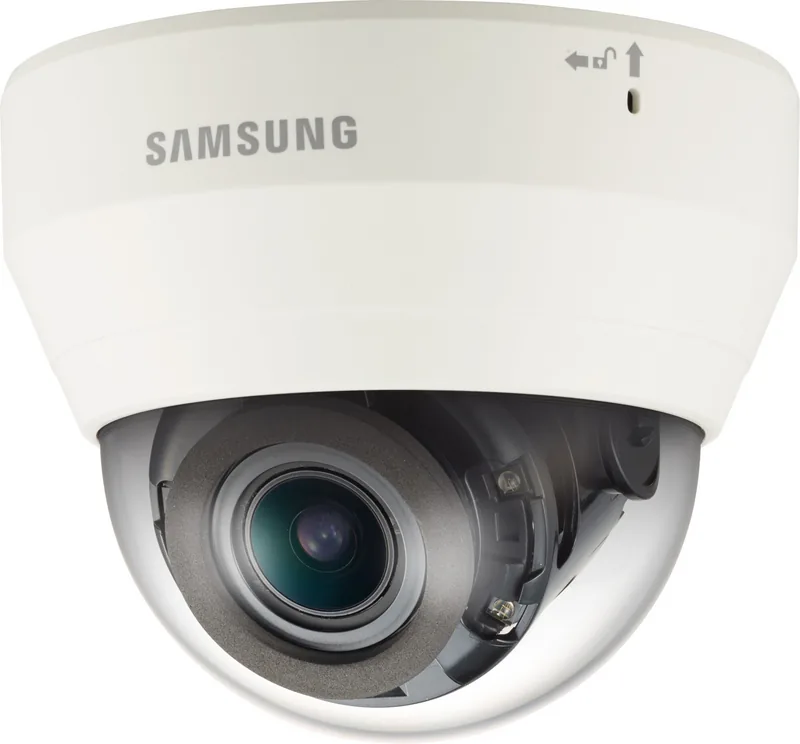
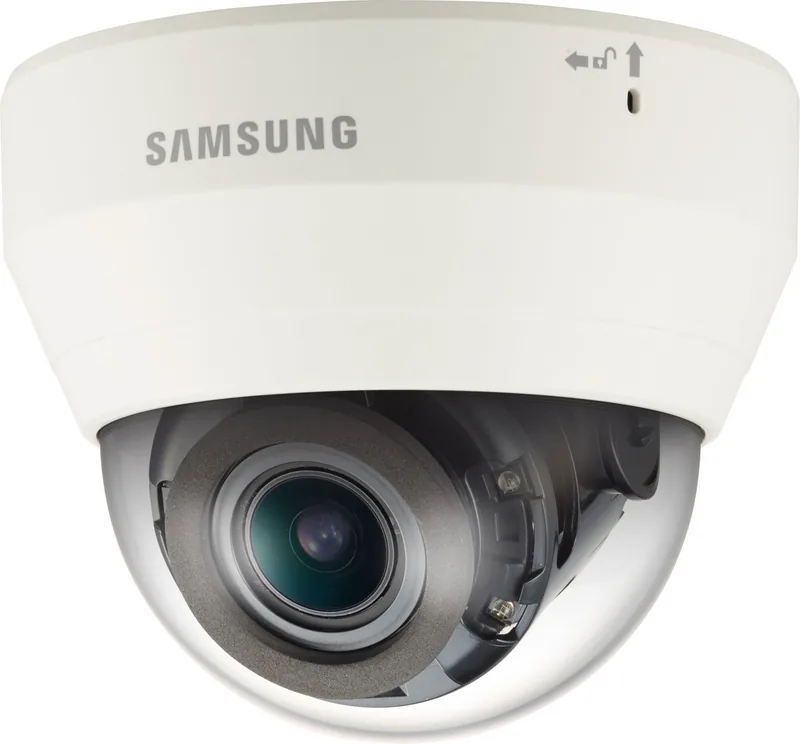
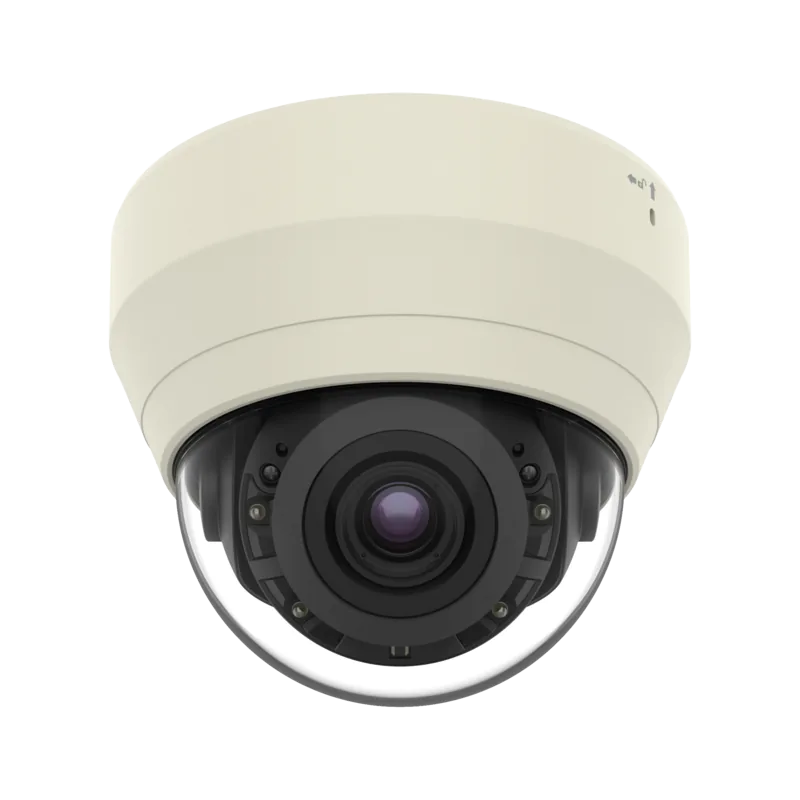
Hanwha QND-7080R Manual
PDF manual · 75 Pages
English



Quick check
Incorrect answer, please try again.
Chat with your Hanwha QND-7080R manual using AI
Get instant AI answers from your Hanwha QND-7080R manual
Ask anything about the Hanwha QND-7080R. Answers come from this manual, with the pages they are based on.
Ask a Question
Do you recommend QND-7080R?
Yes NoFrequently Asked Questions
The QND-7080R delivers up to 4 megapixel video and supports H.264, H.265 and MJPEG codecs, with configurable profiles for resolution, frame rate and bitrate per stream.
Is this answer helpful?
Yes. The camera supports PoE (IEEE 802.3af) for data and power via Ethernet, and also accepts 12V DC; when both are connected, PoE typically supplies power.
Is this answer helpful?
Events such as motion, tampering, blur detection or external alarm inputs can trigger recording and automated actions: email/FTP alerts, saving to microSD or NAS, and activating alarm outputs as configured in the event setup.
Is this answer helpful?
Recording can be stored locally on a microSD/SDHC/SDXC card (recommended 4–128GB UHS-1) or on a NAS; the manual includes recommended NAS specs and guidance for capacity and simultaneous camera access.
Is this answer helpful?
Access can be via local IP, DDNS URL or port-forwarding through your router. The camera supports DHCP, PPPoE and static IP setups; port mapping or DDNS registration is needed for remote internet access.
Is this answer helpful?
Outdoor-capable models in the series meet IP66 standards and include waterproof cabling accessories, but proper sealing of external cable entries and mounting under an eave is recommended to maintain weatherproofing.
Is this answer helpful?
Set a strong administrator password following the complexity rules, change it regularly (recommended every three months), restrict guest access, and configure network security such as router port rules and DDNS cautiously.
Is this answer helpful?
Advantages and Disadvantages
Advantages

- 4MP high-resolution imaging for detailed surveillance.
- Multi-streaming and advanced codec support (H.264/H.265/MJPEG).
- Built-in motion, tamper and blur detection with event-triggered recording.
- PoE support, ONVIF compliance and rich network configuration options.
- IP66-rated family variants and waterproof RJ45 accessories for outdoor use.
Disadvantages

- Requires network and storage configuration knowledge for remote access and port forwarding.
- Plug-in WebViewer provides better performance; plug-in-free viewer has limitations.
- Installation requires proper sealing and mounting to maintain IP66 performance.
- High-quality streaming may demand recommended PC/browser specs and bandwidth.
- Password policies and periodic changes add administrative overhead.
Product Specification
Type
Dome
Image Sensor
1/3" CMOS
Resolution
2720x1536 Pixel (20fps), 1920x1080 Pixel (30fps)
Lens
0.11-0.47 in (F1.4)
Light Sensitivity
0.15 Lux (Color), 0 Lux (IR)
Viewing Angle
110° (horizontal), 61° (vertical), 131° (diagonal)
Pan
0° to 350° (manual)
Tilt
0° to 67° (manual)
Compression/Codecs
MJPEG, H.264, H.265, G.711, G.726
Multistreaming
supported
Alarm
1x Alarm Input, 1x Alarm Output
Connections
1x RJ-45 100Mb LAN
Data Storage
1x microSD-Slot
Microphone
integrated
Illumination
IR Illumination (65.62 ft)
Power Supply
PoE (Type 1)
Protection Class
IK08
System Compatibility
ONVIF (Profile G, S), IPv6
Zone & Analysis Functions
Motion Detection, Privacy Zones, IR Filter
Product Description
Hanwha Techwin QND-7080R — Professional 4MP Network Camera
The Hanwha Techwin QND-7080R is a robust 4-megapixel network dome camera designed for demanding surveillance use. Built with multi-stream capabilities and advanced codecs (H.264/H.265/MJPEG), it delivers high-resolution video suitable for both live monitoring and recorded evidence. The unit supports PoE or 12V DC power, flexible network configurations (static/DHCP/PPPoE), and ONVIF compatibility for integration with third-party NVRs and VMS systems.
Key features and practical benefits
This camera series offers outdoor-ready variants (IP66-rated models in the family) and infrared (IR) illumination with an IR mode that mitigates overexposure of nearby objects for clearer close-range detail. Motion detection, tamper (manipulation) detection, and blur detection are built into the device to trigger events and recordings automatically. Event responses include emailing, FTP upload, saving to microSD/NAS, or activating alarm outputs.
Advanced video profiling lets you create multiple simultaneous streams with different resolutions and bitrates for live viewing, recording, or remote access. The camera supports variable and constant bitrate control, ATC (Auto Transmit Control) for bandwidth-adaptive streaming, and adjustable GOV length for I-frame management. Multicast (RTSP/SVNP) options and RTSP streaming make it versatile in diverse network topologies.
Installation and maintenance are user-focused: a clear mechanical design with a removable dome, focus/auto-focus controls on some models, waterproof RJ45 cabling accessories for wet locations, and detailed guidance for sealing external cable entries. Recommended storage and hardware specs (microSD 4–128GB UHS-1, NAS recommendations, PC/browser specs) ensure reliable recording and playback. The camera supports plug-in and plug-in-free web viewers, plus SmartViewer/NVR integrations, and detailed playback/export options for backed-up AVI files.
Who should consider the QND-7080R?
Security integrators, facility managers, and small-to-medium businesses seeking a flexible, high-resolution dome camera with robust event handling and multiple network deployment options. Its blend of image quality, detection features, and integration standards makes it suitable for indoor surveillance and for environments where professional network setup and remote access are needed.
Notes
- Use recommended microSD brands and capacities (Sandisk/Transcend; 4–128GB UHS-1) for best recording reliability.
- Follow PoE or 12V DC power guidelines; do not mix supplies incorrectly.
- Change administrator passwords regularly and follow the camera’s password complexity rules for security.
Search for 67,706 Manuals online


Type-in Brand or Model