
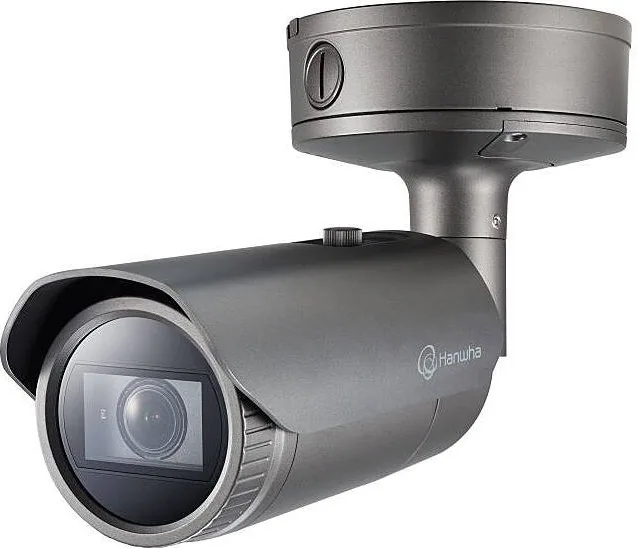
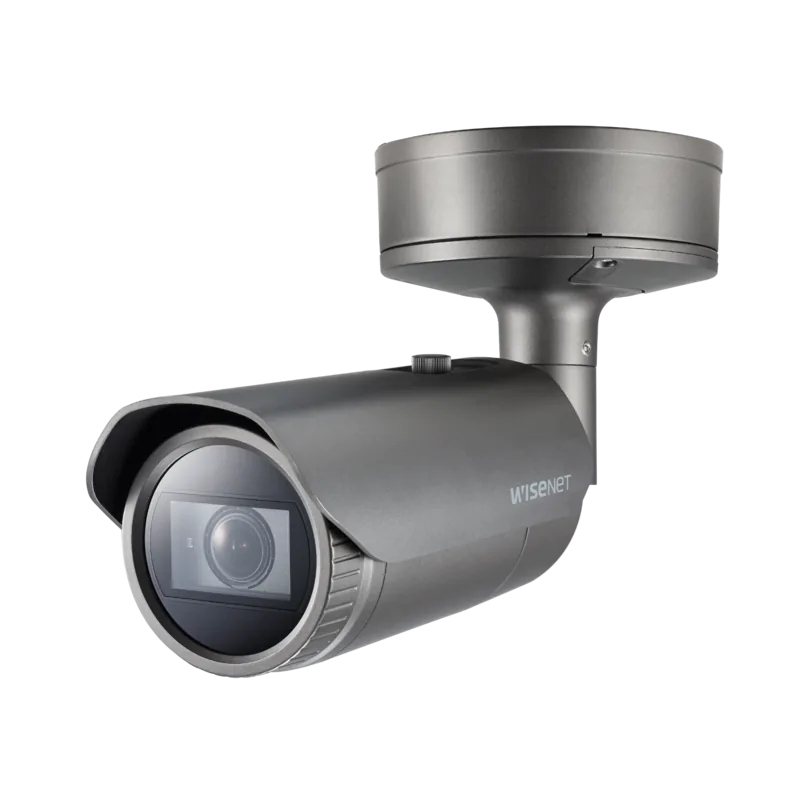
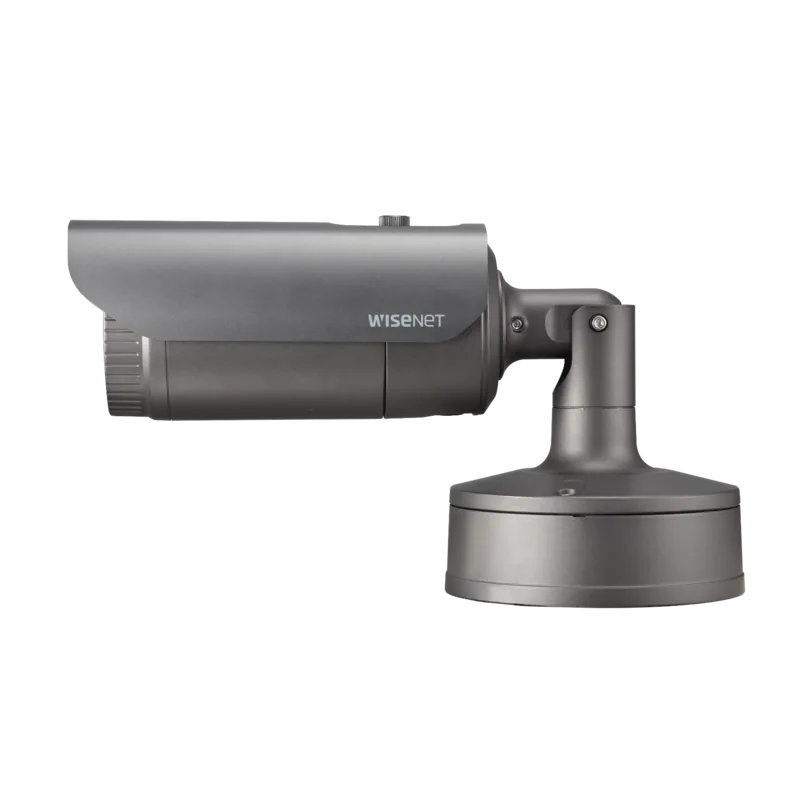
Hanwha PNO-A9081R Manual
PDF manual · 66 Pages
English



Quick check
Incorrect answer, please try again.
Chat with your Hanwha PNO-A9081R manual using AI
Get instant AI answers from your Hanwha PNO-A9081R manual
Ask anything about the Hanwha PNO-A9081R. Answers come from this manual, with the pages they are based on.
Ask a Question
Do you recommend PNO-A9081R?
Yes NoFrequently Asked Questions
The PNO-A9081R is an outdoor bullet network camera. Its design includes a base wall mount, adjustable camera module, sunshield, Ethernet connection, power input, Micro SD slot, and audio and alarm connection support.
Is this answer helpful?
Yes. The camera is rated IP67. However, the external cable connection area is not weatherproof on its own. Install it in a protected location where possible and seal cable gaps with overlapping waterproof butyl rubber tape.
Is this answer helpful?
The PNO-A9081R can use 12 V DC power rated at 1.5 A or PoE+ through Ethernet. PoE+ must comply with IEEE 802.3at. If both power sources are connected, the camera can receive power from both.
Is this answer helpful?
Yes. The camera includes a Micro SD card slot. Recommended cards are high-endurance MLC models with capacities from 16 GB to 256 GB. Disable storage and turn off the camera before removing the card to avoid data loss or damage.
Is this answer helpful?
Yes. The camera supports audio input and output as well as alarm connections. These interfaces can be used with compatible microphones, speakers, sensors, warning lights, or sirens, subject to the stated electrical limits.
Is this answer helpful?
Connect the Ethernet cable to a local network or Internet connection. The camera supports 10/100/1000BASE-T networking. Device Manager can help find the camera and configure its IP address on the same network.
Is this answer helpful?
Advantages and Disadvantages
Advantages

- IP67-rated outdoor bullet housing with a sunshield supports exterior surveillance deployments.
- PoE+ and 12 V DC power options provide flexibility for new or existing installations.
- Gigabit Ethernet, Micro SD storage, audio, and alarm I/O support broader system integration.
- Adjustable bracket and wall, ceiling, or pipe mounting options help target the desired coverage area.
- WiFi-assisted setup through a compatible dongle can simplify view-angle adjustment during installation.
Disadvantages

- External cable connections are not weatherproof by themselves and require careful sealing outdoors.
- Micro SD cards must be removed only after storage is disabled and the camera is powered down.
- A compatible PoE+ source is required when using Ethernet power.
- Improperly tightening or forcing the bracket during adjustment can cause scratches or damage.
Product Specification
Type
Bullet
Image Sensor
1/1.8" CMOS
Resolution
3840 x 2160 pixels (30 fps)
Lens
0.18-0.39 in (F1.6-F2.65)
Light Sensitivity
0.05 lux (color), 0.005 lux (B/W), 0 lux (IR)
Viewing Angle
45.5-101.4 degrees (horizontal), 25.5-53.6 degrees (vertical), 52.3-120.7 degrees (diagonal)
Zoom Function
2.2x optical
Compression/Codecs
MJPEG, H.264, H.265, G.711, G.726, AAC
Multistreaming
supported
Alarm
1x alarm input, 1x alarm output
Connections
1x audio input, 1x audio output, 1x BNC, 1x RJ-45 1 Gb LAN
Data Storage
1x microSD slot (max. 512 GB)
Illumination
IR illumination (98.43 ft)
Power Supply
PoE (Type 1)
Protection Rating
IP66, IK10, NEMA 4X
Housing
suitable for outdoor use
System Control & Operation
Mobile app (Android, iOS)
System Compatibility
ONVIF (Profiles G, S, T), IPv6
Zone & Analysis Functions
motion detection, tamper detection, noise detection, face detection, person detection, vehicle detection, license plate detection, people counting, impact detection, zone monitoring (line crossing, zone entry, zone exit), privacy zones, IR filter
Product Description
Hanwha Techwin PNO-A9081R - Read, Download & Print Free
The Hanwha Techwin PNO-A9081R is an outdoor bullet network camera designed for dependable perimeter and exterior monitoring. Its bullet-style housing includes a sunshield and an adjustable mounting arrangement, helping installers position the camera for targeted coverage around entrances, driveways, building edges, and other exposed locations. The camera is rated IP67, supporting use in demanding outdoor environments when installation guidance is followed.
Flexible Installation and Connections
The PNO-A9081R supports direct wall or ceiling mounting, along with pipe-based installation options. Its base wall mount and cable-routing design help create a neat installation while allowing connection of LAN, power, audio, and alarm wiring. A safety cable is used during assembly, and the camera direction can be adjusted with the supplied L wrench after loosening the bracket screw.
For outdoor cable runs, careful waterproofing is essential. The product housing is weather-resistant, but external cable connection points require protection from moisture. Wrapping the cable jacket and connection area with overlapping waterproof butyl rubber tape helps reduce the risk of water entering through cable gaps.
Network Power, Storage, and I/O
The camera connects through Ethernet using 10/100/1000BASE-T networking and supports PoE+ power compliant with IEEE 802.3at. It can also operate from a 12 V DC supply rated for 1.5 A. Using PoE+ can simplify installation by carrying network data and power through a single Ethernet cable.
A Micro SD card slot supports local storage, with high-endurance MLC cards from 16 GB to 256 GB recommended. The camera also provides audio and alarm connections, enabling integration with external microphones, speakers, sensors, warning lights, or sirens. Audio input and output capabilities make it suitable for installations where live communication or sound capture is valuable.
Setup and Everyday Management
Initial setup can be performed through a local network, DHCP environment, or direct connection to a compatible modem. Device Manager can locate cameras on the same network and assist with IP configuration. The camera can also be accessed through a web viewer, while optional WiFi dongle support and the Wisenet Installation app can help installers check the viewing angle from a smartphone.
Notes
- Set a strong administrator password during first login and update it regularly.
- Turn off storage and power down the camera before removing a Micro SD card.
- Use Category 6 Ethernet cable and follow grounding and weatherproofing recommendations for outdoor installations.
Search for 67,706 Manuals online


Type-in Brand or Model