
Hanwha PNM-9000QB Manual
PDF manual · 29 Pages
English



Quick check
Incorrect answer, please try again.
Chat with your Hanwha PNM-9000QB manual using AI
Get instant AI answers from your Hanwha PNM-9000QB manual
Ask anything about the Hanwha PNM-9000QB. Answers come from this manual, with the pages they are based on.
PNM-9000QB Maintenance Schedule
Please change your password every three months to safely protect personal information and to prevent the damage of the information theft.
Clean the contaminated area on the product surface with a soft, dry cloth or a damp cloth. Do not use detergents containing alcohol, solvents, surfactants, or oil.
Free maintenance reminders
Timed to your purchase date. Always free, unsubscribe anytime.
Ask a Question
Do you recommend PNM-9000QB?
Yes NoFrequently Asked Questions
It is a modular network surveillance platform with a separate main unit and compatible lens modules. This design allows lens placement to be tailored to the monitored area while the main hardware can be installed elsewhere.
Is this answer helpful?
Compatible optional modules include the SLA-T1080FA, SLA-T2480A, SLA-T2480VA, SLA-T4680A, and SLA-T4680VA. The appropriate option depends on the desired installation method and viewing requirements.
Is this answer helpful?
Yes. The main unit supports PoE+ using IEEE 802.3at compatible equipment. It also has a 12 V DC power input for installations using a separate power supply.
Is this answer helpful?
Yes. The unit has two microSD card slots. High-performance MLC microSD, SDHC, or SDXC cards are recommended, with support for up to 256 GB per slot and up to 512 GB total across both slots.
Is this answer helpful?
Yes. The main unit includes audio input and output for microphone and speaker connections, plus two alarm inputs and two alarm outputs for sensors, warning devices, or external control workflows.
Is this answer helpful?
Remote access can be configured through the web viewer using a public IP address or a DDNS address. Depending on the network, router port forwarding or UPnP settings may be required.
Is this answer helpful?
Advantages and Disadvantages
Advantages

- Modular main unit supports several optional lens modules and mounting styles.
- PoE+ support can deliver power and network connectivity through one Ethernet cable.
- HDMI, audio I/O, alarm I/O, microSD storage, and NAS recording support add deployment flexibility.
- Device Manager, DHCP, static IP, DDNS, UPnP, and Bonjour support simplify network setup.
Disadvantages

- Lens modules and extension cables are optional components and may need separate purchase.
- Installation requires careful cable routing, power isolation, and suitable mounting support.
- PoE+ capability requires compatible IEEE 802.3at network equipment.
- Remote internet access may require router port forwarding and DDNS configuration.
Product Specification
Compression
H.265, H.264, MJPEG, G.711, G.726, AAC-LC
Drive
N/A
Interfaces
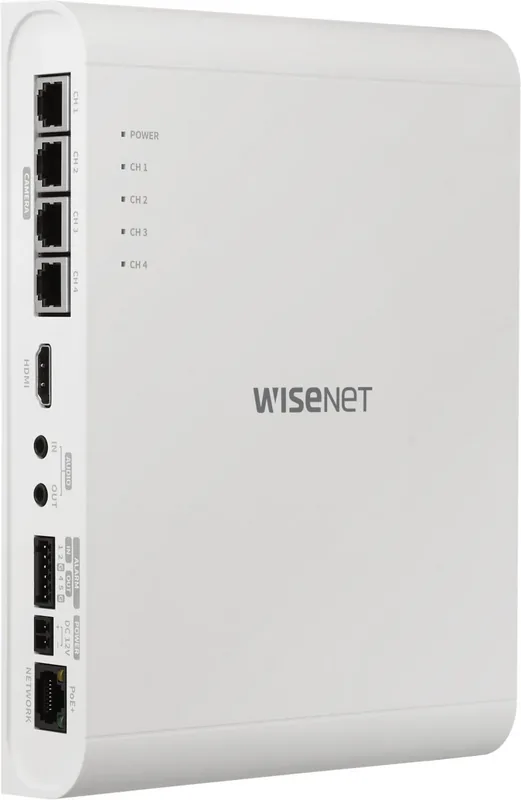
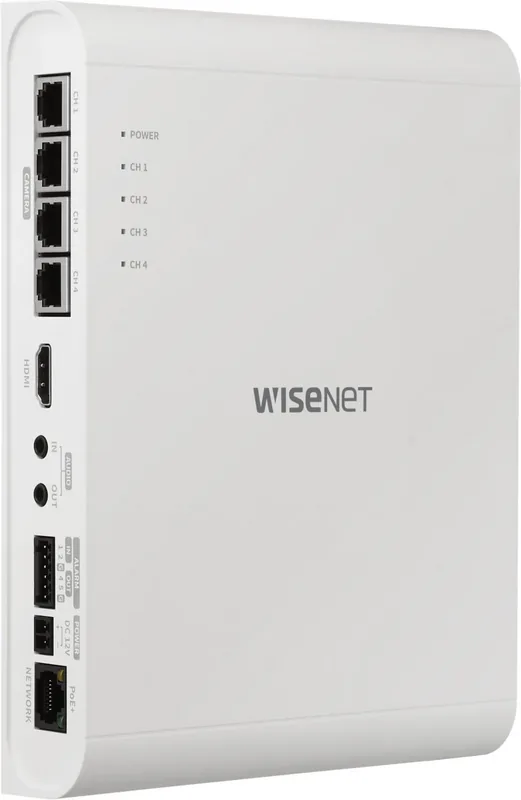
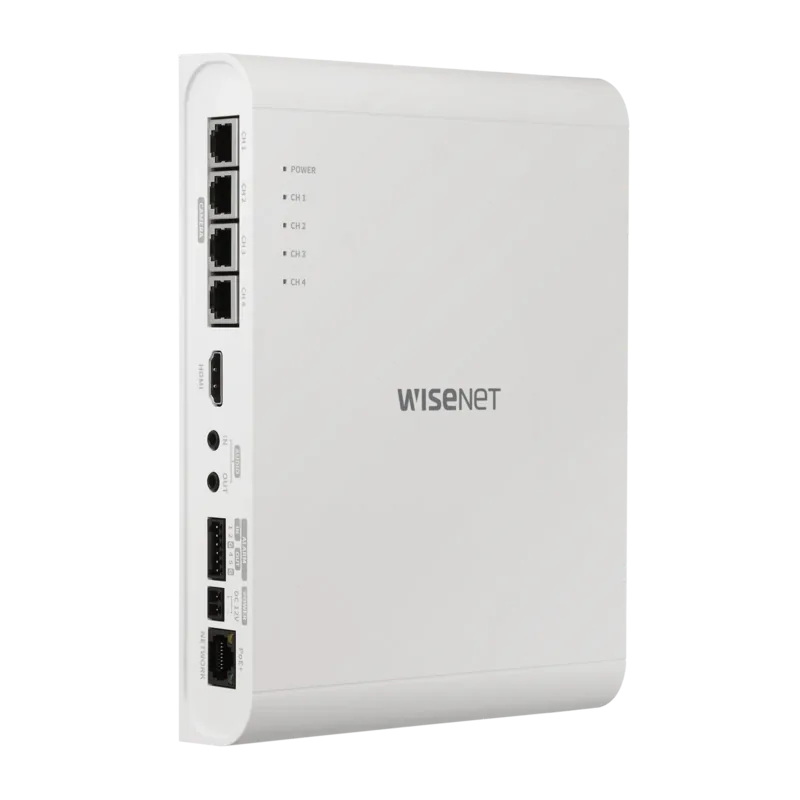
4x RJ-45 (PoE), 1x WAN (CMS), 1x HDMI, 2x alarm input, 2x alarm output, 1x audio input (jack), 1x audio output (jack), 1x microSDXC slot (up to 256 GB)
Features
Multistreaming, privacy zones, ONVIF (Profiles S/T), app controllable (Android, iOS)
Product Description
Hanwha PNM-9000QB Multi-Sensor - Read, Download & Print Free
The Hanwha PNM-9000QB Multi-Sensor is a flexible network surveillance platform designed for installations that need broad coverage while keeping the main hardware discreet and protected. Its modular design separates the main unit from compatible lens modules, allowing installers to position cameras where coverage is needed and place the central unit in a more convenient location.
Modular coverage for tailored surveillance
The PNM-9000QB works with a range of optional Hanwha lens modules, including the SLA-T1080FA, SLA-T2480A, SLA-T2480VA, SLA-T4680A, and SLA-T4680VA. These options support different mounting styles, from concealed through-hole placement to surface-mounted installations. A 15 m SCL-150 extension cable is also available for layouts requiring greater separation between the main unit and lens modules.
Each connected lens channel has a status indicator on the main unit, helping users verify video operation quickly. The system is suited to environments such as retail spaces, offices, entrances, corridors, service counters, and other areas where multiple viewpoints may be required from one centrally managed platform.
Connectivity, storage, and local monitoring
For streamlined deployment, the PNM-9000QB supports PoE+ under IEEE 802.3at, combining network connectivity and power through one compatible Ethernet connection. It also supports a 12 V DC power input. The unit includes HDMI output for viewing a live feed on a connected monitor, plus audio input and output connections for microphone and speaker integration.
Two alarm inputs and two alarm outputs enable connection to external sensors, warning lights, sirens, or related security equipment. Local recording can be supported with microSD, SDHC, or SDXC cards. The recommended configuration uses high-performance MLC cards, with two slots supporting up to 256 GB each. NAS recording is also supported, with QNAP and Synology systems identified as recommended options.
Network management and remote access
The camera can be configured through a web viewer and discovered using Hanwha Device Manager. It supports DHCP or static IP configuration, while DDNS, port forwarding, UPnP, and Bonjour can assist with access across varied network environments. Recommended viewing environments include Chrome on current Windows and macOS systems.
Security should remain a priority during setup. The default administrator account requires a password at first login, and regular password changes are recommended. For reliable operation, use suitable grounding, STP cabling, and a PoE+ network device where applicable.
Note: Power off the system before connecting or removing lens modules or microSD cards. Plan cable routing carefully to prevent strain near each lens module.
Search for 67,706 Manuals online


Type-in Brand or Model