
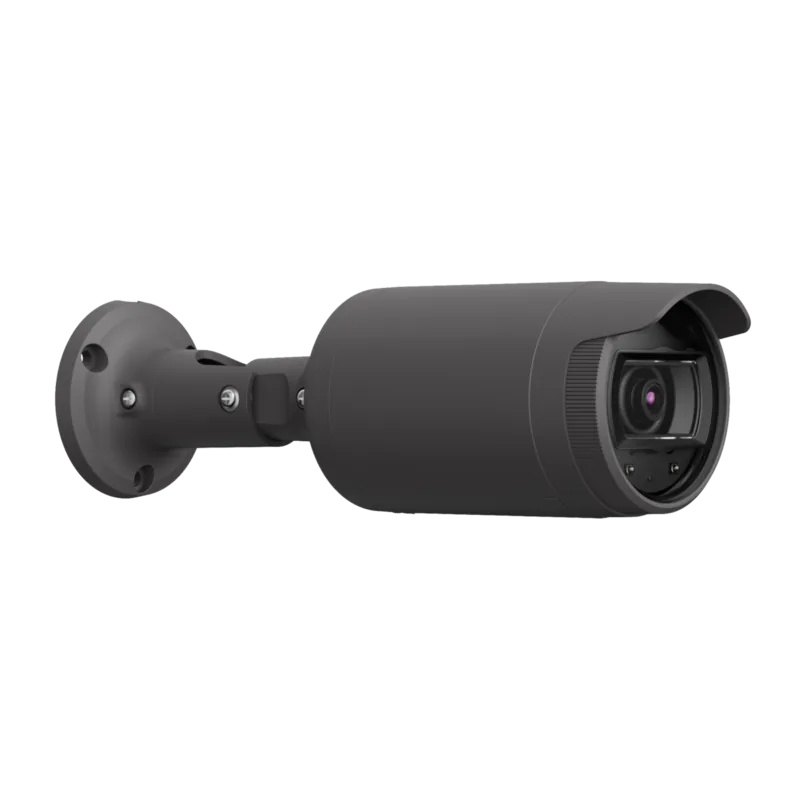
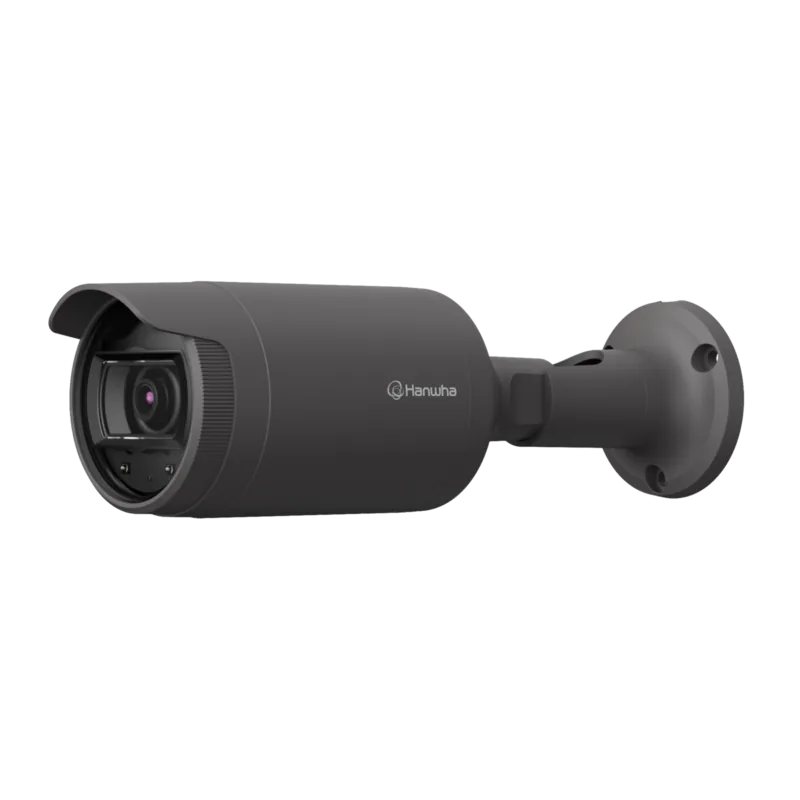
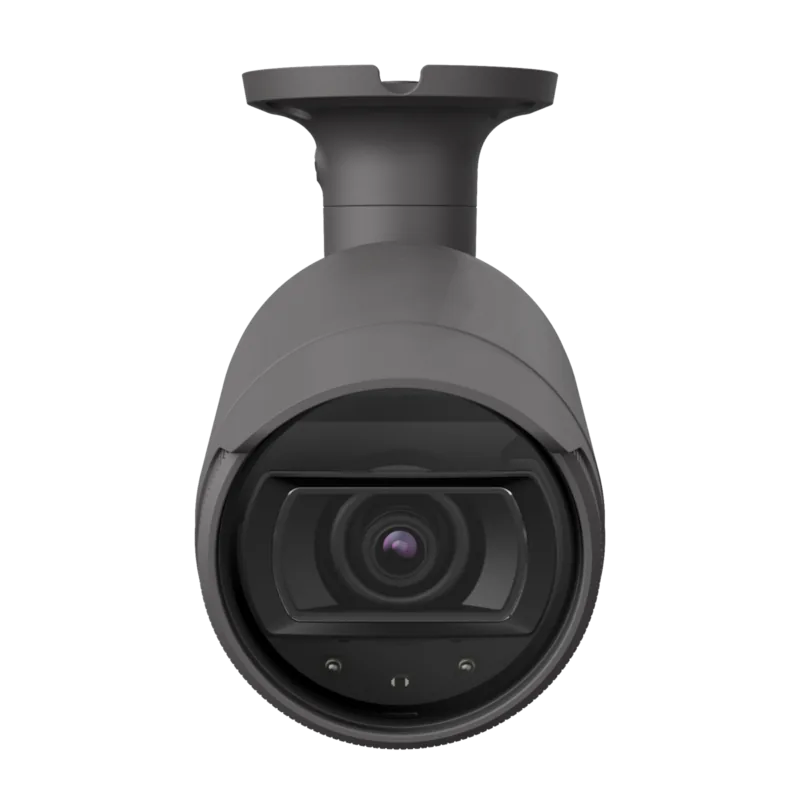
Hanwha LNO-6012R Manual
PDF manual · 42 Pages
English



Quick check
Incorrect answer, please try again.
Chat with your Hanwha LNO-6012R manual using AI
Get instant AI answers from your Hanwha LNO-6012R manual
Ask anything about the Hanwha LNO-6012R. Answers come from this manual, with the pages they are based on.
Ask a Question
Do you recommend LNO-6012R?
Yes NoFrequently Asked Questions
Yes. The LNO-6012R has an IP66 dustproof and waterproof design for outdoor or rain-exposed locations. The cable connection should still be protected with the waterproof RJ45 accessory and sealing tape, preferably under an eave.
Is this answer helpful?
It is powered through Power over Ethernet. Use IEEE 802.3af-compliant PoE equipment and a Category 5e Ethernet cable. PoE provides both network communication and power through the same cable.
Is this answer helpful?
Yes. Integrated IR LEDs and an illumination sensor enable automatic infrared mode in low-light conditions. The camera adjusts IR behavior to help avoid over-bright images of objects close to the lens.
Is this answer helpful?
Yes. The internal Micro SD card slot supports local event storage. High-endurance MLC cards with 16 GB to 32 GB capacity are recommended. Disable storage and power down the camera before removing the card.
Is this answer helpful?
The camera supports motion detection and tampering detection. When an event occurs, related video can be stored on a Micro SD card or sent to configured email and FTP destinations.
Is this answer helpful?
Use a browser to enter the camera IP address, or use Device Manager to discover and configure it. DHCP is enabled by default. If no DHCP server is available, the default address is 192.168.1.100.
Is this answer helpful?
Advantages and Disadvantages
Advantages

- IP66 dustproof and waterproof housing supports outdoor security installations.
- 2 megapixel video and automatic IR mode support clear day and night monitoring.
- PoE support combines network connectivity and power through one Ethernet cable.
- Multi-streaming, ONVIF Profile S/G/T, motion detection, and tampering detection improve integration and monitoring options.
- Micro SD storage and event delivery to email or FTP provide flexible recording responses.
Disadvantages

- The external cable connection is not inherently waterproof and requires careful sealing.
- Manual installation and positioning require a surface rated for five times the installed weight.
- Micro SD compatibility varies by card brand and type; high-endurance MLC cards are recommended.
- The fixed administrator ID cannot be changed, so password management is especially important.
- Remote access requires correct router port forwarding or DDNS configuration.
Product Specification
Type
Bullet
Image sensor
1/2.9" CMOS
Resolution
1920 x 1080 pixels (30 fps)
Lens
0.11 in (F2.0)
Light sensitivity
0.03 lux (color), 0 lux (IR)
Viewing angle
113.7 degrees (horizontal), 61.5 degrees (vertical), 134.4 degrees (diagonal)
Pan
N/A
Tilt
N/A
Compression/Codecs
MJPEG, H.264
Multistreaming
supported
Ports
1 x RJ-45 100 Mbps LAN
Data storage
1 x microSD slot (max. 32 GB)
Illumination
IR illumination (98.43 ft)
Power supply
PoE (Type 1)
Protection rating
IP66
Housing
suitable for outdoor use
System compatibility
ONVIF (Profiles G, S, T), IPv6
Zone and analysis functions
motion detection, tampering detection, privacy zones, IR filter
Product Description
Hanwha Techwin LNO-6012R - Read, Download & Print Free
Reliable Outdoor Network Monitoring
The Hanwha Techwin LNO-6012R is a compact network camera designed for dependable surveillance in outdoor and exposed locations. Its IP66-rated housing helps protect the unit against dust and water, making it a practical choice for building entrances, walkways, parking areas, loading zones, and perimeter monitoring. For best protection of the connected cabling, installation beneath an eave is recommended.
This camera supports 2 megapixel video, delivering clear footage for everyday security observation. Integrated infrared illumination automatically responds to changing light conditions, helping maintain visibility when the surrounding area becomes dark. The illumination sensor controls IR operation to limit excessive brightness on nearby subjects, supporting more balanced nighttime images.
Connected Security Features
Power and network connectivity are supplied through a single PoE Ethernet connection. The camera is compatible with IEEE 802.3af PoE equipment and uses a Category 5e cable for network runs of up to 100 meters. This streamlined setup can reduce cabling complexity while supporting organized installations.
The LNO-6012R offers multi-streaming, allowing video to be delivered in different resolutions and quality settings at the same time. This flexibility can help operators balance image quality, bandwidth, and storage needs across monitoring systems. Browser-based viewing supports local access through a compatible web browser, while ONVIF Profile S, G, and T support can assist with integration into compatible video management environments.
Event-driven tools add another layer of awareness. Motion detection can identify activity within the scene, while tampering detection helps flag attempts to interfere with video monitoring. When configured, event-related video can be sent to registered email or FTP destinations, or stored locally on a Micro SD card. High-endurance MLC Micro SD or SDHC cards in the 16 GB to 32 GB range are recommended.
Installation and Daily Operation
The camera can be mounted to a ceiling or wall surface that can support at least five times the combined weight of the camera and mounting hardware. Its position can be adjusted with a Phillips screwdriver after loosening the bracket screw. The housing can also be rotated for a 9:16 hallway view, which is useful for narrow corridors and passages.
Initial network configuration can be handled through Device Manager or DHCP. If no DHCP server is available, the camera uses the default address 192.168.1.100 until network settings are changed. The initial administrator account is "admin," and a strong password must be created at first login. Regular password changes are recommended to protect access.
Notes
- Secure all outdoor cable connections with the supplied RJ45 waterproof accessory and appropriate sealing.
- Avoid staring directly at active IR LEDs.
- Power off the camera and disable storage before removing a Micro SD card to reduce the risk of data loss.
Search for 67,706 Manuals online


Type-in Brand or Model