
Hama WiFi LED Bulb 10W E27 Manual
PDF manual · 15 Pages
English



Quick check
Incorrect answer, please try again.
Chat with your Hama WiFi LED Bulb 10W E27 manual using AI
Get instant AI answers from your Hama WiFi LED Bulb 10W E27 manual
Ask anything about the Hama WiFi LED Bulb 10W E27. Answers come from this manual, with the pages they are based on.
Ask a Question
Do you recommend WiFi LED Bulb 10W E27?
Yes NoFrequently Asked Questions
Install the bulb in an E27 socket, open the Hama Smart Home (Solution) app, sign in or register, tap + to add a device, select Lamps, enter your 2.4 GHz Wi‑Fi password, confirm the bulb is flashing rapidly and follow on-screen steps to complete pairing.
Is this answer helpful?
Turn the light switch off and on quickly three times; the bulb should start flashing rapidly to enter pairing mode. If it still does not, ensure the bulb is powered, check your Wi‑Fi network (2.4 GHz required) and restart the app, then try pairing again.
Is this answer helpful?
No. The Hama WiFi LED Bulb 10W E27 is not suitable for use with conventional dimmer switches, photo cells, time switches or twilight switches. Use the app or voice commands to dim the bulb smoothly.
Is this answer helpful?
The bulb supports Alexa and Google Assistant. Typical voice commands include switching on/off, dimming to a percentage (e.g., “dim to 50%”) and changing color temperature (e.g., “set to warm white”). Integration is configured through the respective assistant’s skills or services.
Is this answer helpful?
Yes, when used as instructed. Keep the bulb and packaging out of children’s reach, avoid operating in damp areas, and do not attempt repairs. Switch off power before replacing the bulb to prevent electric shock.
Is this answer helpful?
Always disconnect power before cleaning. Wipe the bulb with a slightly damp, lint‑free cloth; do not use aggressive cleaners or let water enter the product. Regularly check that fixtures are secure and the bulb is undamaged.
Is this answer helpful?
Do not dispose of the bulb with household waste. Return it to designated public collection points or the point of sale according to local regulations for electrical and electronic devices and batteries to ensure proper recycling.
Is this answer helpful?
Advantages and Disadvantages
Advantages

- Easy setup via Hama Smart Home app with quick pairing and device naming.
- Wide color and temperature range (up to 16 million colors or 2700–6500 K tunable white).
- Smooth dimming, schedules, scenes and automation for daily routines.
- Voice control support with Alexa and Google Assistant for hands-free operation.
- Standard E27 fitting and energy-efficient 10 W power for broad compatibility.
Disadvantages

- Requires a 2.4 GHz Wi‑Fi network; no 5 GHz support.
- Not compatible with conventional dimmer switches or certain external controllers.
- Not rated for damp or unprotected outdoor use without appropriate protection.
- Some models vary in lumen output and features—check exact model specifications.
- Warranty may be voided by improper installation or unauthorized modifications.
Product Specification
Energy efficiency class
G (A to G)
Rated power
10W
Energy consumption
10 kWh/1,000 h
Socket
E27
Rated voltage
230V
Luminous flux
806lm
Luminous efficacy (Lumen/Watt)
80.6
Energy efficiency index
0.16
Light color
warm white-daylight white (2700-6500K), adjustable
Color rendering
Ra80
Shape
Bulb
Finish
matte
Outer bulb
A60
Lifespan
25,000h
Start-up time
instant
Start time
< 0.5s
Diameter
2.36 in
Length
4.72 in
Special features
dimmable (only via app), white tone control
Smart Home
App control (Wi-Fi), Voice assistant (Amazon Alexa, Google Assistant)
Note
For the full range of functions, a manufacturer's gateway may be required. This may also change due to a firmware update. Please observe the manufacturer-specific information!
Product Description
Hama WiFi LED Bulb 10W E27 — Smart, Simple, Reliable
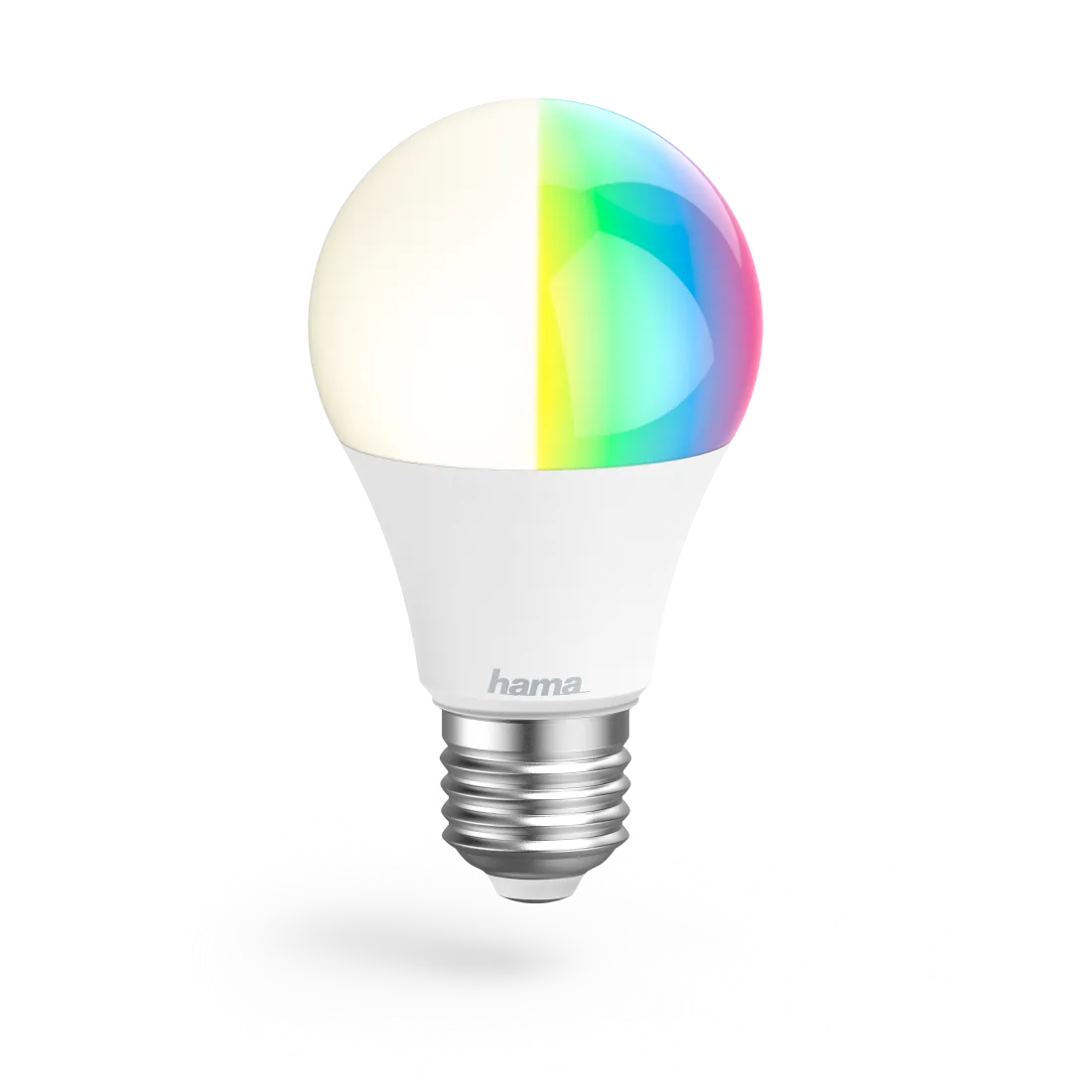
The Hama WiFi LED Bulb 10W E27 brings smart lighting to everyday spaces with dependable performance and easy setup. Designed for home use, this bulb replaces traditional lamps while offering app control, voice assistants compatibility and a wide palette of color and temperature options. It delivers efficient 10 W power with a bright output suitable for living rooms, kitchens or home offices, and fits standard E27 sockets for fast installation.
Setup is straightforward: screw the bulb into the fixture, use the Hama Smart Home (Solution) app (available on Apple App Store and Google Play), create or sign into your account, then add the lamp by following the in-app pairing steps. If the bulb does not enter pairing mode, toggling the switch three times quickly forces the lamp into setup. Once connected via your 2.4 GHz Wi‑Fi network, you can assign names, place bulbs into rooms and control them remotely.
The app provides extensive control: turn lights on/off, dim them smoothly, pick from millions of RGB colors (on multicolor models) or select color temperatures from warm white to daylight (approx. 2700–6500 K) on tunable white models. Built-in features include countdown timers, schedules, wake/sleep routines and custom scenes to automate daily rhythms or create lighting atmospheres for relaxation, focus or entertaining.
Voice control is supported through common assistants: use Alexa or Google Assistant commands to switch lights, dim to a percentage, or change color temperature and preset scenes for hands-free convenience. The bulb complies with EU RF exposure limits when used at least 20 cm from the body and operates on the standard 230 V, 50 Hz supply.
Safety and care are emphasized: do not use in damp environments, avoid exposure to heat sources or direct sunlight, and disconnect power before cleaning. The bulb is not suitable with conventional dimmers or specialized switching devices (photo cells, twilight or time switches) unless explicitly supported. For maintenance, wipe with a slightly damp, lint-free cloth and avoid aggressive cleaners. The product includes limited warranty terms tied to proper installation and use.
With a focus on recycling and environmental compliance, Hama advises returning end-of-life electronic devices and batteries to designated collection points rather than discarding them with household waste. For full technical details, app guidance and the EU declaration of conformity, see Hama’s support resources and product downloads.
Notes
- Requires 2.4 GHz Wi‑Fi network for pairing and control.
- Keep at least 20 cm from the body for RF exposure compliance.
- Not compatible with conventional dimmer hardware; use app dimming.
- Ensure lamp and fixture are voltage-free when changing bulbs.
Search for 67,706 Manuals online


Type-in Brand or Model
Alina Altmann
9 months ago
My Hama WiFi bulbs work at first, but after 2-3 months they disconnect and I have to re-pair. Do they only work on 2.4 GHz, and how can I stop the connection dropping?
Manual.ly
9 months ago
Most Hama smart bulbs rely on 2.4 GHz Wi-Fi. If your network uses band steering, try forcing the phone and bulb onto a 2.4 GHz SSID (leave 5 GHz off for setup). Also check that your router uses WPA2 security, has a stable signal (bulb not too far from the router), and does not block device-to-device traffic (disable client isolation/VLANs if enabled). If the bulb drops repeatedly, reset it (factory reset) and run pairing again in the Hama Smart Home app. A router restart and moving the bulb closer can help. Finally, confirm the app and bulb firmware are up to date.