
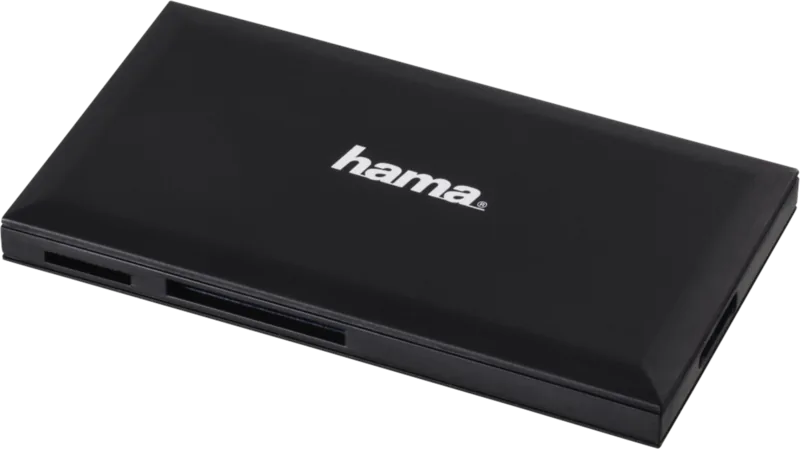
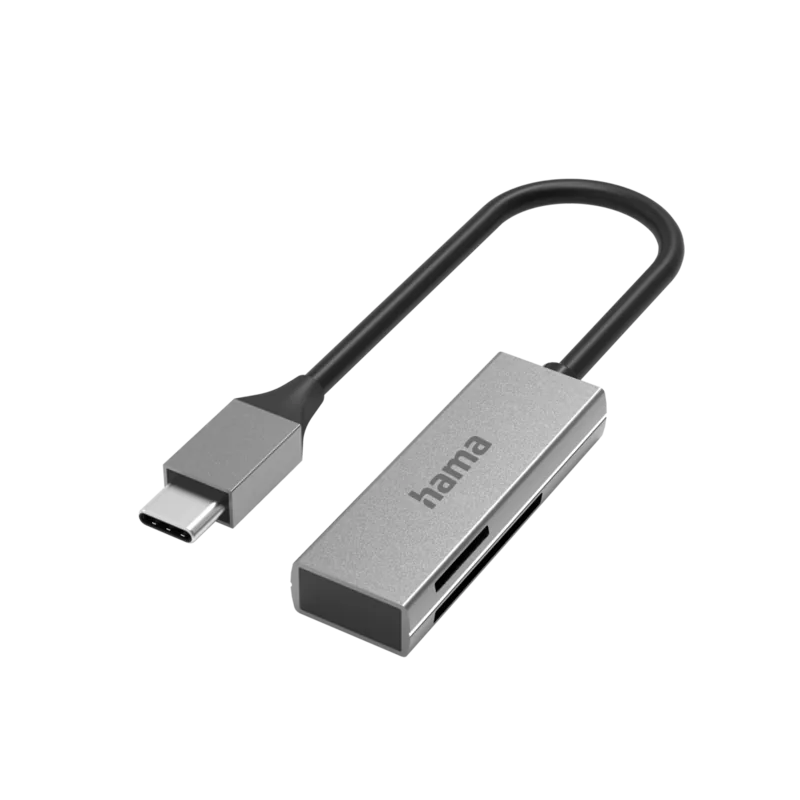
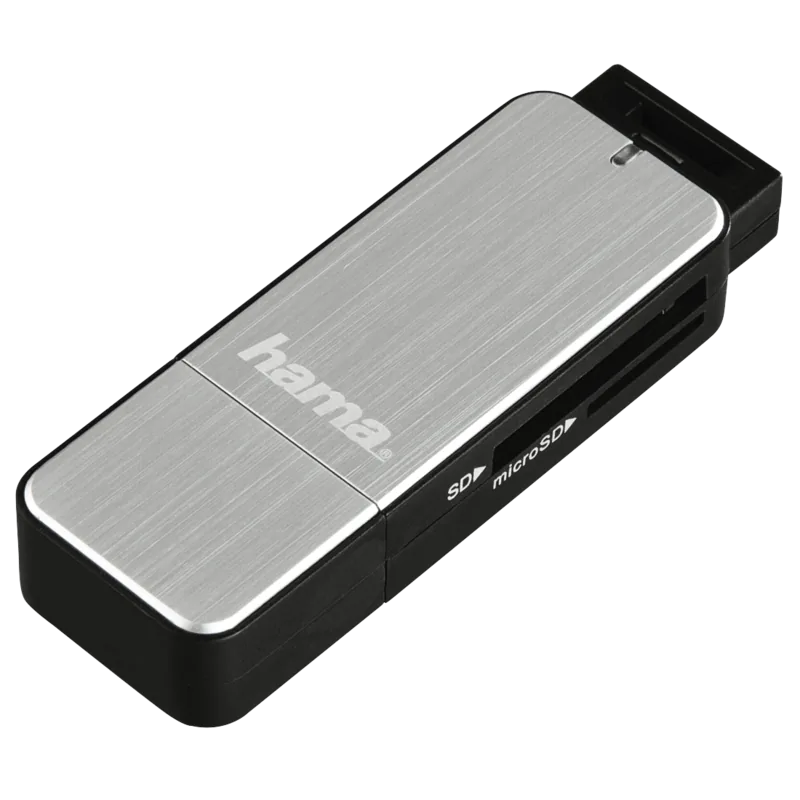
Hama USB 3.0 Multi-Slot Card Reader Manual
PDF manual · 19 Pages
English



Quick check
Incorrect answer, please try again.
Chat with your Hama USB 3.0 Multi-Slot Card Reader manual using AI
Get instant AI answers from your Hama USB 3.0 Multi-Slot Card Reader manual
Ask anything about the Hama USB 3.0 Multi-Slot Card Reader. Answers come from this manual, with the pages they are based on.
Ask a Question
Do you recommend USB 3.0 Multi-Slot Card Reader?
Yes NoFrequently Asked Questions
It lets you transfer data between memory cards and a computer or terminal device quickly and conveniently. It is useful for photos, videos, backups, and other file transfers without needing extra software.
Is this answer helpful?
No. The reader is designed for automatic installation, so no additional drivers are needed in normal use. You simply insert the card and connect the reader to a USB port.
Is this answer helpful?
The reader supports Windows 10, 8, 7, Vista, and XP, as well as Mac OS 9.x and newer versions. Compatibility details can vary by model, so checking the package is still recommended.
Is this answer helpful?
Yes. USB 3.1/3.0 readers are backward compatible with USB 2.0, so they can work with older devices as well as newer ones. Transfer speed may be lower on USB 2.0.
Is this answer helpful?
Always wait until transfers are complete and use your operating system’s eject function before removing the memory card or disconnecting the reader. This reduces the risk of corrupted or lost files.
Is this answer helpful?
The exact supported card formats depend on the version and are listed on the packaging or on Hama’s website. Some models may support advanced standards such as UHS-I, UHS-II, or UDMA.
Is this answer helpful?
Advantages and Disadvantages
Advantages

- Supports common Windows and Mac systems with automatic driver-free setup.
- USB 3.1/3.0 compatibility plus backward support for USB 2.0 adds flexibility.
- Multi-slot design can work with several memory card formats.
- High-speed standards like UHS and UDMA can improve transfer performance when matched.
Disadvantages

- Supported card formats may vary, so users must verify compatibility first.
- Maximum speed depends on both the card and the reader, not the reader alone.
- Private-use focus makes it less suited to demanding commercial environments.
- Careful ejection is required to avoid possible data loss during transfers.
Product Specification
Type
Card Reader
Form Factor
1x external wired
Connection
1x USB 3.0 Micro-B (port, 5Gb/s), 1x USB-A 3.0 (plug via cable, 5Gb/s)
Card Slots
1x microSD, 1x SD Card, 1x CompactFlash
Transfer Details
1x microSD (microSD, UHS-II), 1x SD Card (SD Card, MMC, UHS-II), 1x CompactFlash (Type I, Type II, UDMA-7)
Power Supply
Power supply only via connection
Dimensions
4.09x0.55x1.93 in
Weight
0.16 lb
Housing Color
black
Compatibility
universal
Manufacturer Warranty
two years
USB Notation
Link
Product Description
Hama Multi-Slot Card Reader, USB 3.0 Micro-B Socket Manual: A Practical Everyday Accessory
The Hama Multi-Slot Card Reader, USB 3.0 Micro-B Socket Manual highlights a compact accessory built for fast and flexible memory card access. Designed for private home use, it focuses on simplicity: plug in a compatible card, connect the reader to a USB port, and start transferring files without extra setup. For anyone moving photos, videos, or documents between devices, that kind of convenience can save time every day.
One of its biggest strengths is compatibility. The reader supports a broad range of operating systems, including Windows and Mac OS, and USB 3.1/3.0 models remain backward compatible with USB 2.0. That means it can fit into older and newer setups alike. The device also works automatically, so there is no need to install drivers or manage complicated software before using it.
The product is also presented as a multi-format solution. Depending on the supported card types listed on the packaging or Hama’s website, it can handle different memory standards, including high-speed options such as UHS-I, UHS-II, and UDMA when both the card and reader support them. This matters for users who want maximum transfer performance, especially when working with larger media files or frequent backups.
In practical use, the card reader is straightforward. Insert the card into the correct slot, connect the reader to a free USB port, and manage the transfer from your computer or terminal device. The instructions also emphasize an important habit: always use the operating system’s eject function before removing the card or disconnecting the reader. That small step helps prevent data loss and protects valuable files.
Beyond speed and ease of use, the reader is designed with everyday care in mind. It should be cleaned only with a slightly damp, lint-free cloth, kept dry, and protected from heat, moisture, and shock. These recommendations reflect a product meant to last when used responsibly. It is a simple tool, but one that can become essential in a workflow where memory cards are used often.
Overall, the Hama Multi-Slot Card Reader is best seen as a reliable bridge between memory cards and modern devices. It is especially appealing to users who want fast transfers, wide compatibility, and minimal setup in one compact accessory.
Notes
- Check the packaging or Hama’s website for supported card formats.
- Use the eject function before removal to reduce the risk of data loss.
- For best speed, both the card and reader should support the same high-speed standard.
Search for 67,732 Manuals online


Type-in Brand or Model