
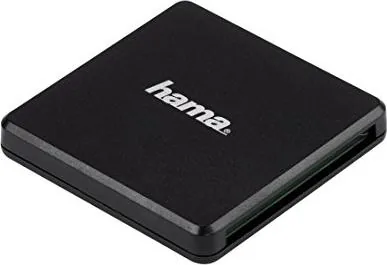
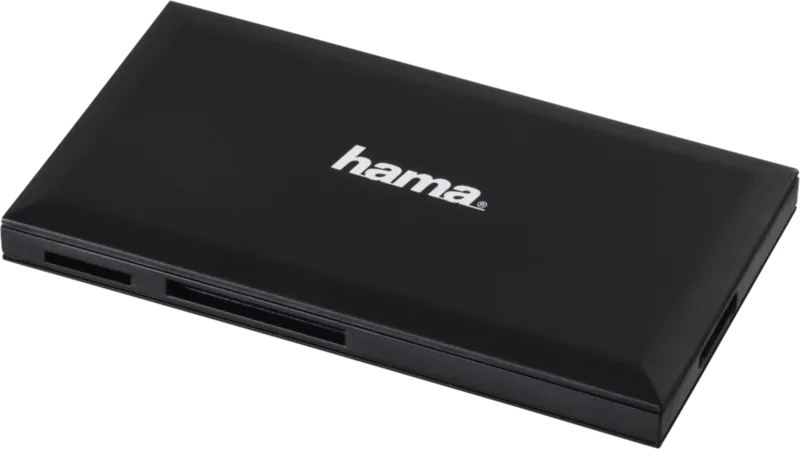
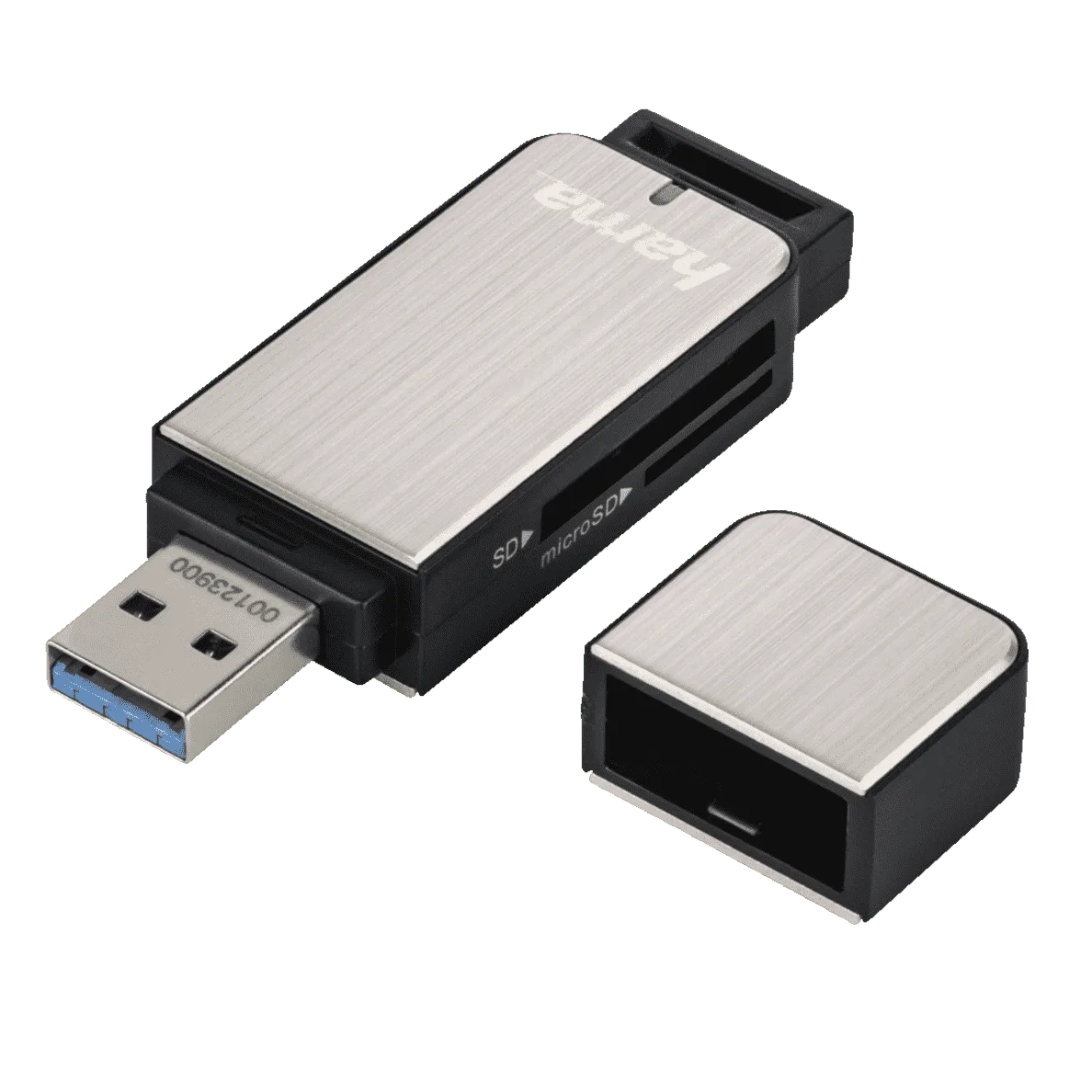
Hama USB 3.0 Multi-Slot Card Reader USB-A Plug Manual
PDF manual · 19 Pages
English



Quick check
Incorrect answer, please try again.
Chat with your Hama USB 3.0 Multi-Slot Card Reader USB-A Plug manual using AI
Get instant AI answers from your Hama USB 3.0 Multi-Slot Card Reader USB-A Plug manual
Ask anything about the Hama USB 3.0 Multi-Slot Card Reader USB-A Plug. Answers come from this manual, with the pages they are based on.
Ask a Question
Do you recommend USB 3.0 Multi-Slot Card Reader USB-A Plug?
Yes NoFrequently Asked Questions
It is used to read and transfer data from memory cards to a computer or other USB-compatible device. It is especially useful for moving photos, videos, and documents quickly and conveniently.
Is this answer helpful?
No. The reader is designed for automatic installation, so it works as a plug-and-play device. Just connect it to a USB port and insert the memory card into the correct slot.
Is this answer helpful?
Yes. USB 3.1/3.0 card readers are backward compatible with USB 2.0, so they can still be used with older systems, though transfer speed may be lower than with USB 3.0.
Is this answer helpful?
The reader supports Windows 10, 8, 7, Vista, and XP, as well as Mac OS 9.x and newer versions. System compatibility may depend on the host device and its USB support.
Is this answer helpful?
Always wait until the transfer is finished, then use the operating system’s eject or safe removal function before unplugging the reader or removing the card. This reduces the risk of corruption or data loss.
Is this answer helpful?
Clean it with a soft, lint-free cloth that is only slightly damp. Avoid harsh cleaning products, moisture, overheating, and direct sunlight. Keep it in a dry indoor environment for best results.
Is this answer helpful?
Advantages and Disadvantages
Advantages

- USB 3.0 connection helps support faster data transfers for compatible cards.
- Backward compatible with USB 2.0, making it useful with older computers.
- Plug-and-play setup means no additional drivers are needed.
- Multi-slot design improves flexibility across different memory card formats.
Disadvantages

- Supported card formats and speed features can vary by model and packaging.
- It is intended for private, indoor use only, not heavy commercial environments.
- Improper removal can cause data loss if the eject step is skipped.
- The device should not be opened or repaired by the user.
Product Specification
Type
Card Reader
Form Factor
1x external wired
Connection
Connection: 1x USB-A 3.0 (Plug via cable, 5Gb/s)
Card Slots
1x microSD, 1x SD Card, 1x CompactFlash
Supported Cards
1x microSD (microSD), 1x SD Card (SD Card), 1x CompactFlash (Type I)
Power Supply
Power supply only via connection
Dimensions
2.17x0.35x2.17in (WxHxD)
Weight
0.05 lb
Housing Color
black
Compatibility
Universal
USB Designation
Link
Product Description
Hama USB 3.0 Multi-Slot Card Reader, USB-A 3.0 [Plug]
A practical companion for fast everyday transfers
The Hama USB 3.0 Multi-Slot Card Reader, USB-A 3.0 [Plug] Manual highlights a simple idea: make memory-card transfers quick, broad in compatibility, and easy to manage. This compact reader is designed for people who move photos, videos, and project files between cards and computers on a regular basis. With USB 3.0 connectivity and backward compatibility for USB 2.0, it fits neatly into both newer and older setups without demanding extra effort.
Built for flexibility
One of the strongest points of this card reader is its multi-slot design. Instead of relying on a single card type, it is meant to handle a range of common formats, helping users work with different cameras, storage cards, and media workflows. Depending on the version and package details, it may also support faster standards such as UHS-I, UHS-II, or UDMA, which makes it a good match for high-speed cards when maximum transfer performance matters.
The plug-and-play approach is another advantage. Installation happens automatically, so there is no need to search for drivers or spend time configuring software. Just insert the memory card, connect the reader to a free USB port, and begin transferring files. For many users, that means less waiting and fewer technical steps before work can continue.
A small tool that rewards careful use
Like many storage accessories, the reader works best when used with care. The instructions stress waiting until transfers are complete and always using the operating system’s eject function before removing a card. That guidance matters, because interrupted transfers can lead to data loss. The manual also recommends keeping the device clean, dry, and away from heat, which helps preserve long-term reliability.
For a blog-style takeaway, this is a straightforward accessory that focuses on usefulness rather than extras. It is ideal for private use, everyday file management, and quick card access across Windows and Mac systems. The Hama USB 3.0 Multi-Slot Card Reader, USB-A 3.0 [Plug] Manual frames it as a dependable tool: practical, easy to connect, and built for safe, efficient data movement.
Notes
- Best performance is achieved when both the card and reader support faster standards.
- Always eject the card before unplugging the reader.
- Use only in dry indoor environments.
- Clean with a soft, slightly damp cloth.
Search for 67,732 Manuals online


Type-in Brand or Model
Simona Křečková
9 months ago
Does this USB 3.0 card reader support SD, microSD, and CF cards, and will the included USB cable work with my USB 3.0 devices (Type B Micro) ?
Manual.ly
9 months ago
Yes, the reader is designed to work with common card types including SD, microSD, and CF, depending on the available slots. Reviews mention that real read/write speeds close to the manufacturer claims are achieved, especially with USB 3.0. Please note the USB connector: some buyers found that the included USB 3.0 cable uses a specific Micro Type B connector, so it may not fit every USB 3.0 port on other devices. Before ordering, check which USB connector your device expects and whether it matches the cable included with the reader.