
Hama USB 2.0 Hub 4 Port Manual
PDF manual · 14 Pages
English



Quick check
Incorrect answer, please try again.
Chat with your Hama USB 2.0 Hub 4 Port manual using AI
Get instant AI answers from your Hama USB 2.0 Hub 4 Port manual
Ask anything about the Hama USB 2.0 Hub 4 Port. Answers come from this manual, with the pages they are based on.
Ask a Question
Do you recommend USB 2.0 Hub 4 Port?
Yes NoFrequently Asked Questions
You can connect standard USB-A peripherals such as keyboards, mice, flash drives, printers, webcams and other USB 2.0 devices. Avoid relying on the hub for high-power devices unless your host port supplies adequate current.
Is this answer helpful?
For most systems the hub is plug-and-play and does not require additional drivers. Connect the hub to a free USB port and attach devices one at a time. If a specific device needs drivers, install them separately according to the device manufacturer.
Is this answer helpful?
Yes. The hub is compatible with Windows 10/8/7/Vista/XP and Mac OS 10.x. Simply plug the USB-A connector into an available port on the computer and connect peripherals. Ensure the host system is fully booted before connecting if recommended.
Is this answer helpful?
Because it uses USB 2.0, peak transfer rates are limited compared with USB 3.x. It will work for external drives but large file transfers will be slower. For frequent high-speed transfers, a USB 3.0 or powered hub is recommended.
Is this answer helpful?
No external power adapter is included or required for normal low-power devices. However, the hub relies on the host port for power; connecting multiple power-hungry devices simultaneously may exceed what the host can supply.
Is this answer helpful?
Protect the hub from pressure, impact and moisture. Do not connect the hub if the cable or casing is visibly damaged. Avoid heat sources and direct sunlight. Keep the device and packaging away from children to prevent choking hazards.
Is this answer helpful?
Follow local regulations and the EU directives referenced in the manual: do not dispose of electronic devices or batteries with household waste. Return them to designated collection points or the retailer for proper recycling and environmental compliance.
Is this answer helpful?
Advantages and Disadvantages
Advantages

- Simple plug-and-play setup with broad OS compatibility (Windows and Mac).
- Compact black design fits easily into travel or home-office setups.
- Provides four additional USB-A 2.0 ports for connecting multiple peripherals.
- Includes clear safety and environmental disposal guidance in the manual.
- No external power required for low-power peripherals—convenient and portable.
Disadvantages

- USB 2.0 bandwidth limits transfer speeds—unsuitable for high-speed storage.
- Limited power delivery—may not support multiple power-hungry devices simultaneously.
- Not a powered hub; performance depends on host port capabilities.
- Older interface compared to USB 3.x or USB-C alternatives.
- Basic feature set—no data/surge protection or individual port switches.
Product Specification
Type
USB-Hub
Design
1x external wired (connection cable not detachable)
Connection
1x USB-A 2.0 (Plug via cable, 480Mb/s)
Ports
4x USB-A 2.0 (Female)
Transfer
4x USB-A 2.0 (Female, 480Mb/s)
Power supply
Power supply only via connection (max. 500mA)
Housing color
black
Compatibility
universal
USB designation
Link
Product Description
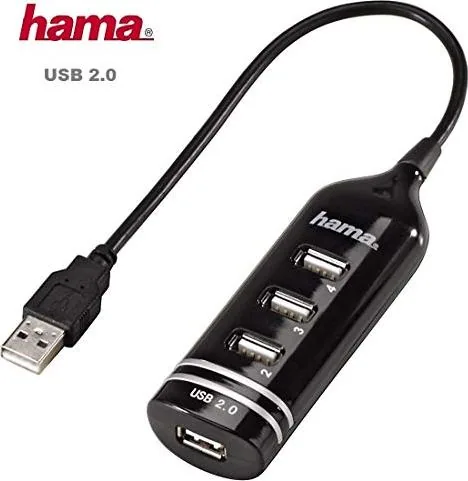
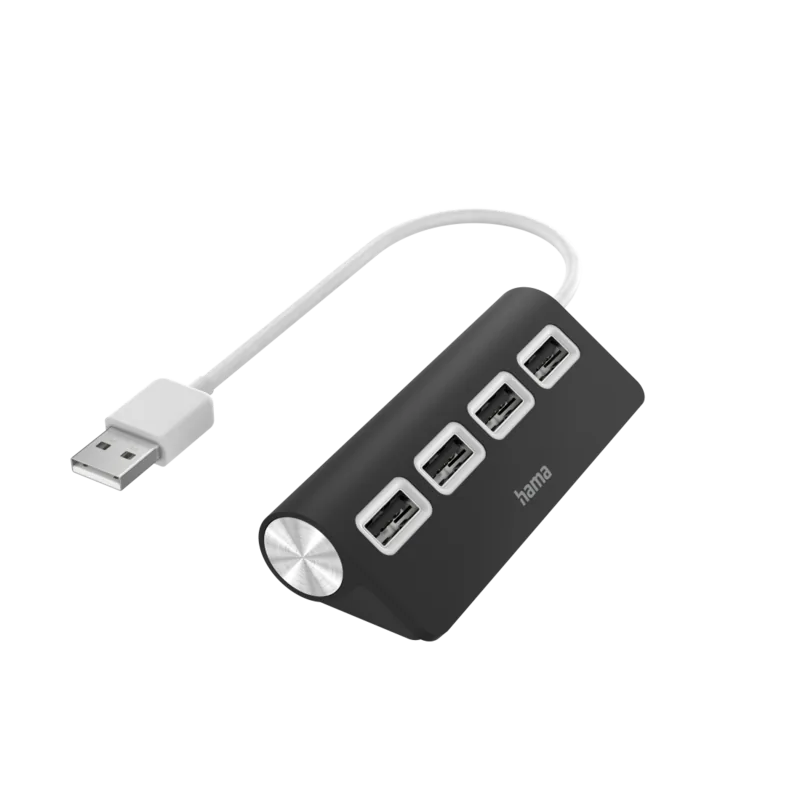
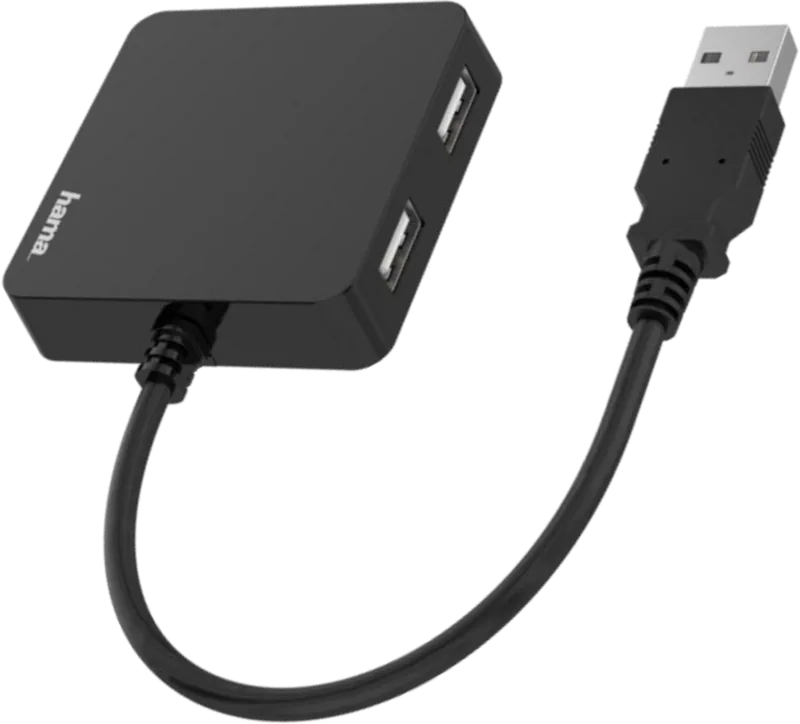
Hama black USB hub, 4x USB-A 2.0, USB-A 2.0 plug Manual
Compact, budget-friendly and reliable, the Hama black USB hub expands a single USB port into four USB-A 2.0 sockets, making it an ideal accessory for users who need to connect multiple peripherals to a laptop or desktop. The hub is finished in a discreet black casing and uses a standard USB-A 2.0 plug for host connection, ensuring plug-and-play compatibility with a wide range of systems including Windows (10/8/7/Vista/XP) and Mac OS 10.x.
Designed for everyday tasks, the Hama black USB hub, 4x USB-A 2.0, USB-A 2.0 plug Manual describes a simple installation routine: power on the computer, connect the hub’s USB-A cable to an available port, follow on-screen prompts if any, then attach USB devices one by one. No external drivers are typically required for basic operation, and the hub supports standard USB 2.0 data rates suitable for mice, keyboards, flash drives, printers, cameras and other common peripherals.
The manual emphasizes safe handling and environmental responsibility. Users are advised to protect the device from pressure, impacts and moisture, avoid exposure to direct heat or sunlight, and not to connect the hub if the cable or casing shows visible damage. Repairs should only be performed by authorized service centers using original parts. The documentation also reminds consumers to follow local regulations for recycling electronic devices and batteries rather than disposing of them with household waste.
Practical for travel and home offices, this Hama hub offers a compact footprint and uncomplicated connectivity. While it provides enough ports for typical daily accessories, users should note the limits of USB 2.0 bandwidth and power delivery: it is best suited for peripherals that do not demand high transfer speeds or significant power from the host port. For high-speed storage or power-hungry devices, USB 3.x or powered hubs may be preferable.
In short, the Hama black USB hub, 4x USB-A 2.0, USB-A 2.0 plug Manual presents a no-frills, dependable multiport solution for expanding USB connectivity. It combines broad OS compatibility, straightforward installation and clear safety and disposal guidance, making it a useful addition to basic computing setups.
Notes
- Contains: 1 x USB 2.0 hub, 1 x operating instructions.
- System requirements: Windows 10/8/7/Vista/XP or Mac OS 10.x and a free USB port (preferably USB 2.0).
- Connect devices sequentially and avoid using with visibly damaged cables or housings.
- Recycle responsibly per local regulations.
Search for 67,732 Manuals online


Type-in Brand or Model
Julien Brown
9 months ago
Does this USB hub work reliably with USB hard drives and older USB 2.0 devices (like a digital camera or iPod), and does it need a power adapter?
Manual.ly
9 months ago
This model does not include a power adapter. It relies on the host USB port for power, so it is mainly suitable for low-power devices or devices that have their own power. For bus-powered USB hard drives and similar equipment, it may start failing, disconnecting, or not provide enough current. For older USB 2.0 mass storage devices (for example, some cameras/iPods), some users report compatibility issues. If you run into disconnects or devices not being recognized, try a different USB port with more power or use a powered (self-powered) USB hub that includes an external PSU.