
Hama uRage Vendetta Manual
PDF manual · 8 Pages
English



Quick check
Incorrect answer, please try again.
Chat with your Hama uRage Vendetta manual using AI
Get instant AI answers from your Hama uRage Vendetta manual
Ask anything about the Hama uRage Vendetta. Answers come from this manual, with the pages they are based on.
Ask a Question
Do you recommend uRage Vendetta?
Yes NoFrequently Asked Questions
Windows 10, 8.1, 8, 7, or Vista with one available USB port.
Is this answer helpful?
Insert the CD and start Autorun.exe on the drive to enable advanced features.
Is this answer helpful?
No, use a damp lint-free cloth only to avoid damaging the surface.
Is this answer helpful?
No, it connects via USB cable to the PC or notebook directly.
Is this answer helpful?
It receives power through the USB a socket connection.
Is this answer helpful?
No liability for damage from improper installation, mounting, or use.
Is this answer helpful?
Do not throw in household waste, use electronic recycling points instead.
Is this answer helpful?
Advantages and Disadvantages
Advantages

- Ergonomic design suited for multi-hour gaming sessions without fatigue.
- Dual vibration feedback enhances immersion in racing and shooter games.
- Twelve programmable buttons allow for full control customization.
- Digital analogue switch provides flexibility in gameplay modes.
- Robust buttons built for durability during heavy duty gaming.
Disadvantages

- Wired USB connection limits mobility during gameplay sessions.
- Requires software installation from CD for certain features.
- Limited to specific Windows versions like Vista through 10.
- Battery disposal requires adherence to local environmental laws.
- No warranty if the device is modified by the user.
Product Specification
Type
Gamepad
Compatibility
PC
Connection
Wired, USB
Power Source
USB
Buttons
14 (total), 4 (Function keys), 4 (Action buttons), 2 (Triggers), 2 (Shoulder buttons), 2 (Analog sticks)
Analog Sticks
1 concave (left above D-Pad), 1 concave (right below Action buttons)
D-Pad
Concave
Colors
Black
Features
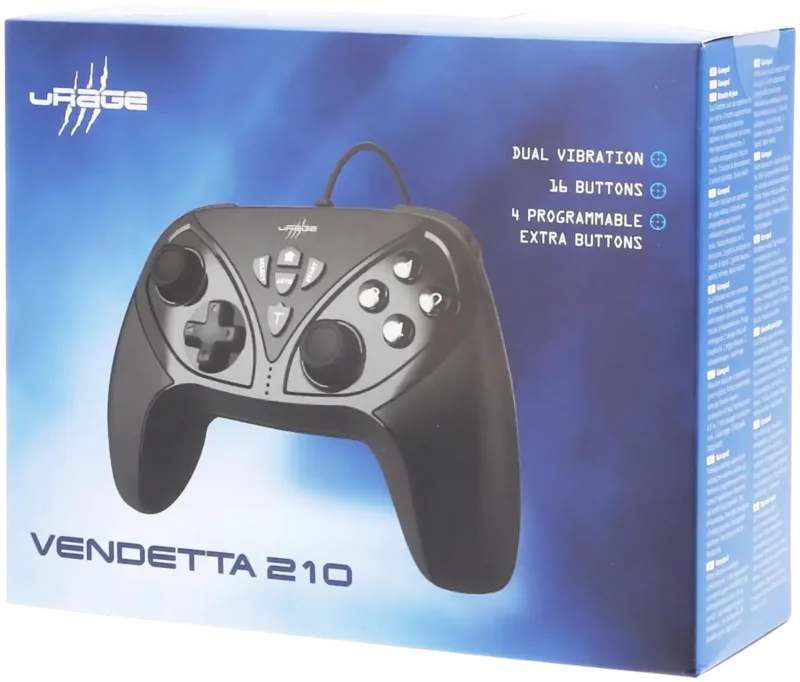
2 Vibration motors, 12 programmable buttons, Turbo function
Product Description
Ultimate Gaming Experience
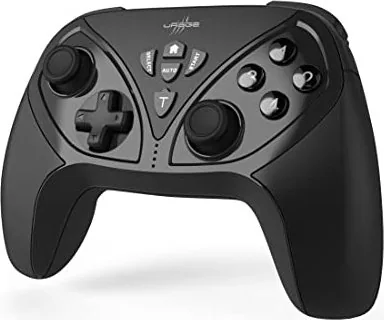
Are you looking to improve your performance on the PC? The Hama uRage Vendetta Gamepad, USB (PC) represents a significant step forward in affordable high quality equipment. Since 2010, the uRage brand has been favored by gamers seeking real advantages in competitive play. Whether you prefer fast paced shooters or simulation sports, this device places you right in the center of the action. The design prioritizes comfort for extended periods, ensuring you stay focused. The integrated buttons are robust and built to withstand intense use over many months.
Full Control and Customization
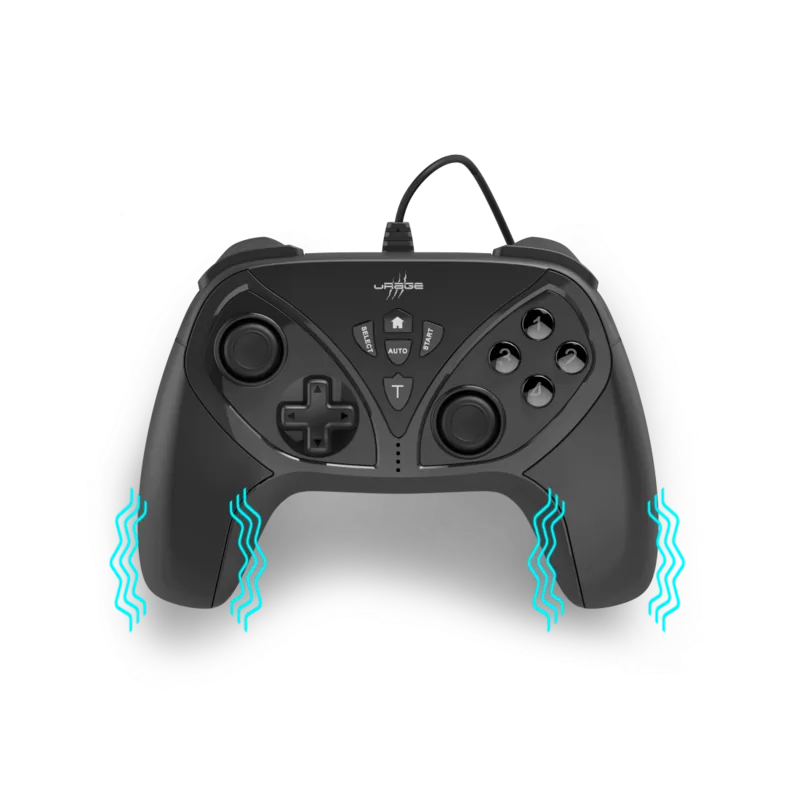
Total control is achieved through twelve programmable buttons and two analogue sticks with click functions. You can switch between digital and analogue modes instantly using the dedicated button located on the face of the controller. This adaptability ensures suitability for various genres ranging from racing to action titles. The trigger buttons and shoulder buttons provide additional inputs for complex maneuvers. With the digital mode engaged, precision is enhanced. The vibration feedback creates a physical connection to the game, letting you feel impacts and engine rumble directly in your hands during critical moments of play.
Connectivity and Setup
Power comes directly from the USB connection, eliminating the need for separate adapters. Connect the cable to an available port on your computer. Windows operating systems should detect the device automatically within seconds. Insert the included game software into your drive to run the setup. This enables the LED indicators to function correctly. Ensure your system meets the requirements like Windows 10 or earlier versions down to Vista. A free USB port is mandatory for operation throughout your gaming sessions. Once connected, the driver installs silently in the background, saving you time and effort.
Safety and Longevity
Proper care extends the life of your hardware. Clean the unit only with a slightly damp cloth. Do not use harsh chemicals. Protect against moisture and drops. Keep small children away from packaging due to suffocation risks. If damage occurs, do not attempt to fix it yourself as this voids any warranty claims. Hama provides support services for consultation regarding the device. Remember to recycle electronic waste according to national laws instead of standard trash bins. Maintaining good posture while playing contributes to long term physical health.
Additional Advice
Sit in an upright position to play. Throwing the controller in frustration is never the answer. It works well as part of a broader setup. The goal is to maximize enjoyment. Enjoy the realistic experience on PCs designed for maximum control. This controller remains a key gaming advantage.
Search for 67,706 Manuals online


Type-in Brand or Model