
Hama uRage Bullet Manual
PDF manual · 2 Pages
English



Quick check
Incorrect answer, please try again.
Chat with your Hama uRage Bullet manual using AI
Get instant AI answers from your Hama uRage Bullet manual
Ask anything about the Hama uRage Bullet. Answers come from this manual, with the pages they are based on.
Ask a Question
Do you recommend uRage Bullet?
Yes NoFrequently Asked Questions
It is a USB gaming mouse designed for simple, responsive control with a comfortable grip and adjustable pointer sensitivity.
Is this answer helpful?
Yes. The mouse includes a DPI switch with preset sensitivity levels, allowing you to choose between slower precision and faster movement.
Is this answer helpful?
No. The product uses a wired USB connection, which makes setup quick and removes the need for batteries or charging.
Is this answer helpful?
Its gaming focus comes from the adjustable DPI, practical button layout, scroll wheel, and grip-oriented shape, all aimed at responsive play.
Is this answer helpful?
Basic use should be simple through USB connection, but the manual mentions additional driver information and support resources for more details.
Is this answer helpful?
Yes. Keep it away from moisture, dirt, and heat, use it in dry rooms, avoid drops or strong shocks, and stop using it if damaged.
Is this answer helpful?
The warranty disclaimer says damage from improper installation, misuse, or ignoring the instructions and safety notes is not covered.
Is this answer helpful?
Advantages and Disadvantages
Advantages

- Adjustable DPI settings help switch between precision work and faster cursor movement.
- Wired USB connection offers simple plug-and-play use with no charging needed.
- Comfort-focused grip supports longer gaming or work sessions.
- Multiple buttons and a scroll wheel improve everyday control and in-game convenience.
Disadvantages

- Only a few DPI levels are mentioned, so fine-grained tuning may be limited.
- As a wired mouse, it may feel less flexible than a wireless option.
- Best used in dry indoor spaces, which narrows where it should be operated.
- Safety guidance is strict: damage, drops, or overheating can shorten usable life.
Product Specification
Design
right hand
Buttons
7 (total), 2 (main), 2 (top), 2 (left), 1 (scroll wheel click)
Scroll wheel
1x 2-way
Tracking
LED-red/IR
Resolution
3000dpi, reducible to 2200/1400/800dpi
Sensor
PixArt
Switches
mechanical switches, Omron
Polling Rate
1000Hz (wired USB)
Lighting
N/A
Connection
wired (6.56ft), USB
Power supply
USB
Dimensions (WxHxD)
2.83x1.57x5.12in
Approximate Volume
5.98in^3 (approximate shape)
Features
thumb rest, textile cable
Product Description
Hama uRage Bullet Gaming Mouse, USB: compact control for everyday gaming
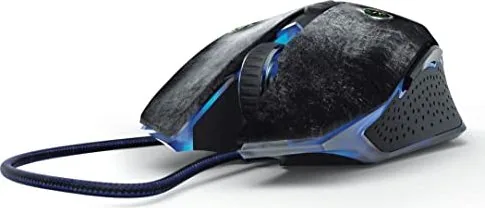
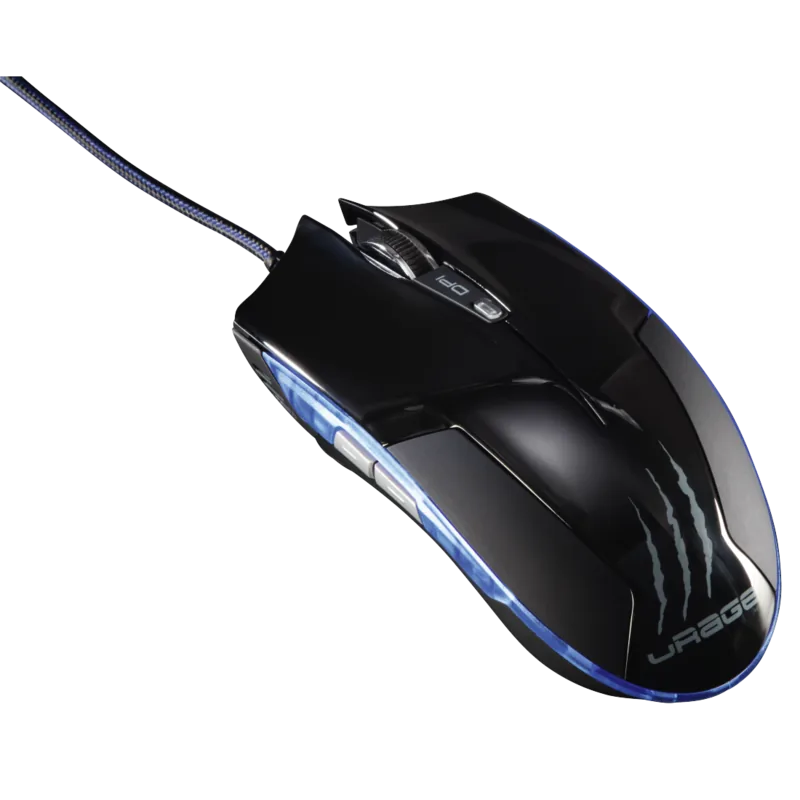
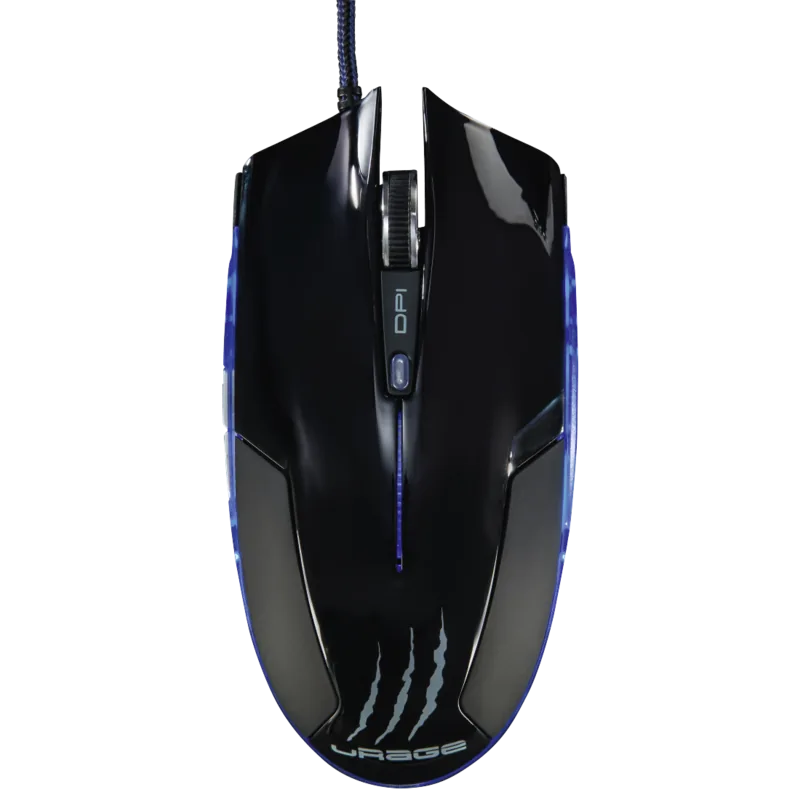
The Hama uRage Bullet Gaming Mouse, USB is built for players who want a straightforward, responsive mouse without unnecessary complexity. It focuses on the essentials that matter in fast-paced games and long desktop sessions: a comfortable grip, a practical button layout, and selectable DPI sensitivity for better control in different situations.
One of the standout traits is its adjustable DPI switch, with presets that let you move between slower, more precise aiming and faster cursor movement. That flexibility makes it a solid companion for both gaming and regular computer use. Whether you are lining up a shot in a shooter or moving through menus and web pages, the mouse is designed to keep up.
The shape is made to feel natural in the hand, and the grip-friendly design helps support extended use. Combined with the scroll wheel and multiple buttons, it gives you quick access to everyday actions and in-game commands. The wired USB connection also keeps setup simple: plug it in and get started, with no battery charging or pairing delays to think about.
Visually, the mouse carries the kind of gamer styling Hama’s uRage line is known for. It aims to blend function with a bold look, making it a good fit for a gaming desk setup. For users who prefer a practical accessory with a clear purpose, this mouse offers an easy entry point into gaming gear.
If you are looking at the Hama uRage Bullet Gaming Mouse, USB Manual, the instructions and safety notes are worth a quick read before first use. They highlight the importance of proper handling, dry storage, and avoiding damage from drops or overheating. The manual also points to support information and driver resources for anyone who wants to learn more about the device.
Notes
- Use it in dry environments only.
- Keep it away from dirt, moisture, and heat.
- If damaged, stop using it rather than trying to continue.
- Dispose of electronic devices according to local recycling rules.
Search for 67,732 Manuals online


Type-in Brand or Model