
Hama Universal Car Notebook Power Supply 120W Manual
PDF manual · 22 Pages
English



Quick check
Incorrect answer, please try again.
Chat with your Hama Universal Car Notebook Power Supply 120W manual using AI
Get instant AI answers from your Hama Universal Car Notebook Power Supply 120W manual
Ask anything about the Hama Universal Car Notebook Power Supply 120W. Answers come from this manual, with the pages they are based on.
Ask a Question
Do you recommend Universal Car Notebook Power Supply 120W?
Yes No
Ella Taylor
7 months ago
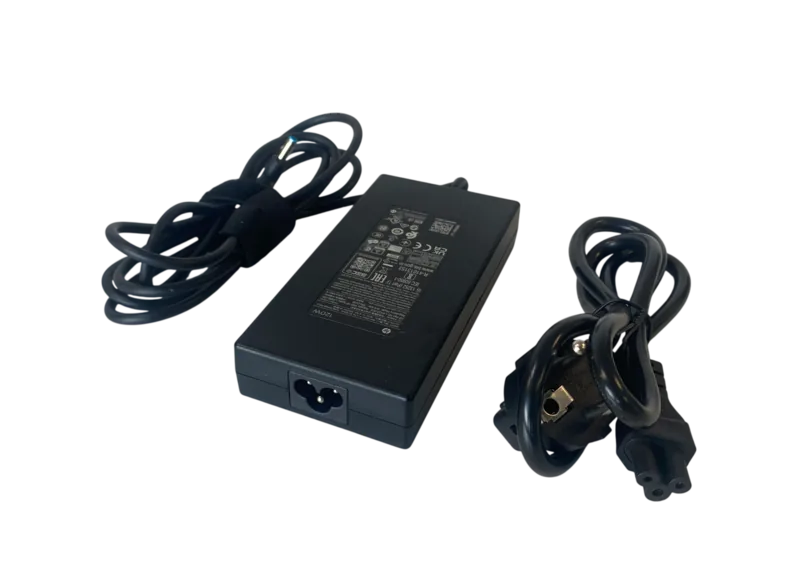
Does this 120W charger actually charge faster than the original HP unit?
Frequently Asked Questions
The Hama Universal Notebook Power Supply has a rated output capacity of 120 Watts. This allows it to charge and operate most high-performance laptops, netbooks, and ultrabooks without issues.
Is this answer helpful?
Yes, Hama offers free replacement adapter plugs. You can request them by contacting their support hotline or visiting their specific service website. Available plugs will be shipped to you at no cost.
Is this answer helpful?
Yes, you must manually set the output voltage on the power supply unit to match your specific laptop's requirement. Always verify the voltage on your original charger or user manual before adjusting.
Is this answer helpful?
No, you should only operate the power supply unit when the car motor is running. Using it while the engine is off can lead to a total discharge of your car battery.
Is this answer helpful?
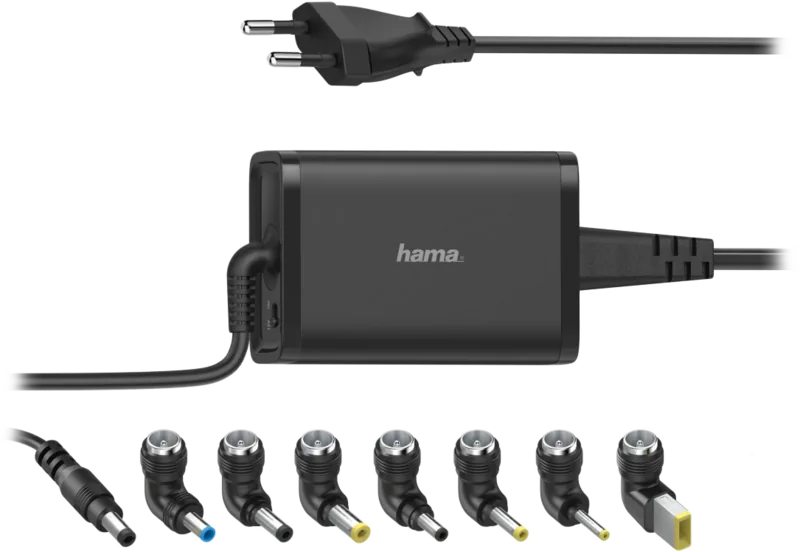
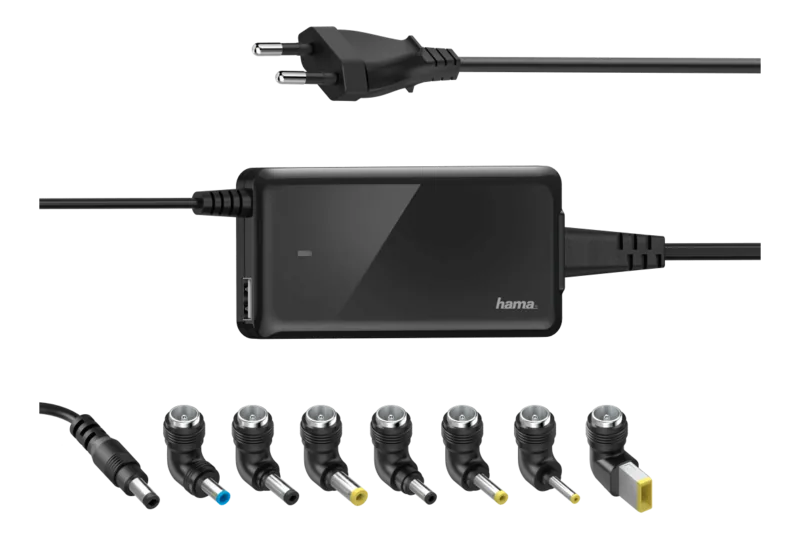
The package contains 10 different adapter plugs designed to fit most common netbooks, ultrabooks, and notebooks from major manufacturers worldwide.
Is this answer helpful?
The device features a polarity-reversal protected connection, meaning the adapter fits in only one correct position. If forced incorrectly, it could reverse polarity and potentially damage your laptop.
Is this answer helpful?
Advantages and Disadvantages
Advantages

- Includes 10 universal adapter plugs compatible with most major laptop brands
- High 120W output capacity handles powerful notebooks and ultrabooks efficiently
- Adjustable voltage settings allow precise matching for various devices
- Free replacement adapter plugs available if lost or damaged
- Built-in polarity protection prevents damage from incorrect connections
Disadvantages

- Requires manual voltage adjustment which can be confusing for beginners
- Must ensure car engine is running to avoid draining the vehicle battery
- Not suitable for commercial or industrial use, private use only
- Limited to 12V car electrical systems, incompatible with other voltages
- Cables must be handled carefully to avoid bending or crushing
Product Specification
Type
Third-party
Product Description
Hama Universal Notebook Power Supply: The Ultimate Travel Companion
When you need to keep your digital life running on the go, the Hama Universal Notebook Power Supply 11-14V, 120W is the smart solution for modern travelers. Designed specifically for car use, this versatile adapter ensures your netbook, ultrabook, or standard notebook stays charged regardless of where your journey takes you. With a robust 120-watt output capacity, it handles even the most power-hungry devices with ease, making it an essential tool for professionals and students alike who rely on their computers while driving.
The core strength of this Hama product lies in its universal compatibility. It comes equipped with ten different adapter plugs, covering the vast majority of popular laptop brands and models found on the market today. This eliminates the frustration of searching for specific chargers when traveling abroad or switching between devices. The unit features an adjustable output voltage setting, allowing users to precisely match the requirements of their specific computer. However, careful attention must be paid to ensure the selected voltage matches the device specifications to prevent any potential damage.
Safety is paramount in the design of this power supply. It includes built-in protections against polarity reversal, ensuring that incorrect connections do not harm your equipment. The package also provides clear instructions on how to test adapters before connecting them to your device. For added peace of mind, replacement adapter plugs can be requested free of charge if they are lost or damaged. Simply contact the support hotline or visit the dedicated service website to receive new plugs without cost.
Operating this unit requires following a simple sequence to protect your vehicle's battery. Always ensure the car engine is running before connecting the power supply to prevent deep discharge of the car battery. The connection process involves plugging the unit into the laptop first, then connecting the cigarette lighter plug to the vehicle's 12-volt socket. This method ensures a stable power flow and minimizes electrical spikes.
Maintenance is straightforward; simply wipe the unit with a slightly damp, lint-free cloth. Avoid using aggressive cleaning agents or exposing the device to moisture. By adhering to these guidelines, you can enjoy reliable power for years. Whether you are working from a remote location or commuting daily, this Hama power supply offers a dependable bridge between your car and your productivity.
Important Notes
- Always check your laptop's required voltage before setting the adapter.
- Use the device only with a running engine to save car battery life.
- Replacement plugs are available for free through customer support.
Search for 67,706 Manuals online


Type-in Brand or Model
porro27
7 months ago
Will this charger work with my Toshiba notebook since some adapters didn't fit initially?
Manual.ly
7 months ago
Thank you for your inquiry. We understand that compatibility can be a concern. If the included adapters do not fit your device, please contact our support team with your specific laptop model. We offer a free adapter replacement service to ensure your device charges quickly and reliably.