
Hama Traveller 146 Premium Duo Manual
PDF manual · 9 Pages
English



Quick check
Incorrect answer, please try again.
Chat with your Hama Traveller 146 Premium Duo manual using AI
Get instant AI answers from your Hama Traveller 146 Premium Duo manual
Ask anything about the Hama Traveller 146 Premium Duo. Answers come from this manual, with the pages they are based on.
Ask a Question
Do you recommend Traveller 146 Premium Duo?
Yes NoFrequently Asked Questions
The tripod is ideal for photographers seeking a compact, travel-friendly tripod with flexible configuration options (flip middle column, monopod conversion) for hobbyist and light-to-mid-weight camera setups in dry conditions.
Is this answer helpful?
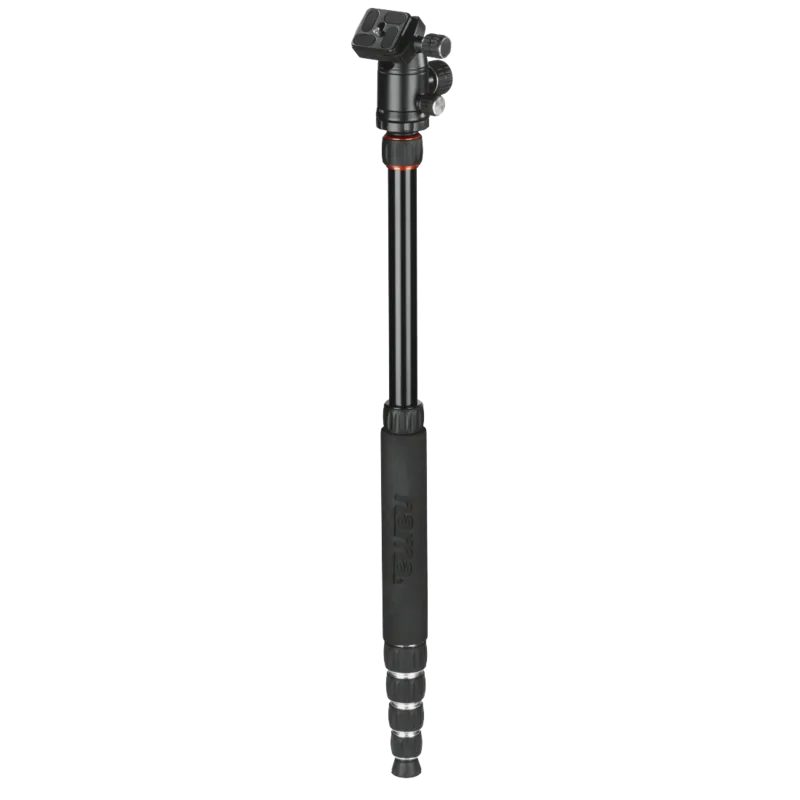
Remove the middle column, do not reattach the weight hook, unscrew the tripod leg marked with the Hama logo, then screw the middle column and the threaded leg together hand-tight and extend to desired length.
Is this answer helpful?
Loosen screw clamps only about 1–1.5 rotations to unlock segments; over-loosening can allow components to fall out. After adjustment, tighten clamps until secure to prevent slippage.
Is this answer helpful?
Unscrew the small fixing screw to enable smooth panorama rotation, hold your camera securely while adjusting, and retighten the large fixing screw to lock position when finished.
Is this answer helpful?
Clean with a slightly damp lint-free cloth, avoid aggressive cleaners, and use the included 3 mm and 4 mm Allen keys to check and adjust the ball head, mounting plate, and leg mobility periodically.
Is this answer helpful?
Yes. The universal mounting plate supports both 1/4" and 3/8" threads and includes hex grub screws to secure alternate heads; tighten these screws carefully to avoid damage.
Is this answer helpful?
Protect the tripod from moisture, dirt, and shocks, keep packaging away from children, avoid unauthorized modifications that void warranty, and always reattach the weight hook after flipping the middle column to prevent accidental slippage.
Is this answer helpful?
Advantages and Disadvantages
Advantages

- Compact foldable design with legs that swivel up to 180° for minimal pack size.
- Versatile middle column: removable, flippable for low-angle shots, and convertible to a monopod.
- 3D ball head with secure fixing screws and panorama function for smooth panning.
- Universal mounting plate supporting 1/4" and 3/8" threads for head compatibility.
- Includes Allen keys and storage bag; straightforward maintenance and adjustments.
Disadvantages

- Intended for private non-commercial use; may not handle very heavy professional gear.
- Screw-clamp operation requires cautious partial turns to avoid component loss.
- Weight hook must be reattached after changes or the middle column can slip out.
- Rubber feet and clamps need periodic adjustment with Allen keys to maintain smoothness.
- No mention of weather-sealed components—avoid use in wet conditions.
Product Specification
Type
Tripod
Material
Aluminum
Max. load capacity
6.61 lb
Max. height
57.48 in
Min. height
13.39 in
Leg sections
5
Max. leg diameter
0.91 in
Leg lock
Twist lock
Special features
integrated monopod, tripod head, spirit level
Color
black
Weight
2.67 lb
Product Description
Hama Traveller 146 Premium Duo — Practical, Portable, Professional
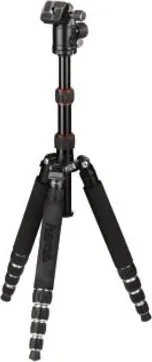
The Hama Traveller 146 Premium Duo is a compact, versatile tripod built for photographers who value stability, portability, and adaptable functionality. Lightweight yet robust, it features a 3D ball head with both large and small fixing screws for secure locking and smooth panorama rotation, a quick-release plate for fast camera mounting, and a detachable middle column that converts to a monopod or flips for low-angle shots. The legs fold up to a very compact pack size thanks to 180° vertical swivel capability, making it a strong travel companion for hobbyists and pros on the go.
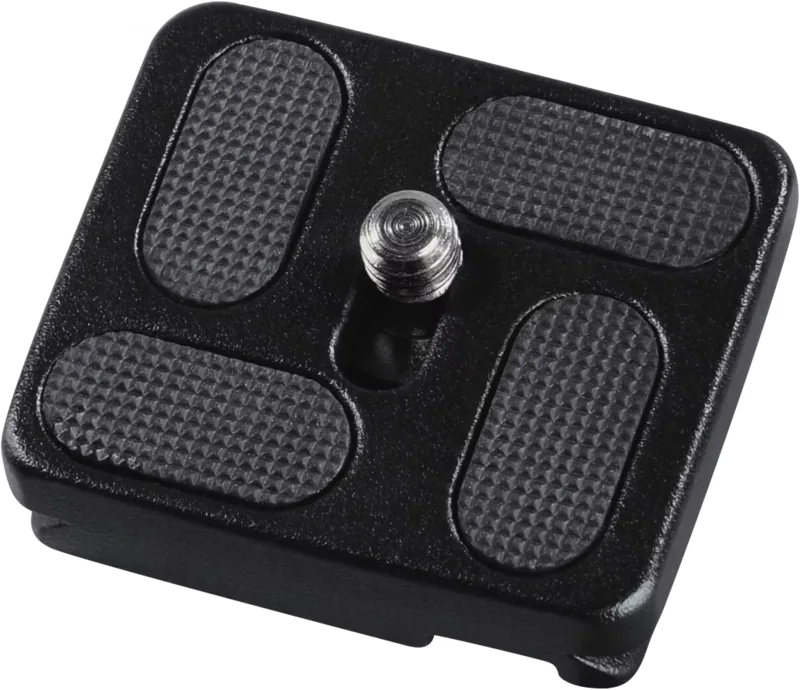
Designed for private, non-commercial use, the Traveller 146 Premium Duo includes essential accessories: two Allen keys (3 mm and 4 mm), a storage bag, and a threaded universal mounting plate that supports 1/4" and 3/8" heads. Leg segments and the middle column are adjusted via screw clamps that require only partial rotation to unlock, preventing accidental component loss. Rubber feet and screw clamps provide traction and secure height adjustment, while an included weight hook stabilizes the setup when needed.
Ease of use is a highlight: the quick-release plate is safeguarded by a safety thread and the ball head allows precise framing with smooth panorama capability. The middle column's two telescopic segments let you fine-tune height quickly, and the tripod can be reconfigured into a stable monopod by combining the middle column with the branded tripod leg. The universal mounting plate and hex grub screws allow replacement or upgrading of heads while maintaining secure attachment.
Care and maintenance are straightforward — wipe with a slightly damp lint-free cloth and avoid aggressive cleaners. The included Allen keys let you adjust the ball head, mounting plate, and leg mobility. Safety notes emphasize protecting the tripod from moisture, dirt, and shocks, keeping packaging away from children, and avoiding unauthorized modifications to retain warranty coverage.
Whether you need a compact travel solution, an adaptable studio stand, or a reliable outdoor tripod for mid-weight camera setups, the Traveller 146 Premium Duo balances convenience and function. It’s a thoughtfully engineered kit for photographers who want flexible mounting options, compact storage, and dependable mechanics.
Notes
- The tripod is intended for private, non-commercial use and must be protected from moisture and shock.
- Always reattach the weight hook after flipping or removing the middle column to prevent accidental slippage.
- Loosen screw clamps only about 1–1.5 turns to avoid parts falling out.
Search for 67,706 Manuals online


Type-in Brand or Model
provident20
9 months ago
Is this tripod stable enough for outdoor use, and how fast is it to set up? Also, can the ball head be firmly locked and can it be converted to a monopod for quick shooting on trips?
Manual.ly
9 months ago
Yes. Based on typical user feedback, the tripod is very stable outdoors and feels solid during shooting. Setup is quick, and the built-in spirit level helps you align the camera properly when mounting the ball head. The ball head can be locked firmly so the camera does not wobble. For faster, lighter shooting, the tripod can be converted into a monopod without much effort, which is also handy when you are traveling or hiking. It is additionally easy to store thanks to the included bag, and the collapsed size is convenient for carrying in a backpack. Height is generally sufficient for normal use, but your exact fit depends on your height and preferred shooting position.