
Hama Swivelling Power Strip with Surge Protection Manual
PDF manual · 36 Pages
English



Quick check
Incorrect answer, please try again.
Chat with your Hama Swivelling Power Strip with Surge Protection manual using AI
Get instant AI answers from your Hama Swivelling Power Strip with Surge Protection manual
Ask anything about the Hama Swivelling Power Strip with Surge Protection. Answers come from this manual, with the pages they are based on.
Ask a Question
Do you recommend Swivelling Power Strip with Surge Protection?
Yes NoFrequently Asked Questions
It expands available sockets while adding surge protection for connected devices. It is especially useful for desks, home offices, and entertainment areas where several electronics need safe, organized power access.
Is this answer helpful?
No. It is designed for network-related overvoltage, such as switching spikes or distant lightning. Direct lightning strikes require additional protective measures in the building installation.
Is this answer helpful?
No. The instructions say not to connect it to extension cables, table sockets, or adapters. It should be connected directly to a suitable grounded socket.
Is this answer helpful?
Make sure the socket is grounded, the mains supply matches the rated voltage, and the total connected load stays within the maximum 3500 W limit. Devices should be switched off before connecting.
Is this answer helpful?
An indicator light shows whether the surge protection is active. If the light does not come on after switching on, the protection is defective and the unit should no longer be used.
Is this answer helpful?
Use only a slightly damp, lint-free cloth. Avoid aggressive cleaning agents and keep water from entering the product.
Is this answer helpful?
Advantages and Disadvantages
Advantages

- Six outlets provide convenient expansion for desks and media setups.
- Swiveling design helps fit plugs more comfortably in tight spaces.
- Built-in surge protection adds an extra layer of device safety.
- 1.4 m cable offers flexible placement without excessive cable length.
Disadvantages

- Intended for indoor use only, so it is not suitable for outdoor setups.
- Must be connected correctly to a grounded 16 A socket.
- Noisy or damaged units cannot be serviced by the user.
- The surge function is limited to network-related spikes, not direct lightning strikes.
Product Specification
Outputs
6x Schuko
Input
Schuko
Input voltage
230V
Power
3,500W (max.)
Additional connections
N/A
Material
Plastic
Cable length
55.12in
Dimensions (WxHxD)
15.75x2.17x3.54in
Special features
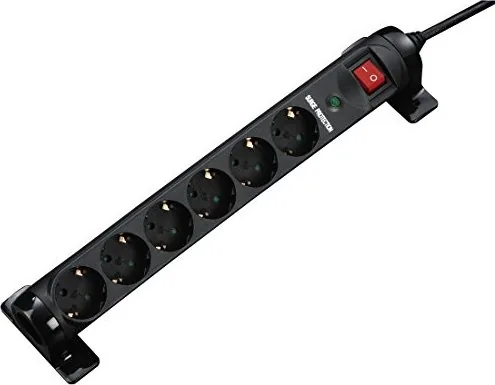
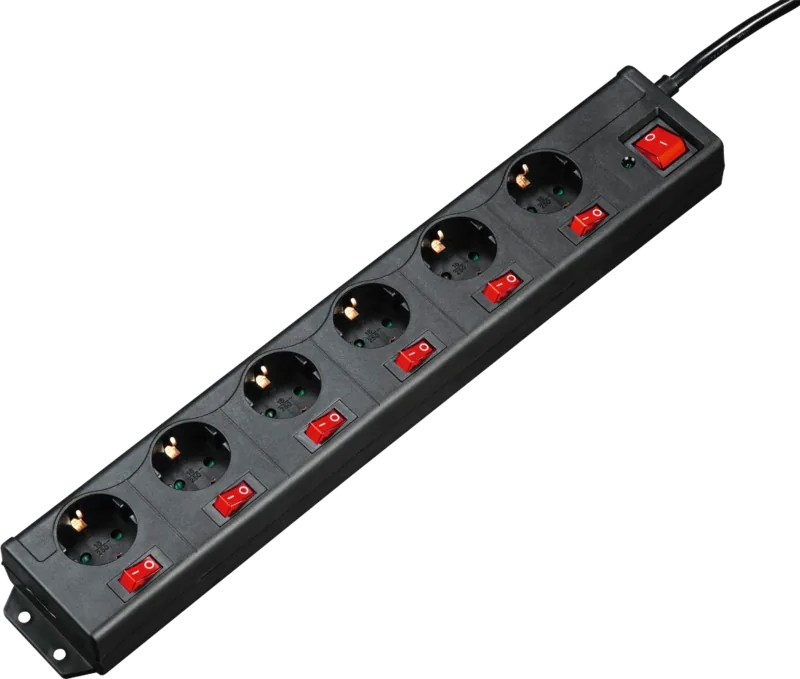
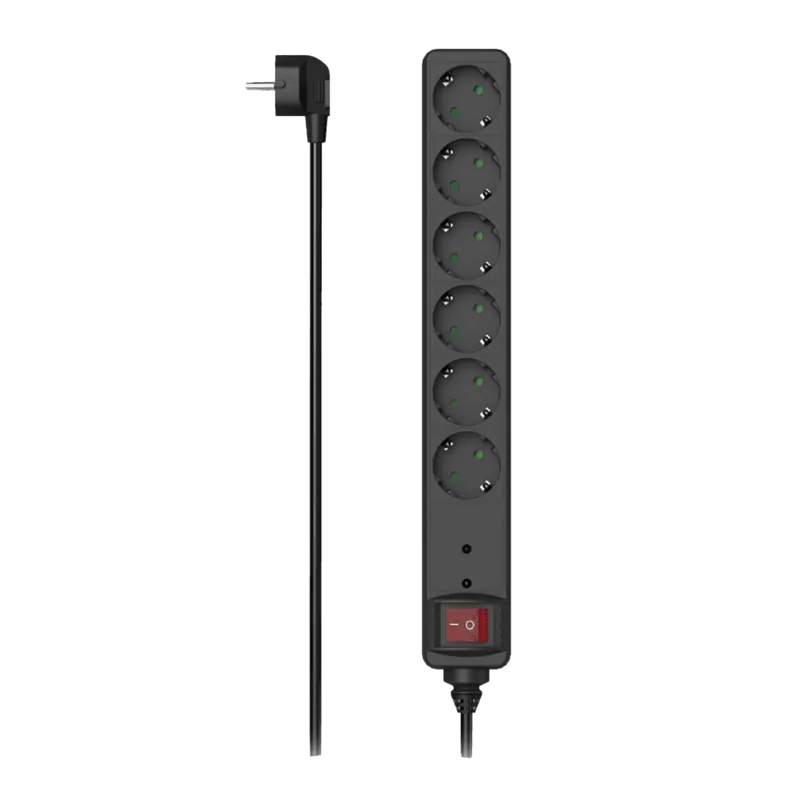
Safety switch, Illuminated switch (red), Surge protection, Child protection, 45 degree arrangement, Swiveling
Product Description
Hama Power Strip with Surge Protection: Practical Desk Power in a Compact Format
Finding a reliable power strip for a busy desk setup is not just about adding outlets. It is about keeping devices organized, protected, and easy to reach when everyday work depends on them. The Hama power strip with surge protection, swiveling design, 6-way layout, 1.4 m cable, and black finish is built for exactly that kind of use.
Built for everyday desk convenience
This model stands out because it combines six sockets with a swiveling body, making it easier to adapt to tight spaces and different plug shapes. That small design choice can make a big difference behind a workstation, next to a home office table, or in a media corner where chargers, lamps, monitors, and accessories all compete for space. The 1.4 m cable gives enough reach for flexible placement without creating unnecessary clutter.
Protection that adds peace of mind
One of the most important features is the integrated surge protection. The built-in protection is intended to shield connected electronics from network-related voltage spikes caused by switching events or distant lightning. It is especially relevant for sensitive equipment such as computers, telephone systems, and audio, video, or satellite devices. The indicator light helps confirm whether the protection is active, which is a useful reassurance in daily use.
Designed with safety in mind
The product instructions emphasize correct indoor use, a grounded socket connection, and a 16 A fused mains socket. That makes the power strip a sensible choice for users who want to stay within safe operating limits. The maximum connected load of 3500 W and the 220–240 V / 50–60 Hz specification make it suitable for many common household and office devices. The black color also gives it a clean, understated look that blends easily into modern setups.
A simple solution with a serious purpose
What makes this Hama power strip appealing is its balance of practicality and protection. It does not try to do too much; instead, it focuses on the essentials: stable power access, surge defense, and a user-friendly form factor. For people building a tidy desk or protecting valuable electronics, that combination is often exactly what matters most.
Notes
- Use only in dry indoor environments.
- Do not connect multiple units in series.
- If the surge indicator does not light up, the unit should be replaced.
- Clean it with a slightly damp, lint-free cloth only.
Search for 67,706 Manuals online


Type-in Brand or Model