
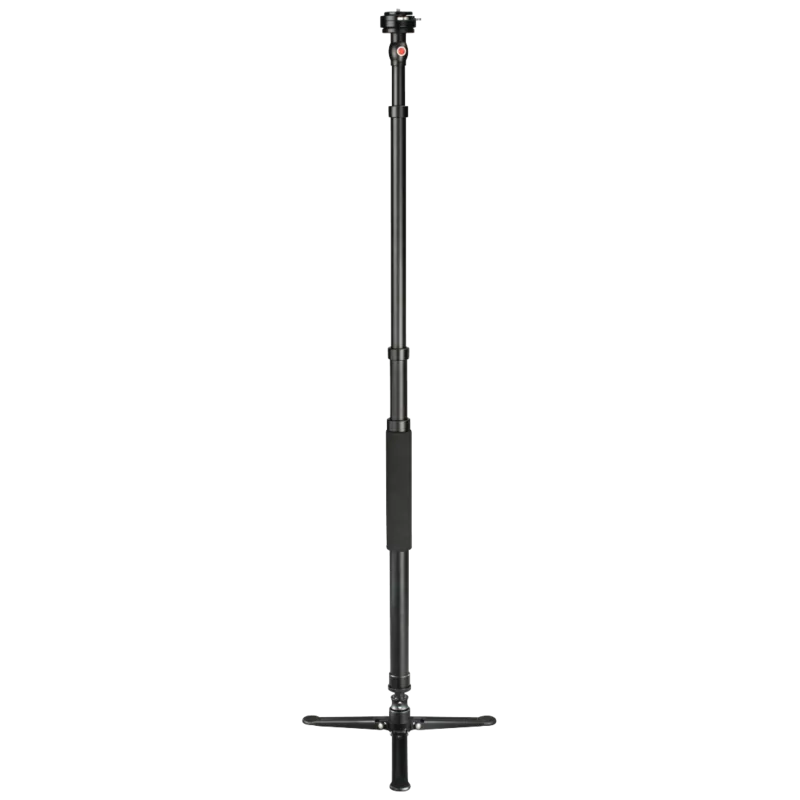
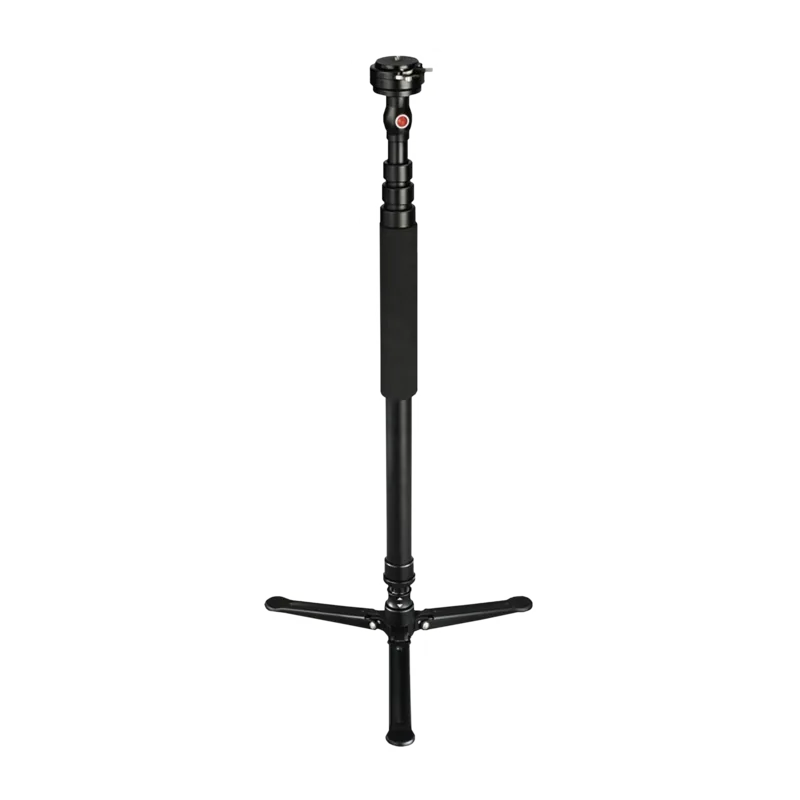
Hama Smooth 155 Click Manual
PDF manual · 2 Pages
English



Quick check
Incorrect answer, please try again.
Chat with your Hama Smooth 155 Click manual using AI
Get instant AI answers from your Hama Smooth 155 Click manual
Ask anything about the Hama Smooth 155 Click. Answers come from this manual, with the pages they are based on.
Ask a Question
Do you recommend Smooth 155 Click?
Yes NoFrequently Asked Questions
Screw the quick release plate onto your camera, then slide the camera with the plate into the monopod head. When the plate is seated correctly, you are ready to shoot. The same plate system can later be unscrewed from the camera after release.
Is this answer helpful?
Press the unlocking fastener and rotate the camera half a turn counterclockwise. This loosens the quick release plate. Then remove the camera with the loosened plate from the tripod head and unscrew the quick release plate from the camera.
Is this answer helpful?
Pull out the leg segments to extend the monopod. The segments lock automatically when extended. After reaching your target height, make sure the locked segments feel secure before mounting or moving.
Is this answer helpful?
Use the monopod head controls to push both release buttons to retract the leg segments. Then fold the monopod for carrying. Make sure the feet are handled properly so the unit packs smoothly.
Is this answer helpful?
Pull down the feet until they click in for stable use. To pack up, hold the button to fold the feet back up. Always confirm the feet have clicked in fully before relying on the setup.
Is this answer helpful?
Yes. Pull up the release button for rotating the monopod. This lets you change framing without fully disassembling the camera setup.
Is this answer helpful?
Advantages and Disadvantages
Advantages

- Quick release plate enables fast camera mounting and removal during active shooting changes.
- Monopod leg segments lock automatically when extended to the desired height.
- Feet unfold with a click, supporting more secure, stable positioning.
- Rotation is controlled via a dedicated release button for quick framing adjustments.
Disadvantages

- Detaching the quick release plate requires a deliberate half-turn counterclockwise action.
- Operation involves multiple manual steps (unlock, rotate, remove, unscrew) that take practice.
- Adjusting height requires extending segments and ensuring proper locking before use.
Product Specification
Type
Monopod
Material
Aluminium
Max. load capacity
11.02lb
Max. height
61.02in
Min. height
25.00in
Closed length
25.00in
Leg sections
4
Max. leg diameter
1.10in
Leg locking
Twist lock
Special features
Tripod base
Color
black
Weight
1.98lb
Product Description
Hama Smooth 155 Click - Compact Monopod with Quick Release Convenience
The Hama Smooth 155 Click is a ready-to-go monopod designed for fast setup and stable handling when you want mobility without sacrificing control. A standout feature is the quick release plate system, which lets you attach or remove your camera quickly, so you can spend more time shooting and less time fiddling with mounting hardware. If you follow the Hama Smooth 155 Click Manual, you will see that the workflow is built around simple, repeatable actions.
Quick-release camera mounting in seconds
To get started, combine the quick release plate with your camera by screwing the plate onto the camera. When it is attached, slide the camera with the plate into the monopod head. To release the plate, you press the unlocking fastener and rotate the camera half a turn counterclockwise. The plate then loosens, allowing you to remove the camera from the tripod head and unscrew the quick release plate from the camera.
This approach is useful for photographers who swap cameras, test different lenses, or move between quick location changes. The manual also emphasizes the unlocking fastener and half-turn direction, helping you repeat the same process reliably.
Expand, lock, and adjust height
Once the camera is mounted, extend the monopod to your desired height by pulling out the leg segments. The segments lock automatically, which helps you maintain height without constant rechecking. If you need to adjust, you can push both release buttons at the monopod head to fold the monopod back for carrying.
Stable footing and rotation control
For balance at ground level, unfold the monopod feet by pulling them down until they click in. To pack it away, hold the button to fold the feet back up. For composition changes, pull up the release button for rotating the monopod, giving you smooth repositioning without fully disassembling.
Key results (most important takeaways)
- Quick release plate design streamlines camera attachment and removal for rapid shooting changes.
- Automatic segment locking helps maintain the selected height with minimal effort.
- Click-in monopod feet improve stability during use.
- Rotation via release button supports fast framing adjustments.
Notes
- Use the manual steps for the half-turn counterclockwise release when detaching the quick release plate.
- Make sure the segment locks engage and the feet click in before trusting the setup.
Pros and Cons summary
Pros and cons are based on the provided setup and release steps described for the Hama Smooth 155 Click.
Search for 67,732 Manuals online


Type-in Brand or Model