
Hama Radio-Controlled Power Socket Set Manual
PDF manual · 24 Pages
English



Quick check
Incorrect answer, please try again.
Chat with your Hama Radio-Controlled Power Socket Set manual using AI
Get instant AI answers from your Hama Radio-Controlled Power Socket Set manual
Ask anything about the Hama Radio-Controlled Power Socket Set. Answers come from this manual, with the pages they are based on.
Ask a Question
Do you recommend Radio-Controlled Power Socket Set?
Yes NoFrequently Asked Questions
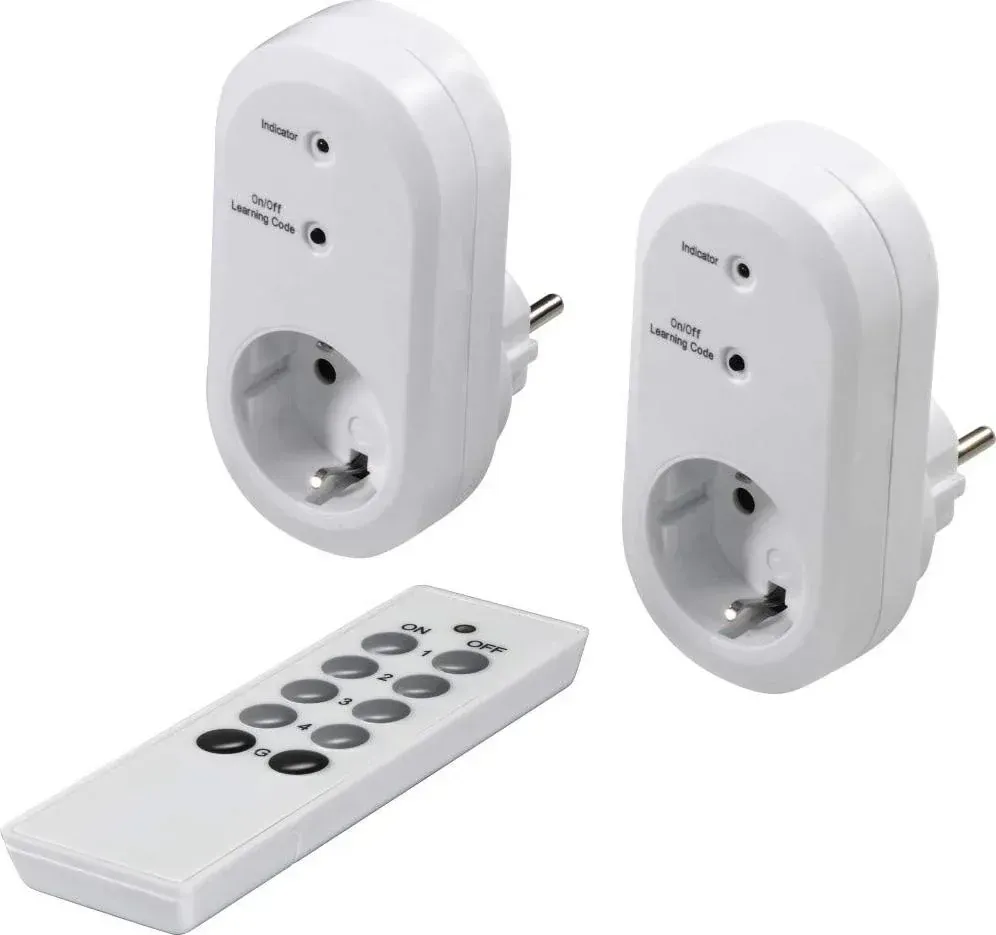
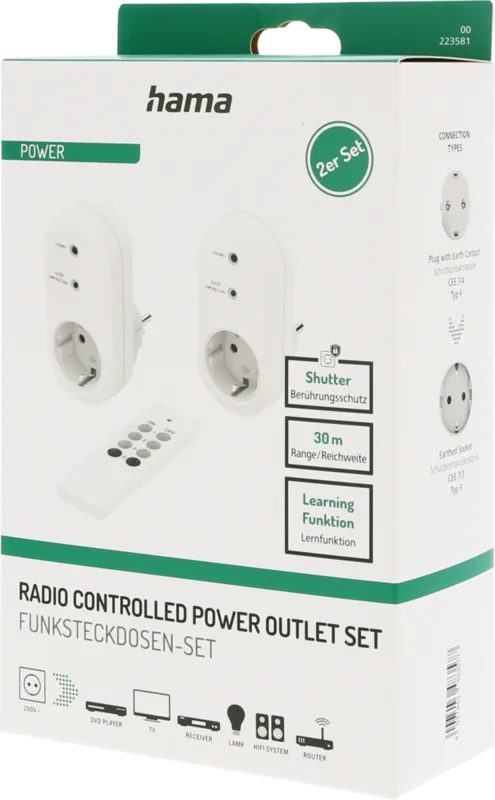
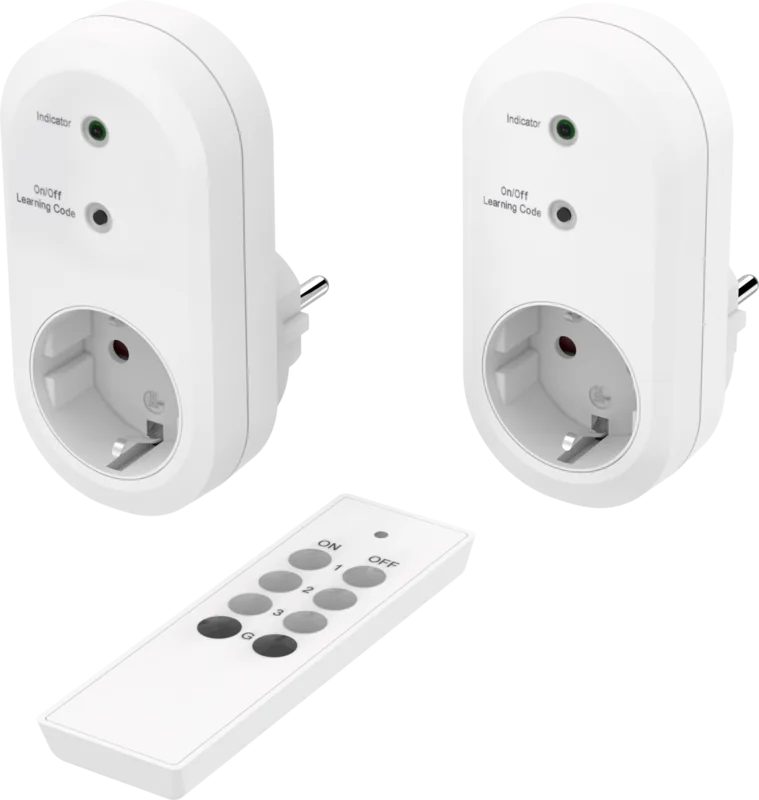
The set includes two 433 MHz radio-controlled sockets, one remote control, one CR2032 battery, and the operating instructions. It is designed for quick indoor use after basic setup.
Is this answer helpful?
Press and hold the LEARN button on the socket for about 3 seconds until the LED blinks. Then press the desired ON channel on the remote. The LED stops blinking when pairing succeeds.
Is this answer helpful?
Yes. The instructions allow multiple sockets to respond to the same remote channel. This is useful if you want several devices to turn on or off together with one button.
Is this answer helpful?
The sockets support up to 230 V~/50 Hz/16 A with a maximum connected load of 3680 W. You should still avoid exceeding the stated limits in the technical data.
Is this answer helpful?
Walls, mobile phones, WLAN signals, and other radio sources can reduce the transmission range. The best range is achieved only under optimal conditions.
Is this answer helpful?
Press LEARN until the LED blinks, then press the matching OFF button on the remote for that channel. This clears the stored programming for that socket.
Is this answer helpful?
Clean it only with a slightly damp, lint-free cloth. Avoid aggressive cleaners, moisture, overheating, and any attempt to repair the unit yourself.
Is this answer helpful?
Advantages and Disadvantages
Advantages

- Easy remote switching for two sockets, with a simple pairing process and manual on/off testing.
- Includes a remote control and CR2032 battery, so it is ready to use with minimal setup.
- Supports multiple sockets on one channel, which is useful for grouped control.
- Strong household capacity at up to 3680 W and 16 A for many common appliances.
Disadvantages

- Designed for dry indoor use only, so it is not suitable for outdoor or damp areas.
- Wireless range may drop because of walls or interference from WLAN and mobile signals.
- Not meant for serial connection or covered operation, which limits installation options.
- Requires correct battery orientation and re-pairing if the socket stops responding.
Product Specification
Type
Set
Standard
Radio bus (433MHz)
Function
Switched socket (on/off), Remote control
Topology
Star
Set consisting of
2x Sockets, 1x Remote control
Product Description
Hama Wireless Socket Set with Remote Control
The Hama Wireless Socket Set with Remote Control is a practical way to add everyday convenience to a home without making the setup complicated. With two 433 MHz radio-controlled sockets, a compact remote, and a CR2032 battery included, the set is designed for simple switching of lamps, small appliances, and other compatible devices. It is a straightforward solution for anyone who wants remote control, but still prefers a classic plug-in format.
One of the strongest features of this set is how easy it is to use. After placing the socket into a grounded outlet, you can test it manually with the On/Off button even before pairing the remote. The learning process is also quick: hold the LEARN button, press the desired channel on the remote, and the socket stores the command. That makes the system flexible enough for one device or for several sockets responding to the same button.
The Hama Wireless Socket Set with Remote Control Manual also reflects a clear focus on safe and practical operation. The sockets are intended for dry indoor use and are rated for up to 230 V~/50 Hz/16 A, with a maximum connected load of 3680 W. That gives the set enough capacity for many household tasks while keeping the design compact. The instructions also explain how to remove a programmed channel, check the battery, and clean the product safely with a soft damp cloth.
For a blog-style recommendation, this set is a good fit for homes where convenience matters more than app-based control. It can be useful for hard-to-reach outlets, seasonal lighting, or appliances that are easier to manage from across the room. The ability to assign one channel to multiple sockets is especially handy when you want a single remote button to control several devices at once.
Still, this is best seen as a reliable radio-controlled solution rather than a full smart-home system. Its range can be affected by walls and other wireless signals, and it should not be used outdoors, covered, or beyond the stated power limits. Those limits are important, but they do not reduce the main appeal of the set: simple, no-fuss remote switching.
Notes
- Best suited for dry indoor environments.
- Keep the battery polarity correct.
- Relearn channels if a socket stops responding.
Search for 67,732 Manuals online


Type-in Brand or Model
Laura Schmidt
8 months ago
Is it easy to set up, and does it really help avoid bending down under the desk or cabinet?
Manual.ly
8 months ago
Yes. Customers report that it is quick and straightforward to install with no complicated steps. Once set up, it takes over the small day-to-day tasks that usually require reaching or bending under the desk or inside the cabinet, which reduces physical strain. If you follow the included instructions, you should be able to start using it right away.