
Hama Power Pack 2600mAh Manual
PDF manual · 38 Pages
English



Quick check
Incorrect answer, please try again.
Chat with your Hama Power Pack 2600mAh manual using AI
Get instant AI answers from your Hama Power Pack 2600mAh manual
Ask anything about the Hama Power Pack 2600mAh. Answers come from this manual, with the pages they are based on.
Power Pack 2600mAh Maintenance Schedule
If storing the product for a long period, recharge the battery regularly at least every three months.
Clean only with a slightly damp, lint-free cloth. Do not use aggressive cleaning agents.
Free maintenance reminders
Timed to your purchase date. Always free, unsubscribe anytime.
Ask a Question
Do you recommend Power Pack 2600mAh?
Yes NoDo you recommend Power Pack 2600mAh?
Yes NoFrequently Asked Questions
It is suitable for small portable electronics such as smartphones, MP3 players, and similar devices that charge via USB or microUSB. It is best used as a backup power source for light to moderate charging needs.
Is this answer helpful?
You can charge it by connecting the included USB cable to a PC, notebook, or a compatible USB charger. Charging starts and ends automatically, making the process simple and low-maintenance.
Is this answer helpful?
The LED capacity indicator shows charging status. Red means the power pack is charging, and blue means the charging process is complete. This makes it easy to check the battery state at a glance.
Is this answer helpful?
No, this model is designed for standard USB charging rather than fast-charging performance. Its 1000mA maximum output is suitable for basic charging support and smaller devices.
Is this answer helpful?
Yes. If the included cable does not fit your device, you can use the USB cable that came with your terminal device, as long as it is compatible with the power pack’s USB output.
Is this answer helpful?
Keep it dry, avoid overheating, do not drop it, and never connect the input and output at the same time. Also, do not use damaged chargers or USB ports, and store it away from children.
Is this answer helpful?
Advantages and Disadvantages
Advantages

- Compact 2600mAh battery is convenient for quick emergency top-ups on the go.
- LED status indicator makes charging progress easy to understand without guessing.
- Simple USB-based charging works with PCs, notebooks, and suitable USB chargers.
- Lightweight, minimal design suits daily carry, travel bags, and office use.
Disadvantages

- 2600mAh capacity is modest and may not fully recharge larger smartphones.
- Maximum output of 1000mA is best for smaller devices, not fast charging.
- Uses microUSB input, which may feel outdated compared with newer connectors.
- Built-in battery cannot be removed, so end-of-life disposal must be handled as a whole unit.
Product Specification
Battery Type
Lithium-Ion
Capacity
2600mAh
Output
1x USB-A (Socket, 10W), max. 5W
Input
1x USB Micro-B (Socket, 2.5W)
Color
white
Product Description
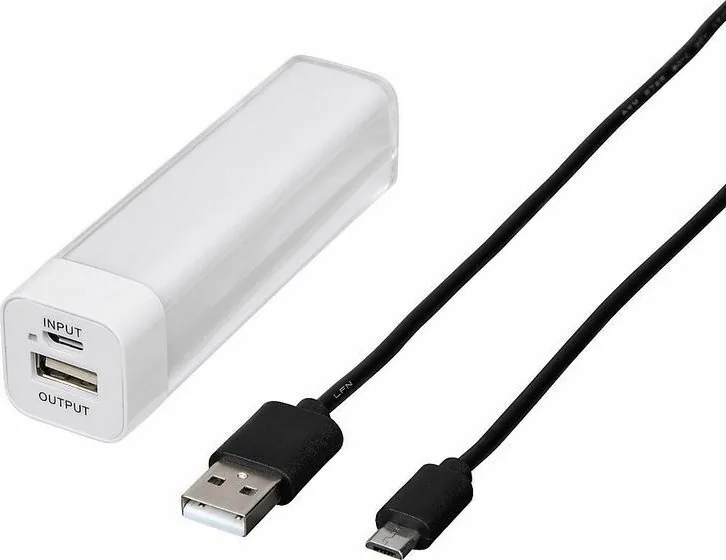
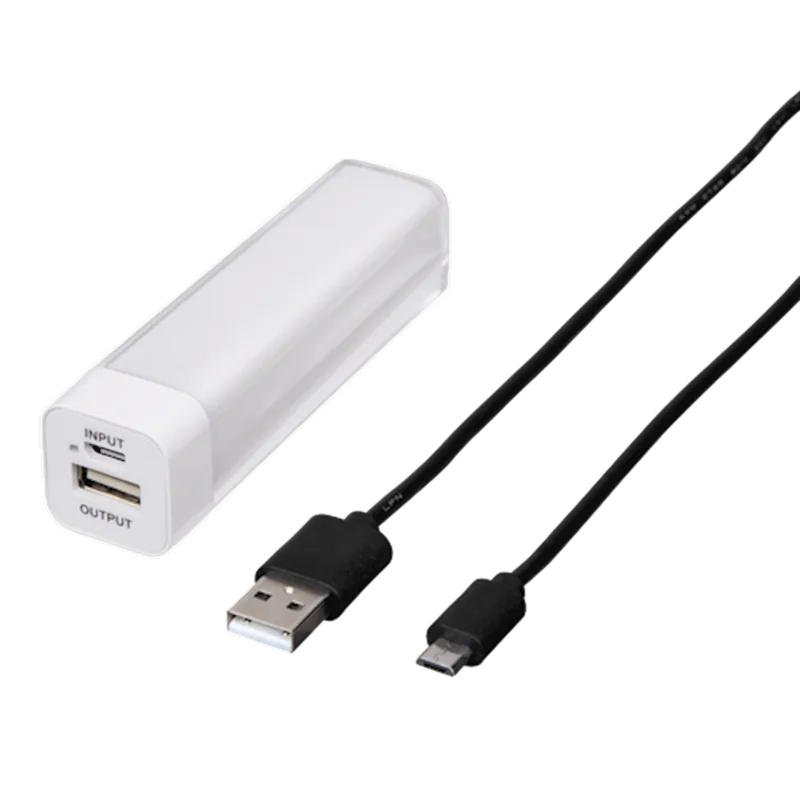
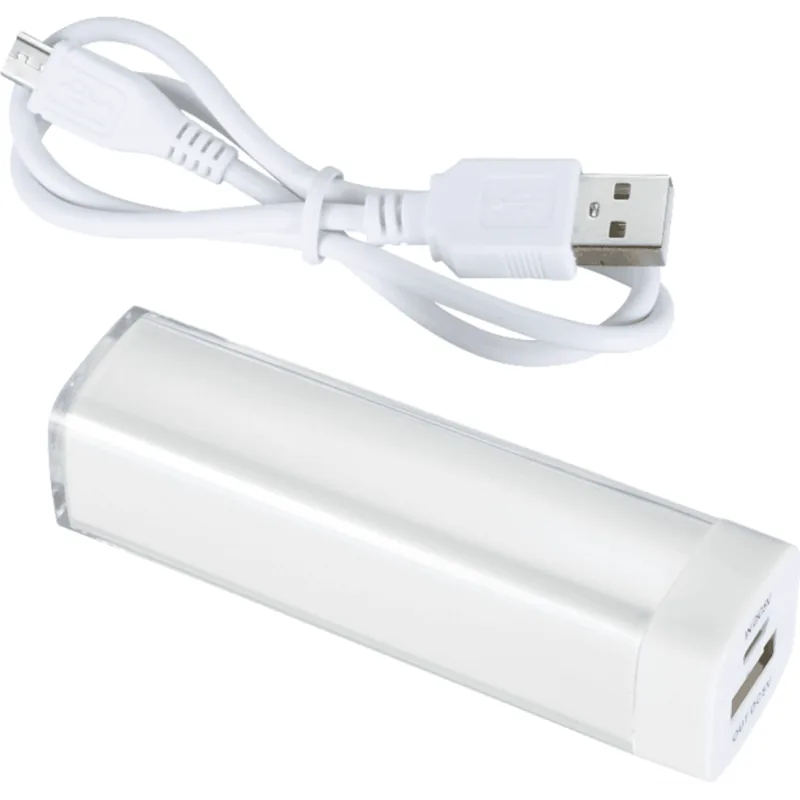
Hama Power Pack 2600mAh White
A compact backup battery for everyday mobile charging
The Hama Power Pack 2600mAh in white is a simple, practical choice for users who want a lightweight power source for everyday devices. Designed for private use, it focuses on the essentials: portable charging, easy handling, and dependable battery support when a wall socket is not nearby. Its clean white finish gives it a discreet look that fits naturally into a bag, desk setup, or travel kit.
At the heart of this power pack is a lithium-ion battery with a typical capacity of 2600mAh, which is well suited to topping up smartphones, MP3 players, and other microUSB-compatible devices. It charges through the included USB cable and can be powered from a PC, notebook, or a suitable USB charger. The process is automatic, and the LED capacity indicator makes it easy to see the charging status at a glance: red while charging, blue when ready.
What makes this model appealing is its straightforward design. There are no complicated settings to learn, and the included manual keeps the usage process clear. For a first charge, the unit should be fully charged before use, and regular recharging is recommended if it is stored for longer periods. This makes it a sensible everyday accessory for commuters, students, and travelers who want a reliable backup without extra bulk.
Safety and care are also emphasized. The device should be used in dry rooms, protected from moisture, overheating, and strong impacts, and kept away from children. It is intended for moderate charging needs rather than heavy-duty power delivery, with a maximum output of 1000mA. That makes it a steady companion for smaller portable electronics rather than a high-power charger for larger gadgets.
Notes
- Use only suitable USB charging sources.
- Do not connect the input and output at the same time.
- Clean only with a soft, slightly damp cloth.
- Dispose of the product responsibly, as the battery is built in.
Overall, the Hama Power Pack 2600mAh White Manual describes a compact, no-fuss charging solution built around convenience, safe use, and everyday portability. It is a good match for anyone who values a small power reserve and clear operation over advanced features.
Search for 67,732 Manuals online


Type-in Brand or Model