
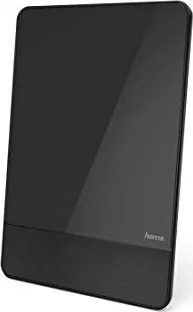
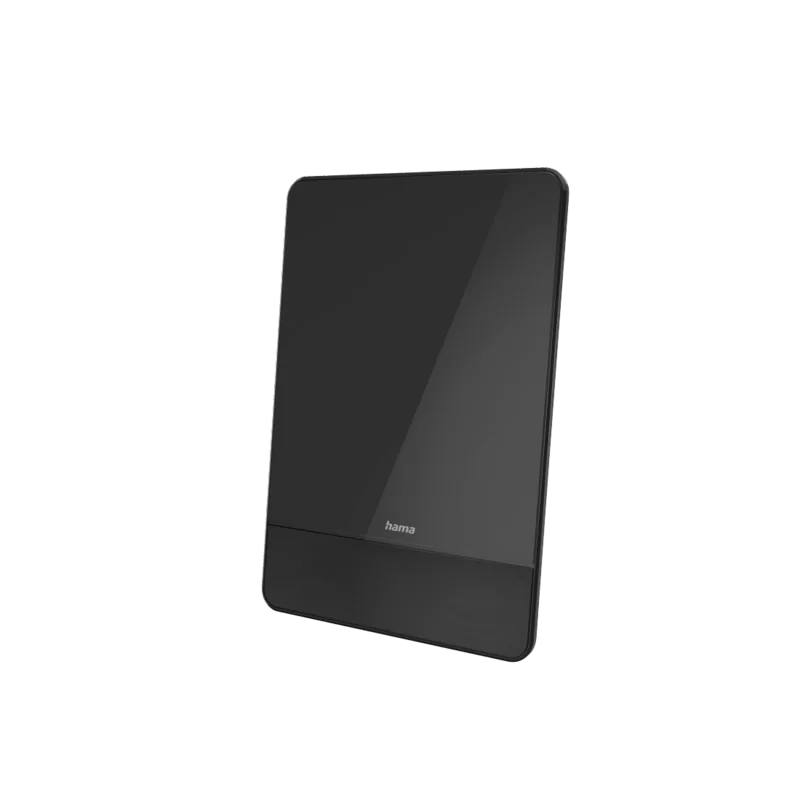
Hama Performance 45 Manual
PDF manual · 38 Pages
English



Quick check
Incorrect answer, please try again.
Chat with your Hama Performance 45 manual using AI
Get instant AI answers from your Hama Performance 45 manual
Ask anything about the Hama Performance 45. Answers come from this manual, with the pages they are based on.
Performance 45 Maintenance Schedule
After mounting the antenna to a wall, check that it is sufficiently secure. The manual states this check should be repeated at regular intervals.
Clean the product only with a slightly damp, lint-free cloth. Do not use aggressive cleaning agents.
Ask a Question
Do you recommend Performance 45?
Yes NoFrequently Asked Questions
The antenna can be powered in three ways. You can connect the coaxial cable to the TV and use the TV's power. Alternatively, plug the USB cable into a USB port on your set-top box and switch the device on. Finally, you can use a separate USB power adapter plugged into a wall socket, though the adapter is not included in the box.
Is this answer helpful?
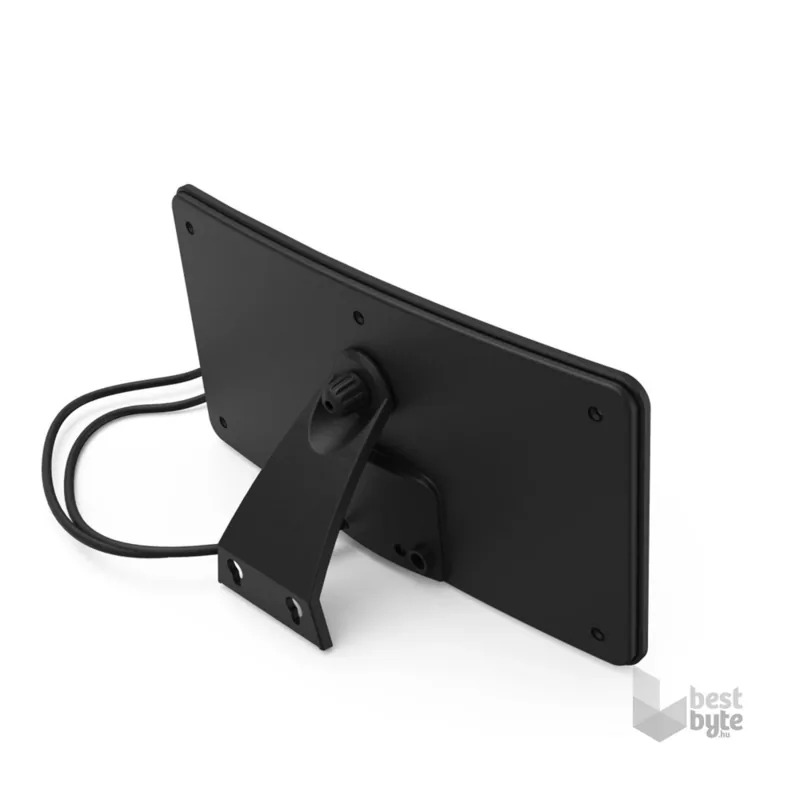
Yes, this unit supports wall mounting. It comes with a removable base that allows you to position it vertically or horizontally. For wall installation, you will need to purchase appropriate screws and wall anchors separately. Always check that the wall can support the weight and check for hidden pipes or wires before drilling.
Is this answer helpful?
Absolutely. The Hama Performance 45 is compatible with both DVB-T and DVB-T2 standards. It covers the VHF and UHF frequency bands required for these digital broadcasting protocols, ensuring you receive the best possible quality for your digital television.
Is this answer helpful?
No, this antenna is strictly for indoor use. It is designed to operate in dry rooms only. Using it outdoors or in wet environments may damage the electronics and void the warranty. Keep it away from moisture and direct weather exposure to maintain functionality.
Is this answer helpful?
Yes, the antenna supports DAB radio reception. However, most audio devices require an F-plug connection. You will need to use a coax to F-plug adapter separately, which is not supplied with the product, to connect the antenna to your audio equipment for radio broadcasting.
Is this answer helpful?
The device consumes a maximum of 25 mA. It operates on a 5V power supply either through USB from your TV or set-top box or via an external USB power source. This low power consumption ensures energy efficiency during operation without overloading your power source.
Is this answer helpful?
To clean the product, use a slightly damp lint-free cloth. Do not use aggressive cleaning agents or chemicals as they may damage the casing. Ensure the product is turned off and disconnected from power before cleaning to avoid any electrical safety risks.
Is this answer helpful?
Advantages and Disadvantages
Advantages

- Active gain for UHF and VHF bands ensures strong signal reception.
- Supports DVB-T and DVB-T2 for future proofing digital TV.
- Flexible installation with base stand or wall mounting options.
- USB powered for easy setup without external power adapter needed.
- Indicates power status with LED light during operation.
Disadvantages

- Wall mounting screws must be purchased separately for secure fit.
- F-plug adapter for radio reception is not included with package.
- Indoor use only not designed for outdoor weather exposure.
- Signal strength varies depending on local broadcast conditions.
- Power supply limited to 5V via USB port or external adapter only.
Product Specification
Type
Flat antenna
Usage Area
Indoor
Mounting
Floor stand
Gain
active (45dB), Power supply
Reception
DAB, DAB+, DVB-T, DVB-T2
Dimensions
7.87x5.31x0.39 inches
Product Description
Experience Crystal Clear Digital TV Reception
Welcome to the world of high-quality digital broadcasting and entertainment. Finding the perfect signal inside your home can sometimes be a challenge, but modern technology makes getting the best picture easier than ever before. The Hama Performance 45 DVB-T/DVB-T2-Indoor Antenna Manual provides essential information for users who want to upgrade their home view. This device is designed specifically for indoor environments, ensuring you stay connected to your favorite channels without the need for complex external setups or messy cables. Reading the instructions ensures long-term enjoyment.
Powerful Signal Performance Features
This active indoor antenna offers impressive gain levels across both VHF and UHF frequencies to maximize reception. Whether you are tuning into local stations or regional news broadcasts, the device amplifies the signal effectively for clarity. Operating within the 470-790 MHz UHF range and 174-230 MHz VHF range, it captures a wide spectrum of available broadcasts. The active amplification technology ensures that even weak signals get boosted for stable viewing on your digital television or set-top box without buffering or pixelation. Maximum power consumption is kept low for energy efficiency.
Flexible Installation Options Available
One of the standout features is the versatile mounting system included with the package. You can place the antenna vertically or horizontally on a table using the provided flexible base or secure it firmly to a wall. The unit comes with a switchable LED indicator to show you clearly when the power is active and functioning correctly. Powering the device is straightforward, utilizing 5V through a standard USB connection. This means you can draw power directly from your TV USB port or use a separate adapter for optimal performance when needed.
Versatile Usage and Care
Beyond standard television, this antenna supports radio reception as well for audio entertainment. While most audio devices use an F-plug connection, users can add a simple adapter for DAB reception if desired. It is important to remember that signal quality depends heavily on precise placement and local conditions inside the room. For safety, the product is intended for dry indoor use only in private residences. Always ensure the wall you attach it to can support the weight to prevent accidents. With a compact design and easy setup, this product remains a top choice for home entertainment enthusiasts. Regular cleaning with a damp cloth keeps it looking new while maintaining peak performance levels. Dispose of packaging responsibly after installation to follow environmental guidelines. The device draws minimal power, consuming no more than 25 mA during operation. Included accessories simplify the process, ensuring a hassle-free start for new users today.
Search for 67,732 Manuals online


Type-in Brand or Model