Get instant AI answers from your Hama MC-200 manual
Ask anything about the Hama MC-200. Answers come from this manual, with the pages they are based on.
Ask a Question
0/1000
Do you recommend MC-200?
YesNo
Frequently Asked
Questions
A
It is a basic wired USB mouse designed for everyday computer use. Its simple layout makes it a practical choice for browsing, office work, and general navigation.
Is this answer helpful?
A
No. Because it uses a USB wired connection, it does not rely on batteries or charging. That makes it convenient for users who want a low-maintenance device.
Is this answer helpful?
A
Yes. Its straightforward button layout and stable connection make it well suited for routine office tasks, document handling, and daily desktop use.
Is this answer helpful?
A
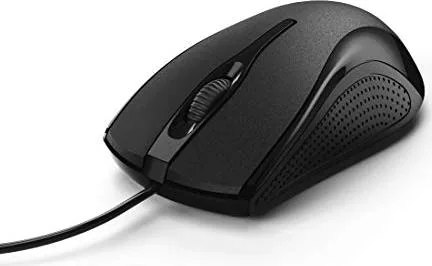
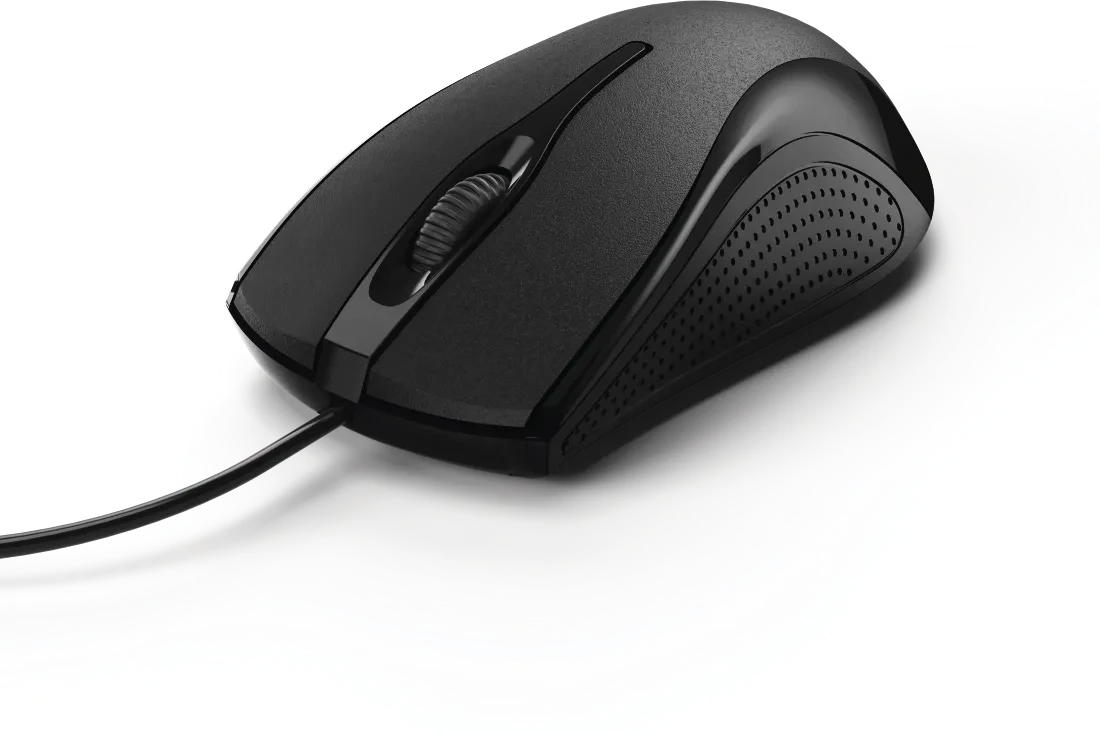
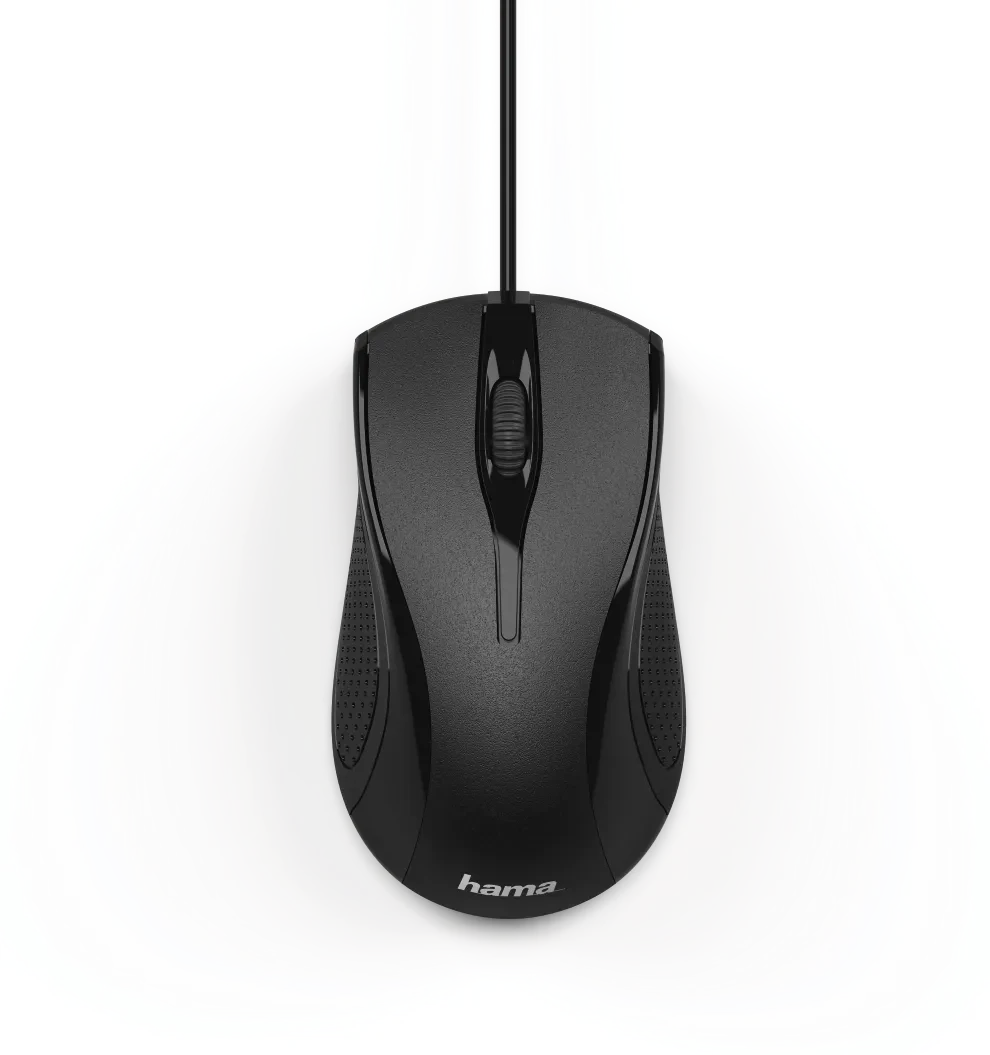
The mouse has a clean black look and a minimal structure. It is easy to match with most setups and focuses on function rather than extra features.
Is this answer helpful?
A
The product information emphasizes proper installation, safe handling, and following the instructions. This helps users avoid problems caused by incorrect use.
Is this answer helpful?
A
It should be recycled through proper electronic waste collection channels, not thrown into household trash. Local rules usually require returning electronics to designated collection points.
Is this answer helpful?
M: OA-GPT-54-NAN
Advantagesand
Disadvantages
Advantages
Simple three-button design for easy everyday use.
USB connection offers stable, plug-and-play operation.
Black finish gives it a clean, professional look.
No batteries needed, which keeps maintenance low.
VS
Disadvantages
Limited features compared with advanced or gaming mice.
Wired setup may be less flexible than wireless options.
Basic design may not suit users seeking ergonomic extras.
Environmental disposal requires proper recycling, not household waste.
M: OA-GPT-54-NAN
Product
Specification
Compatibility
both hands (left hand, right hand)
Buttons
3 (total), 2 (main), 1 (scroll wheel click)
Scroll wheel
1x 2-way
Tracking
LED-red/IR
Resolution
1200dpi
Lighting
N/A
Connection
wired (4.92ft)
Power supply
USB
Dimensions (WxHxD)
2.52x1.46x4.49in
Approximate Volume
4.33in^3 (approximate shape)
Color
black
Features
Thumb rest
M: OA-GPT-54-NAN
Product
Description
Hama MC-200 Mouse Black, USB
The Hama MC-200 is a straightforward everyday mouse designed for users who want reliability without extra complexity. With its clean black finish and wired USB connection, it fits naturally into home desks, office setups, and study spaces where a simple plug-and-play accessory is often the best choice. The design focuses on essential control, making it easy to use for routine tasks such as browsing, editing documents, and general computer navigation.
What makes this mouse appealing is its no-fuss approach. A classic three-button layout keeps operation intuitive, while the USB connection helps deliver a stable link to the computer without the need for batteries or pairing steps. For many users, that means less setup and fewer interruptions. It is the kind of mouse that is easy to unpack, connect, and start using right away.
The product also reflects Hama’s practical accessory style: functional, compact, and made for consistent daily performance. Its neutral black color helps it blend into most work environments, and the manual-style guidance associated with the product supports safe use and proper handling. The emphasis on instructions, warranty notes, and environmental care suggests a product intended to be used responsibly and maintained with basic attention.
For a blog reader, the MC-200 stands out as a dependable budget-friendly option for people who do not need advanced gaming features or a highly specialized ergonomic shape. Instead, it serves the core purpose of a mouse very well: smooth cursor control, simple operation, and dependable connection. That makes it a sensible pick for students, office users, and anyone looking for a spare mouse that just works.
Another notable aspect is the environmental guidance included with the product information. Like many modern electronic accessories, it encourages proper recycling and disposal at the end of its service life. That is a useful reminder that even small peripherals should be handled with care once they are no longer needed.
Notes
Best suited for everyday computing and basic office tasks.
USB wired use means no charging or battery replacement.
Keep the manual for setup, safety, and disposal guidance.
Follow local recycling rules for electronic waste.