Get instant AI answers from your Hama MC-100 manual
Ask anything about the Hama MC-100. Answers come from this manual, with the pages they are based on.
Ask a Question
0/1000
Do you recommend MC-100?
YesNo
Frequently Asked
Questions
A
It is designed for everyday computer use, especially basic navigation, office work, browsing, and general desktop tasks. Its simple layout makes it easy to use without a learning curve.
Is this answer helpful?
A
The mouse uses a 3-button design. That keeps the controls straightforward and suitable for standard tasks such as clicking, scrolling, and general navigation.
Is this answer helpful?
A
No. A USB mouse is typically very easy to use because it connects directly to the computer and is ready for normal operation without complicated setup steps.
Is this answer helpful?
A
It is a good fit for users who want a reliable, no-frills mouse for home, school, or office work. It is especially appealing to people who prefer simple wired accessories.
Is this answer helpful?
A
No. The product is built around simplicity and practicality rather than advanced functions. That makes it suitable for everyday productivity, but less ideal for specialized needs.
Is this answer helpful?
A
The guidance emphasizes that improper installation, assembly, or use can lead to loss of warranty protection. Following the instructions and safety notes helps keep coverage intact.
Is this answer helpful?
A
It should not be thrown away with household waste. Like other electronic products, it should be taken to an appropriate collection point or recycling location according to local rules.
Is this answer helpful?
M: OA-GPT-54-NAN
Advantagesand
Disadvantages
Advantages
Easy USB connection for quick setup and dependable everyday use.
Three-button layout keeps controls simple and familiar.
Black, understated design suits most desk setups.
A practical choice for office, school, and home tasks.
VS
Disadvantages
Limited feature set may not satisfy users who want advanced controls.
Wired design may be less convenient than wireless alternatives.
Warranty coverage can be affected by improper installation or use.
Electronic disposal rules require responsible recycling, not household waste.
M: OA-GPT-54-NAN
Product
Specification
Compatibility
ambidextrous (left hand, right hand)
Buttons
3 (total), 2 (main), 1 (scroll wheel click)
Scroll wheel
1x 2-way
Tracking
red LED/IR
Resolution
1000dpi
Lighting
N/A
Connection
wired (51.18 in)
Power supply
USB
Dimensions (WxHxD)
2.17x1.30x3.94in
Approximate Volume
2.93in3 (approximate shape)
Color
black
M: OA-GPT-54-NAN
Product
Description
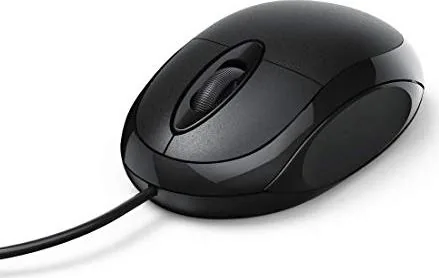
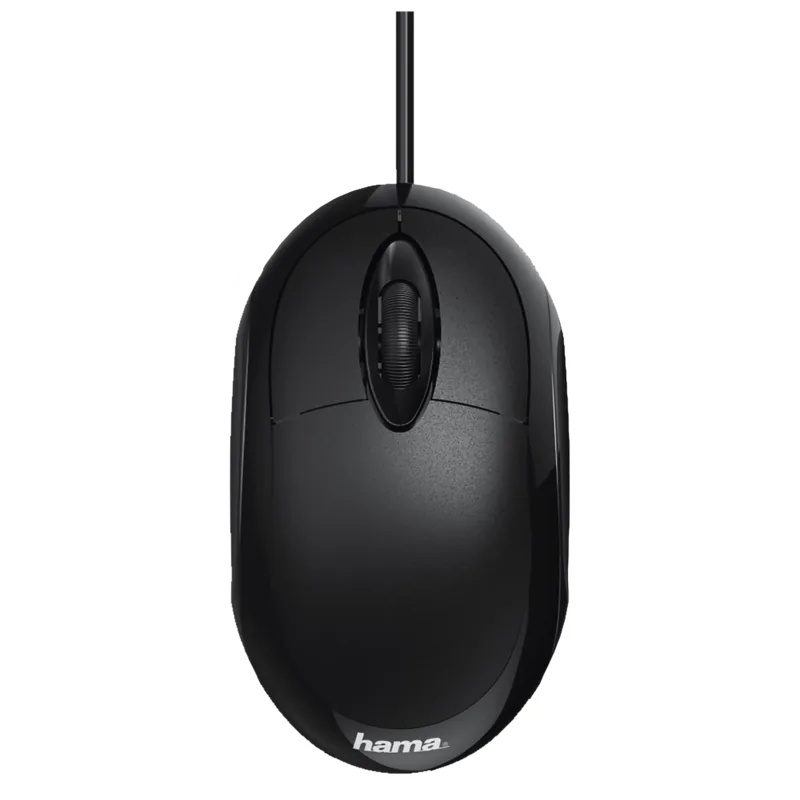
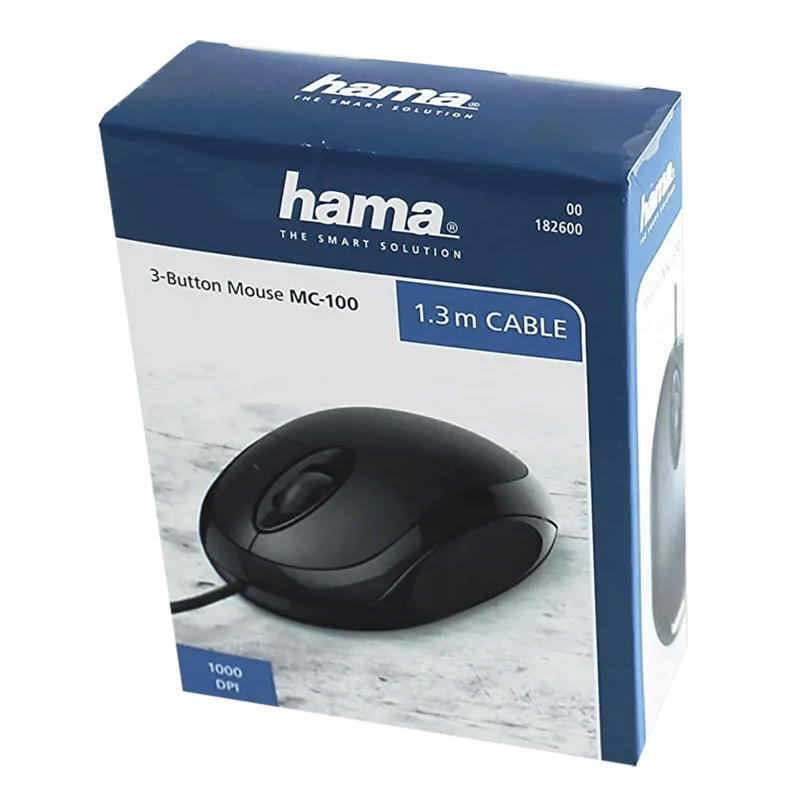
Hama MC-100 Mouse Black, USB
The Hama MC-100 Mouse in black is a straightforward everyday companion for work, study, and general home use. Built around a simple USB connection, it focuses on ease of use rather than complexity, making it a practical choice for anyone who wants a dependable mouse that is ready to go quickly. Its clean black finish gives it a classic look that fits neatly beside a laptop or desktop setup.
Simple design for daily tasks
With its 3-button layout, the MC-100 keeps navigation familiar and intuitive. That makes it especially useful for browsing, office tasks, emails, and routine computer work. The design is minimal, but that is exactly what many users need: a mouse that responds consistently without requiring software-heavy setup or a long learning curve.
Made for plug-and-play convenience
One of the main strengths of a USB mouse like this is convenience. You connect it, and it is ready for action. For users who switch between devices, prefer wired reliability, or simply want to avoid charging and battery changes, this style of mouse remains an efficient solution. It is a sensible fit for shared workstations, school environments, and everyday desktop use.
Practical value with clear usage guidance
The accompanying guidance stresses correct installation, proper handling, and attention to safety notes. That matters because even simple hardware performs best when used as intended. Following the recommended setup helps protect the product and keeps the warranty conditions clear. In other words, the MC-100 is designed to be uncomplicated, but it still rewards careful use.
A modest accessory that does its job well
This mouse is not about flashy extras; it is about dependable basics. Its compact character and classic black color make it easy to integrate into most setups, while the USB connection adds the reassurance of stable input. For users who value a no-nonsense peripheral for everyday productivity, the Hama MC-100 offers exactly that kind of practical experience.
Notes
Best suited for standard computer tasks and everyday navigation.
Use it according to the safety and handling guidance to avoid warranty issues.
Dispose of electronic products responsibly and follow local recycling rules.
A simple mouse can still be a smart choice when reliability matters more than extra features.