
Hama Fullmotion Ultraslim 3 Stars L Manual
PDF manual · 22 Pages
English



Quick check
Incorrect answer, please try again.
Chat with your Hama Fullmotion Ultraslim 3 Stars L manual using AI
Get instant AI answers from your Hama Fullmotion Ultraslim 3 Stars L manual
Ask anything about the Hama Fullmotion Ultraslim 3 Stars L. Answers come from this manual, with the pages they are based on.
Fullmotion Ultraslim 3 Stars L Maintenance Schedule
Verify that the bracket is securely fixed and safe to use. Ensure it does not exceed maximum load capacity or dimensions.
Remove the attached load immediately and stop using the product if any damage is detected.
Use only water or standard household cleaners for cleaning. Do not use other chemicals.
Free maintenance reminders
Timed to your purchase date. Always free, unsubscribe anytime.
Ask a Question
Do you recommend Fullmotion Ultraslim 3 Stars L?
Yes NoDo you recommend Fullmotion Ultraslim 3 Stars L?
Yes NoFrequently Asked Questions
The maximum load bearing capacity depends on the model. One version supports up to 25 kilograms while the heavier duty version supports up to 35 kilograms. Always check the specific model specifications before installation.
Is this answer helpful?
The supplied wall plugs are intended for use with concrete brick and solid brick walls only. If your wall is made of different materials, you must purchase suitable mounting materials from a specialized dealer for safety.
Is this answer helpful?
There are two models. One supports screen sizes from 32 to 56 inches. The other is designed for screens ranging from 37 to 65 inches. This accommodates a wide range of flat panel displays.
Is this answer helpful?
It is recommended to mount the wall bracket with the help of a second person. While you can do it yourself, having assistance ensures safety during the process and checking of the load.
Is this answer helpful?
You can tilt the screen and swivel it up to 50 degrees on one model and 42 degrees on the other. The tilt range is typically minus 15 degrees to positive 5 degrees depending on the device.
Is this answer helpful?
Only use water or standard household cleaners for cleaning. Do not use harsh chemicals. Check the product for secure mounting at least every three months to ensure continued safety.
Is this answer helpful?
You do not need to completely uninstall the unit to move it to another wall if it fits the new VESA pattern. However, you must ensure the new location is suitable for the weight and that the wall can support it.
Is this answer helpful?
Advantages and Disadvantages
Advantages

- Robust construction supports up to 35 kg depending on the model version
- Ultraslim design keeps the TV close to the wall for a sleek look
- Fullmotion capabilities allow for significant tilt and swivel adjustments
- Comprehensive mounting kit included for standard wall types
- Compatible with major VESA standards up to 700x500 mm
Disadvantages

- Wall anchors are only suitable for concrete and solid brick surfaces
- Two-person installation is recommended for safety reasons
- May require additional fasteners for other wall materials
- Weight limits must be strictly observed to prevent damage
- Regular security checks are required to ensure long-term safety
Product Specification
Type
Wall Mount
Number of Monitors
1
Screen Size
32-56 in
Mobility
Tilt (-15 deg, +5 deg), Swivel (5 deg), Pan (50 deg), Extendable
Distance to Wall
1.61-9.02 in
Max Load
55.12 lbs
VESA
200x200, 200x300, 300x200, 300x300, 300x400, 400x200, 400x300, 400x400
Features
Cable Management
Color
Black
Product Description
Transforming Your Living Room Experience
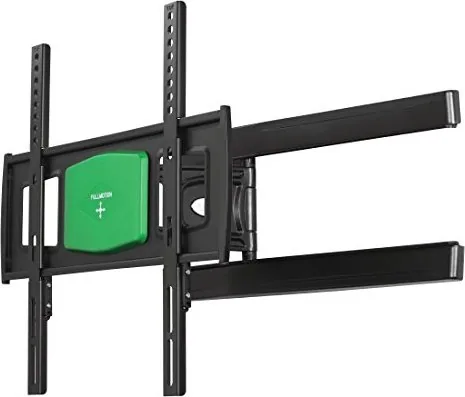
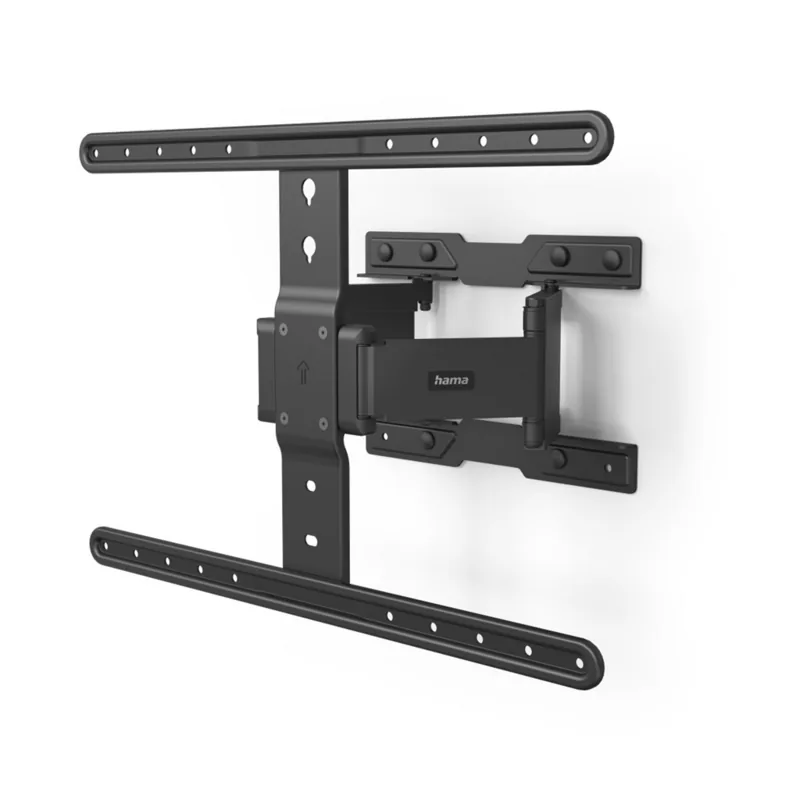
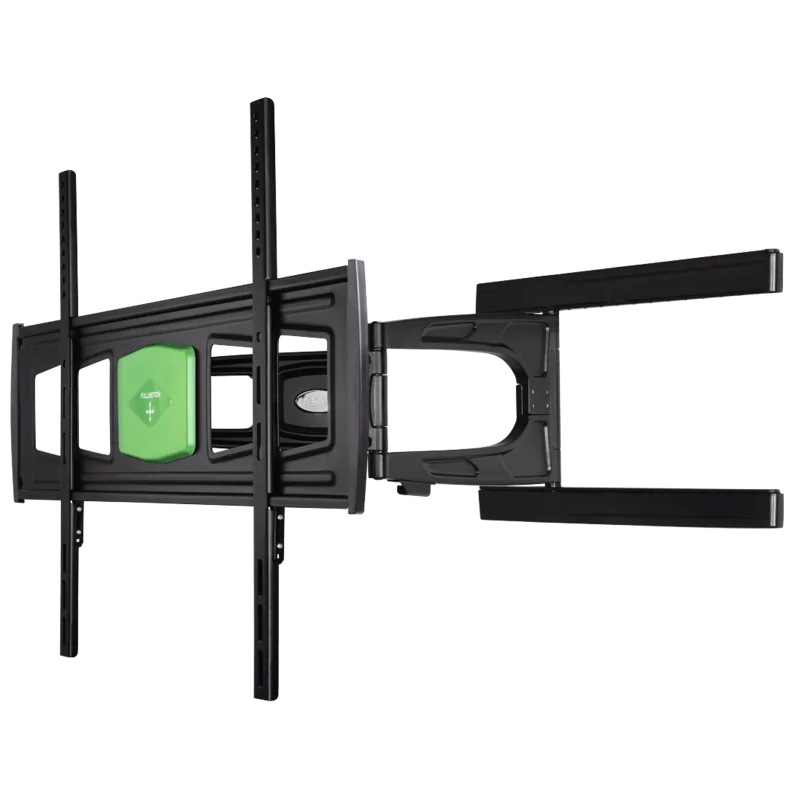
Upgrading your home entertainment setup often involves more than just buying a new television. The ideal setup ensures the screen sits comfortably within your viewing angle while maintaining a clean aesthetic throughout the room. The Hama Fullmotion Ultraslim 3 Stars L 1 Arm Black TV Wall Mount offers a robust solution for modern households seeking both style and functionality. This mounting bracket is designed specifically for flat panel displays used in private non-commercial settings. It brings a sleek profile to your wall because the ultraslim design keeps the screen close to the surface. Whether you are watching action movies or streaming sports, the fullmotion capabilities allow you to adjust the screen to eliminate glare and improve visibility from any seat. You can tilt the display up and down, or swivel it side to side for the perfect viewing position. The articulation arm provides significant range to pull the screen away from the wall for easier access to cables or to angle it towards viewers sitting on a sofa elsewhere in the room.
For those with larger screens, there are specific options available to match different needs. The first variant supports screens ranging from thirty-two to fifty-six inches with a load capacity of twenty-five kilograms. The heavier duty version accommodates thirty-seven to sixty-five inch displays with a carrying capacity of thirty-five kilograms. Compatibility is broad as it follows the standard VESA patterns, ensuring it fits many popular brands and sizes efficiently. The tilt function works between negative fifteen degrees and positive five degrees depending on the device used. The swivel range reaches up to fifty degrees on two joints for added flexibility during gatherings. These specifications guarantee that everyone in the room gets a clear view without neck strain.
Installation is straightforward when following the provided guidance carefully. You receive a comprehensive kit with necessary screws and wall plugs for concrete or solid brick surfaces. It is highly recommended to have assistance during the setup process to ensure the heavy components are handled safely. Safety is paramount, so checks should be performed regularly to ensure the mount remains secure over time. Avoid attaching loads exceeding the maximum permitted dimensions to prevent accidents or damage to the wall. Maintenance is simple and requires minimal effort to keep the look pristine. You do not need special tools to adjust the angles once mounted. Regular cleaning with water or standard household cleaners keeps the finish looking new. If you need further support, contact the dedicated product consulting hotline for expert advice regarding your specific installation context. Enjoy your viewing experience safely and effortlessly with this reliable wall bracket. Always ensure the wall structure can bear the weight before drilling to avoid structural issues. Proper cable management is essential for a tidy setup. The mount includes cable ties to keep wires organized and hidden from view. This prevents tangles and reduces clutter in your living space for a professional look that lasts for years.
Search for 67,732 Manuals online


Type-in Brand or Model